

Where Can I See My WhatsApp Chat Backups in HubSpot?
Your WhatsApp chat backups are accessible in three primary locations within HubSpot’s interface.
Backup Locations
1
HubSpot Contact Page
Synced WhatsApp conversations appear in the WhatsApp Activity section of the HubSpot contact’s timeline. This allows you to access all message backups and interaction records for each contact.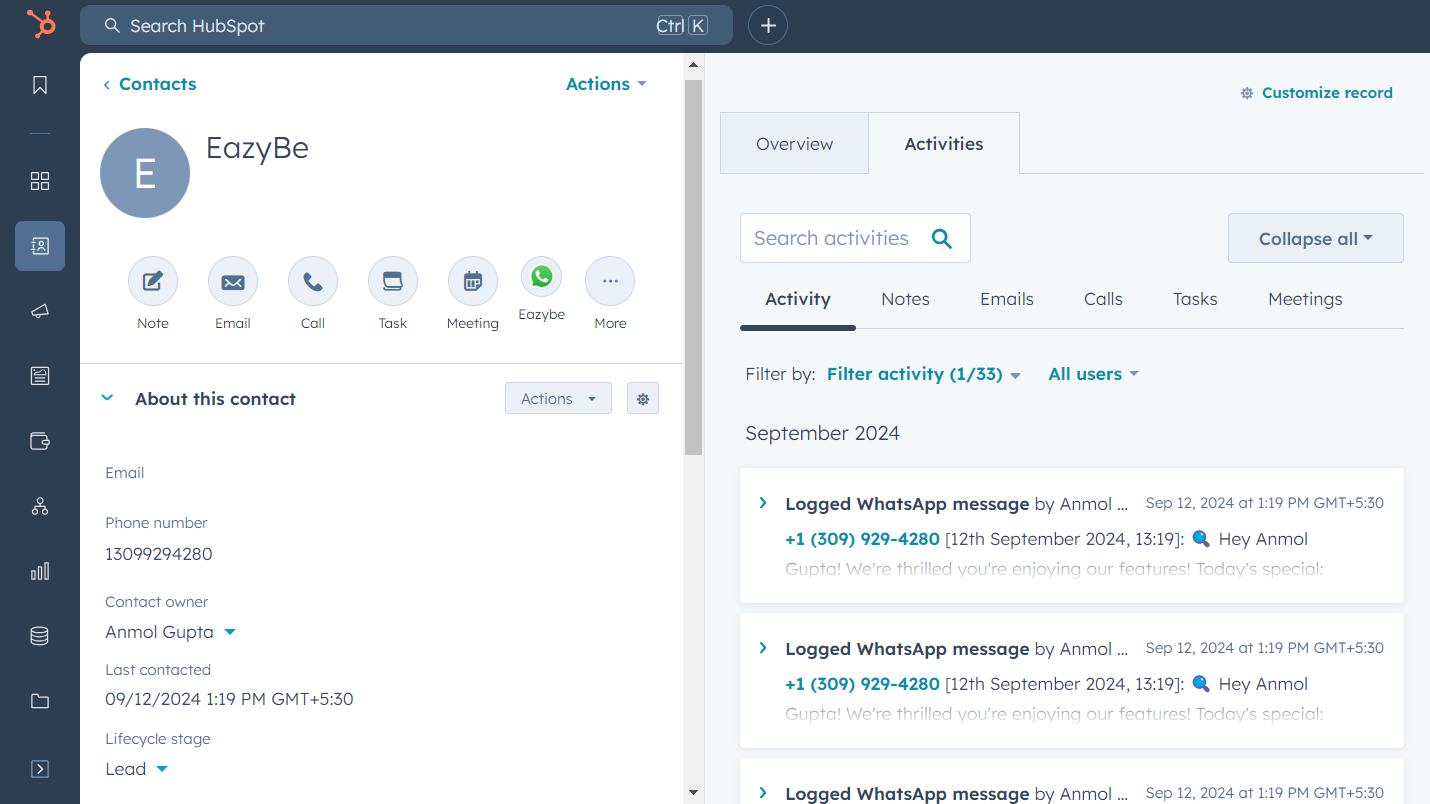
2
HubSpot Deals Section
When a contact has associated deals, their chat records display in the latest deal on the Deals Page. This helps you track conversations related to specific business opportunities.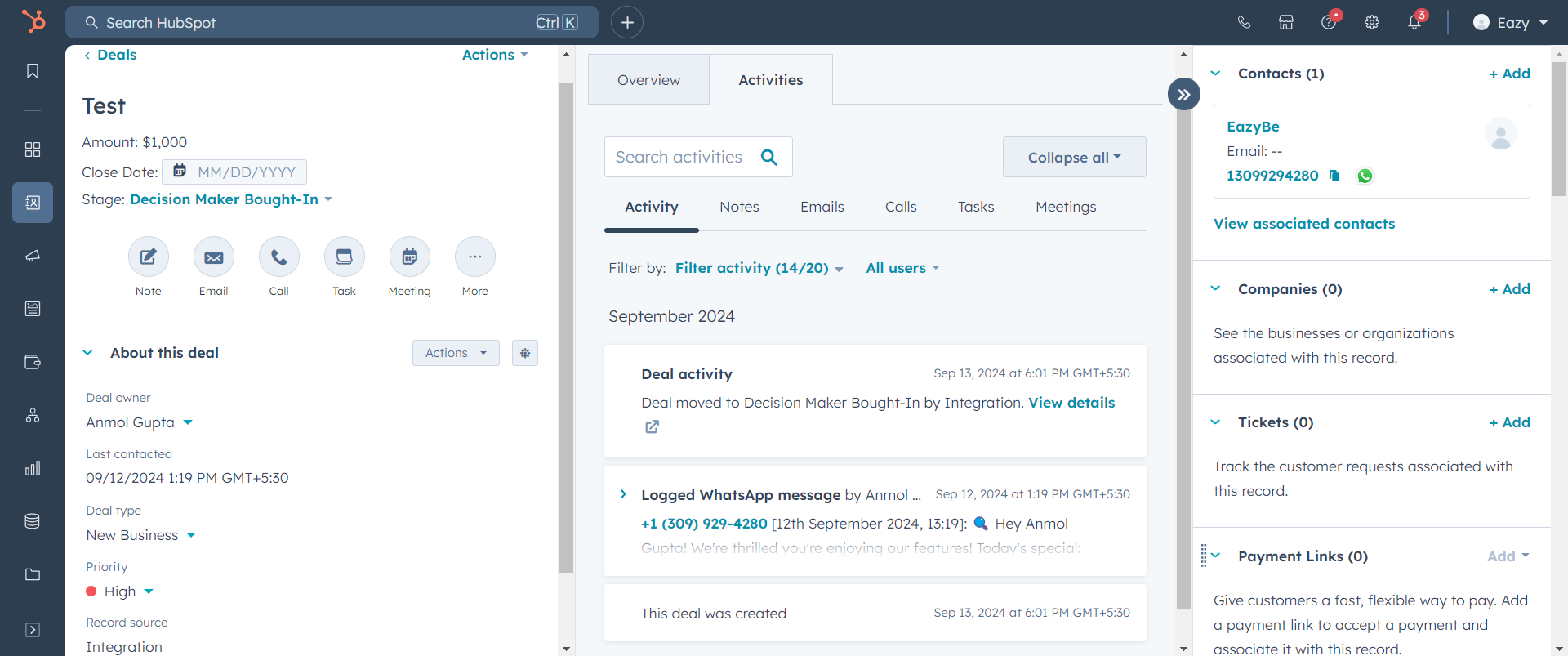
3
HubSpot Company Page
Chat data also appears on the Company profile page within HubSpot, giving you a comprehensive view of all communications at the company level.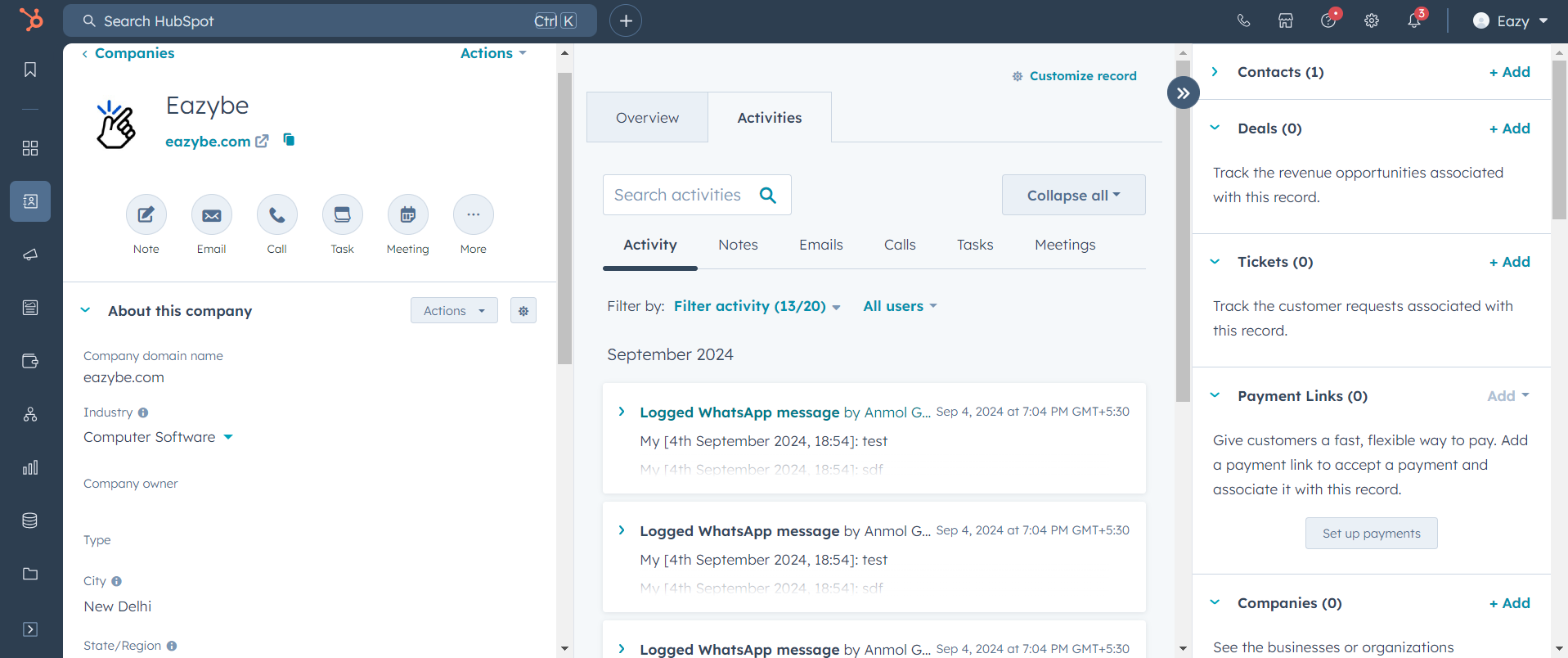
Summary
Contact Timeline
View individual chat history in the WhatsApp Activity section.
Deals Page
Access conversation records linked to specific deals.
Company Page
See all communications at the company level.
Need Help?
Contact Support
If you encounter any issues or need further assistance, reach out to our support team at hey@eazybe.com. We’re happy to help!