

Overview
Eazybe provides two primary features for Zoho CRM integration:Automatic Chat Backup
Automatically save your WhatsApp conversations within Zoho CRM
Direct Messaging
Send and receive WhatsApp messages directly from your CRM without switching platforms
Prerequisites
Install the Eazybe custom object: Install Private PluginStep 1: Install from Zoho Marketplace
1
Log into Zoho CRM
Sign in to your Zoho CRM account with administrator credentials.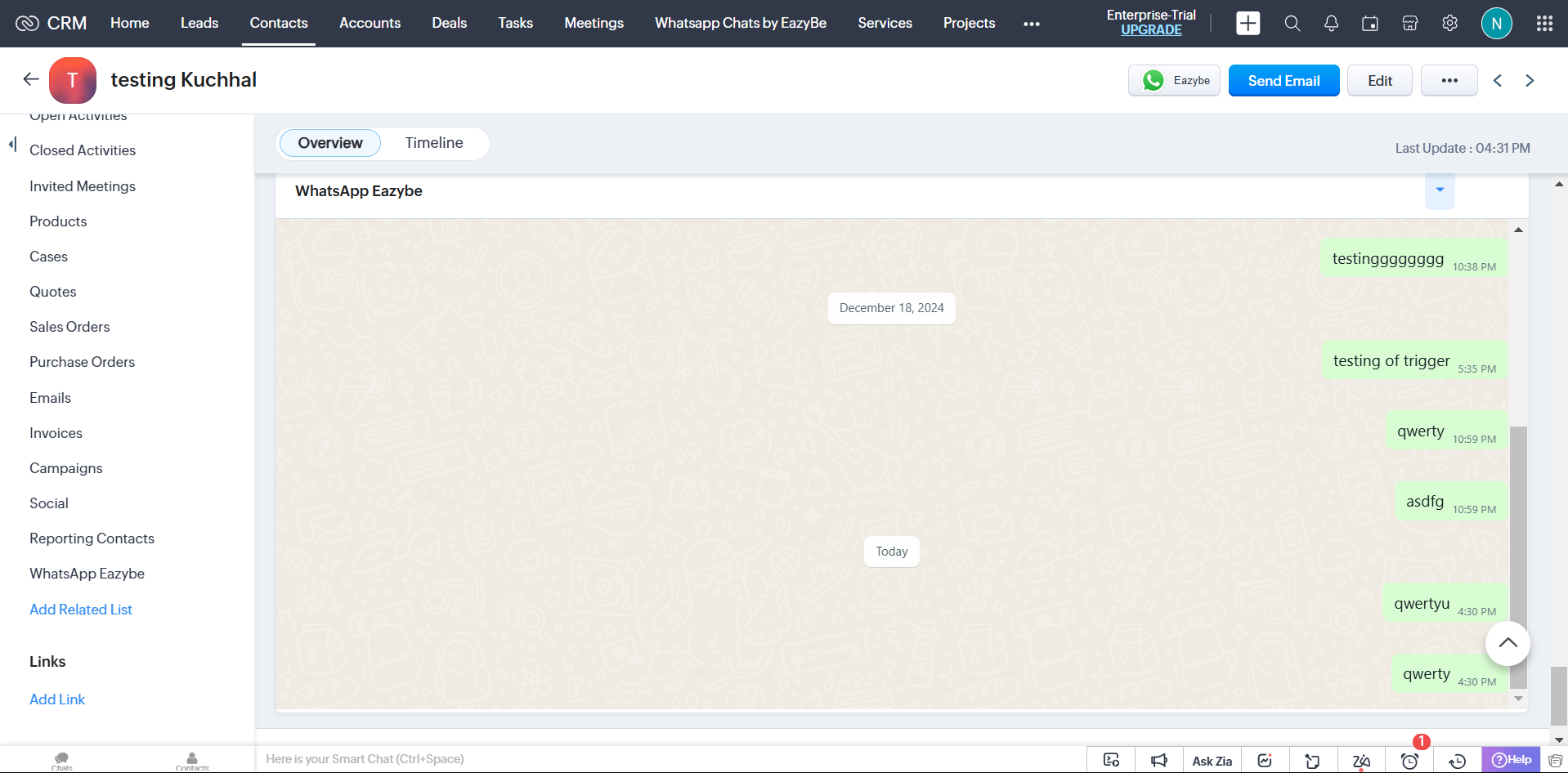
2
Navigate to Marketplace
Go to the Marketplace in the top-right menu of your Zoho CRM dashboard.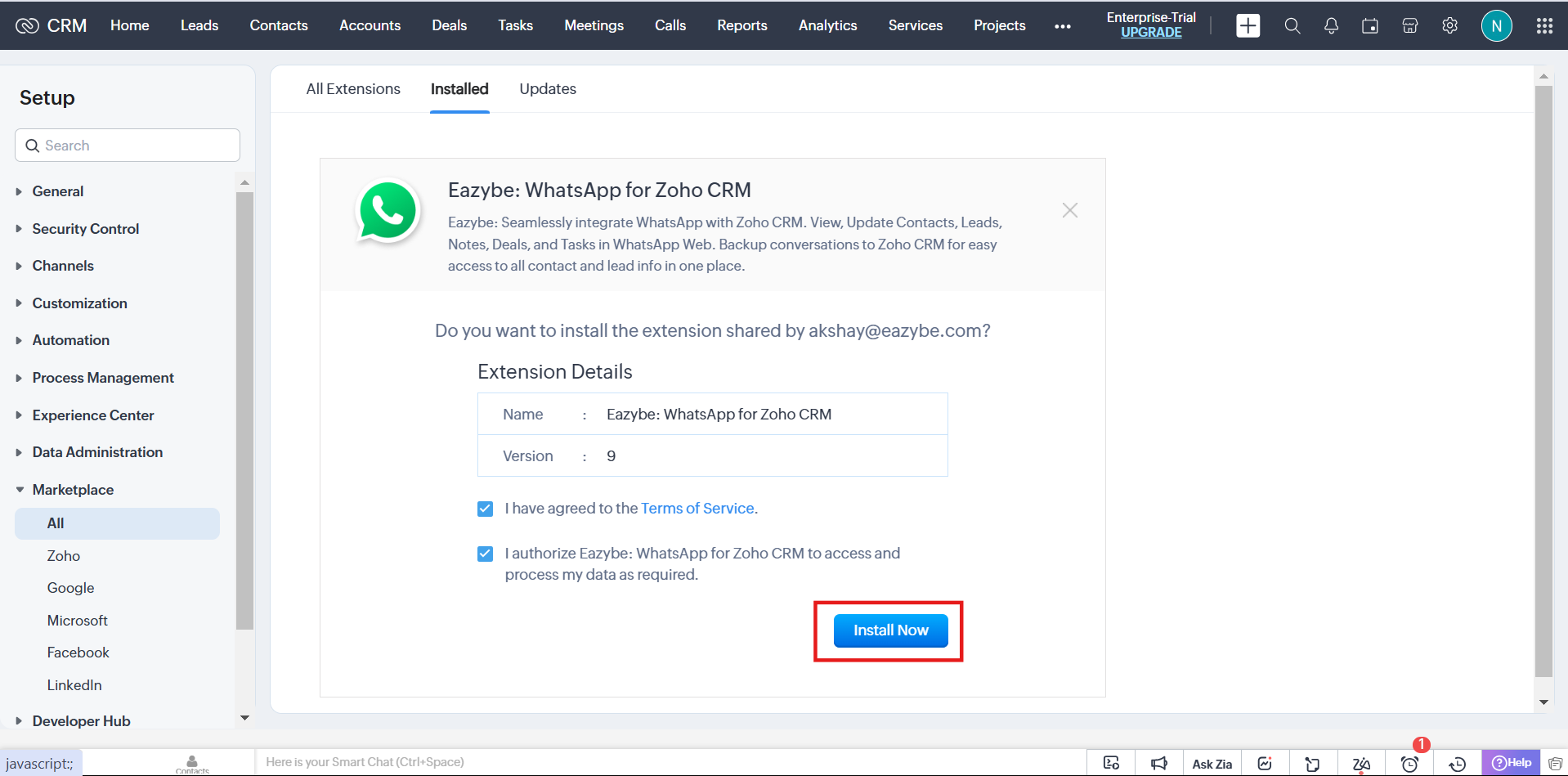
3
Search for Eazybe
Search for “Eazybe” in the marketplace search bar and select the app from the results.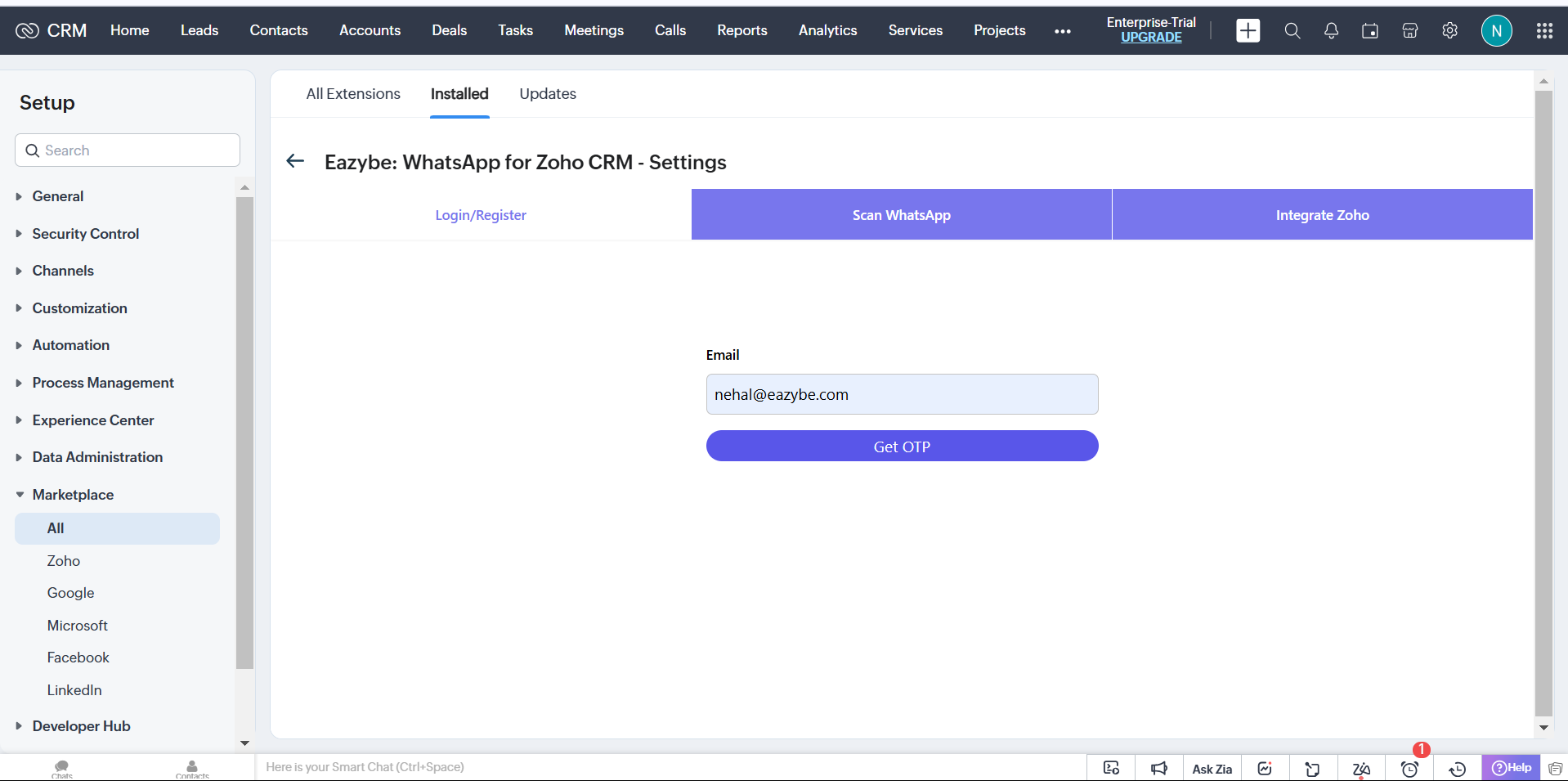
4
Install the App
Click Install to begin the installation process.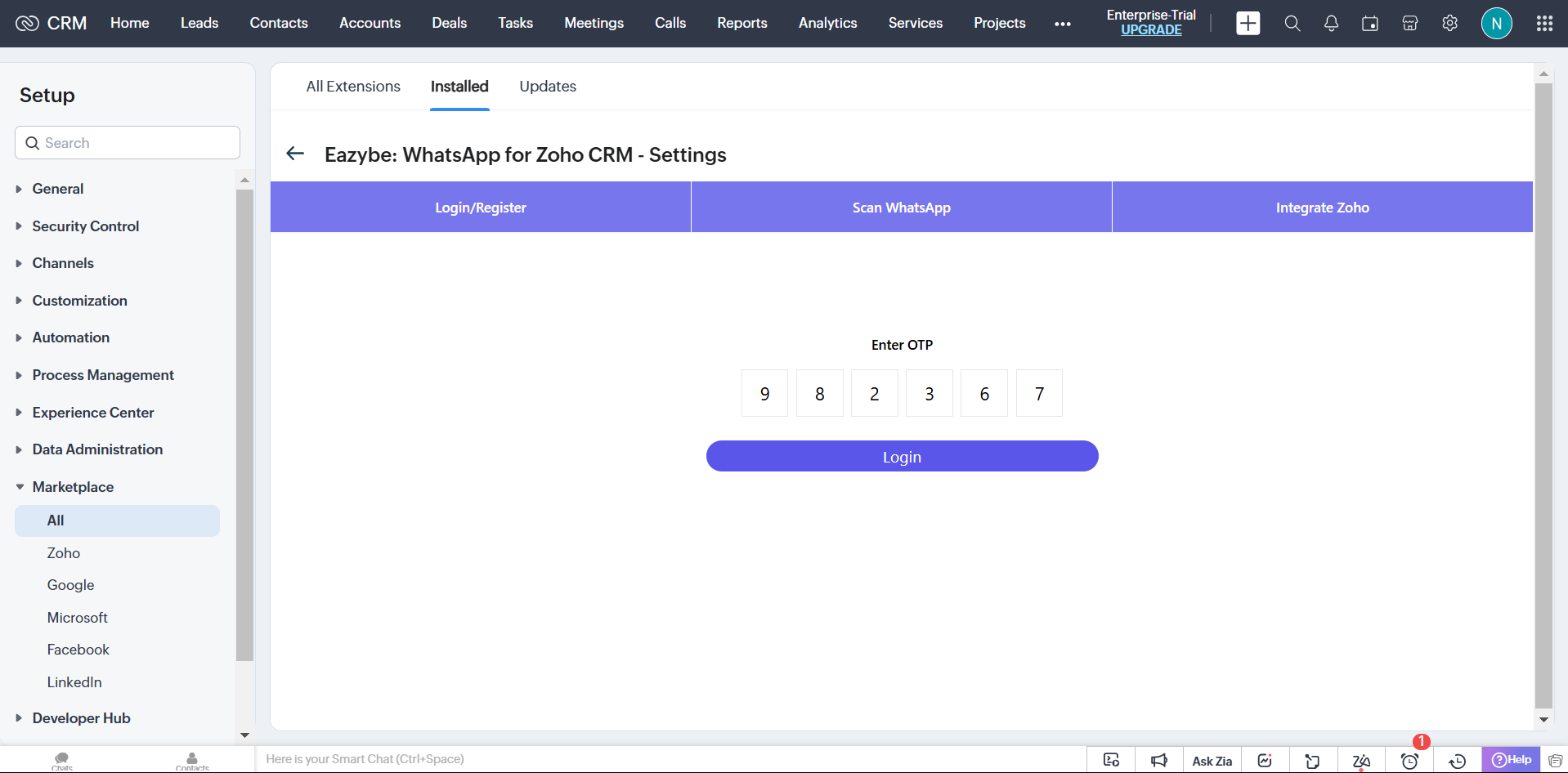
5
Verify Your Email
Add your email ID and enter the OTP verification code sent to your email.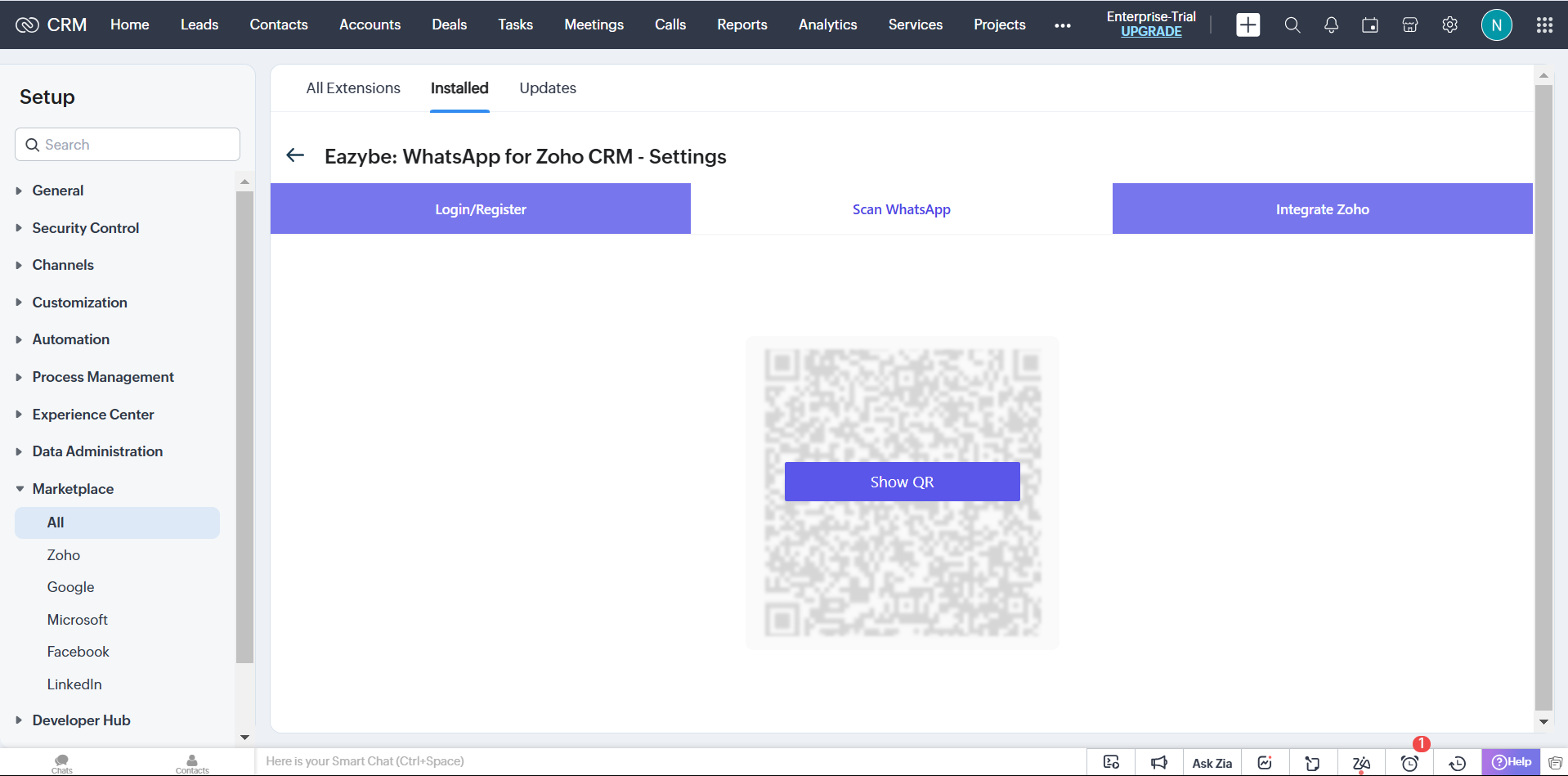
6
Generate QR Code
Click Show QR to generate a QR code for WhatsApp authentication.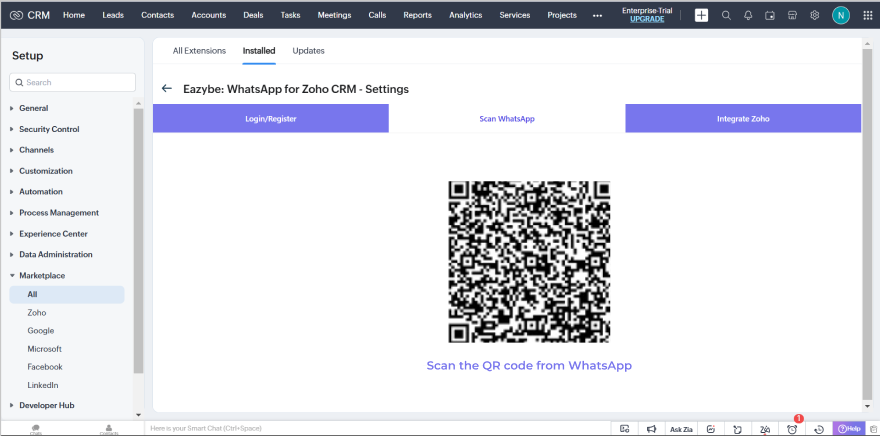
7
Connect WhatsApp
Scan the QR code with your WhatsApp mobile app to initiate the session and connect Zoho CRM with Eazybe.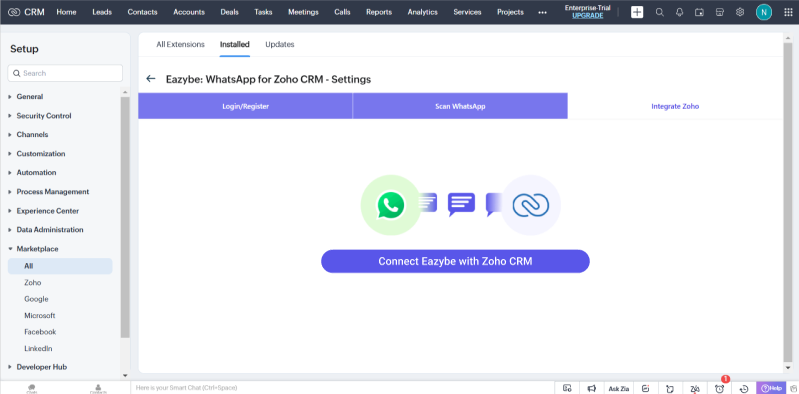
Step 2: Backup WhatsApp Chats
Once installation is complete, you can start backing up your WhatsApp conversations:1
Navigate to Leads or Contacts
Go to the Leads or Contacts module in your Zoho CRM.
2
Open WhatsApp Eazybe
Click on WhatsApp Eazybe to access the backup interface.
3
Automatic Backup
All your WhatsApp chats will automatically back up in Zoho CRM.
Key Features
Need Help?
For support, contact us at support@eazybe.com