Workflow Integration Requirements
To use workflows successfully with Zoho, ensure the following prerequisites are met:1
Install Zoho Workflow Integration
Ensure the user has the Zoho workflow integration installed and properly configured.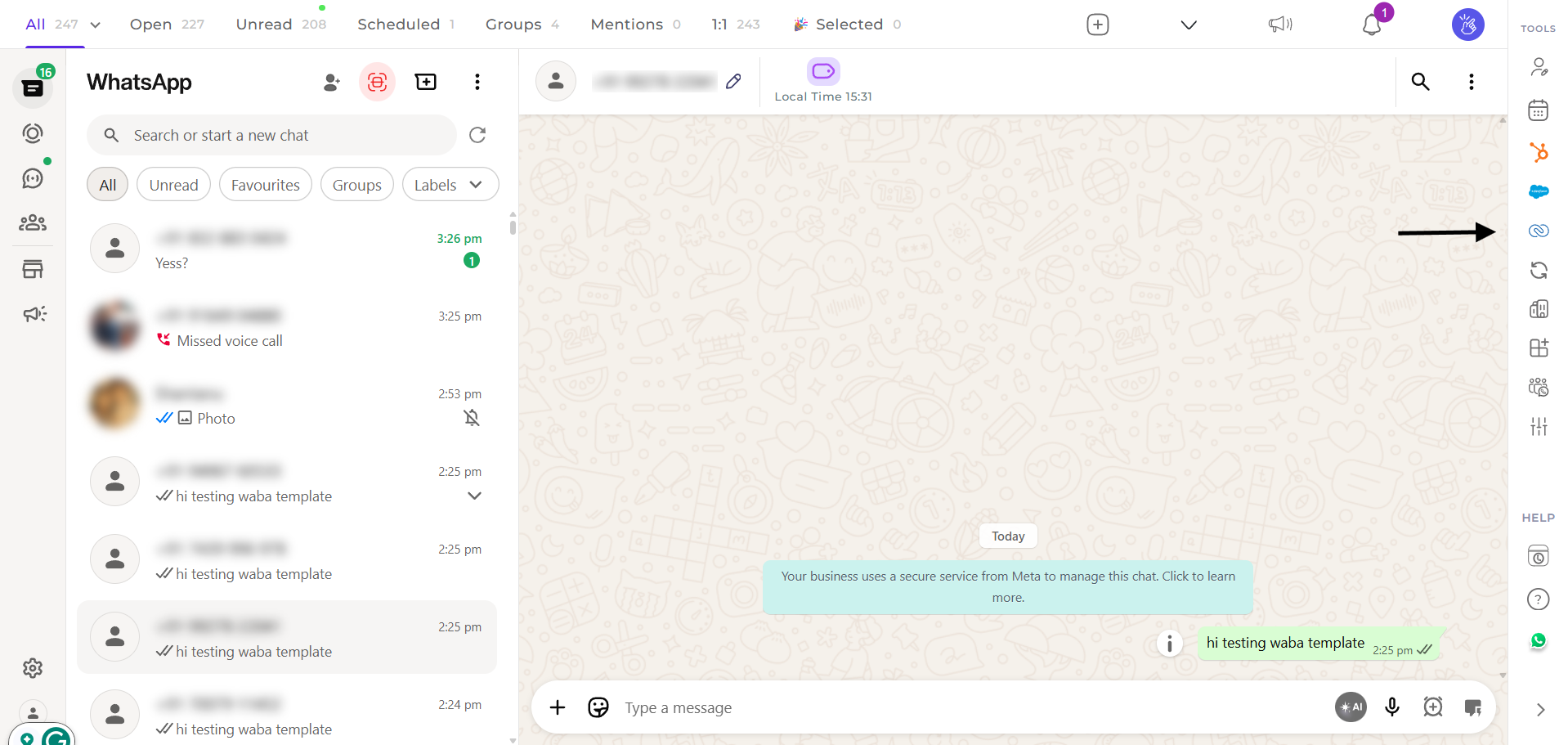
2
Create and Manage Workflows
Once installed, proceed with creating and managing workflows through the Zoho automation settings.
Message Sender Configuration
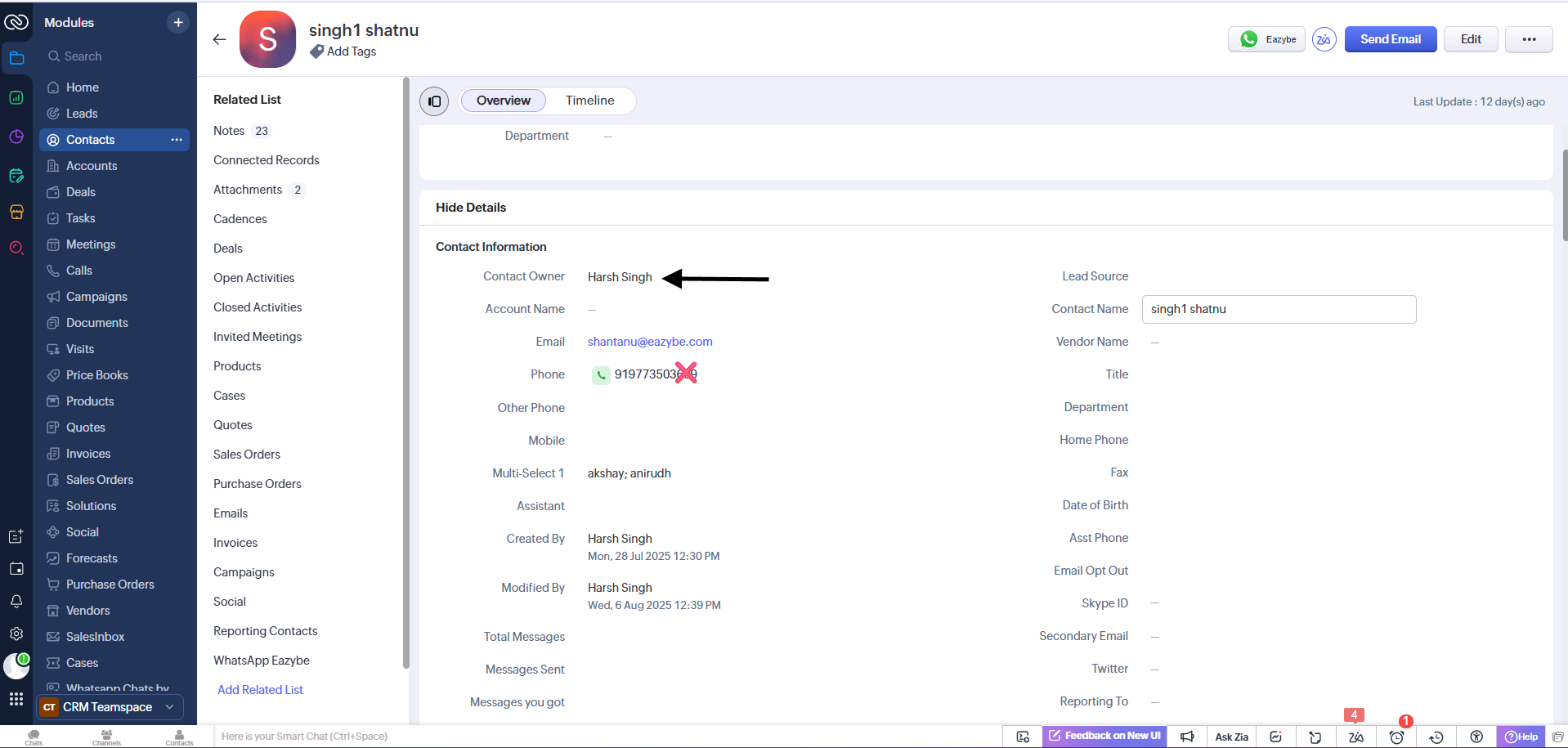
Workflow messages in Zoho are always sent from either the contact owner’s WhatsApp number or the lead owner’s WhatsApp number. Make sure the appropriate owner is assigned to each record.
Delivery Requirements
For workflow messages to be delivered successfully through Zoho, ensure the following:EazyBe Extension
The user must have the EazyBe extension/app installed on their device
Zoho Integration
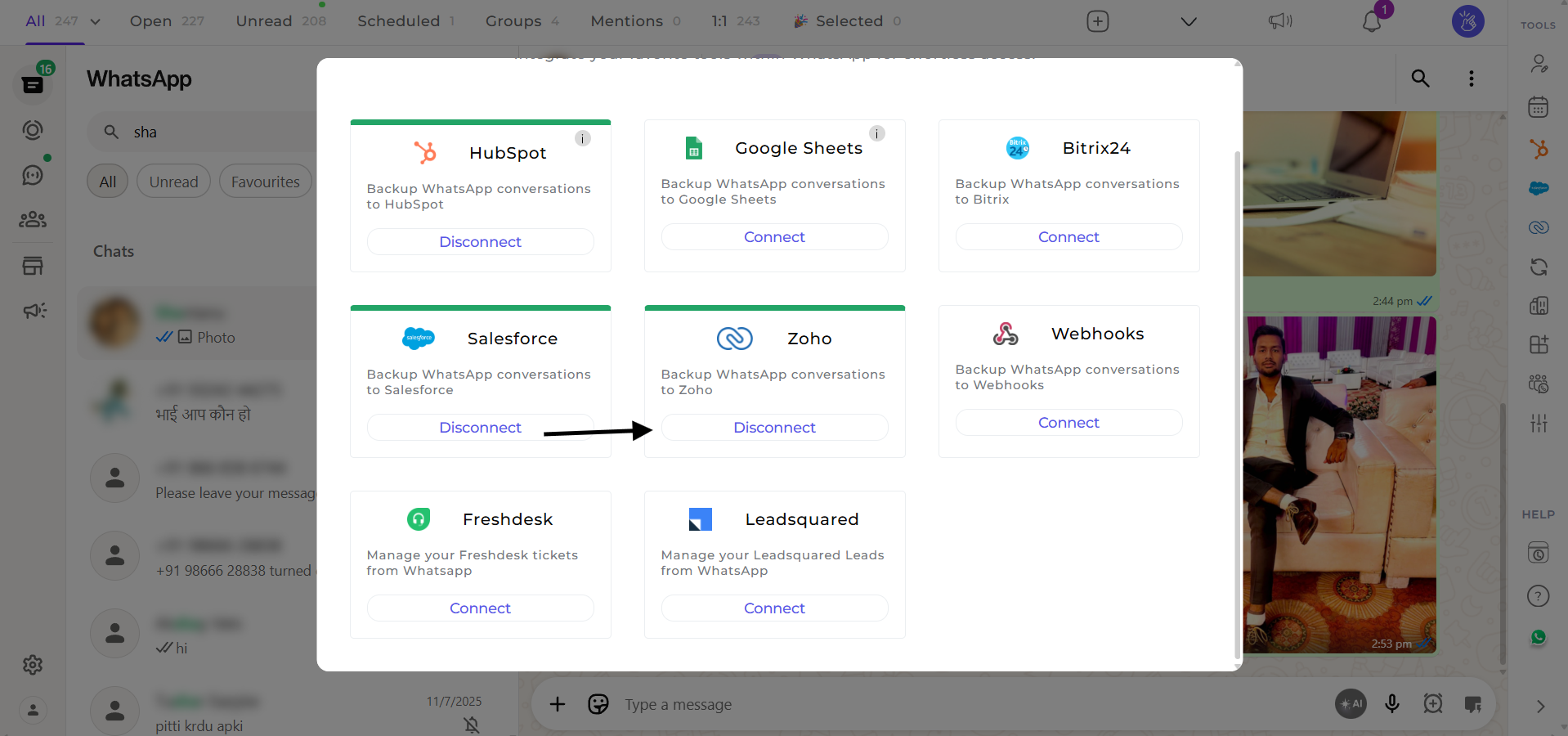
The Zoho integration must be properly connected with EazyBe
Avoiding Wrong Recipients
To prevent messages being sent to the wrong recipient:1
Include Country Code
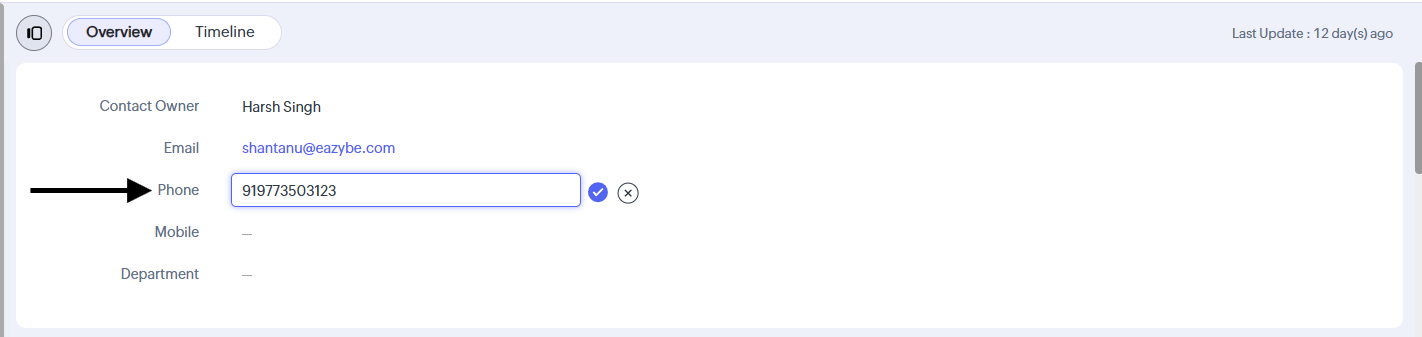
Make sure the phone number includes the correct country code (e.g., +1 for USA, +91 for India).
2
Verify Number Format
Double-check the number format before saving it in Zoho. Remove any spaces, dashes, or special characters.
Media File Size Limits
Media files have a size limit. To ensure successful delivery:1
Check File Size
Verify that your media file size does not exceed 15MB.
2
Compress Large Files
Compress or resize larger files before attaching them to workflows.