

How Contact Linking Works
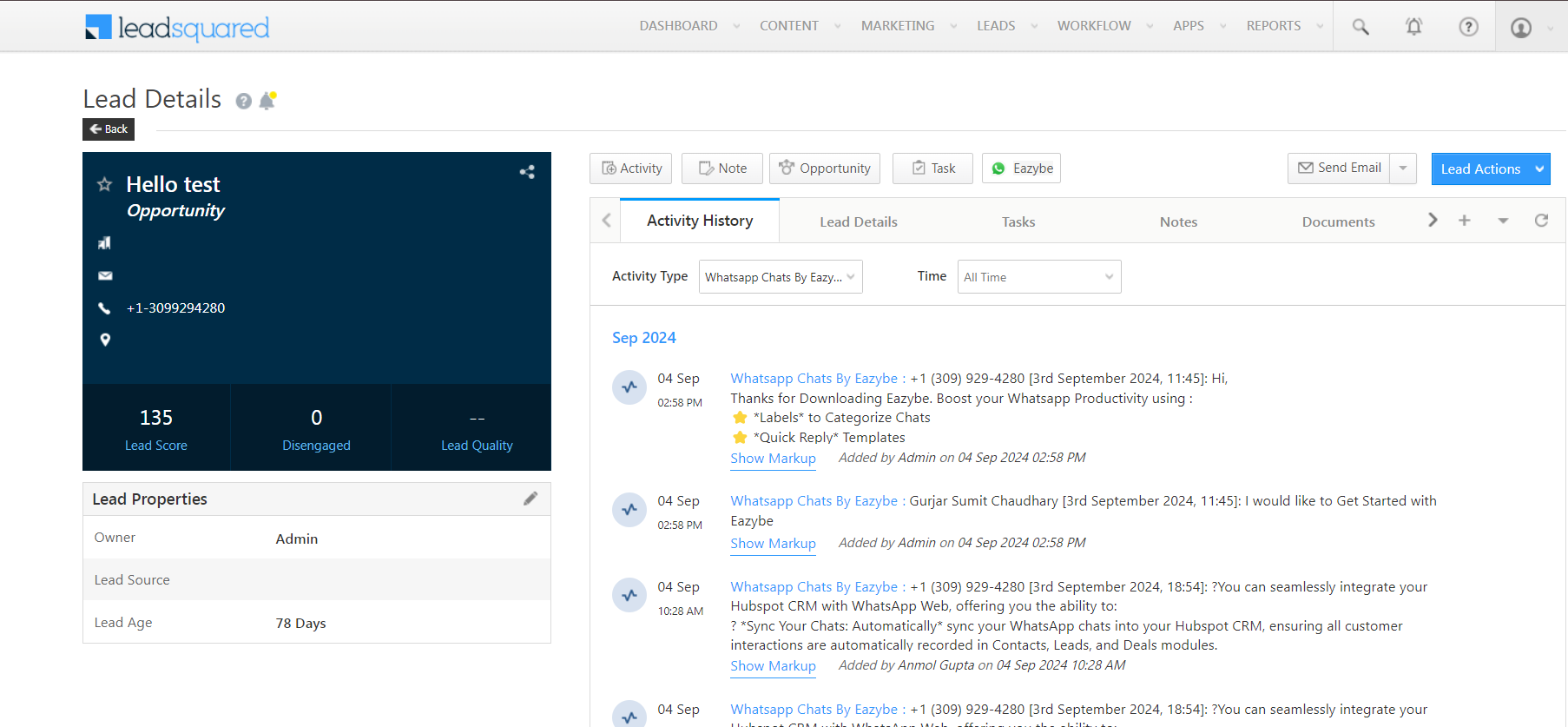
Once a WhatsApp contact is linked to a LeadSquared lead:- The contact card displays in the EazyBe extension’s interface
- Conversations are automatically backed up in LeadSquared
- You can access lead details directly from WhatsApp
Sync Timing
New Leads
When you create new leads via the extension, they appear instantly in LeadSquared.
Chat Backups
Conversations are backed up to LeadSquared every 3 minutes.
Benefits of Linked Contacts
1
Automatic Matching
The extension automatically matches WhatsApp contacts with LeadSquared leads based on mobile numbers.
2
Real-time Access
View lead information, activities, and history directly within the WhatsApp interface.
3
Continuous Backup
All conversations are regularly backed up to maintain a complete communication history in your CRM.
Contacts are linked using mobile phone numbers. Ensure your LeadSquared leads have accurate phone number data for successful linking.