

Requirements
Active Bitrix Account
Ensure that your Bitrix24 account is set up and functioning properly.
Eazybe Extension
Ensure that your Eazybe WhatsApp Extension is properly connected to WhatsApp Web.
Permissions
Ensure you have the necessary permissions to connect Bitrix24 with WhatsApp.
Integration Overview
To integrate Bitrix24 with Eazybe, ensure that the extension is linked to your Bitrix24 account.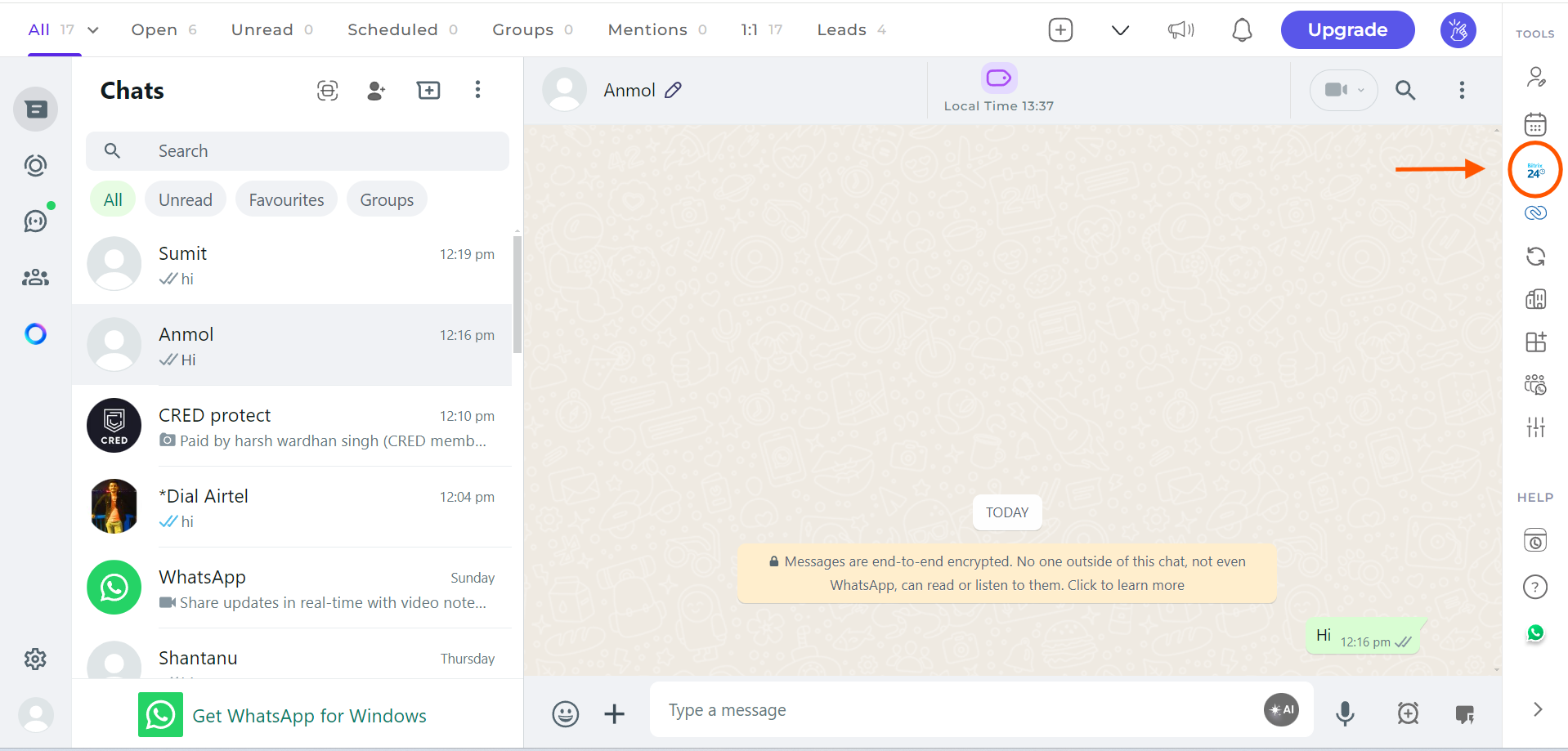
The necessary permissions will be prompted during the integration process. Make sure to accept all required permissions for seamless functionality.