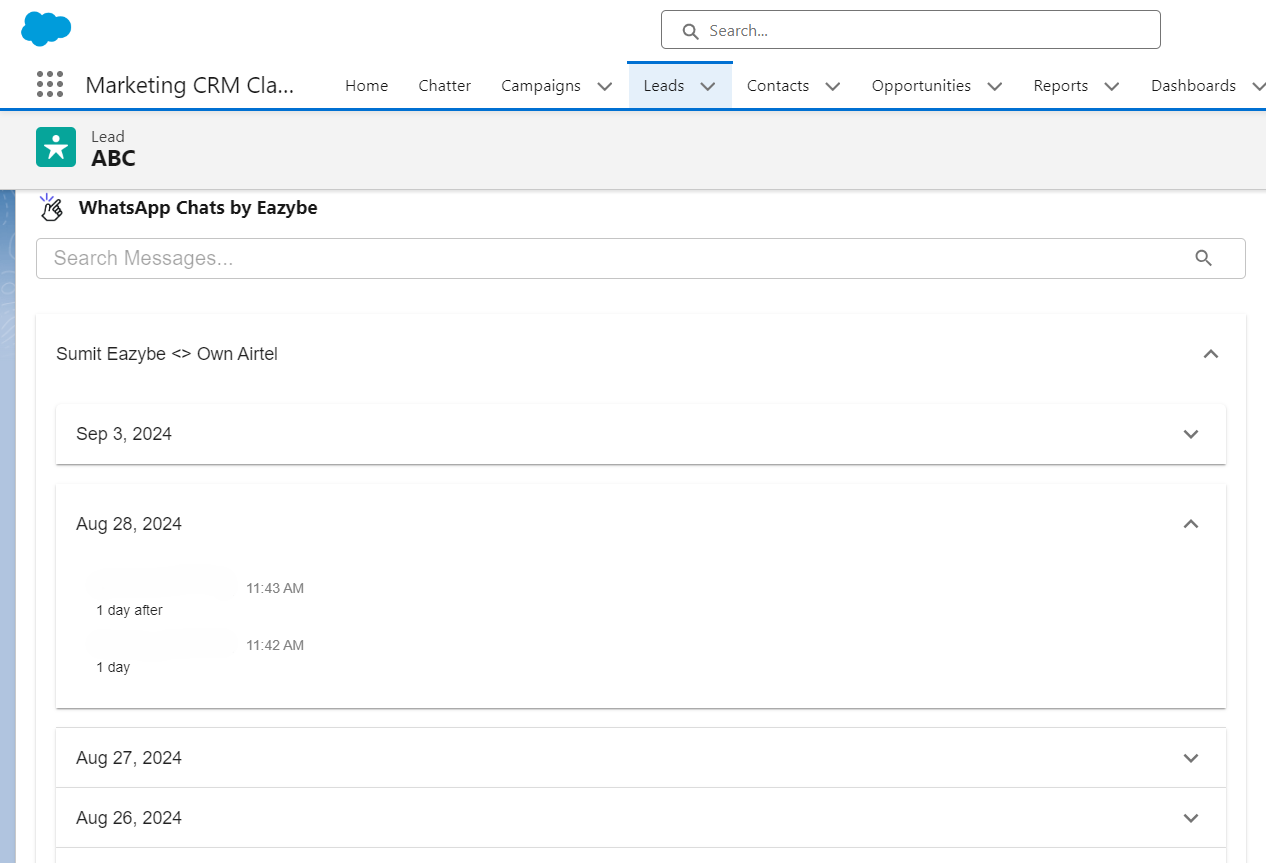
How Contact Linking Works
WhatsApp and Salesforce contacts link automatically through phone numbers stored in Salesforce’s Phone Number or Mobile fields. You can also:- Create contacts directly from WhatsApp using EazyBe
- Link existing Salesforce contacts to WhatsApp phone numbers
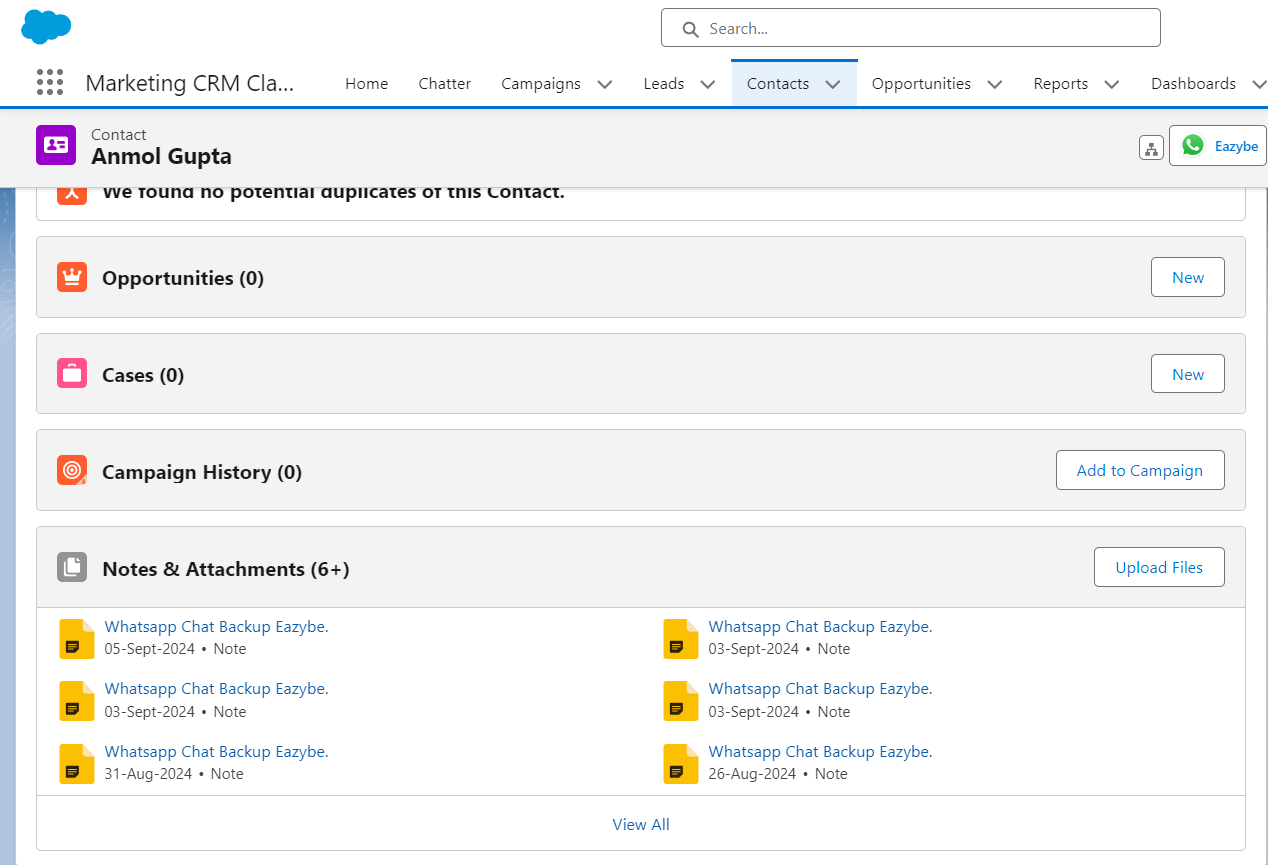
What Happens After Linking
Once linked, the contact card appears in EazyBe’s Mini-CRM view, giving you instant access to contact details while chatting.
- For Contacts: Chat content and attachments display in the Notes and Attachments Section and WhatsApp Chats by EazyBe Activity object
- For Leads: Chats appear in the WhatsApp Chats by Activity Objects
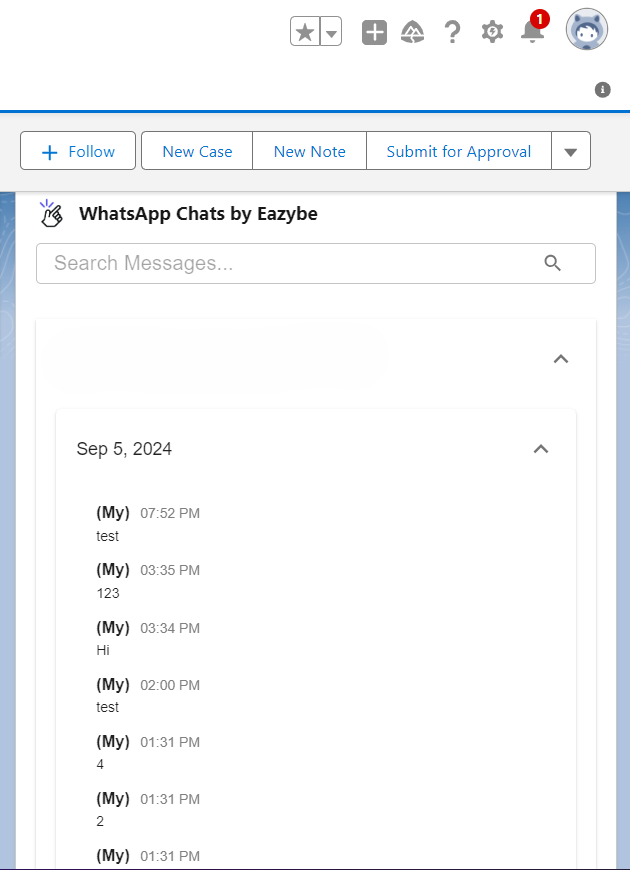
Automatic Synchronization
1
Contact Creation
When creating new Salesforce contacts via the EazyBe WhatsApp extension, contacts are automatically linked to Salesforce.
2
Chat Backup
WhatsApp chats are backed up every 3 minutes automatically.
3
Sync Status
The last sync time updates in the EazyBe workspace so you can verify synchronization.