

Overview
Move back and forth between WhatsApp and HubSpot seamlessly. Eazybe provides convenient navigation buttons that allow you to switch contexts instantly, saving time and improving your workflow efficiency.Go to HubSpot Button
The Go to HubSpot button provides quick access to your HubSpot account directly from WhatsApp Web.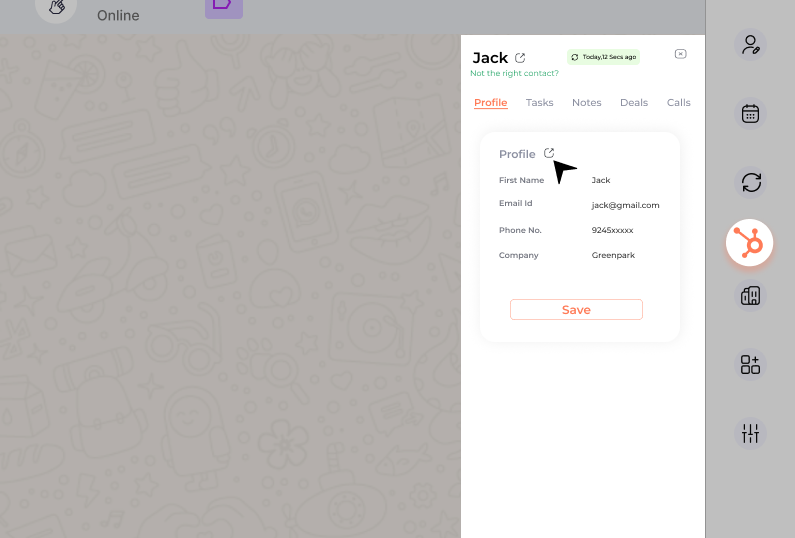
Where to Find It
Contact Name Area
Located beside the contact name at the top of the chat, directing you to the respective contact’s HubSpot page.
Profile Section
Available within the Profile section of the mini-CRM view for quick navigation.
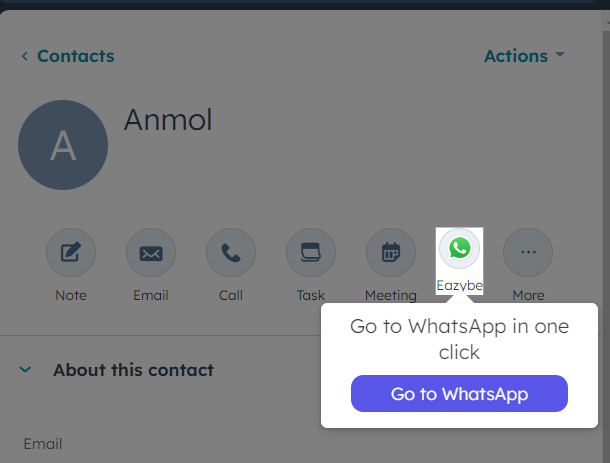
Go Back to WhatsApp Button
Eazybe offers a convenient button to return instantly to your WhatsApp conversations from HubSpot.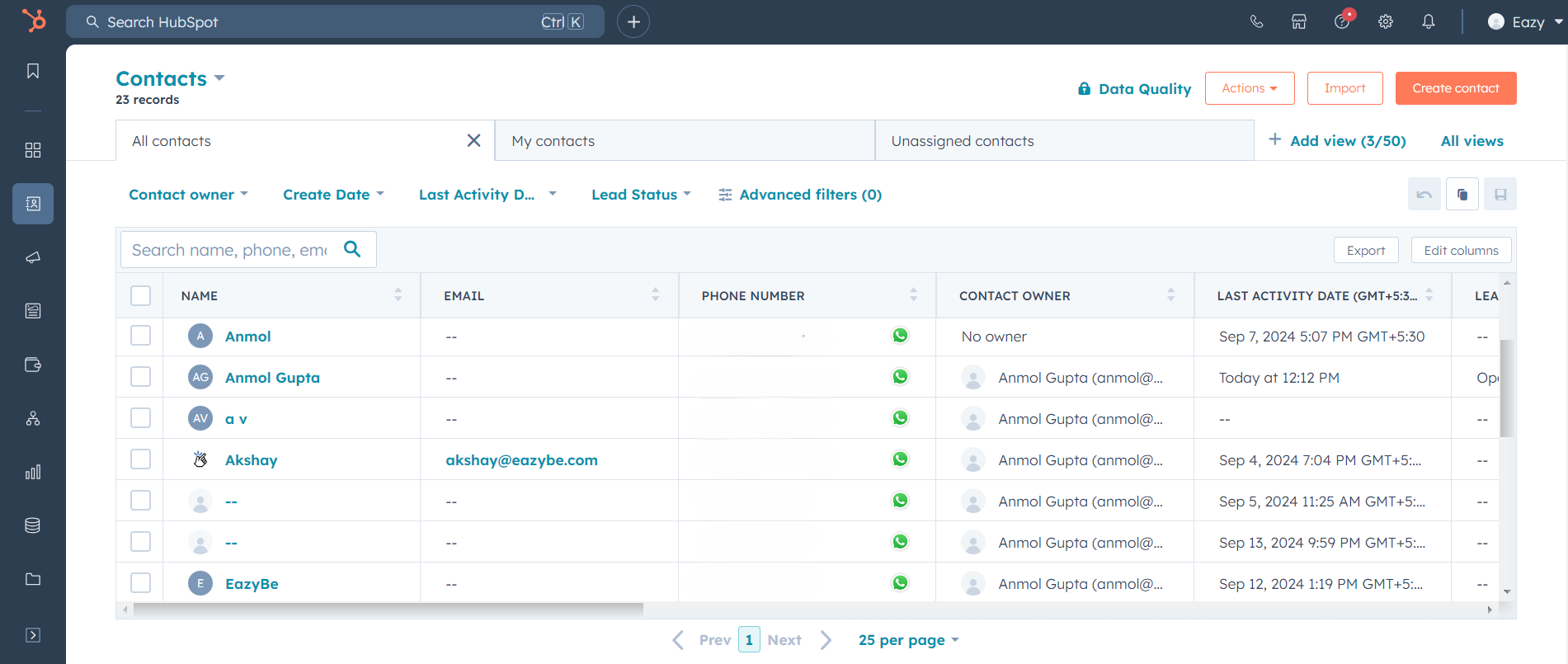
Available Locations
The Go Back to WhatsApp button appears in multiple locations throughout HubSpot:1
Contacts Page
Find the button in the Phone Number column on the Contacts page to jump directly to the WhatsApp conversation with that contact.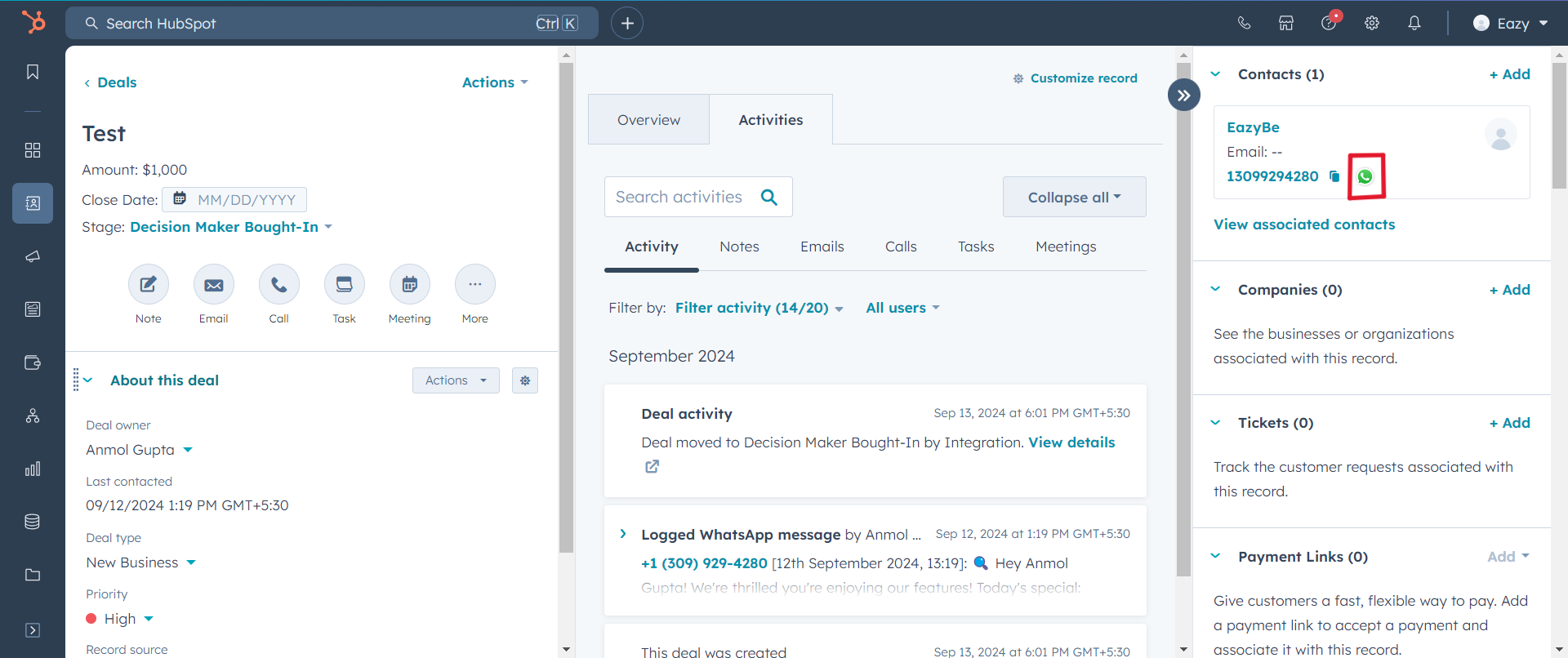
2
Deals Page
Located in the Contact details section of any deal, allowing quick access to related WhatsApp conversations.
3
Companies Page
Available in the Phone Number column on the Companies page for instant WhatsApp access.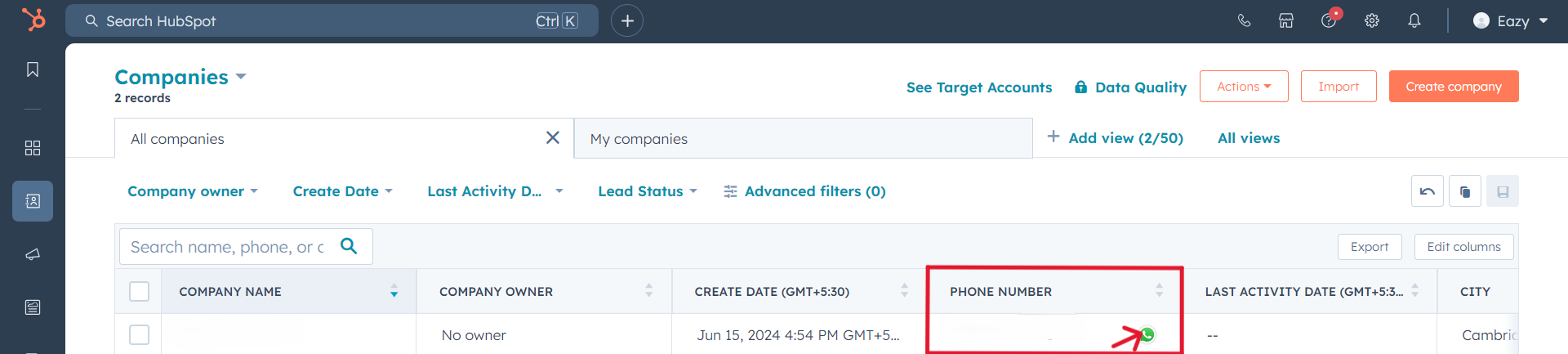
Benefits
Save Time
Eliminate manual navigation between platforms with one-click switching.
Context Preservation
Maintain conversation context as you move between HubSpot and WhatsApp.
Improved Workflow
Streamline your sales and support processes with seamless transitions.
Better Productivity
Focus on conversations rather than navigating between tools.
Need Help?
Contact Support
If you have questions or need assistance, reach out to us at hey@eazybe.com.