Automatic Sync
WhatsApp chats with LeadSquared leads synchronize automatically every 3 minutes. The EazyBe extension’s LeadSquared Mini-CRM view displays the last synced date and time.
Initial Integration Backup
When you first integrate LeadSquared with EazyBe, the system automatically provides a chat backup for the past 3 days.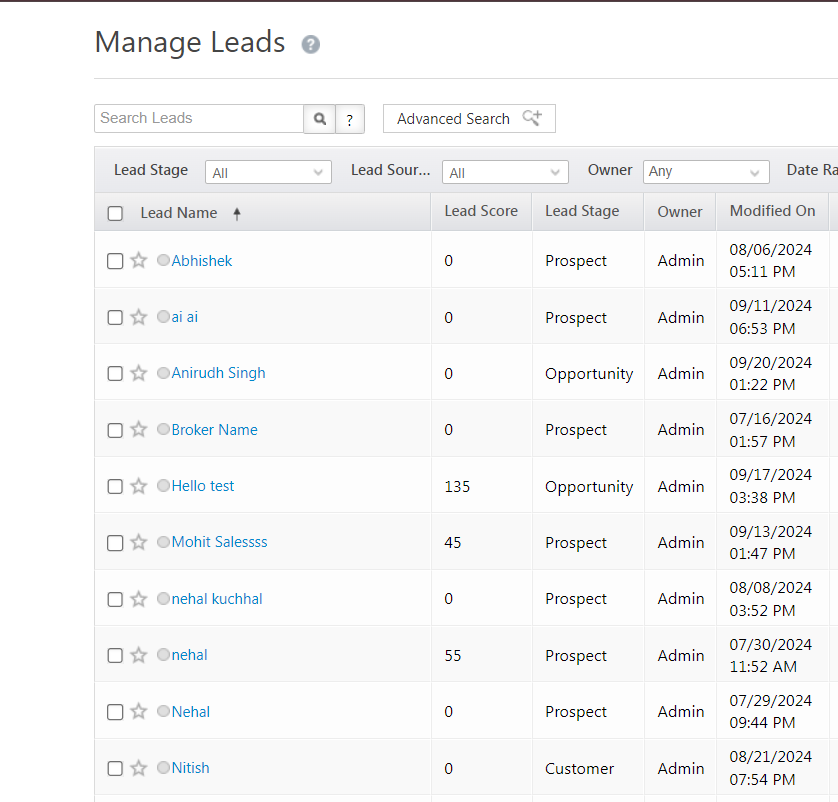
Where Chats Are Logged
Activity History
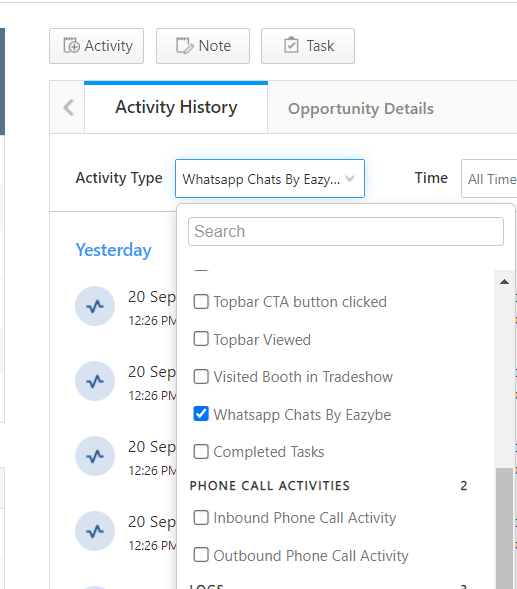
Conversations are backed up under the “WhatsApp Chats by EazyBe” activity object within LeadSquared’s leads section.1
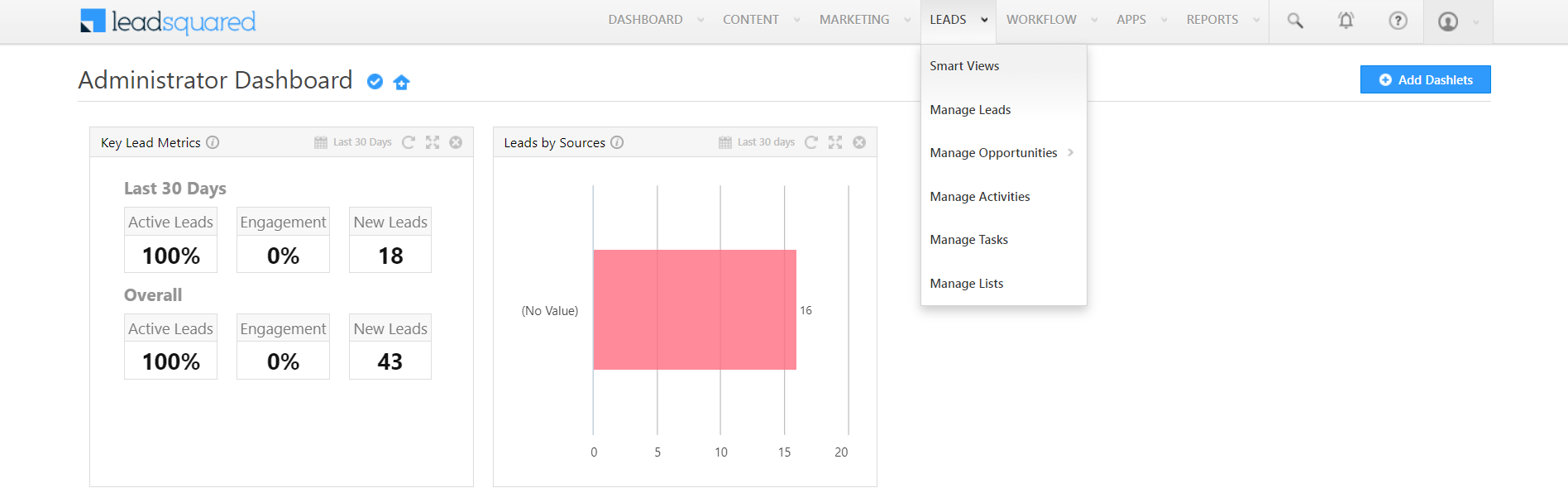
Navigate to Leads
Go to the Leads dropdown and select Manage Leads.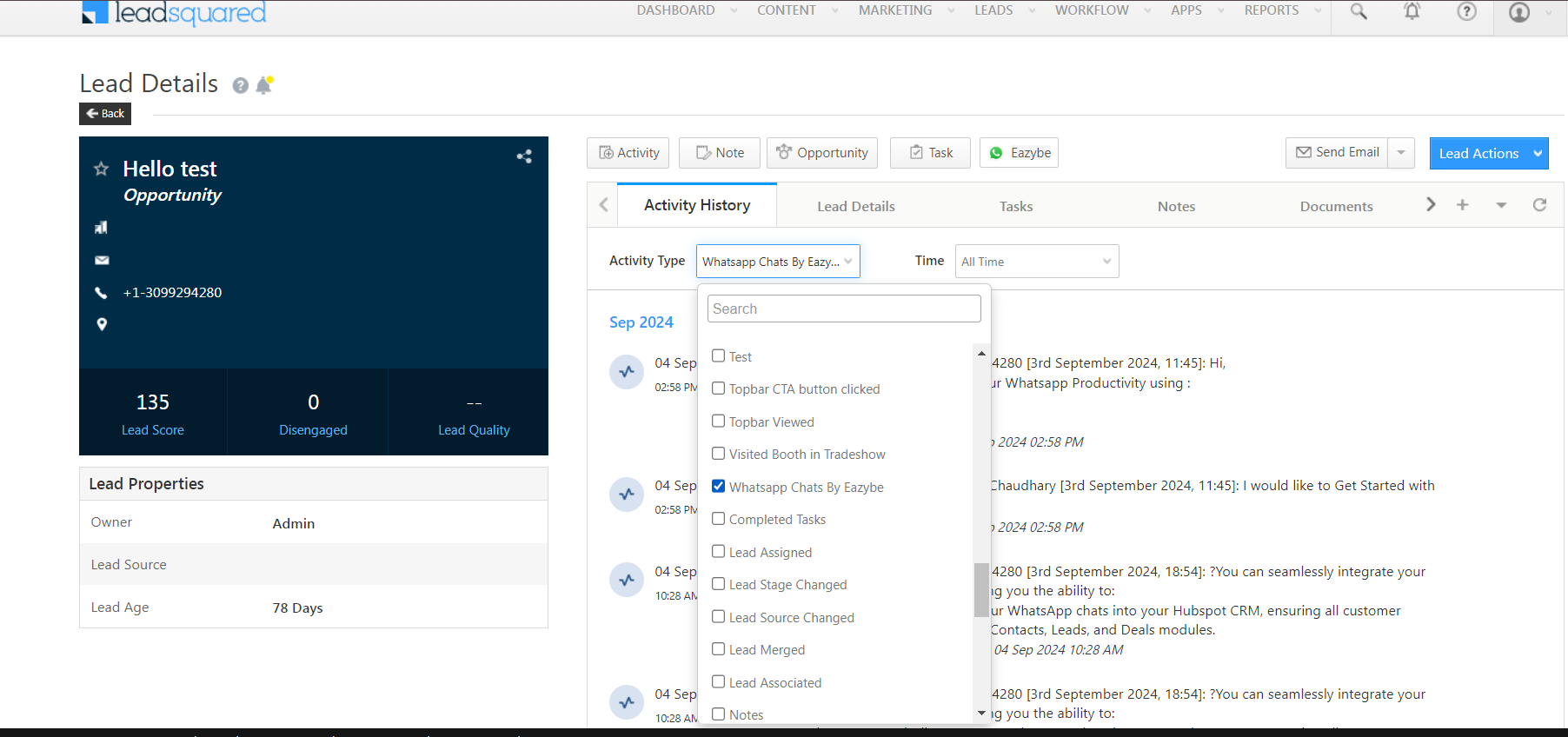
2
Select a Lead
Choose the specific lead whose chat history you want to view.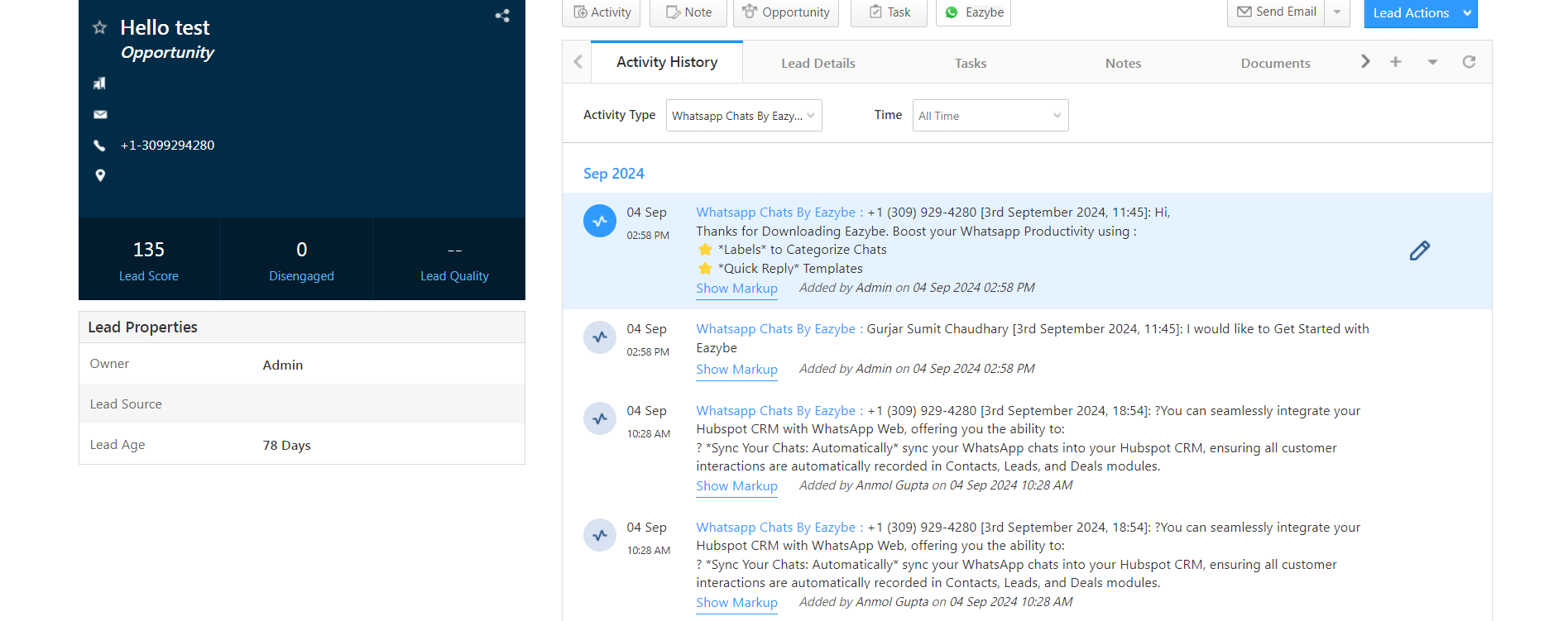
3
View Activity History
Navigate to the Activity History section.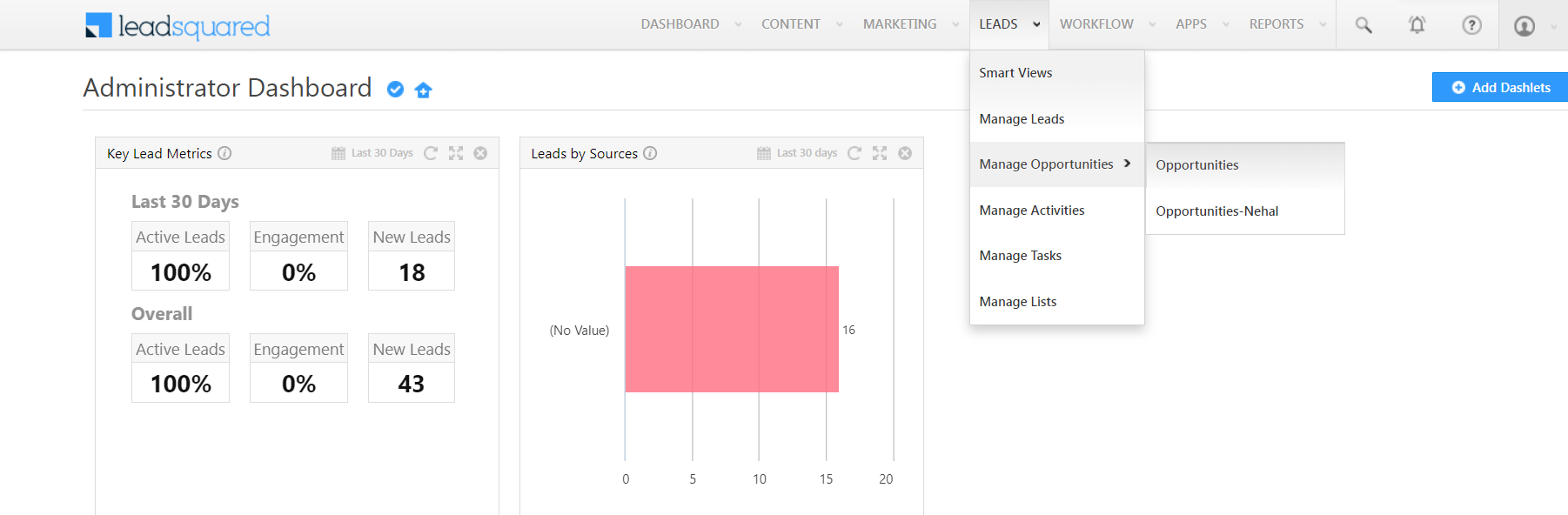
4
Find WhatsApp Chats
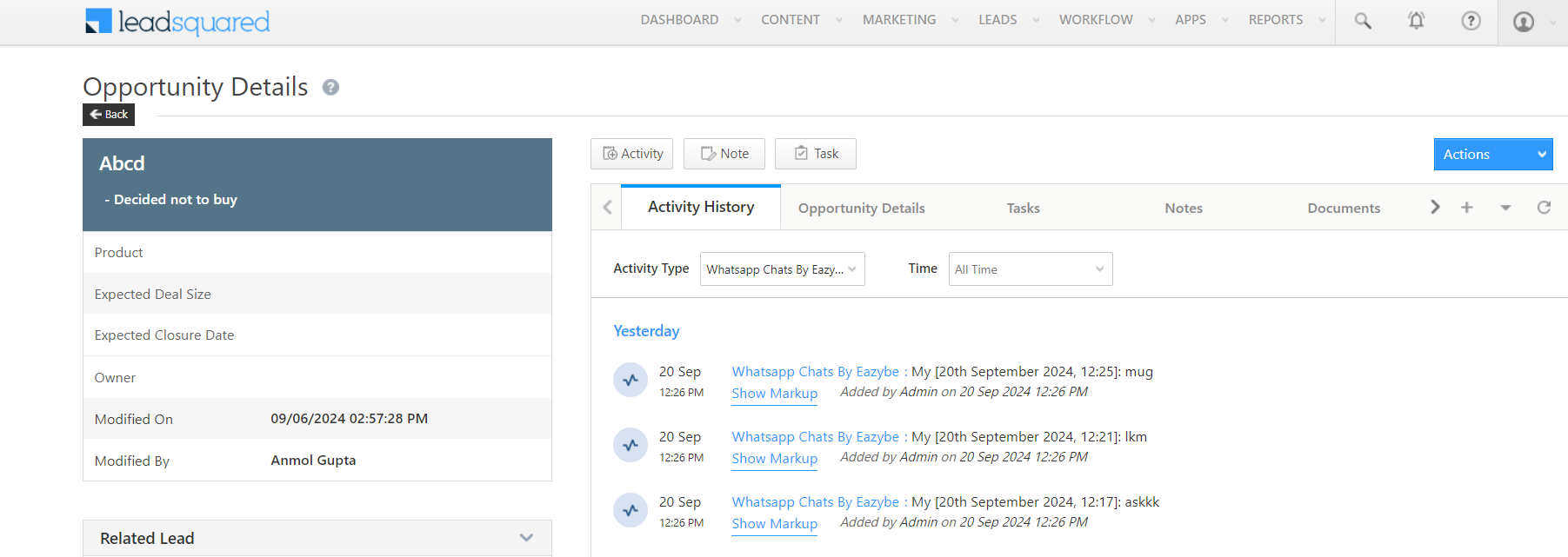
Check the “WhatsApp Chats by EazyBe” activity to view all synced conversations.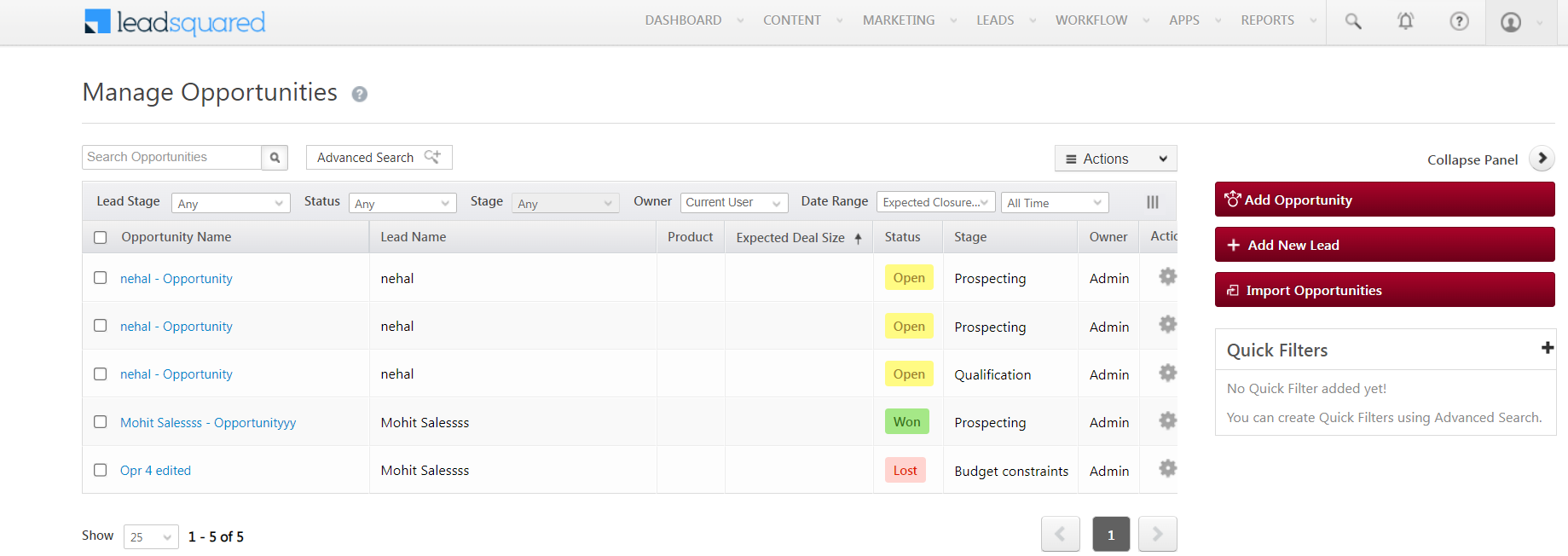
Backup in Opportunity Section
Chats also appear in the LeadSquared Opportunity section for linked opportunities, ensuring all communications stay accessible for reference.