

What This Feature Does
This feature enables administrators to control which HubSpot properties specific teams can edit across Contacts, Deals, and Tickets modules. By configuring edit permissions, you can ensure team members only modify the fields relevant to their roles.Who Can Use This Feature
Only Admins can configure property edit permissions for teams. Regular users cannot access these settings.
How to Set Edit Properties for Teams
1
Select a Team
Navigate to the Settings panel and choose the team you want to configure from the dropdown menu.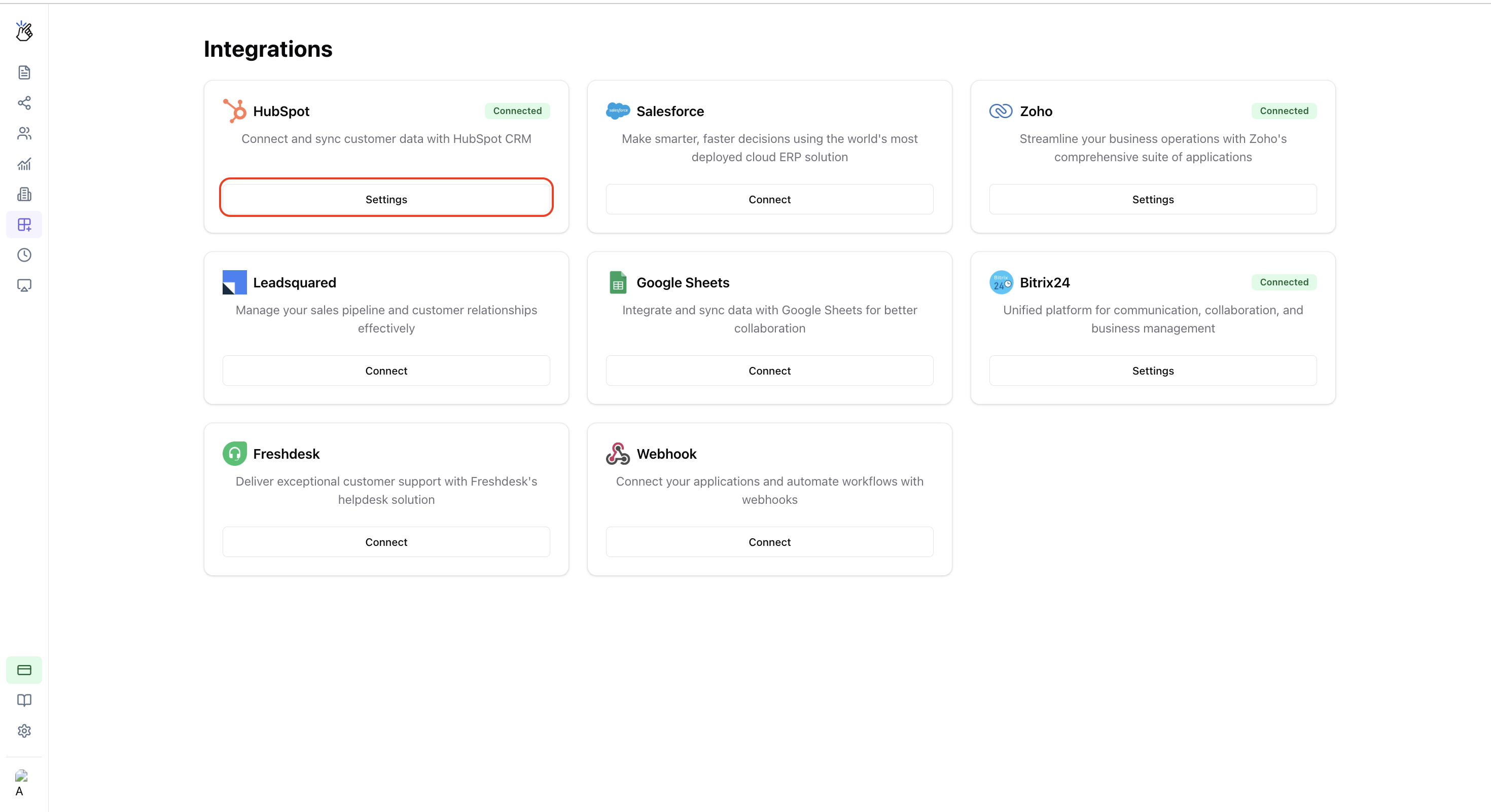
2
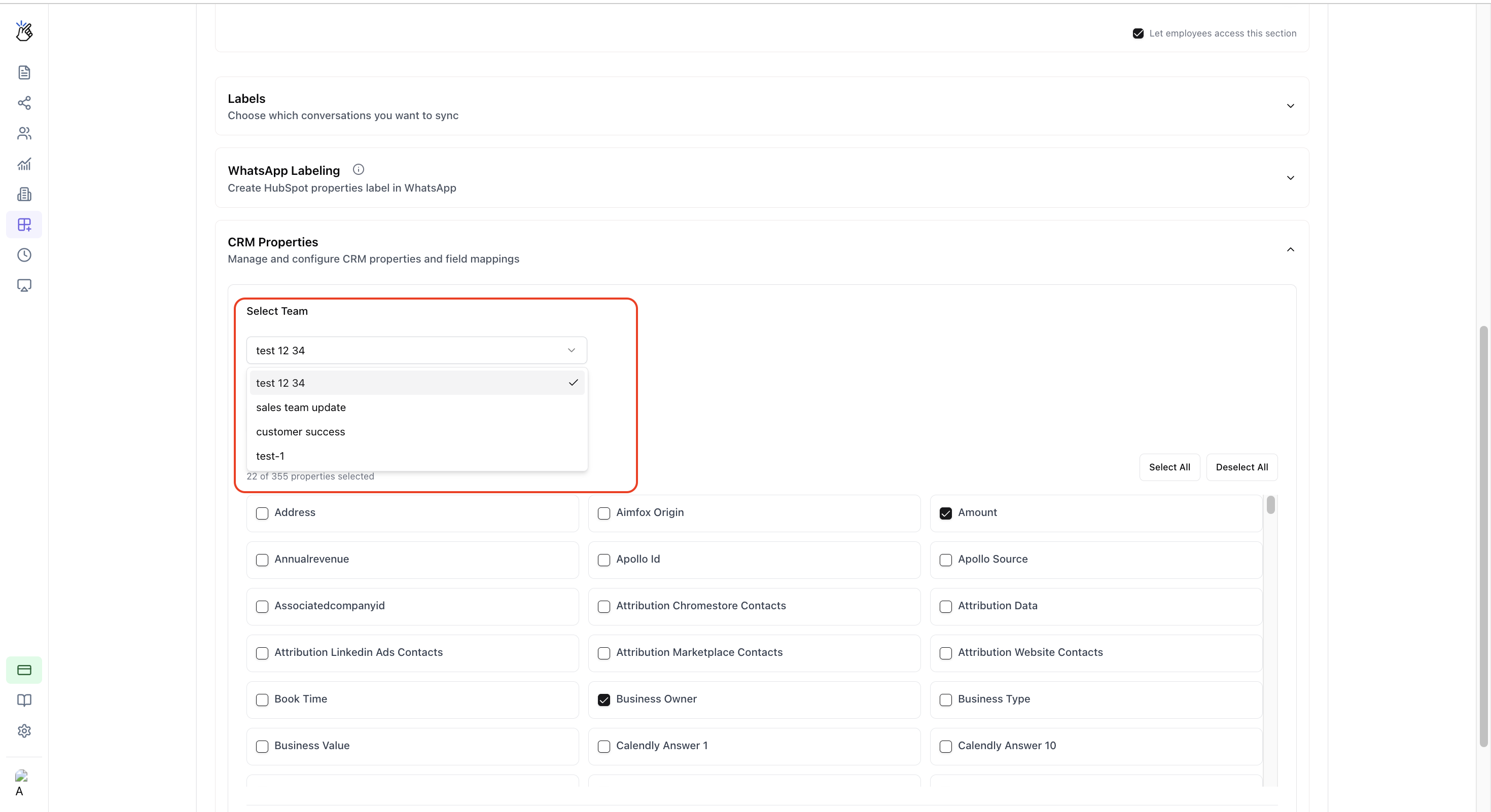
Select a Module
Choose which module’s properties you want to configure:
- Contacts
- Deals
-
Tickets
3
Select Edit Properties
Check the boxes next to the properties you want the selected team to be able to edit. Unchecked properties will be read-only for that team.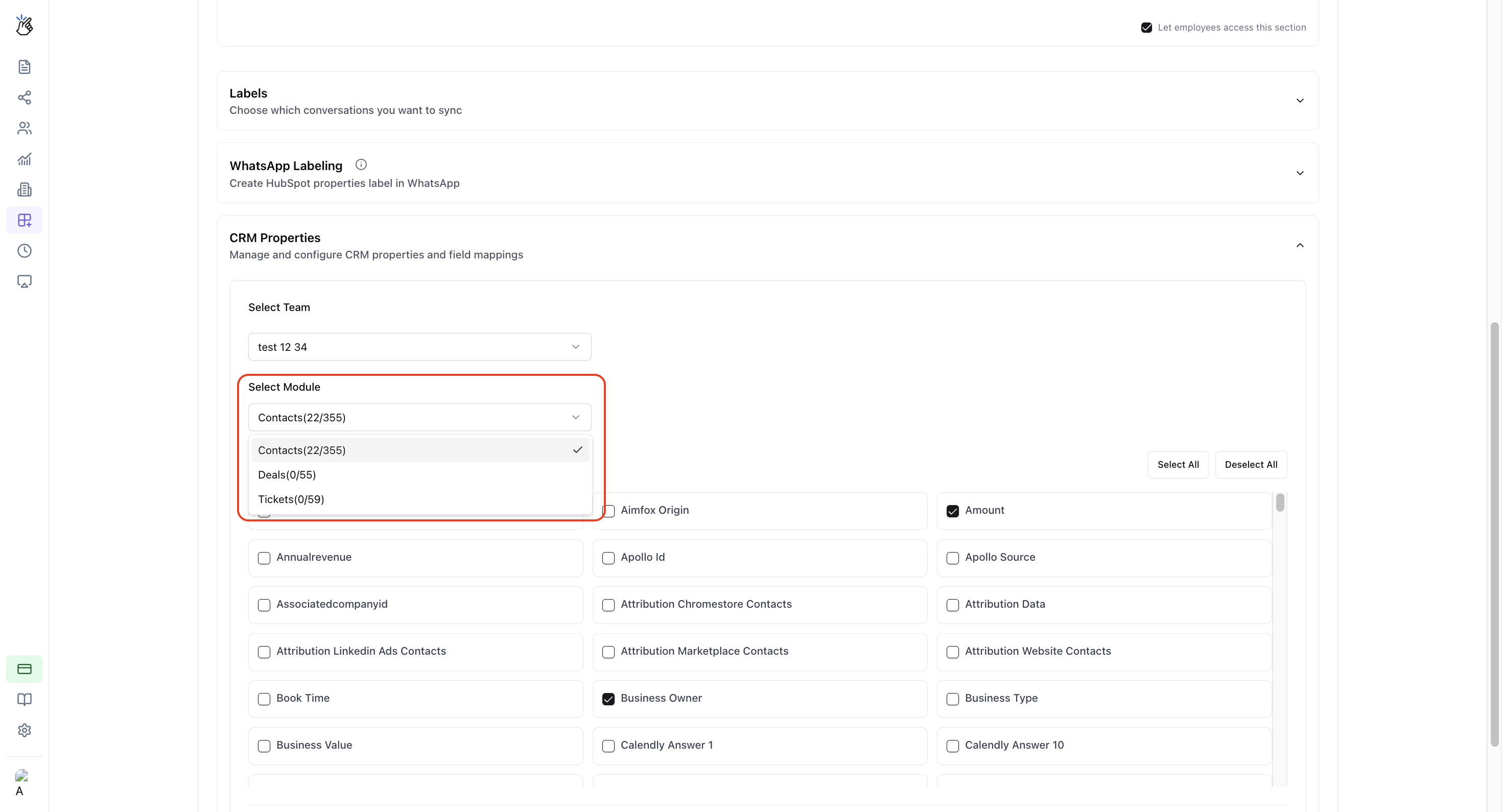
4
Save Settings
Click the Save button to store your configuration.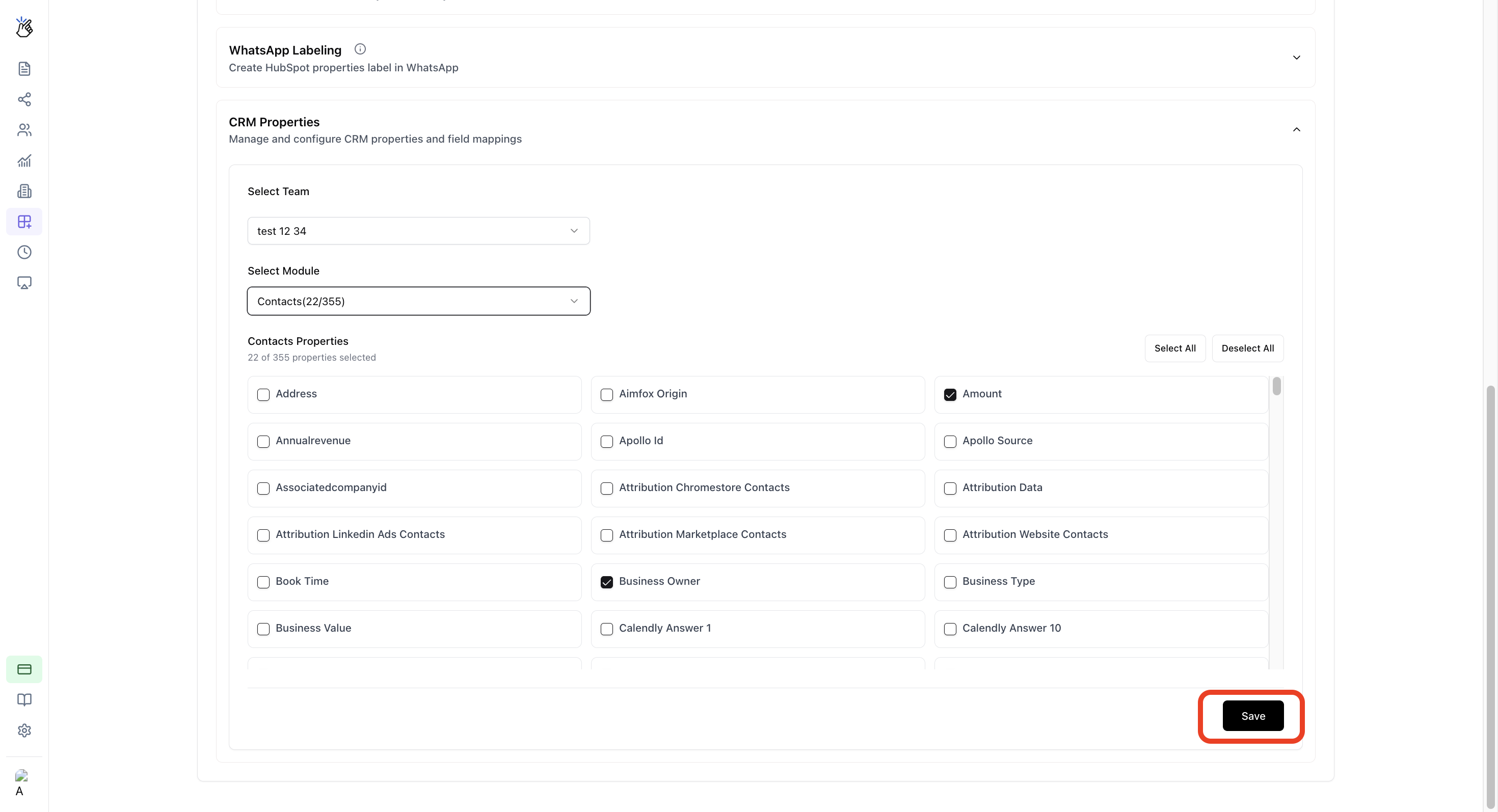
5
Apply the Changes
Navigate to Extensions and click Apply to activate the new permissions.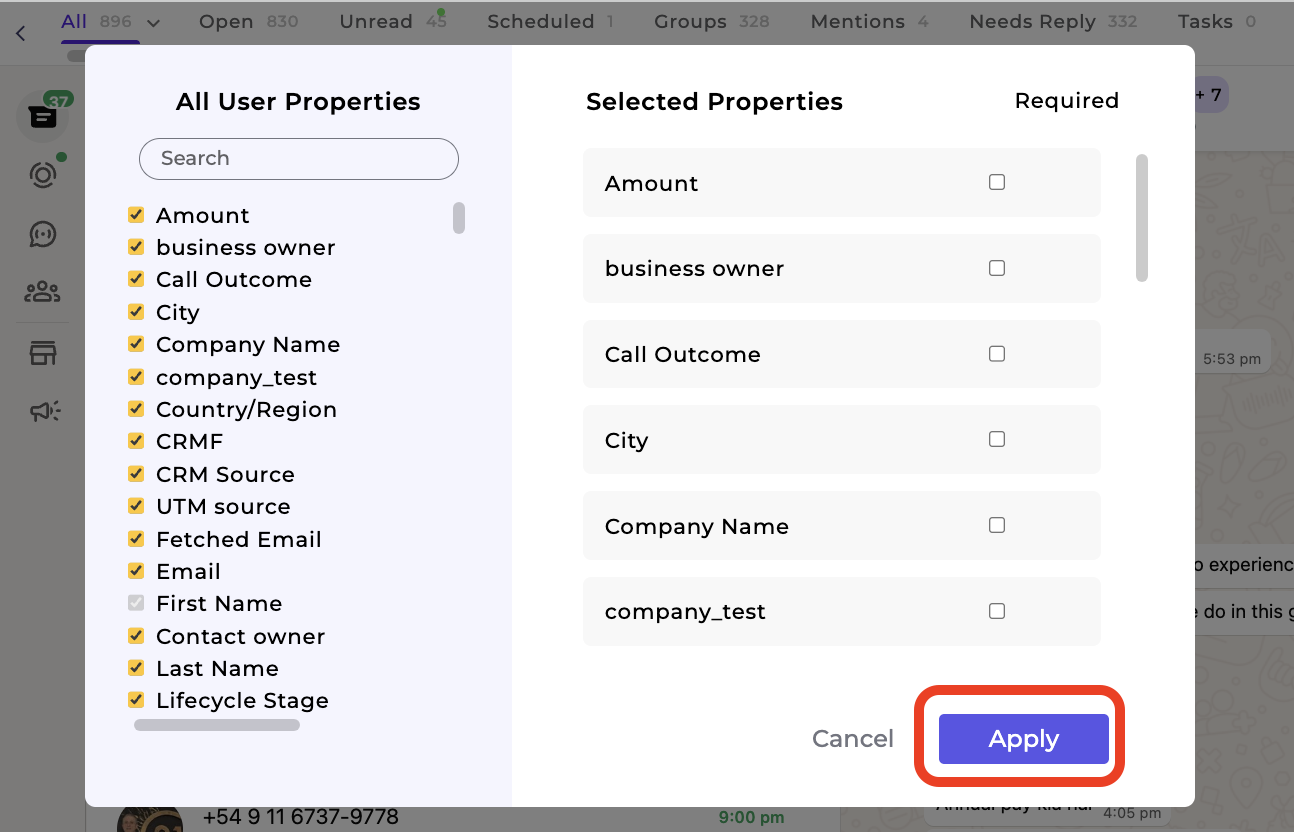
Important Notes
Refresh Required
Users may need to refresh CRM pages to see updated access rules after changes are applied.
Admin Only
Only administrators can configure these permissions. Regular team members cannot modify these settings.
FAQ
Can I assign different permissions for multiple teams?
Can I assign different permissions for multiple teams?
Yes, you can configure unique edit property permissions for each team individually. Simply select a different team and repeat the configuration process.
Do users need to re-login after changes?
Do users need to re-login after changes?
Users do not always need to re-login after changes. However, refreshing the CRM page is recommended to ensure the updated permissions are applied correctly.
Who can make these changes?
Who can make these changes?
Only users with Admin privileges can configure edit property permissions. If you need access, contact your workspace administrator.