

Automatic Sync
WhatsApp conversations with your Bitrix contacts are automatically synced every 12 minutes.Only chats with linked Bitrix contacts will be synced. Make sure your WhatsApp contacts are properly linked to Bitrix records.
Initial Integration
When you integrate Bitrix for the first time, EazyBe automatically provides chat backup for the past 3 days. This ensures you don’t lose any recent conversation history when setting up the integration.Chat Backup
WhatsApp chats are backed up as timeline documents on the Contact’s Page in Bitrix.- Same-day chats: All conversations from the same day with a single user appear in one document
- Per-user documents: Each user’s backup creates a separate timeline document for that day
- Chronological order: Documents appear in the contact’s activity timeline in date order
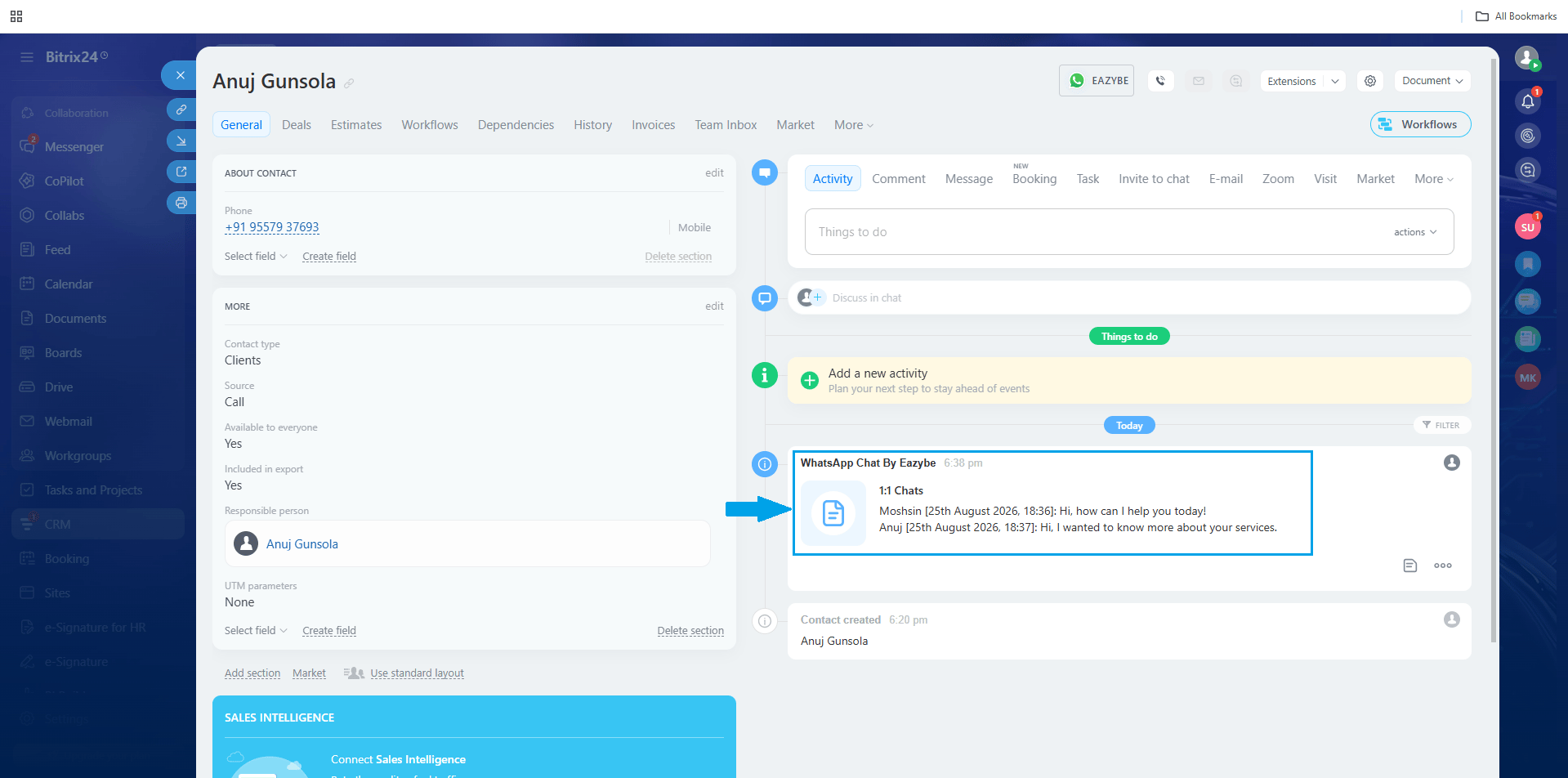
WhatsApp Chat Backup
Comments remain available in the contact’s General section.
If you have any questions, reach out to us at hey@eazybe.com.