

Go to Bitrix Button
This feature provides quick access to your Bitrix account directly from WhatsApp.The Go to Bitrix button appears beside the contact or lead name at the top of the chat or within the Profile Section.
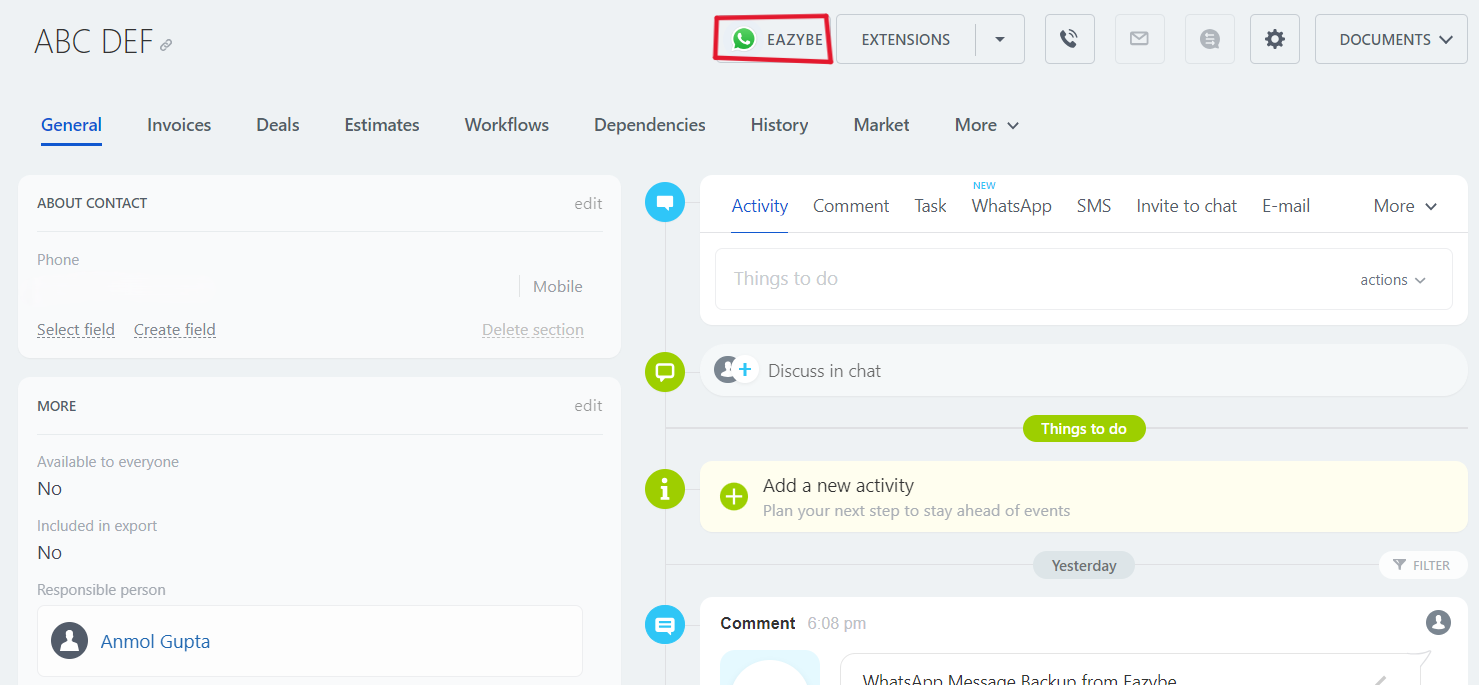
Go Back to WhatsApp Button
EazyBe also offers a Go Back to WhatsApp button available directly within Bitrix. This two-way navigation makes it effortless to:- Quickly check CRM details while chatting on WhatsApp
- Return to conversations without losing context
- Maintain workflow efficiency across both platforms
If you have any questions, reach out to us at hey@eazybe.com.