Go to LeadSquared Button
This feature provides quick access to your LeadSquared account directly from WhatsApp.The button appears in the following locations:
- Contact View: Adjacent to the contact name or within the Profile section, directing you to the corresponding lead’s page
- Opportunity Page: Positioned beside the Opportunity name or next to the Profile in the Opportunity’s profile section
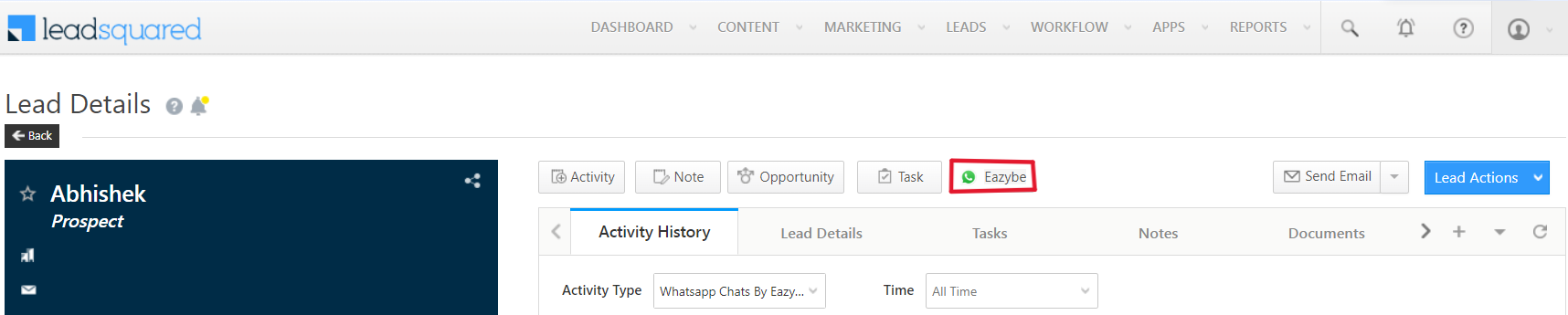
Go Back to WhatsApp Button
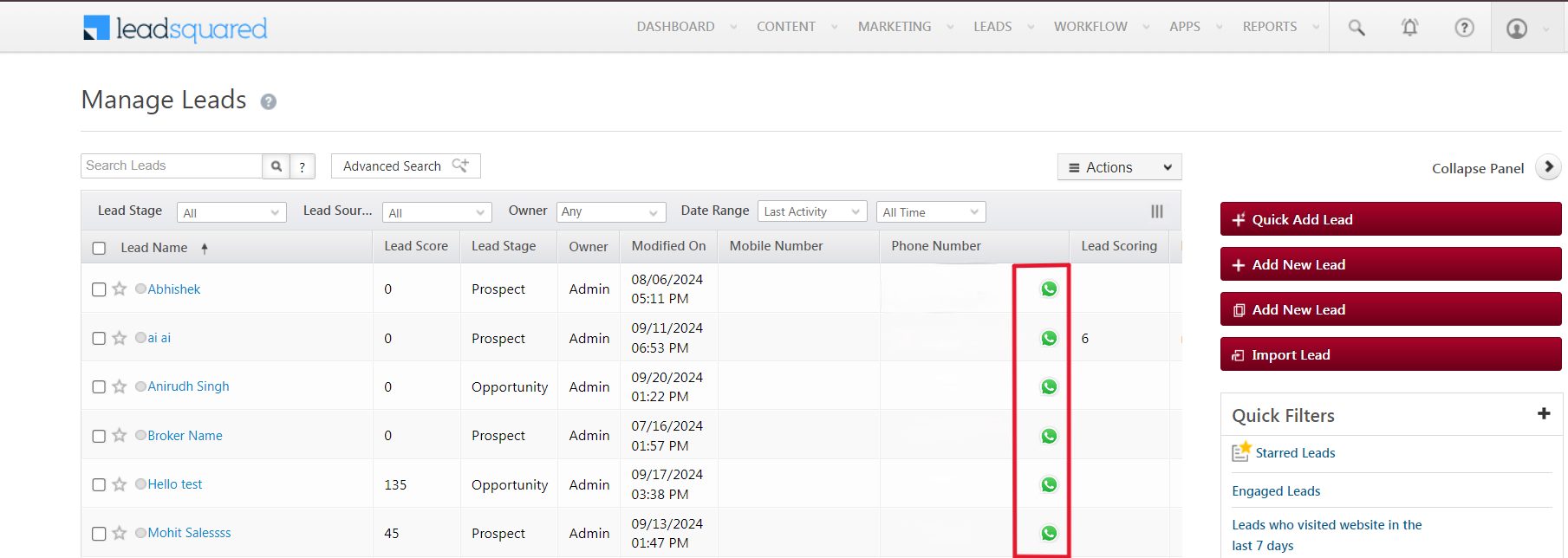
EazyBe provides this button on LeadSquared, enabling you to instantly return to the WhatsApp conversation of the corresponding LeadSquared lead.Button Locations
The “Go Back to WhatsApp” button is available in:- Manage Leads Page: Located in the Phone Number column
- Individual Lead’s Page: Accessible directly on the LeadSquared lead profile