Method A: Via WhatsApp Extension
1
Open Integrations
Click on the Integrations icon in your WhatsApp Web interface.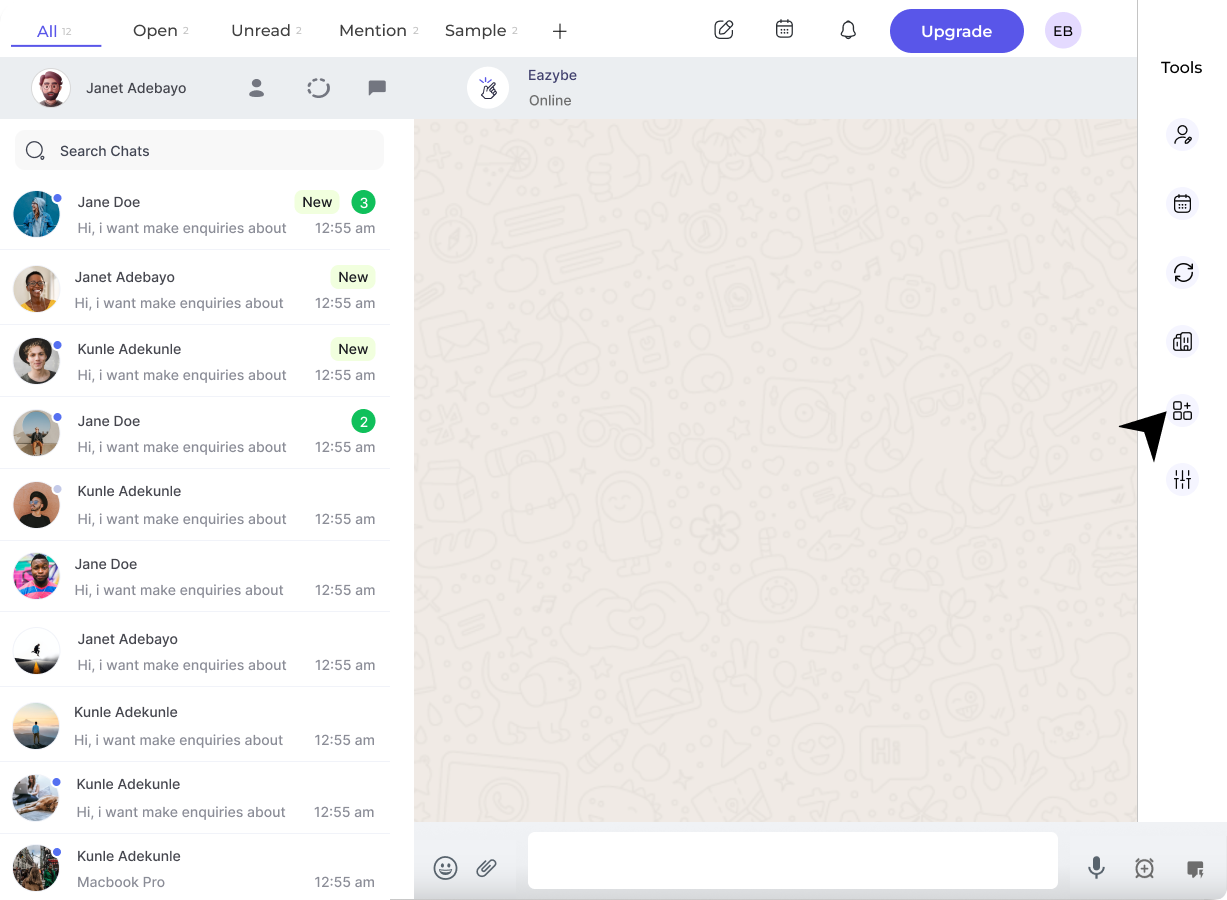
2
Locate LeadSquared Section
Find the LeadSquared section and click the Disconnect button.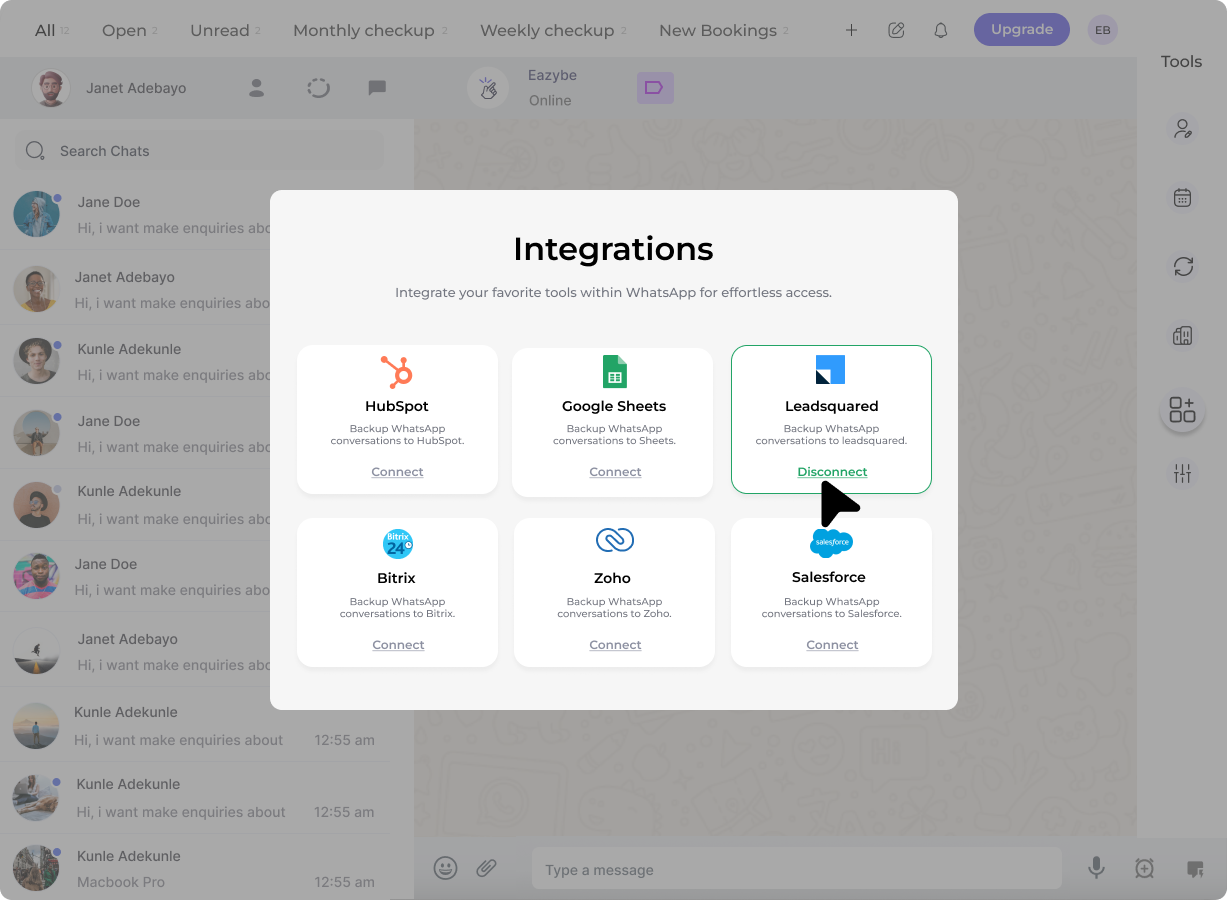
3
Confirm Disconnection
A confirmation pop-up will appear. Click Confirm to complete the disconnection.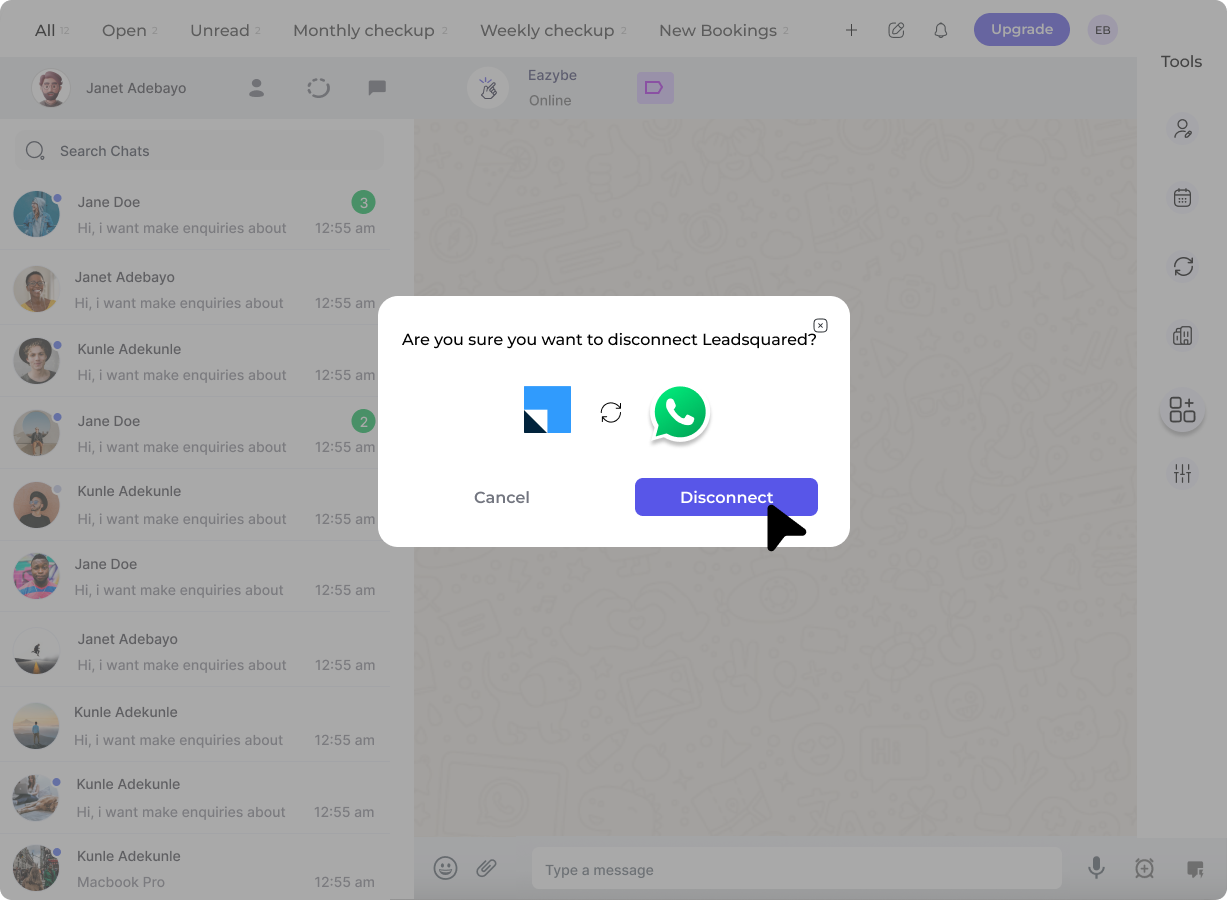
Method B: Via EazyBe Workspace
1
Access Organisation Settings
Navigate to Organisation settings via the right sidebar in your EazyBe Workspace.
2
Open Integrations
Select Integrations from the left sidebar menu.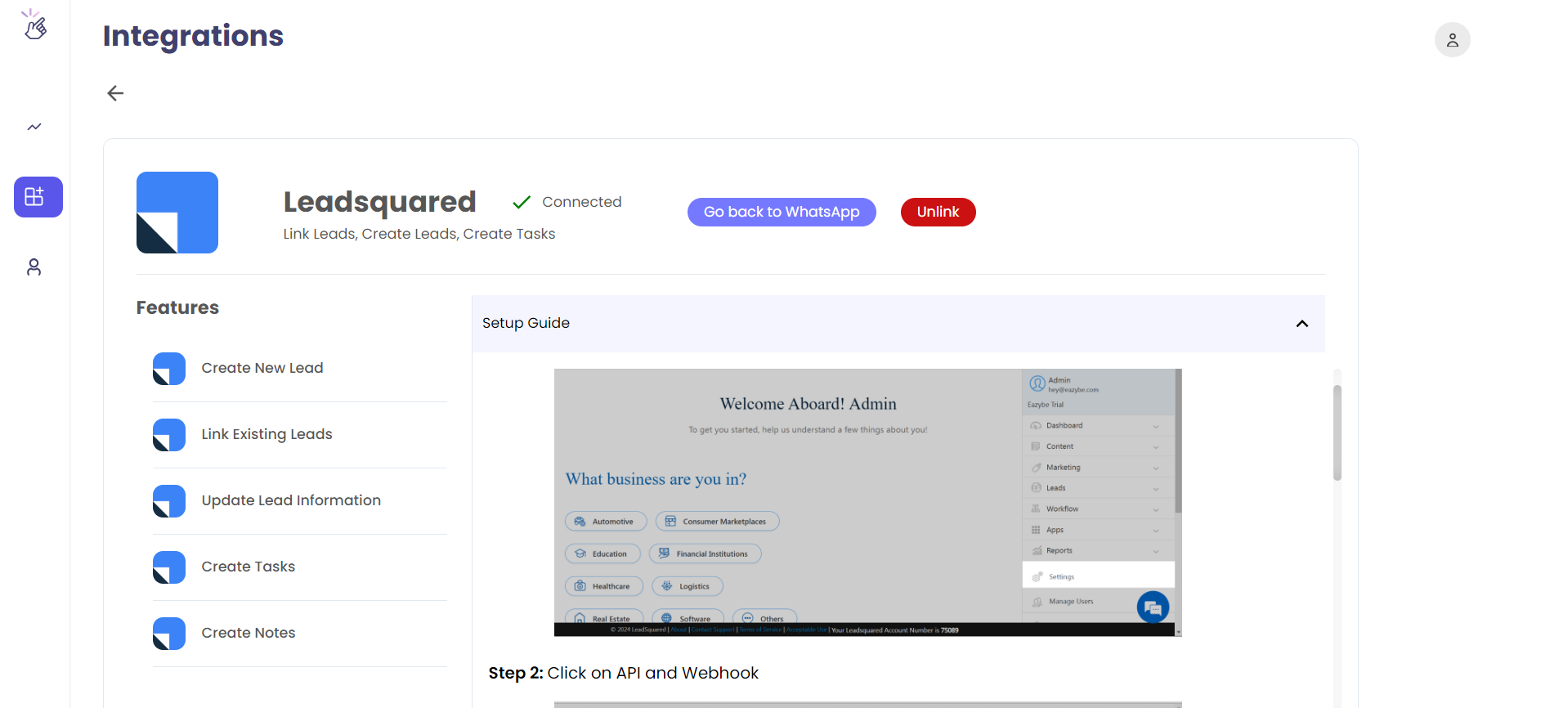
3
Configure LeadSquared
Click Configure under the LeadSquared CRM integration section.
4
Unlink LeadSquared
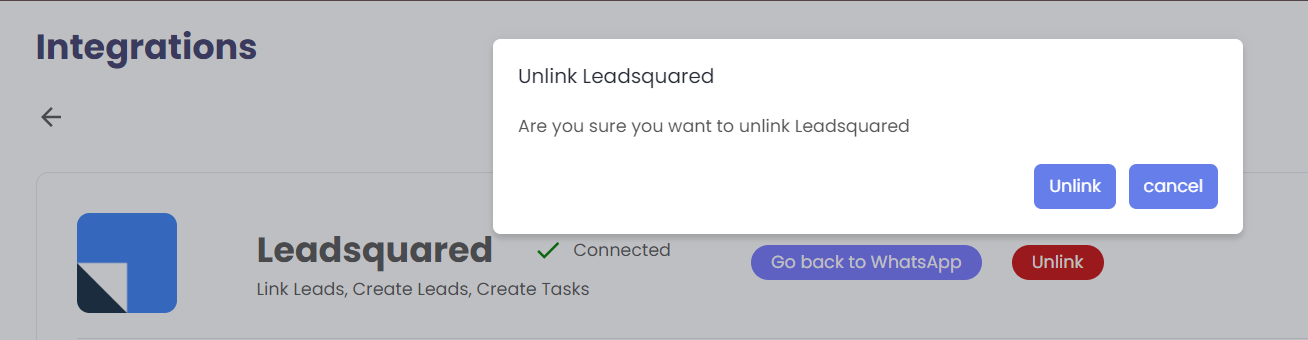
Click the red Unlink LeadSquared button and confirm the disconnection.