Go to Zoho Button
The Go to Zoho button provides quick access to your Zoho account directly from WhatsApp.1
Locate the Go to Zoho Button
The button appears beside the contact or lead name at the top of the EazyBe panel, or within the Profile Section.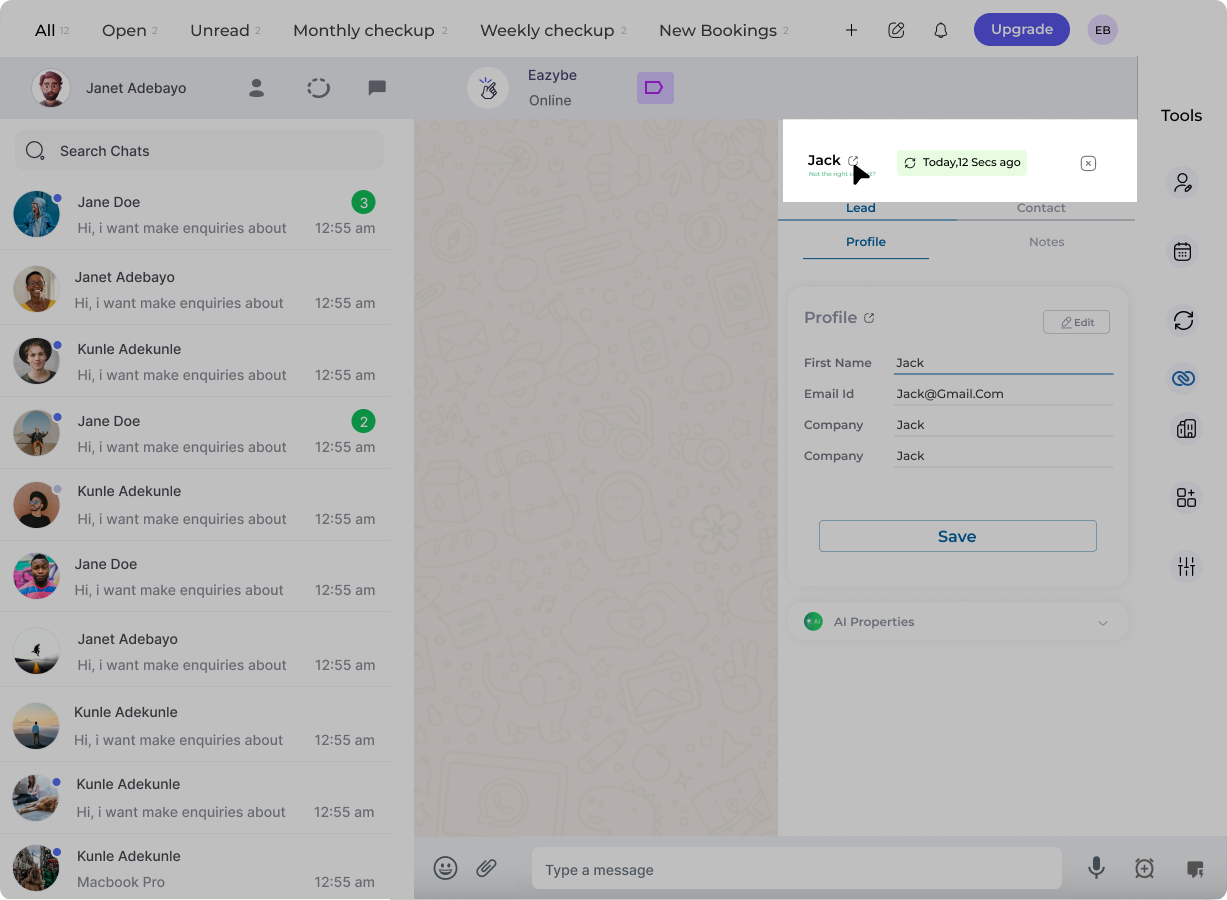
2
Click to Navigate
Click the button to jump directly to the corresponding contact or lead page in Zoho CRM. This allows you to view full CRM details without manually searching for the record.
This feature helps you quickly access detailed CRM information while managing WhatsApp conversations, improving your workflow efficiency.
Go Back to WhatsApp Button
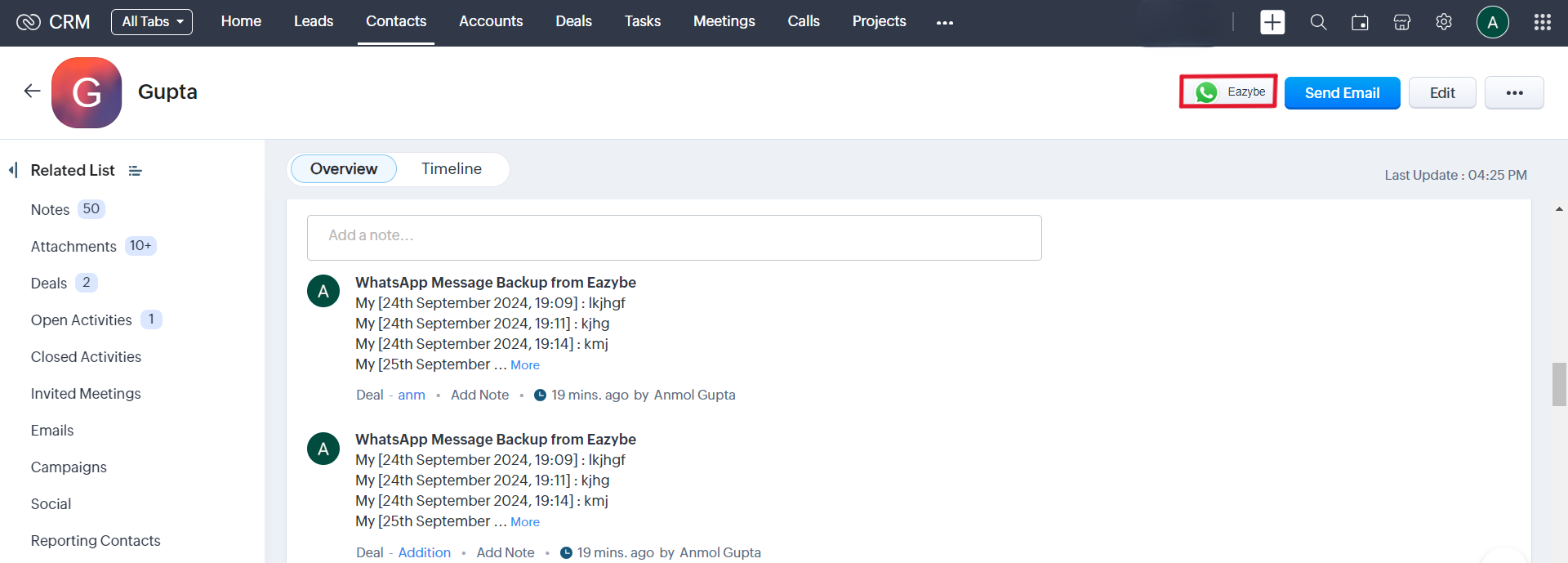
EazyBe also provides a complementary button on Zoho that instantly returns you to the WhatsApp conversation.1
Find the WhatsApp Button in Zoho
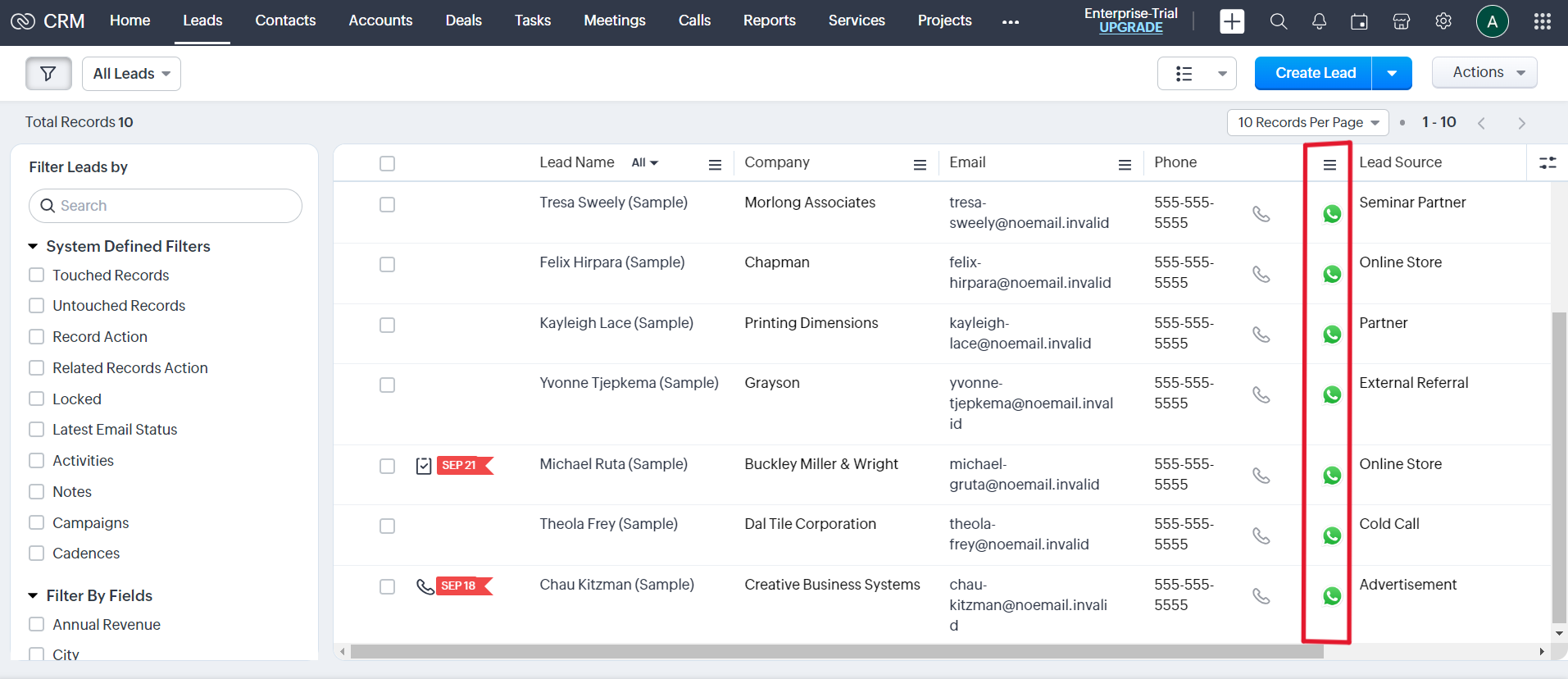
The Go to WhatsApp button displays consistently across:
- Contact pages
- Lead pages
-
Phone column in Leads, Accounts, and Contacts modules
2
Return to WhatsApp
Click the button to instantly return to the WhatsApp conversation of the corresponding Zoho Lead or Contact.