

How Can I Confirm That the Integration Was Successful?
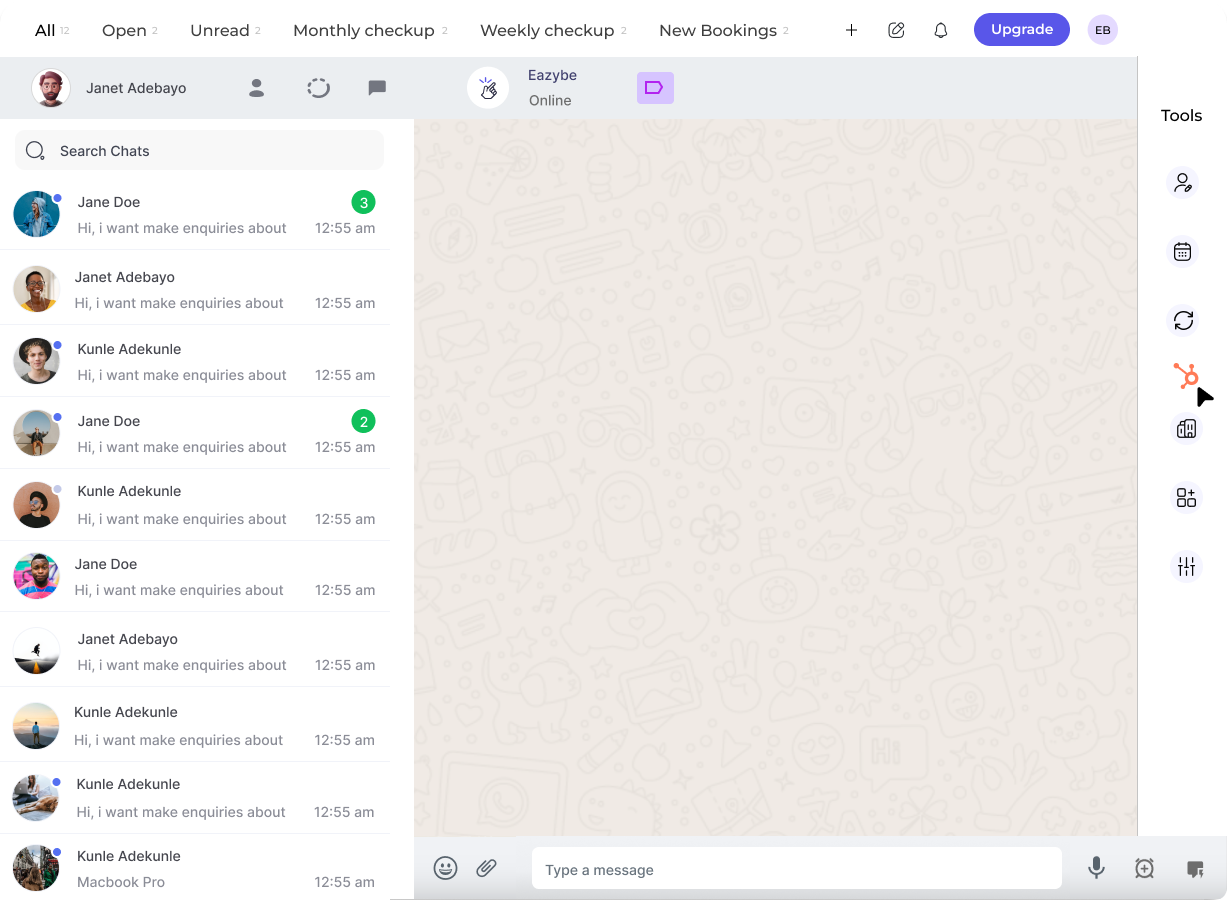
After completing the HubSpot integration process with the Eazybe WhatsApp extension, you will be automatically redirected to WhatsApp Web.The HubSpot icon will appear in the right sidebar of your WhatsApp Web interface. This icon confirms that your integration was completed successfully.
What to Look For
1
Complete the Integration
Follow the HubSpot connection steps in the Eazybe extension.
2
Return to WhatsApp Web
After authorization, you’ll be redirected back to WhatsApp Web.
3
Check the Right Sidebar
Look for the HubSpot icon in the right sidebar of your WhatsApp Web interface. If you see it, your integration is complete!
Troubleshooting
Need Help?
If you’re still having issues, contact our support team at hey@eazybe.com