

Requirements
Active LeadSquared Account
Ensure your LeadSquared account is set up and functioning properly.
EazyBe Extension
The EazyBe WhatsApp extension must be installed and connected to WhatsApp Web.
Administrator Permissions
You need the necessary permissions from your administrator to connect LeadSquared to WhatsApp.
Verification Checklist
1
Verify LeadSquared Account
Log into your LeadSquared account and confirm it is active and functioning correctly.
2
Install EazyBe Extension
Ensure the EazyBe WhatsApp extension is properly installed in your browser and connected to WhatsApp Web.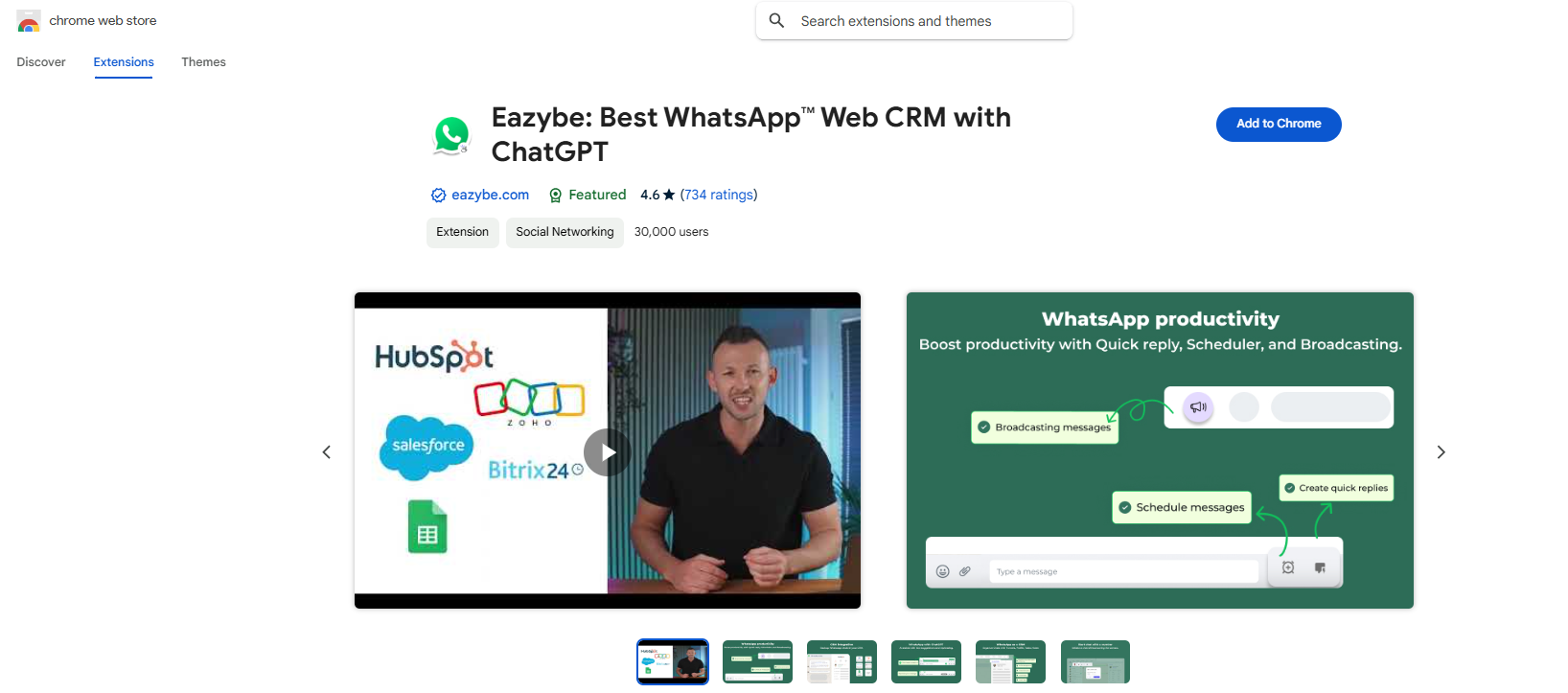
3
Confirm Admin Access
Verify that you have administrator permissions or have received approval from your administrator to proceed with the integration.
Once all prerequisites are met, you can proceed with the LeadSquared and WhatsApp integration setup.