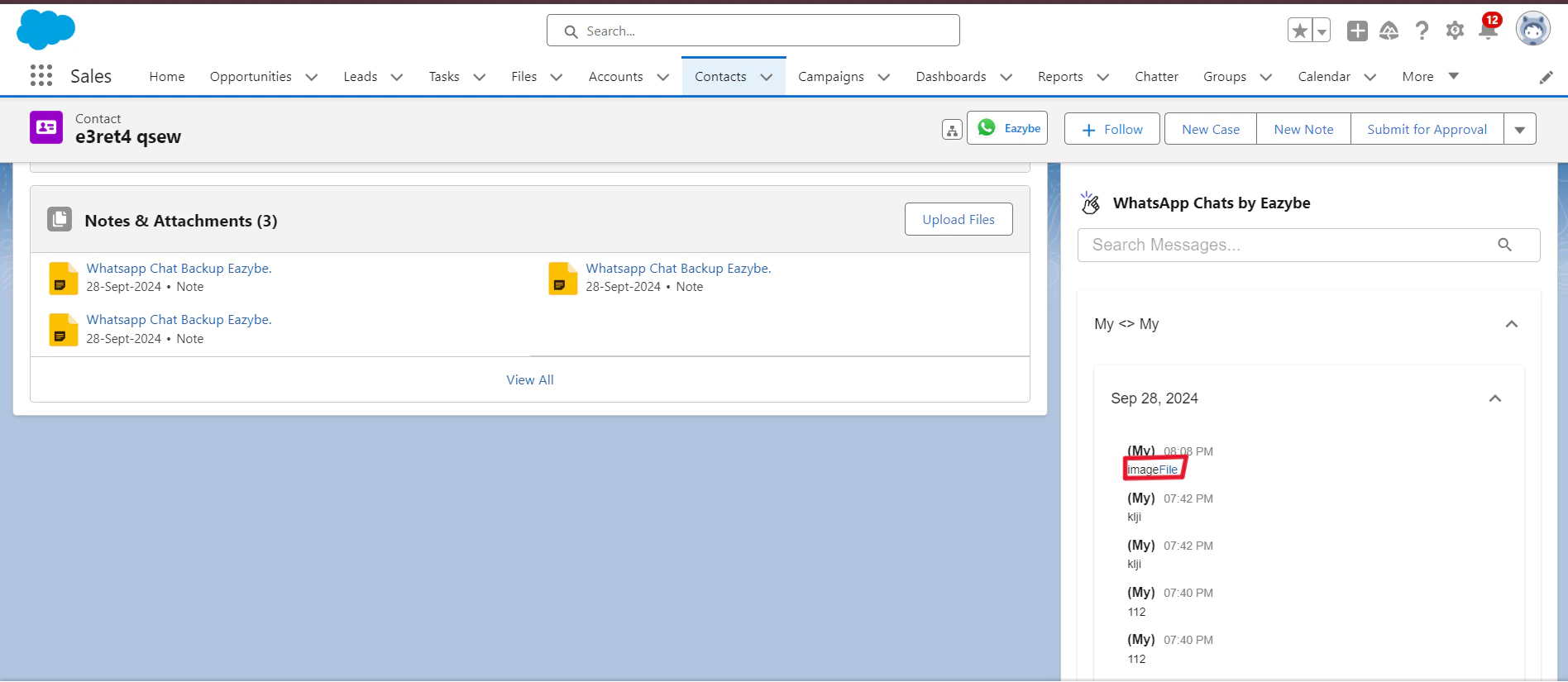
Automatic Synchronization
WhatsApp conversations with your Salesforce contacts or leads are automatically synced every 3 minutes.
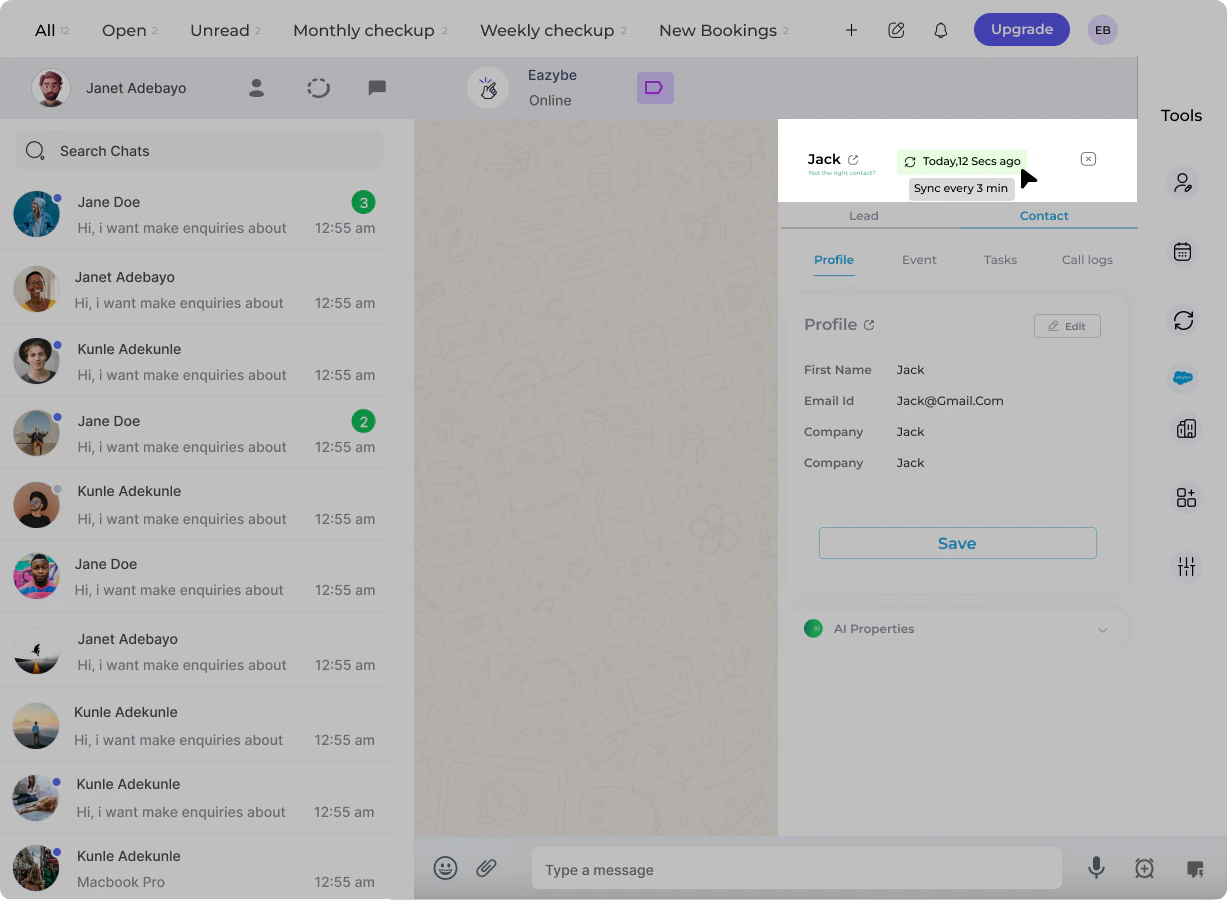
Initial Integration
When you first integrate Salesforce with EazyBe, the system automatically provides backup data spanning the past 3 days. This ensures you have recent conversation history available immediately.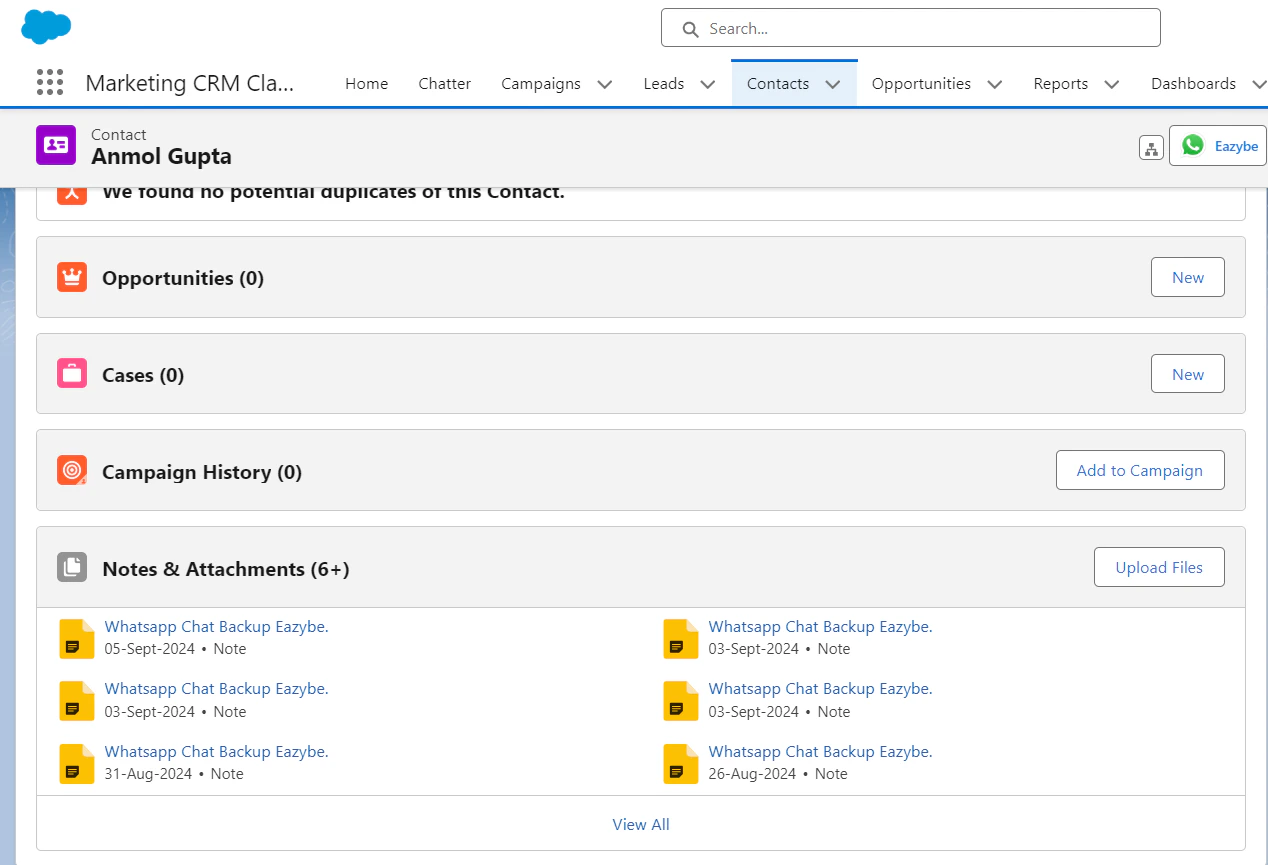
Activity Logging
WhatsApp chats are stored in two locations within Salesforce:1
Notes & Attachments Section
For Contacts, chats appear in the Notes & Attachments section of the contact record.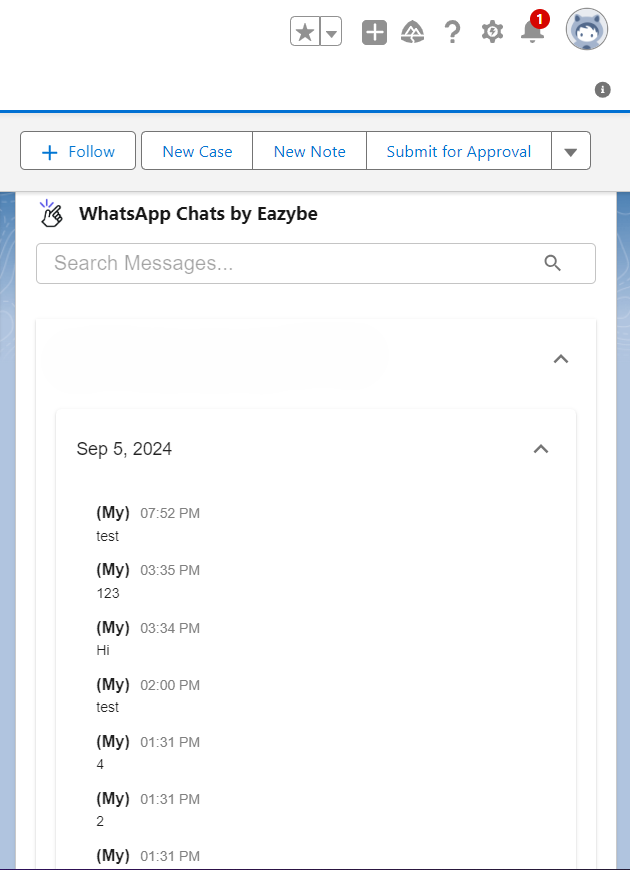
2
Custom Activity Object
A custom activity object called WhatsApp Chats by EazyBe stores all conversation data for both Contacts and Leads.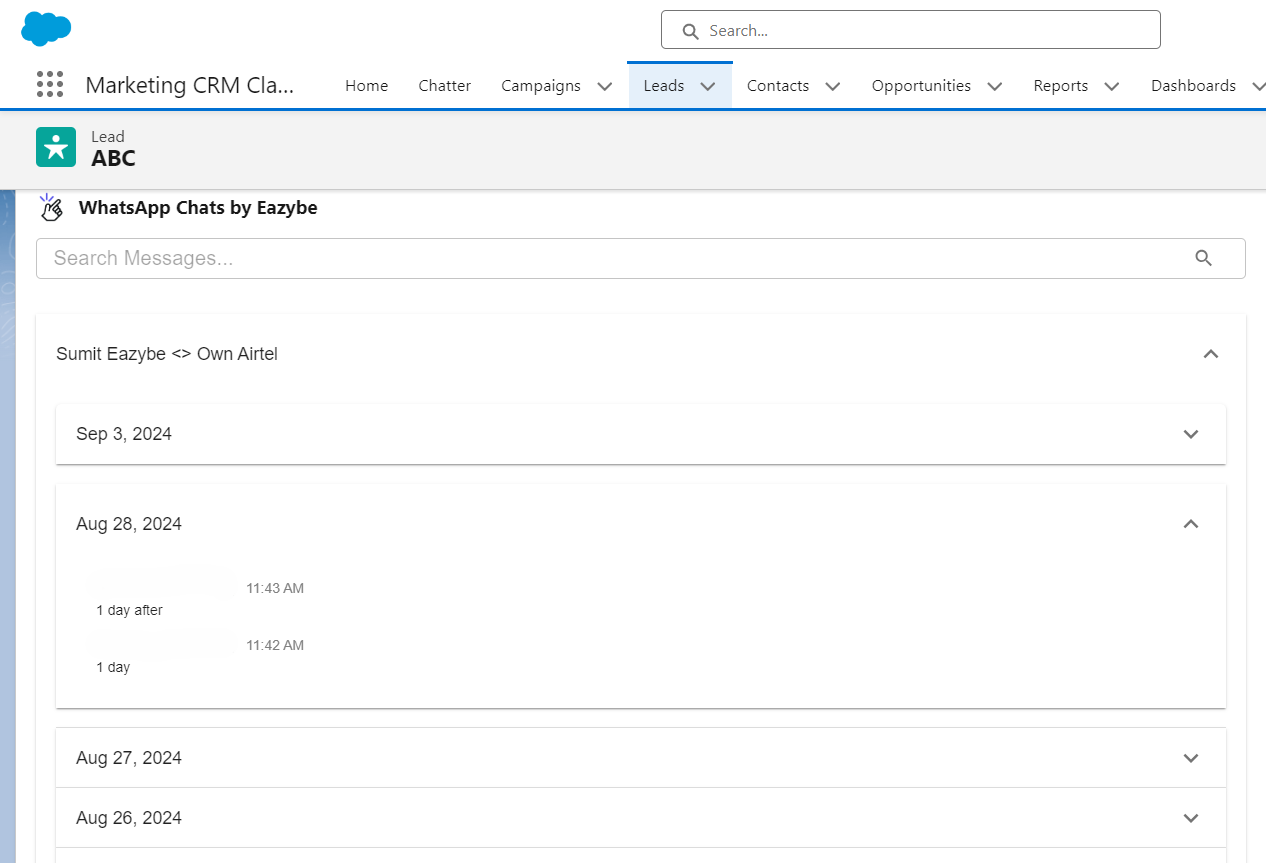
Attachments Backup