

How to Create Contact Deals
1
Open the WhatsApp Chat
Access the WhatsApp conversation with the Zoho Contact for whom you want to create a deal.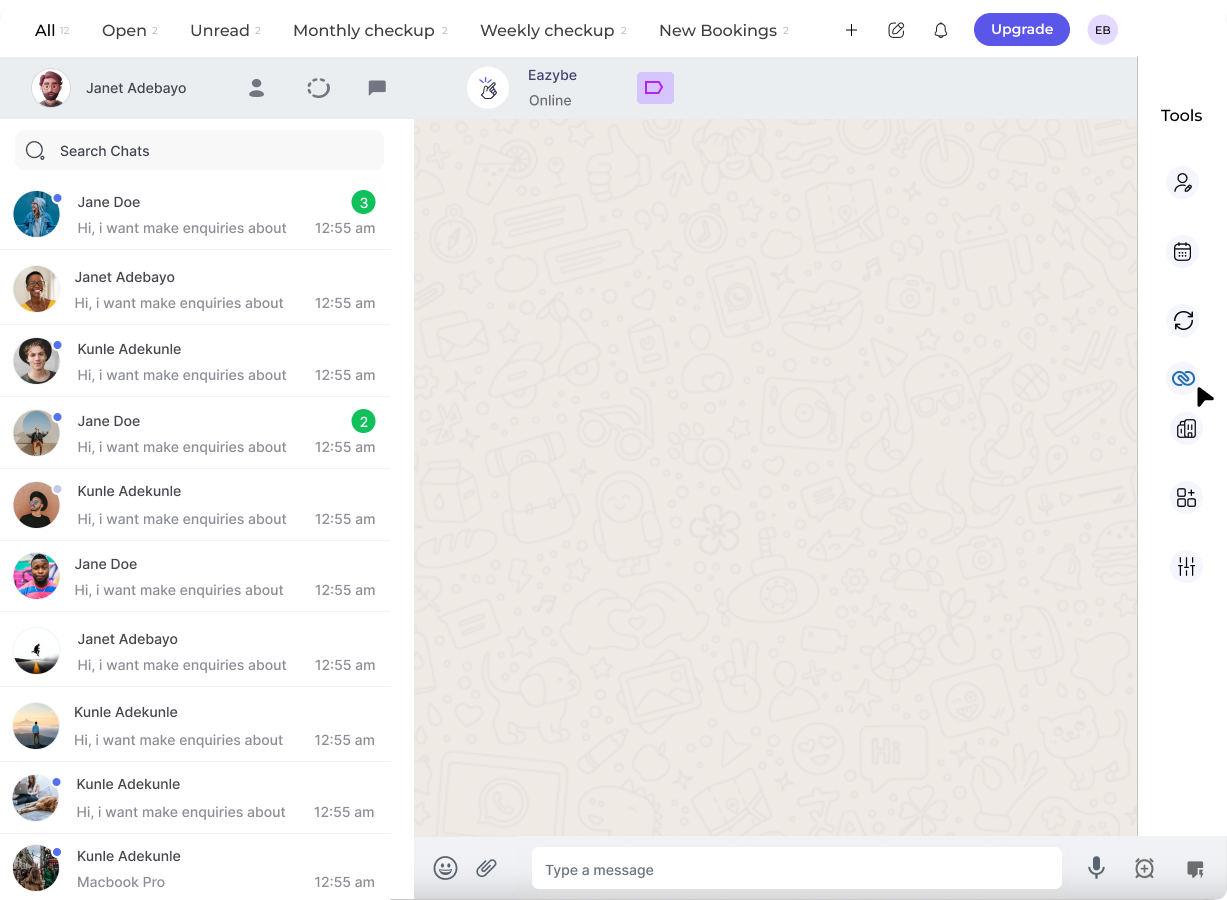
2
Click on the Zoho Icon
In the right sidebar of the EazyBe extension, locate and click on the Zoho icon to access your CRM features.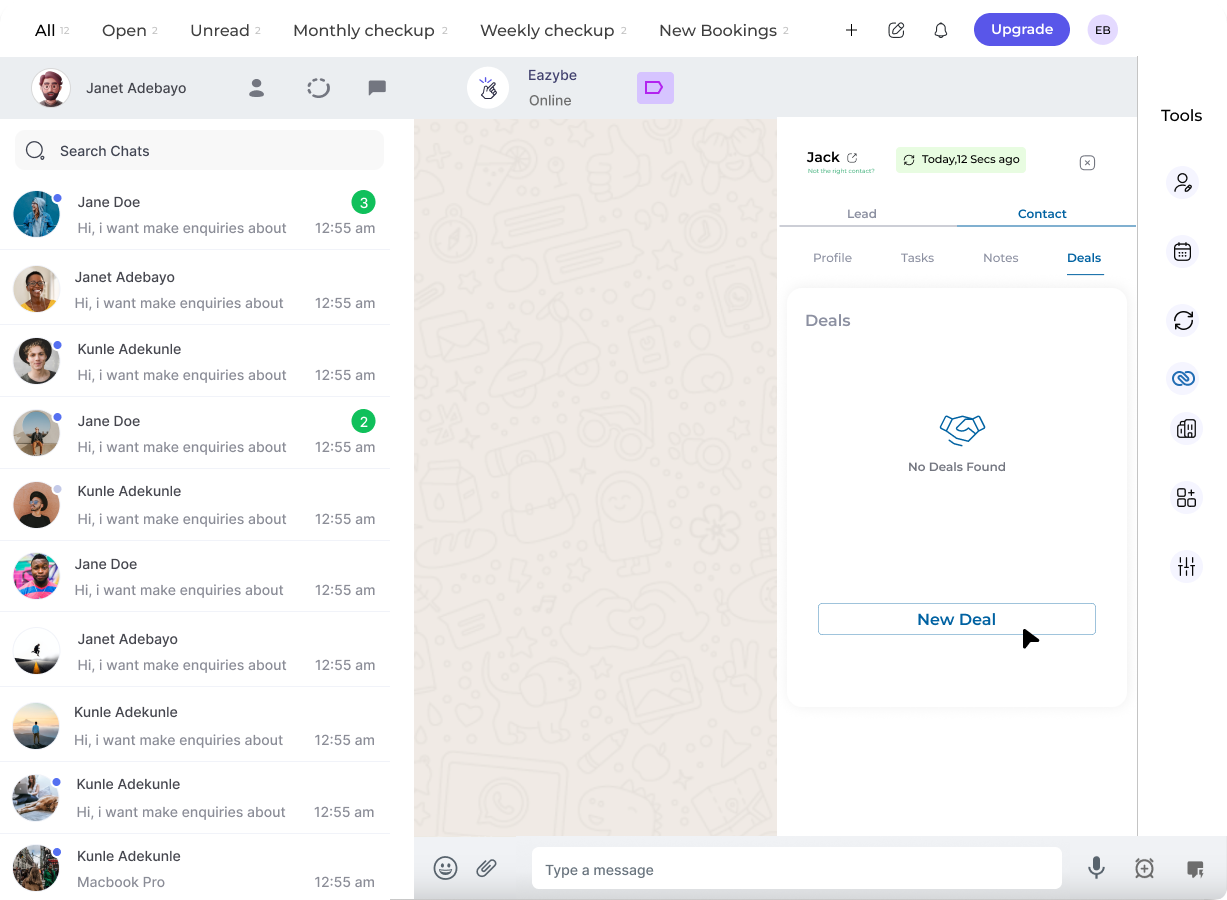
3
Access the Deals Section
Navigate to the Deals Section header under the Contact information area.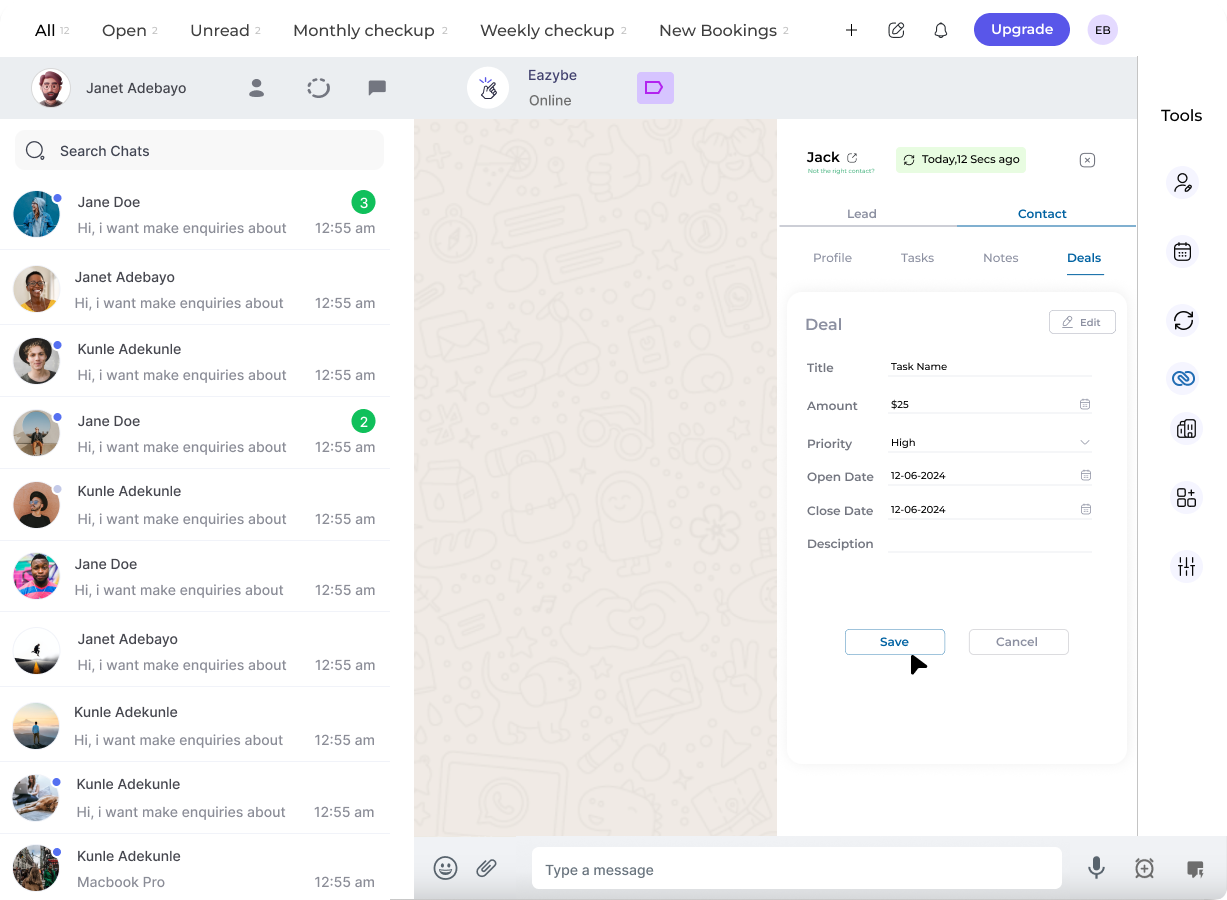
4
Create a New Deal
Click the New Deal button to initiate deal creation.
5
Fill in Deal Details and Save
Enter the required deal information. You can customize additional properties by clicking the Edit button, then save your deal.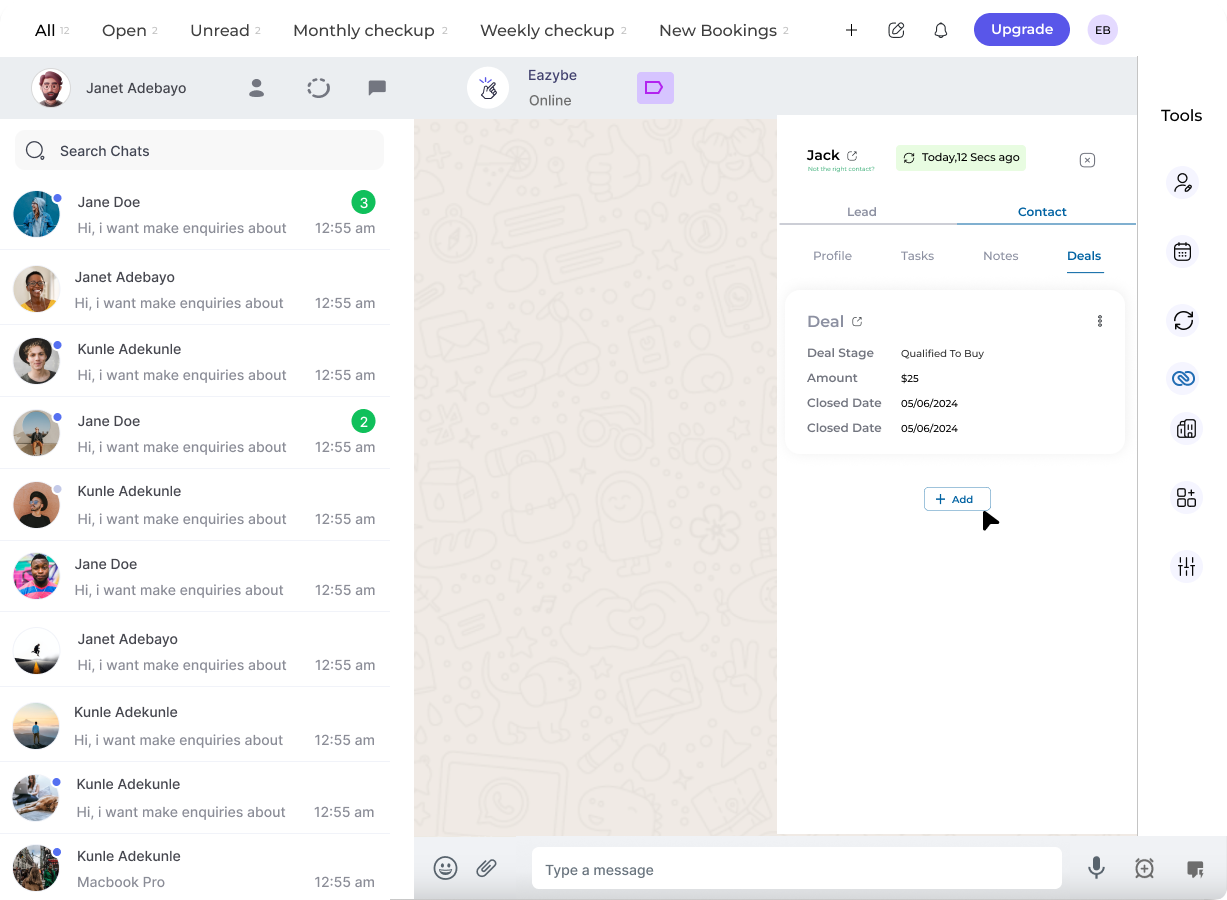
Managing Your Deals
Once created, you can perform the following actions on your deals:View
Access and review all saved deals for the contact
Edit
Modify existing deals to update information or deal stage
Delete
Remove deals that are closed or no longer relevant
Tracking deals for your contacts helps you maintain visibility into your sales pipeline and ensures no business opportunity is overlooked.