

Overview
The Zoho Mini-CRM View brings your Zoho CRM functionalities directly into your WhatsApp interface. This powerful integration allows you to manage leads, contacts, and deals without ever leaving your messaging conversations.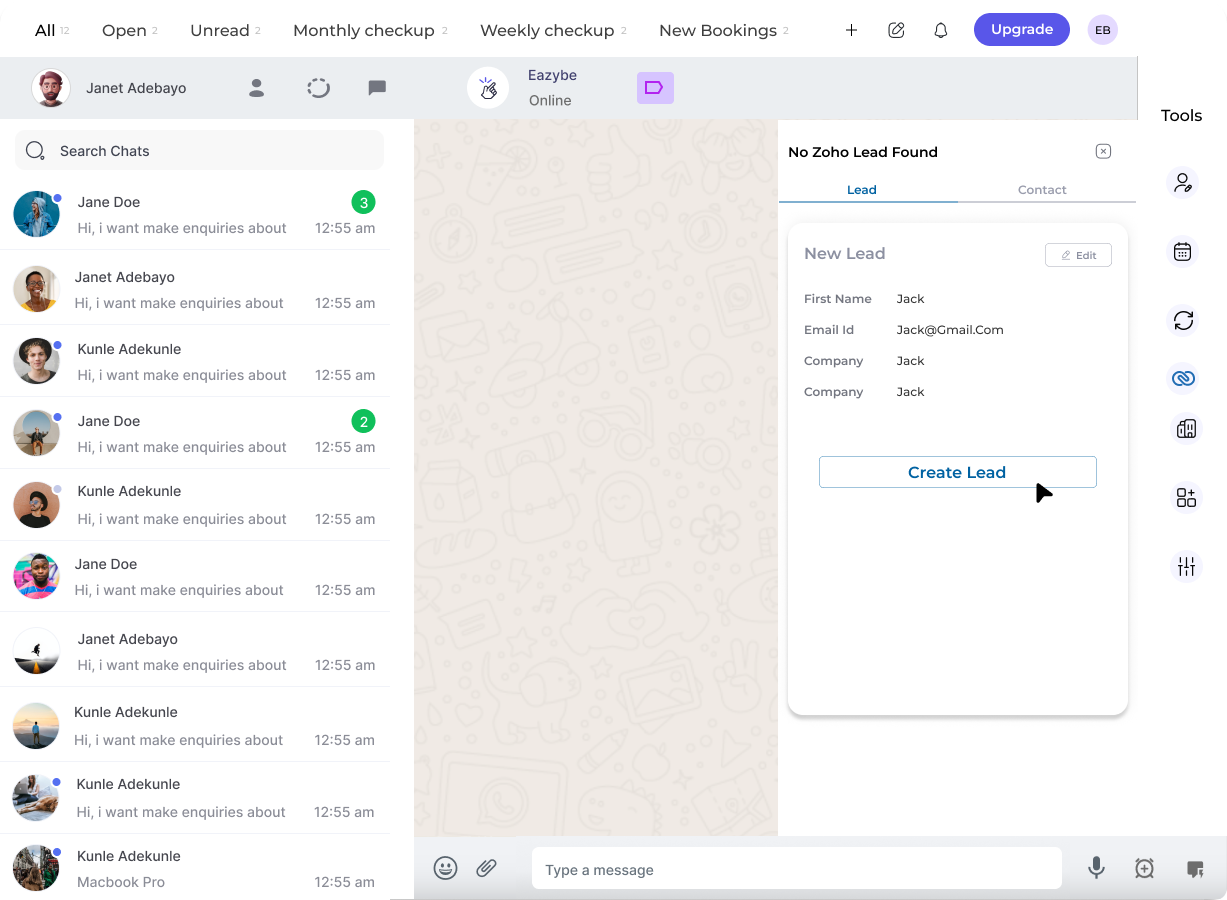
Key Capabilities
Lead Management
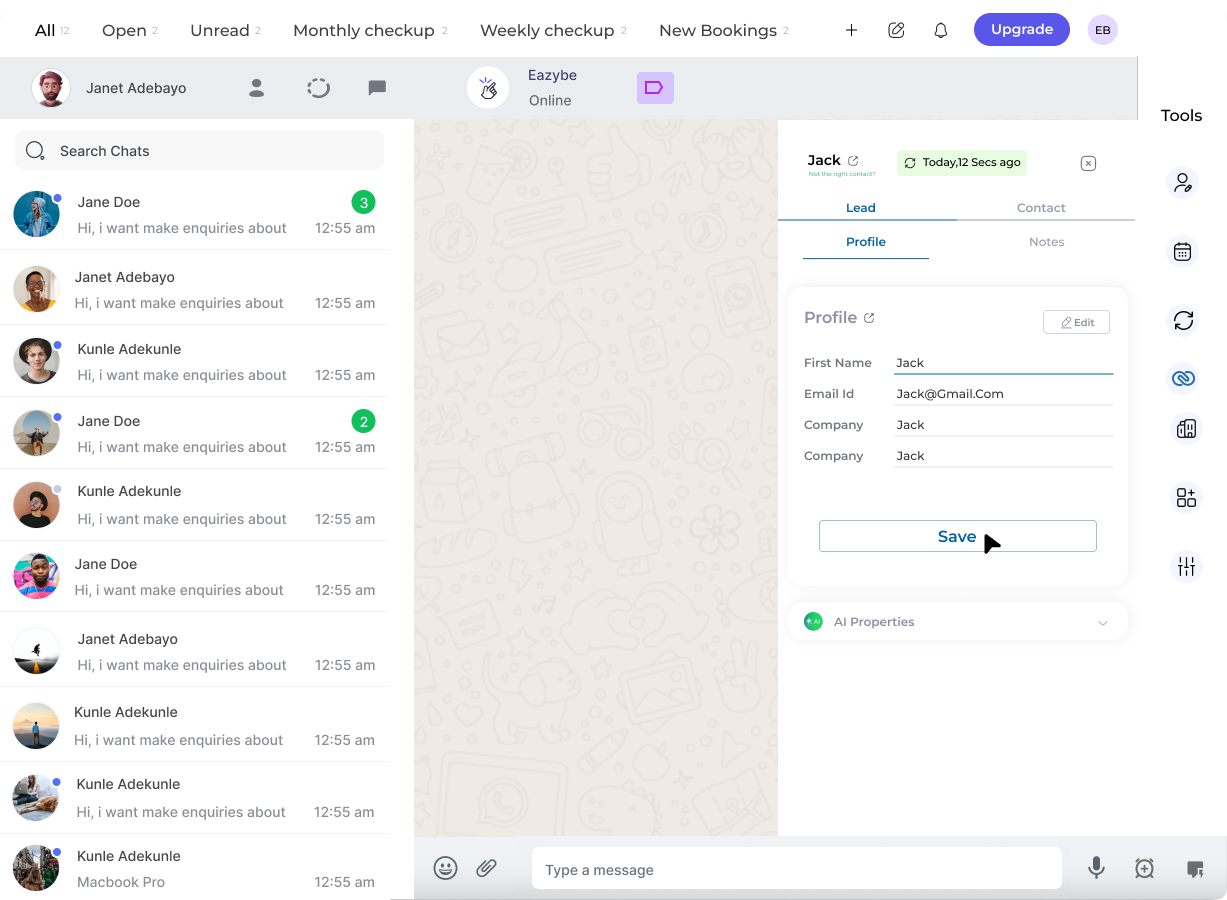
Create, view, and edit Zoho leads directly from WhatsApp chats
Contact Management
Create, view, and edit Zoho contacts with full profile access
Deal Tracking
Create and manage contact deals without switching applications
Task Assignment
Assign tasks to contacts and add notes to lead profiles
What You Can Do
With the Mini-CRM View, you can perform the following actions directly within WhatsApp:1
Manage Leads
Create and view Zoho leads from WhatsApp chats. Edit lead profiles and add notes to keep your information current.
2
Handle Contacts
Create, view, and edit Zoho contacts. Access full contact profiles and update information in real-time.
3
Assign Tasks
Assign tasks to contacts directly from the WhatsApp interface, ensuring follow-ups are never missed.
4
Manage Deals
Create and manage contact deals. Track deal progress without switching between applications.
Benefits
Related Features
Lead Profile
View and manage detailed lead information
Contact Management
Full contact profile access and editing
Deal Tracking
Manage deals and track progress