

Common Cause: Permission Issues
EazyBe requires specific permissions when integrating with Zoho. These permissions are crucial for storing WhatsApp conversations via the EazyBe WhatsApp Extension.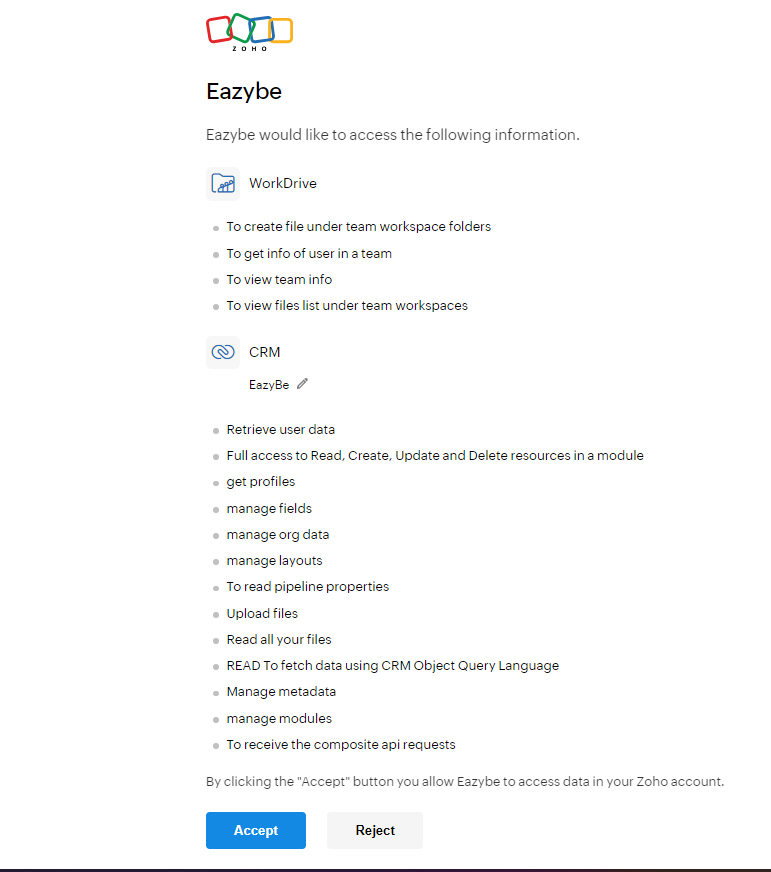
How to Fix the Sync Issue
1
Verify CRM Permissions
Ensure that you are part of an organization with CRM permissions access. Without these permissions, WhatsApp chats cannot be synced to Zoho.
2
Join or Create an Organization
If you are not already in an organization with the required permissions, you need to either:
- Join an existing organization that has CRM permissions
- Create a new organization to enable proper syncing of WhatsApp chats in Zoho
3
Re-grant Permissions
If permissions were denied during initial setup, disconnect and reconnect the integration to be prompted for permissions again. Make sure to accept all required permissions.
Organization-level CRM permissions are required for the sync to work properly. Individual user permissions may not be sufficient.