

Where to Find Your WhatsApp Chat Backups
1
Zoho Contact's Page
Each synced WhatsApp conversation appears in the Notes Section of the respective Zoho Contact’s page.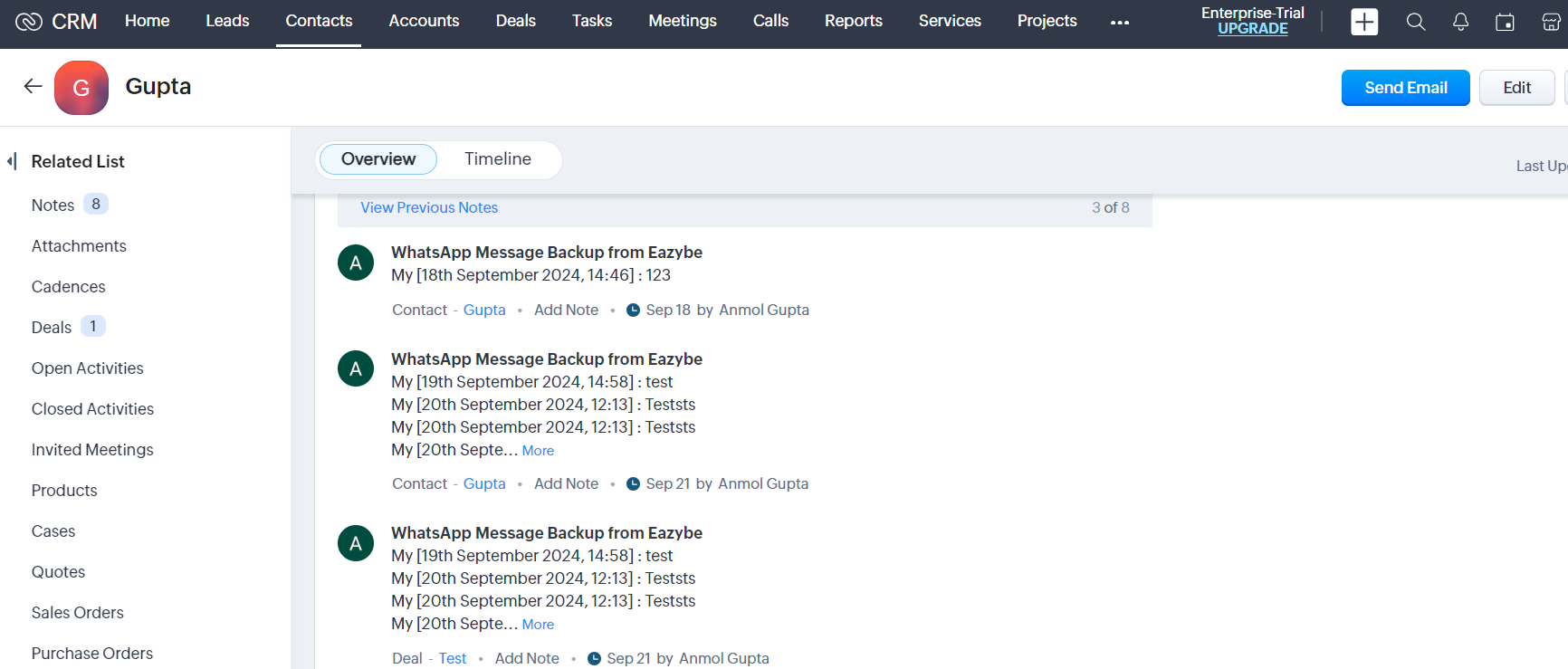
2
Zoho Lead's Page
Synced conversations also display in the Notes Section of respective lead records in Zoho CRM.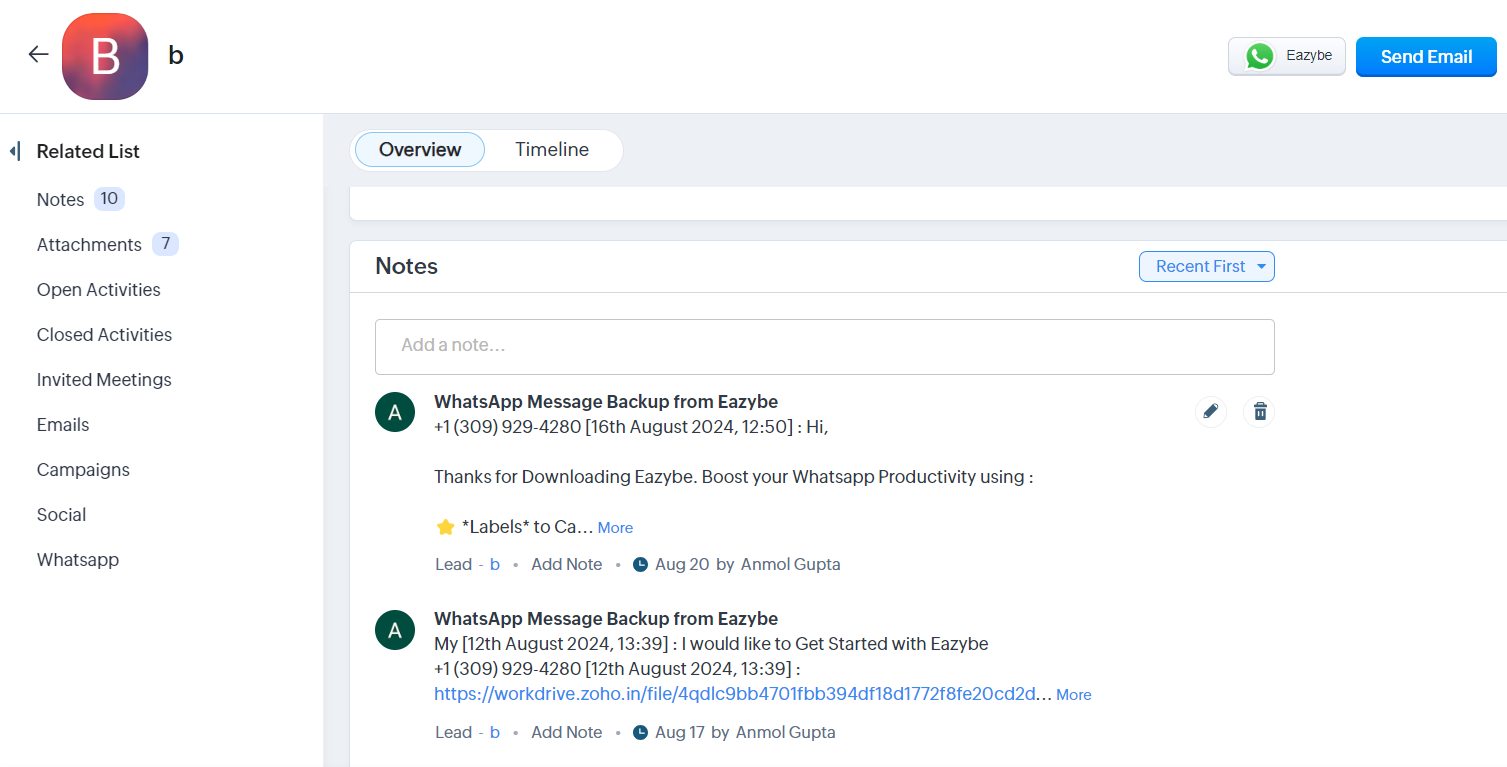
3
Zoho Deal's Page
Chats are automatically synced to the 5 latest deals associated with the respective Zoho Contact.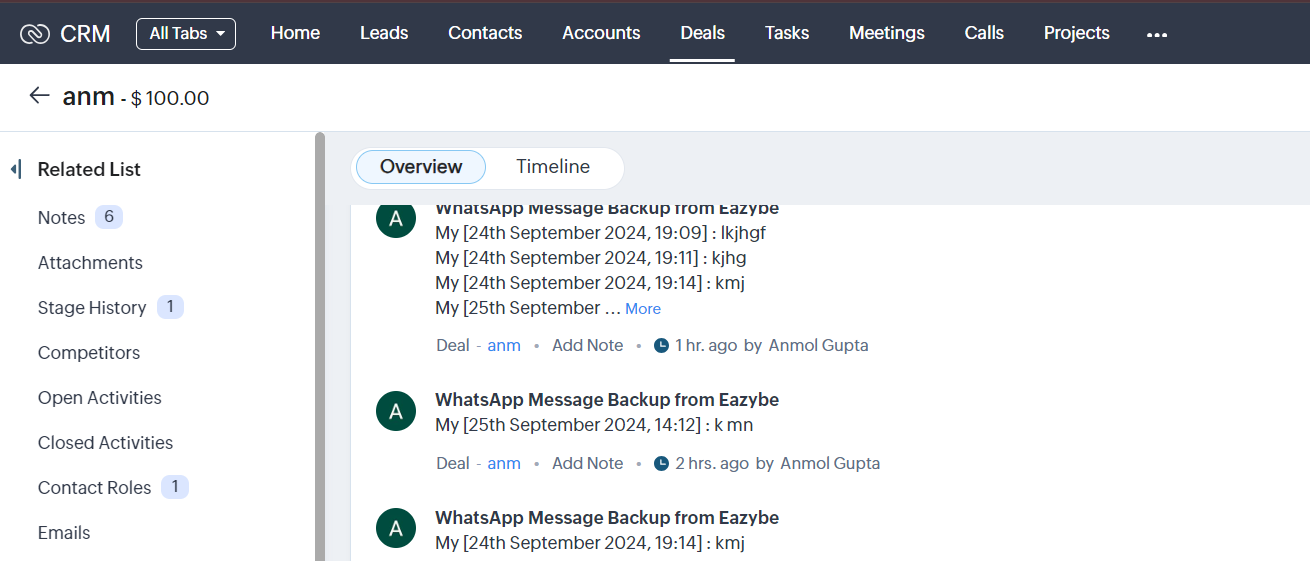
All WhatsApp conversations are stored as notes, allowing you to maintain a complete communication history within your CRM records.