Supported Attachment Types
Images
Photos and screenshots shared in conversations
Documents
PDFs, Word files, spreadsheets, and other documents
Audio Files
Voice messages and audio recordings
Videos
Video clips shared in WhatsApp conversations
Additional file types shared through WhatsApp are also supported for backup.
Where Attachments Are Stored
Attachments are stored in two sections within Zoho Leads and Contacts pages:Notes Section
A link is generated for each attachment, allowing easy access to the file directly from the notes.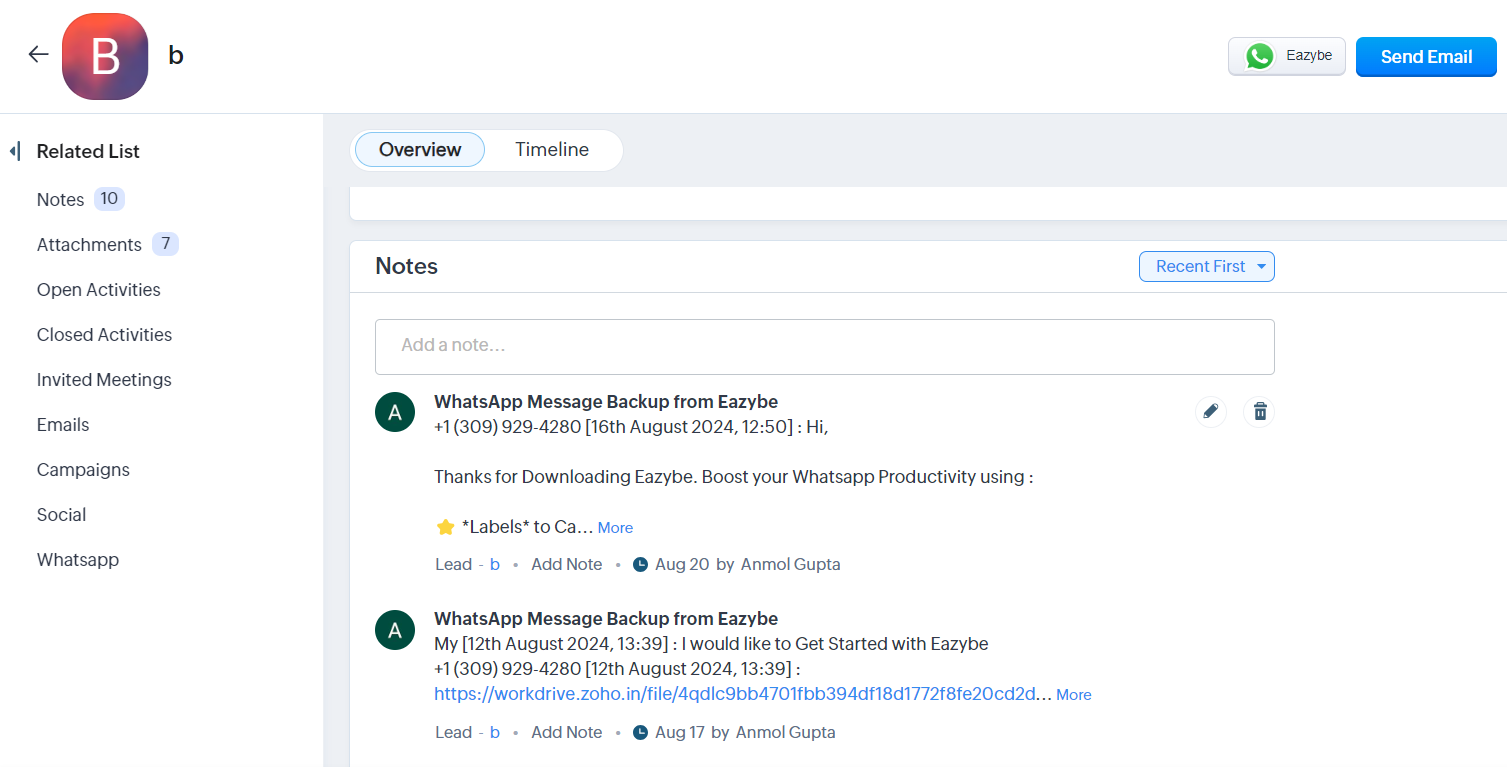
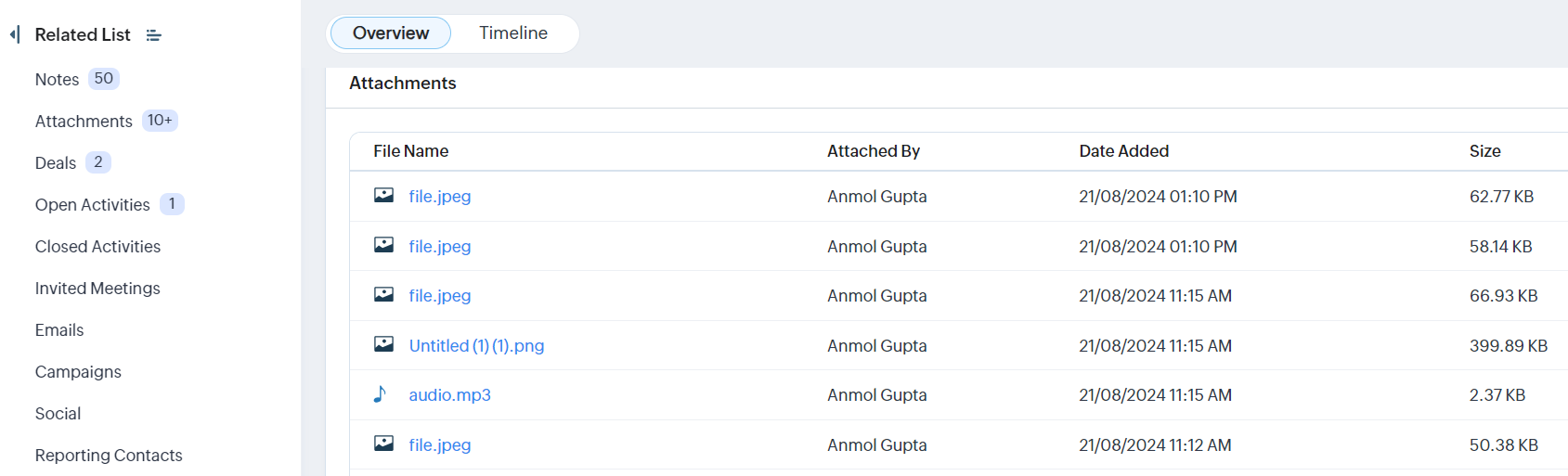
Attachments Section
Files are organized in a tabular format displaying:- File Name
- Attached By
- Date Added
- Size