

How to Check Last Sync Time
1
Sign into EazyBe Workspace
Log into your EazyBe Workspace using your administrator credentials.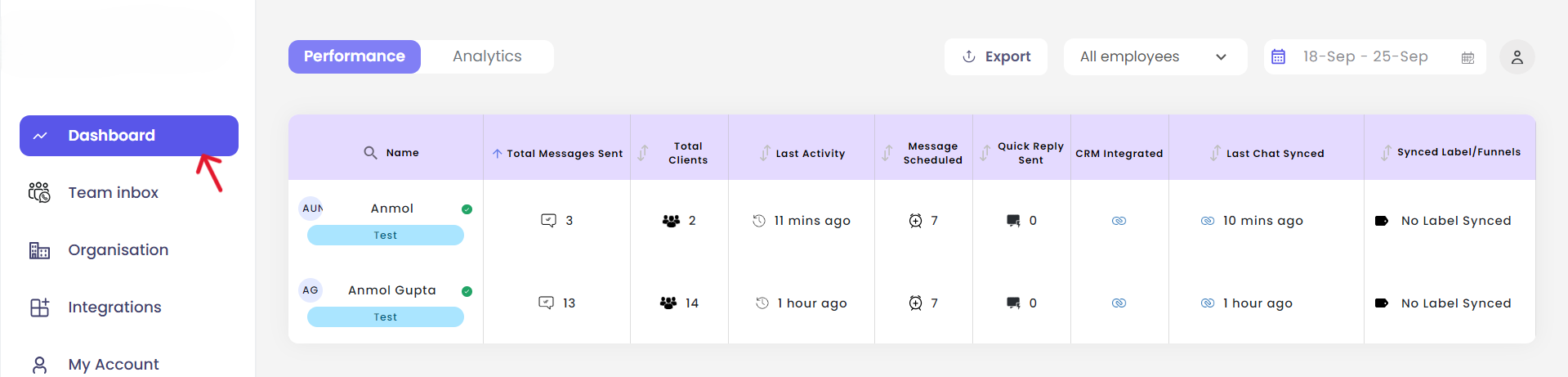
2
Navigate to the Dashboard
Once logged in, navigate to the Dashboard section from the main menu.
3
View Last Chat Synced
Locate the “Last Chat Synced” column in the dashboard to view synchronization times for all team members.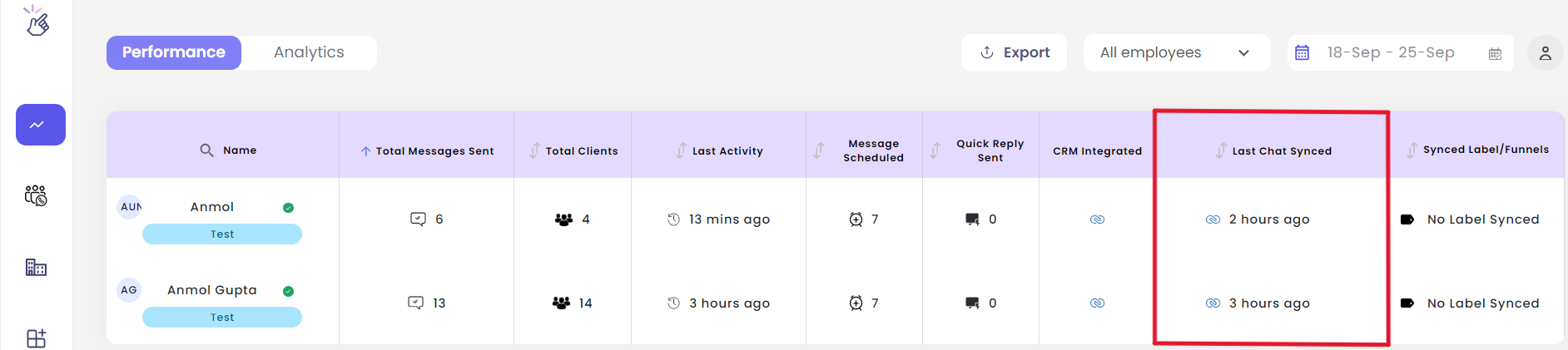
The “Last Chat Synced” column shows the timestamp of the most recent WhatsApp chat synchronization for each team member connected to Zoho.