

Viewing Connected Team Members
1
Log into EazyBe Workspace
Access the EazyBe Workspace using your administrator credentials.
2
Navigate to Dashboard
Go to the Dashboard section where complete information on your team’s Zoho usage is displayed.
3
Check CRM Integrated Column
Look for the CRM integrated column in the dashboard table. Team members who have connected their Zoho accounts will display a Zoho icon in this column.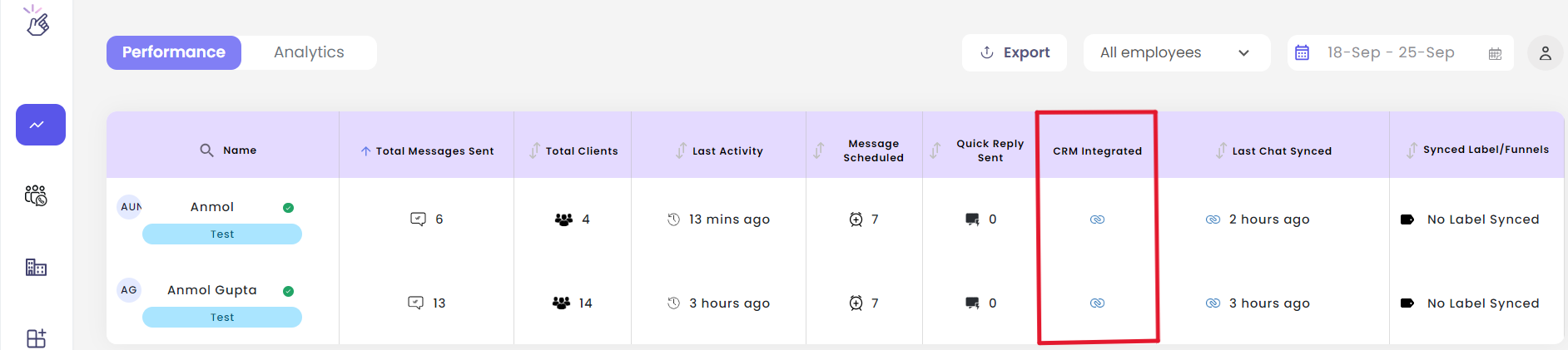
The dashboard provides a comprehensive overview of all team members and their Zoho connection status, making it easy to track who has completed the integration setup.