Check Your Account
1
Verify Account Type
Ensure you have either a Salesforce Developer Account or Salesforce Professional Edition.
2
Verify Subscription Status
Make sure both your Salesforce and Eazybe accounts maintain active standing.
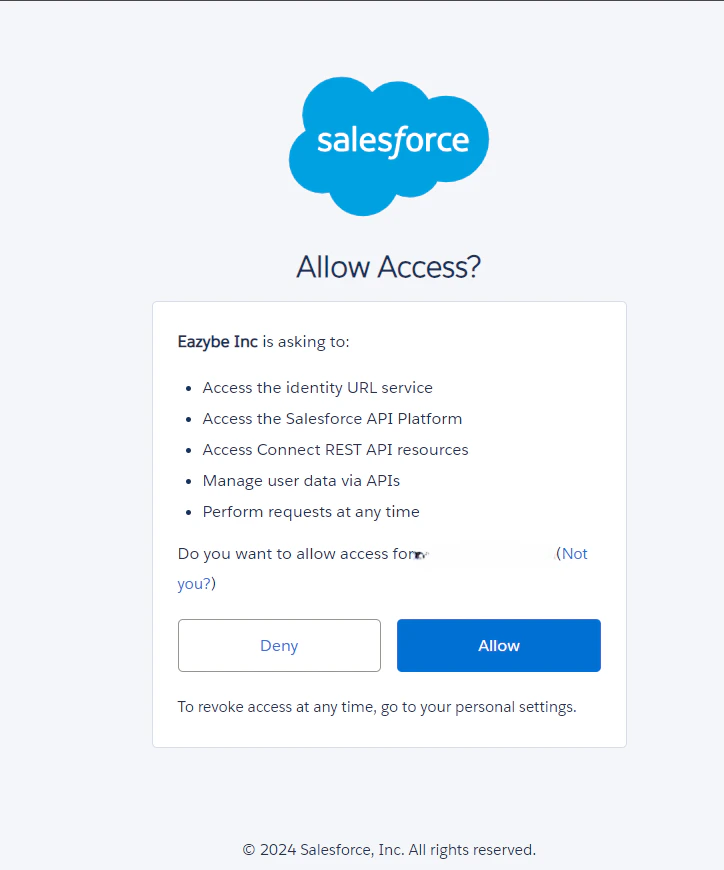
Grant Access
Eazybe asks for specific permissions when integrating with Salesforce. Ensure that these permissions are granted, as they are crucial for storing WhatsApp conversations via the Eazybe WhatsApp Extension.