How to Check Last Sync Time
1
Log in to Eazybe Workspace
Admin should log in to the Eazybe Workspace using their credentials.
2
Navigate to Dashboard
Click on the Dashboard button.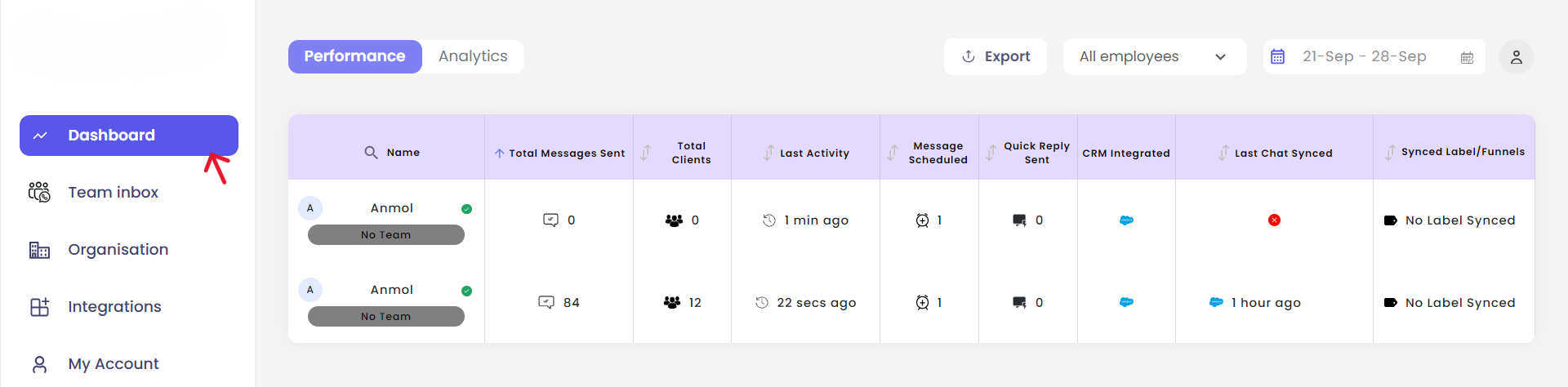
3
View Last Sync Time
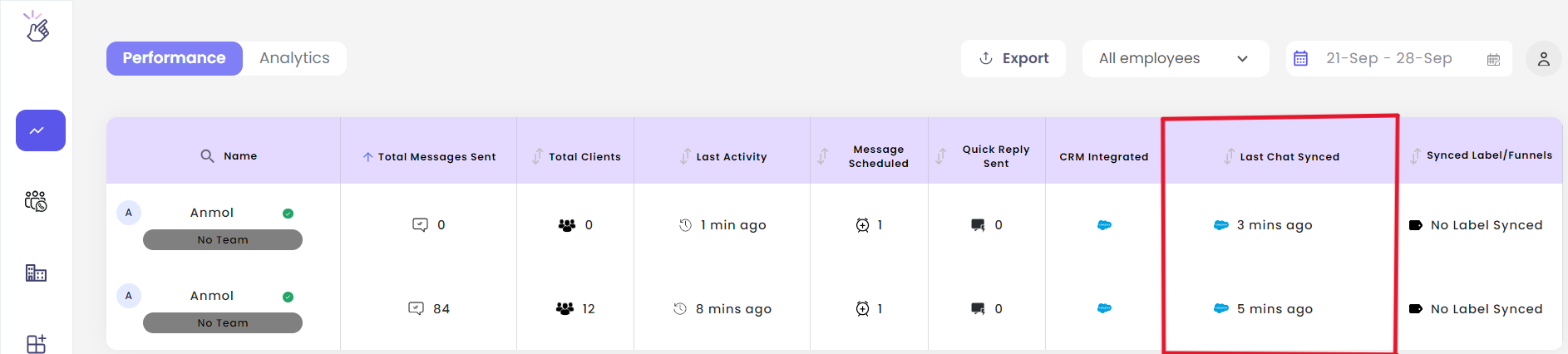
In the Last Chat Synced column, you will see the last sync time of the Salesforce chats for all your employees.