

How to Verify Successful Integration
1
Check the Right Sidebar
After the integration process completes, look for the Salesforce icon in the right sidebar of your WhatsApp interface.
2
Confirm the Icon is Visible
If you can see the Salesforce icon, it indicates that the integration has been successfully completed.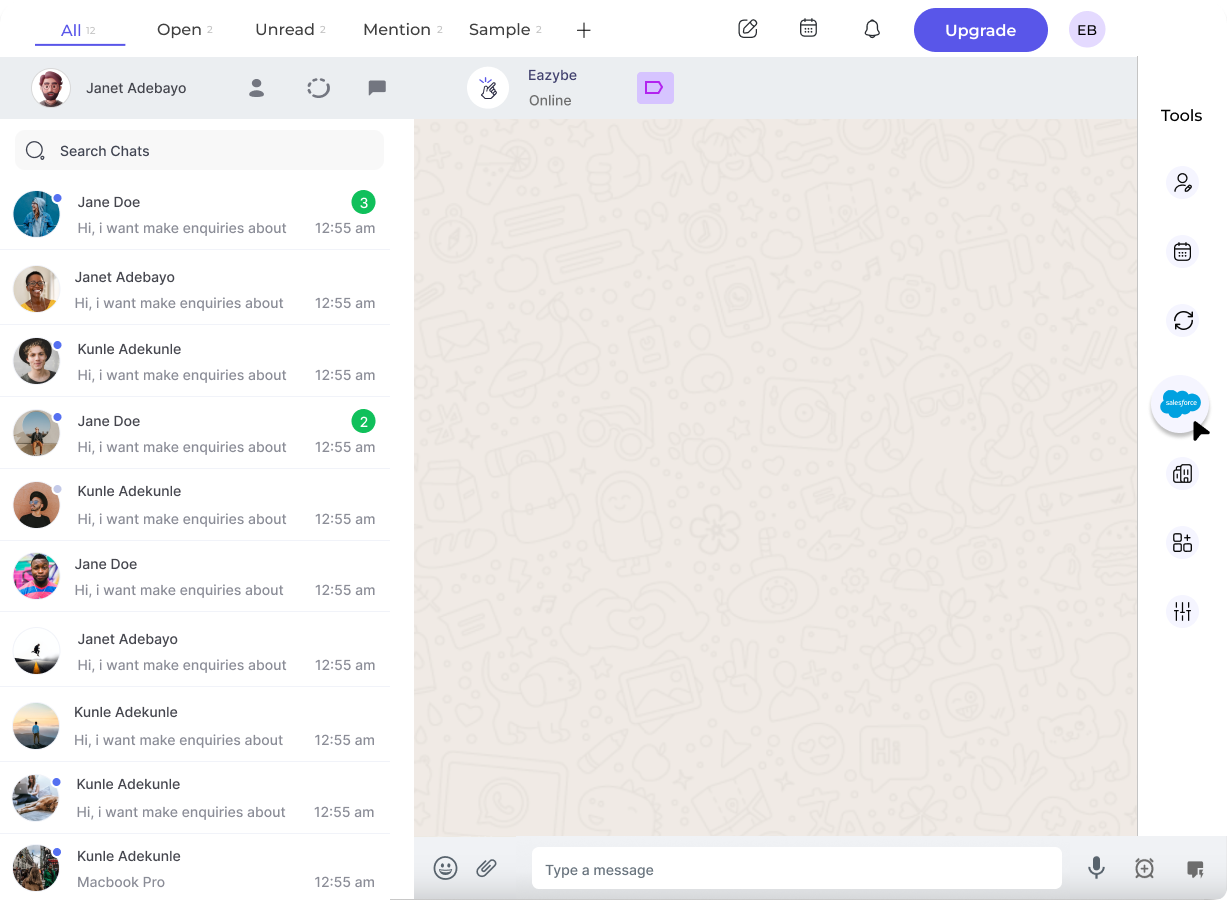
Success Indicator: The presence of the Salesforce icon in your right sidebar confirms that Eazybe is properly connected to your Salesforce account.