

Steps to Disconnect
1
Access Integration Settings
Click on the Integration button in the EazyBe panel.
2
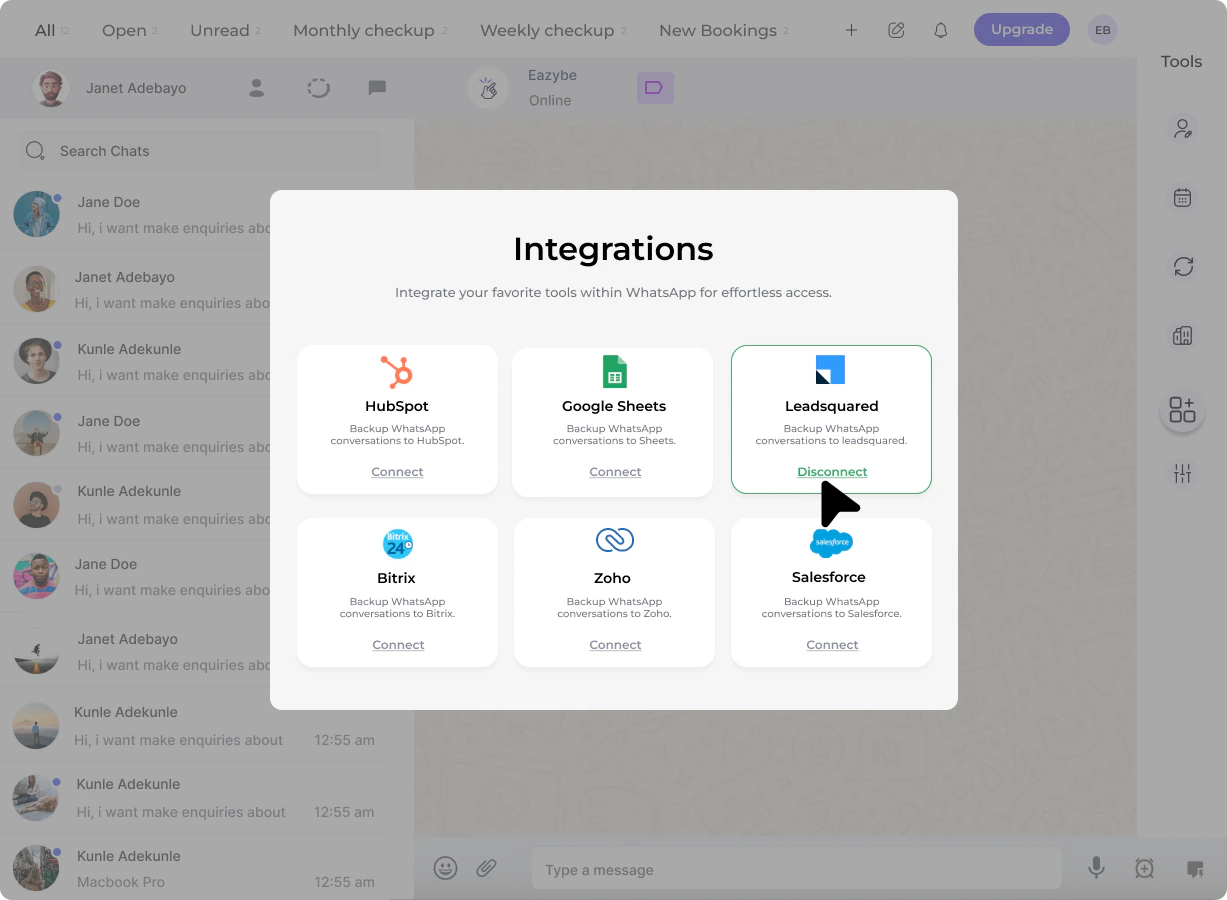
Initiate Disconnect
Click the Disconnect button to begin the disconnection process.
3
Confirm Action
You will be prompted to confirm the action. Click Confirm to complete the disconnection.
For more detailed information about the disconnection process, see the Disconnect LeadSquared Integration guide.