

Checking Last Sync Time
1
Log into EazyBe Workspace
Access the EazyBe Workspace using your admin credentials at workspace.eazybe.com.
2
Navigate to Dashboard
Locate and select the Dashboard button from the main menu.
3
View Sync Status
Look for the Last Chat Synced column in the team overview table. This displays synchronization timestamps for all team members’ chats.
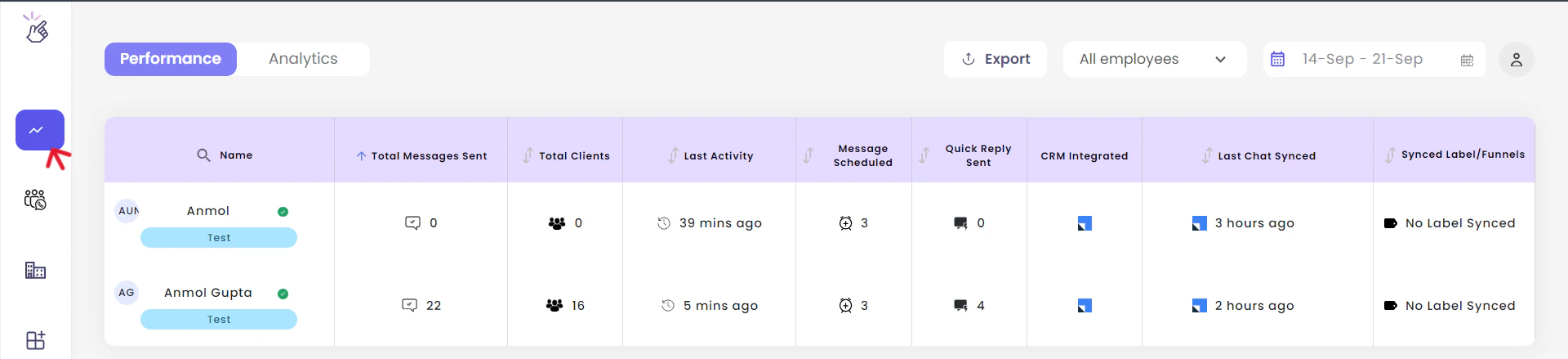
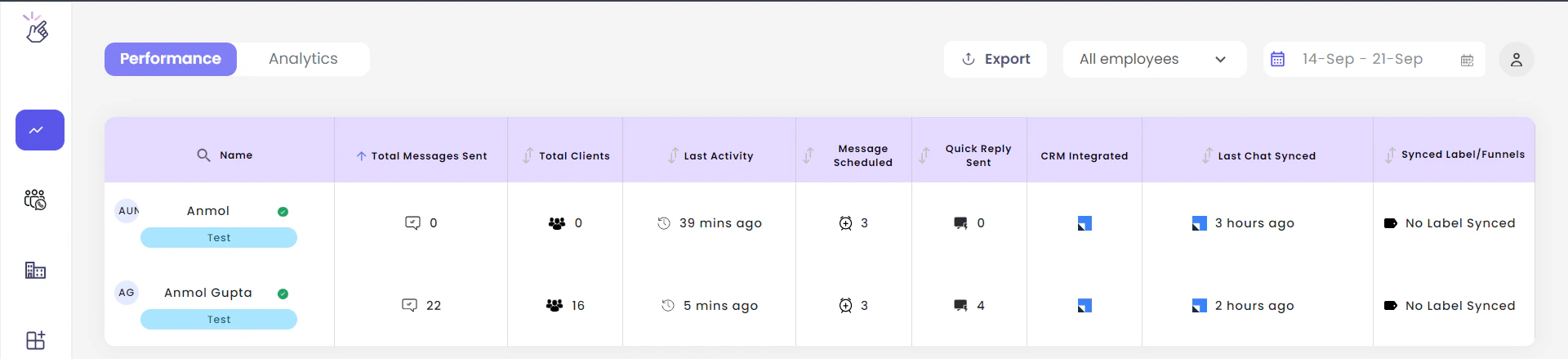
The Last Chat Synced column shows when each team member’s WhatsApp chats were last synchronized with LeadSquared. This helps you monitor sync activity across your entire team.