

Creating a New Contact
1
Open the WhatsApp Chat
Launch the WhatsApp conversation with the contact you wish to add to Salesforce.
2
Access Salesforce Mini-CRM
Select the Salesforce icon located in the extension’s right sidebar.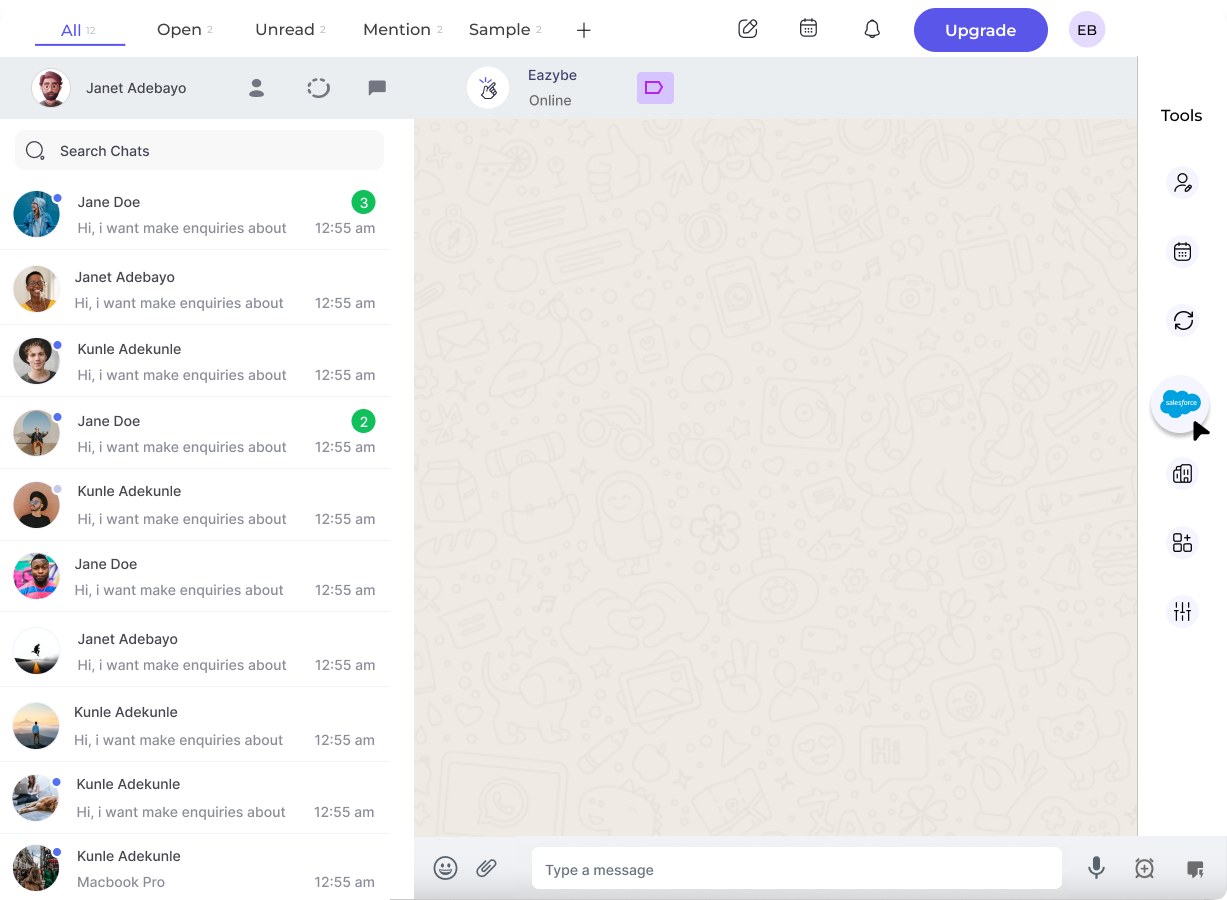
3
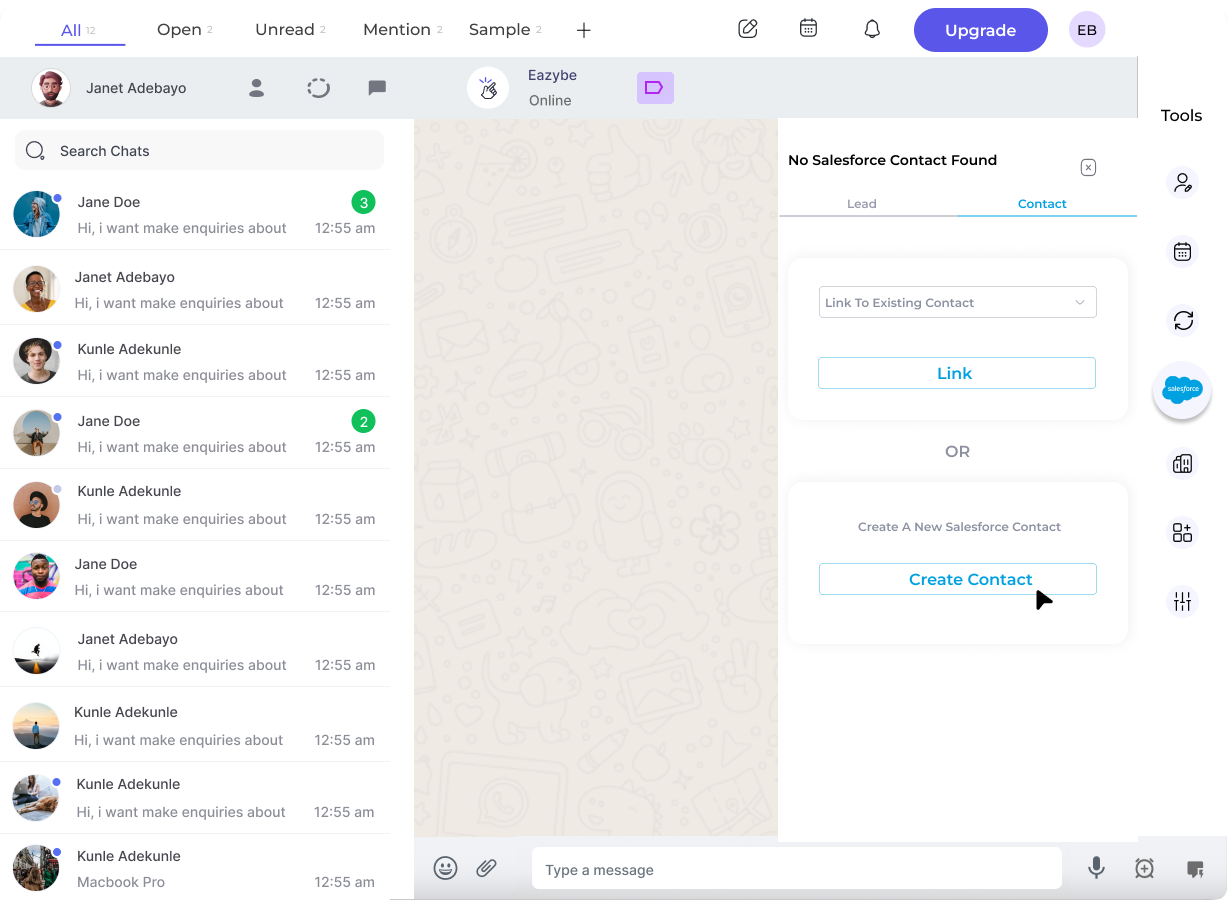
Navigate to Contacts Section
Click the Contact header at the top of the Salesforce Mini-CRM View.
4
Link or Create Contact
You have two options:
- Link to existing contact - If the contact already exists in Salesforce, choose “Link to existing Salesforce contact” and select from the dropdown
-
Create new contact - For new contacts, click the Create Contact button
5
Input Contact Information
Complete all required fields for the new contact. You can customize which fields appear using the Edit button.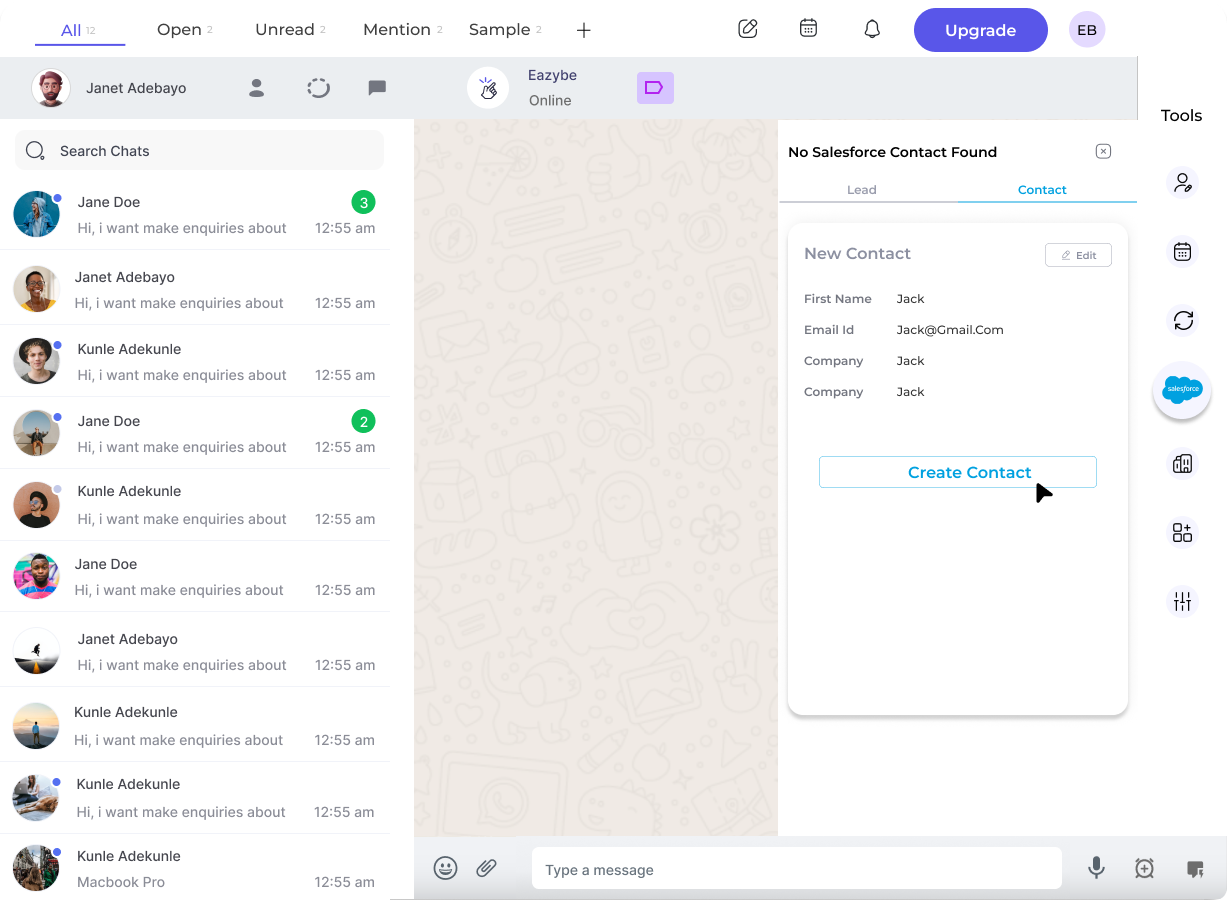
6
Finalize Creation
Click Create Contact to save the new record to Salesforce.
Viewing the Contact
Once created, you can access the contact directly in Salesforce by clicking the View Contact on Salesforce button.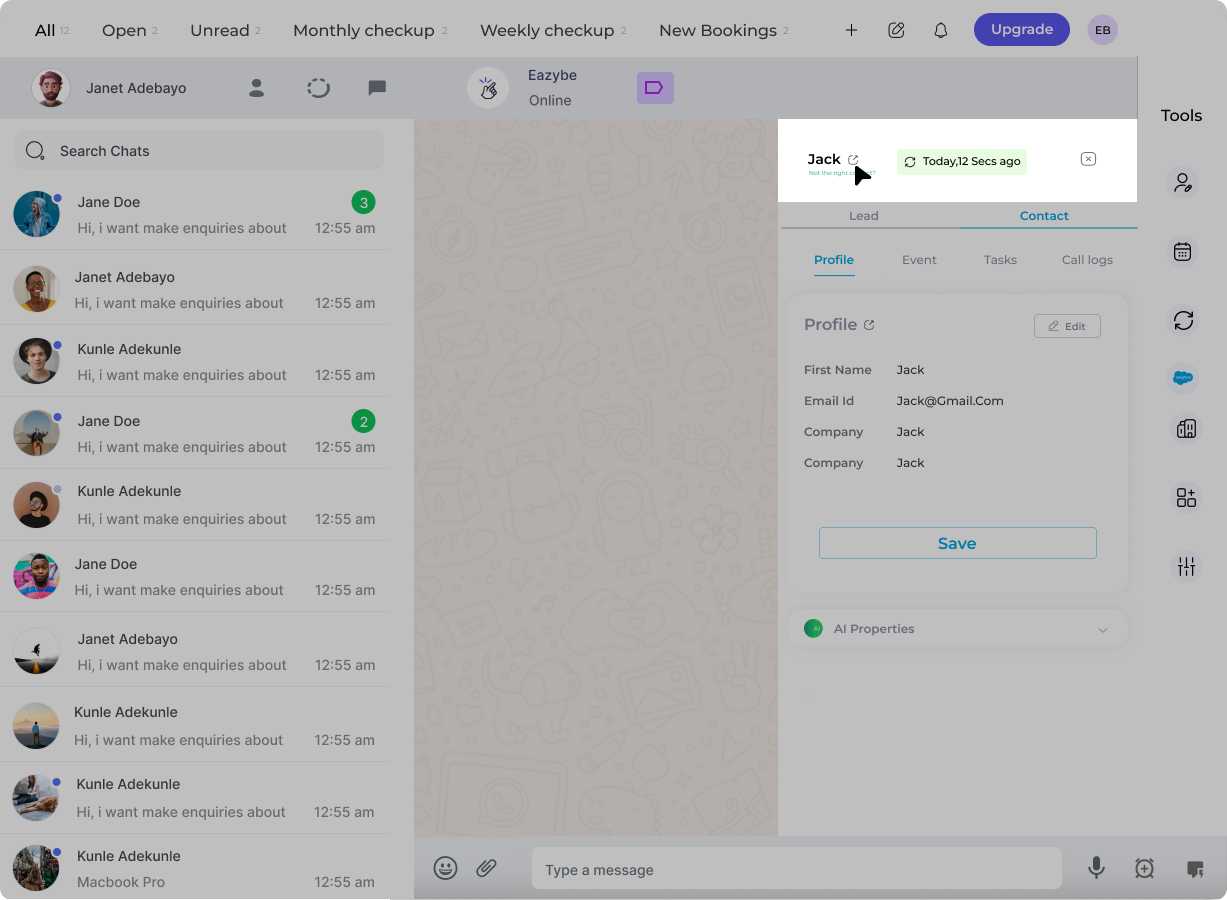
The new contact is synced directly to Salesforce when you create it. All contact information will be reflected in your Salesforce records.