

Overview
The Eazybe WhatsApp Extension allows you to create support tickets for your HubSpot contacts without leaving your WhatsApp conversations. This feature helps you track customer issues, manage support requests, and ensure timely resolution of problems.Ensure the WhatsApp contact is already created in HubSpot before creating tickets for them.
Video Tutorial
Watch how to create HubSpot tickets from WhatsApp:Creating HubSpot Tickets
Follow these steps to create support tickets for your HubSpot contacts directly from WhatsApp:1
Select the Contact
Open the WhatsApp chat of the contact for whom you want to create a ticket. Ensure the contact is already created in HubSpot.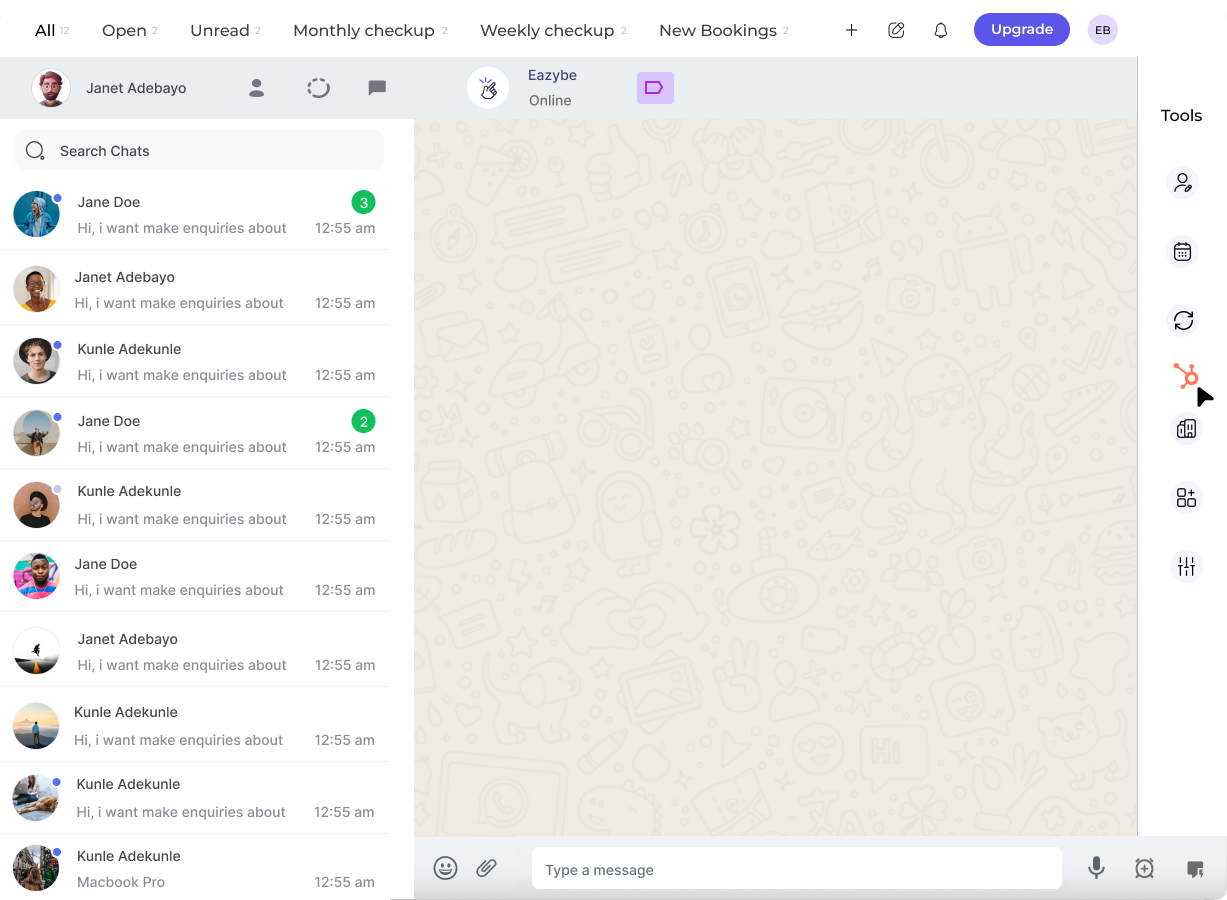
2
Access Tickets Section
Click on the HubSpot icon in the right sidebar. The last button in the top bar will take you to the Tickets section.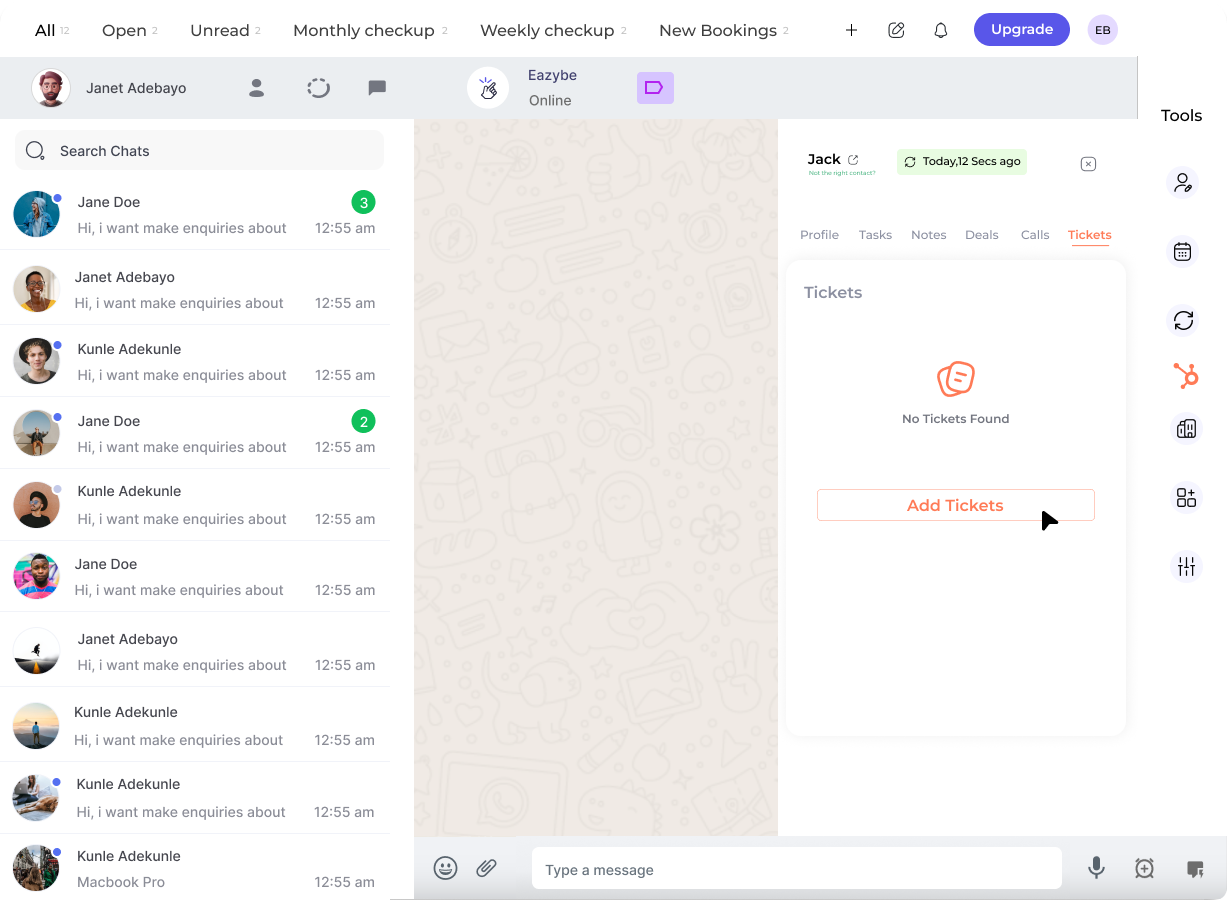
3
Create New Ticket
Click on the New Ticket button to start creating a new support ticket.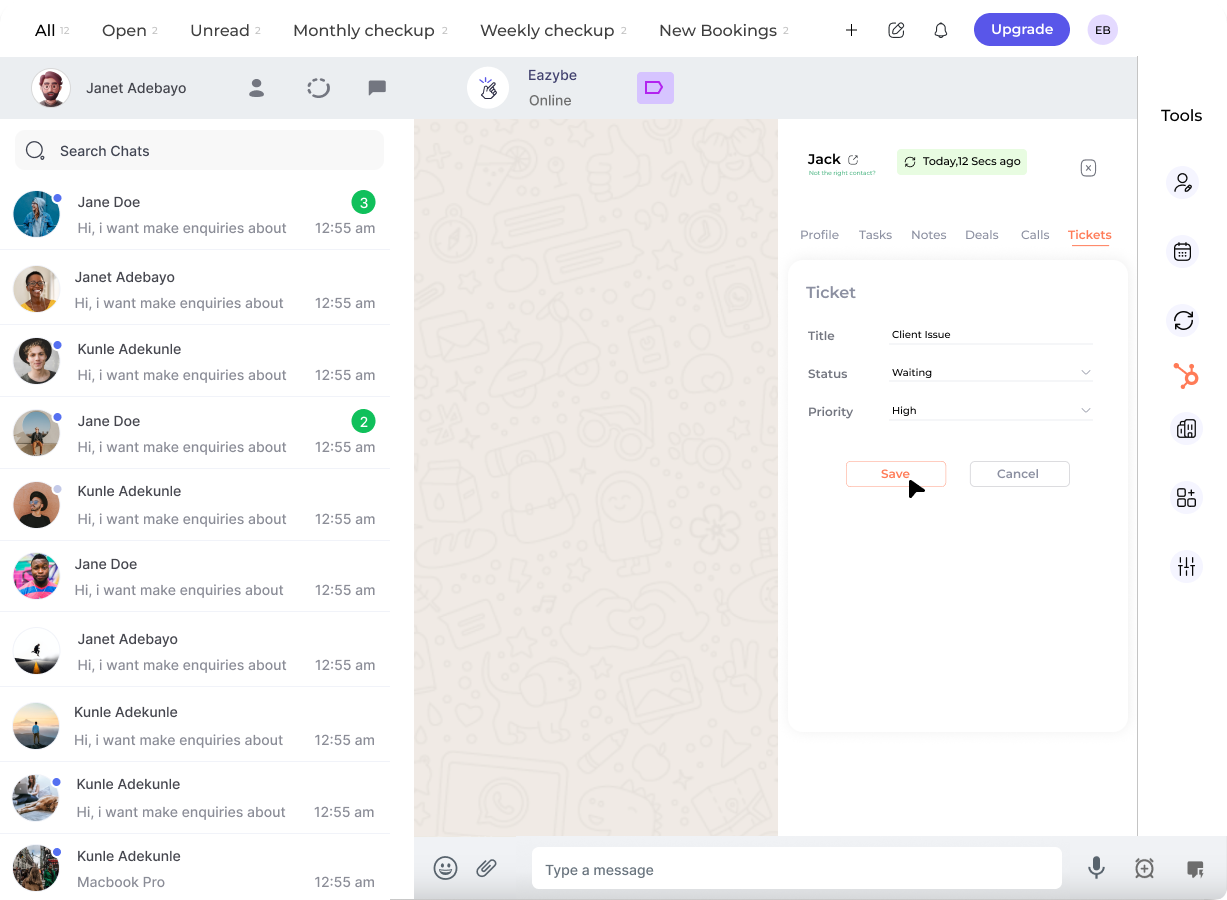
4
Fill Ticket Details
Complete all the necessary fields with relevant information: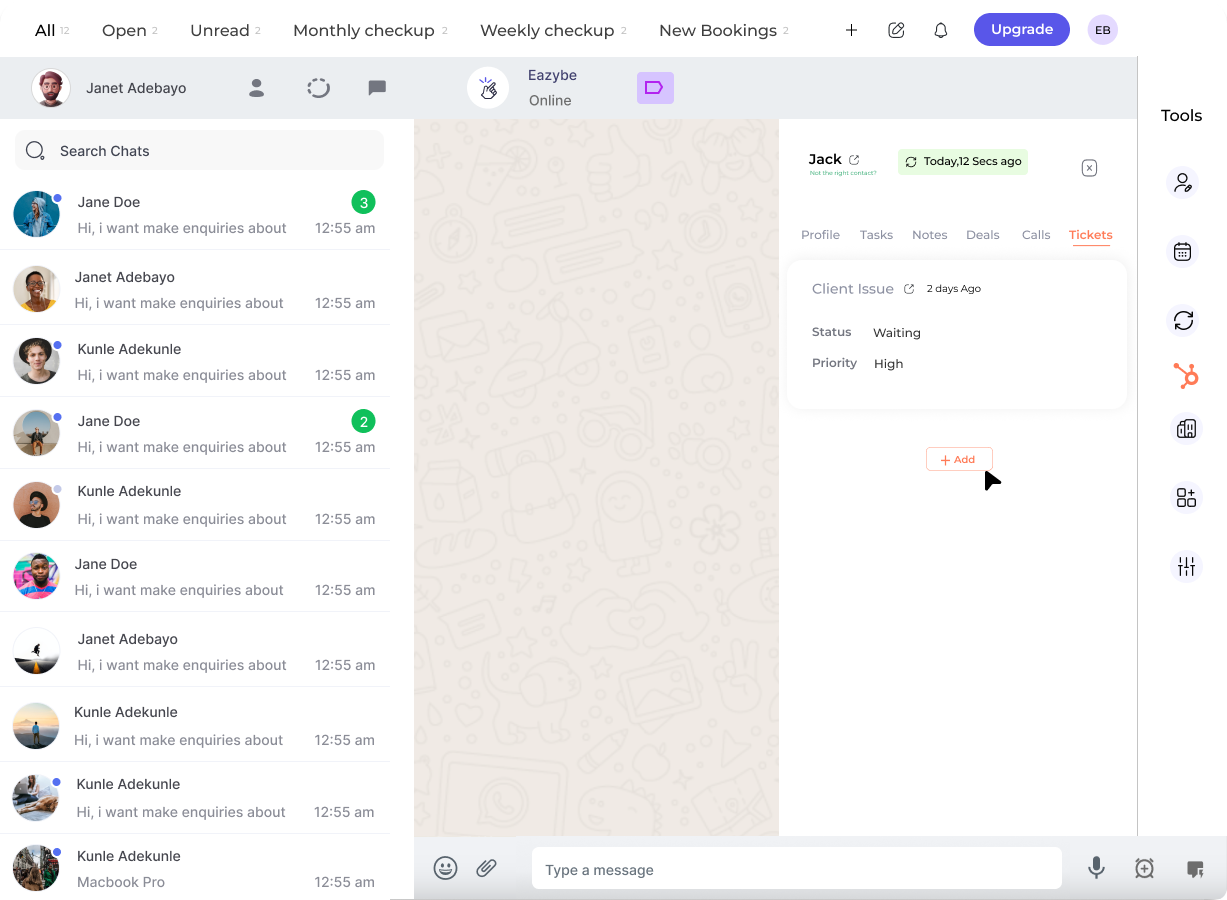
5
Save Ticket
Click on the Save Ticket button to create the ticket in HubSpot. You can also add more tickets by clicking on the Add button.
The ticket is now created and will appear in the contact’s activity timeline in HubSpot.
Ticket Fields Explained
Ticket Name
A clear, descriptive title that summarizes the customer’s issue or request.
Pipeline
Select which support pipeline this ticket belongs to for proper routing.
Status
Track the progress of the ticket:
- New
- In Progress
- Waiting on Contact
- Closed
Priority
Set the urgency level to help prioritize support efforts:
- Low — General inquiries
- Medium — Standard issues
- High — Urgent problems
Best Practices
Create Tickets Promptly
Create Tickets Promptly
Log tickets immediately when a customer reports an issue to ensure nothing falls through the cracks.
Use Descriptive Titles
Use Descriptive Titles
Write clear, specific ticket names that make it easy to understand the issue at a glance.
Set Accurate Priorities
Set Accurate Priorities
Assign appropriate priority levels to help your team focus on the most urgent issues first.
Include All Details
Include All Details
Add comprehensive descriptions including steps to reproduce, error messages, and any relevant context.
Why Create Tickets from WhatsApp?
Creating HubSpot tickets directly from WhatsApp provides valuable benefits for your support team:
- Faster Response — Create tickets instantly without switching between applications
- Complete Context — Link tickets to customer conversations for full context
- Better Tracking — Monitor all support requests in one centralized system
- Team Collaboration — Assign and escalate tickets to the right team members
Need Help?
Contact Support
If you have any questions or need further assistance, reach out to us at hey@eazybe.com. We’re happy to help!