

Overview
The Eazybe WhatsApp Extension allows you to log calls for your HubSpot contacts without leaving your WhatsApp conversations. This feature helps you maintain a complete communication history and track all customer interactions in your CRM.Ensure the WhatsApp contact is already created in HubSpot before creating call logs for them.
Creating HubSpot Call Logs
Follow these steps to create call logs for your HubSpot contacts directly from WhatsApp:1
Select the Contact
Open the WhatsApp chat of the contact for whom you want to log a call. Make sure the contact already exists in HubSpot.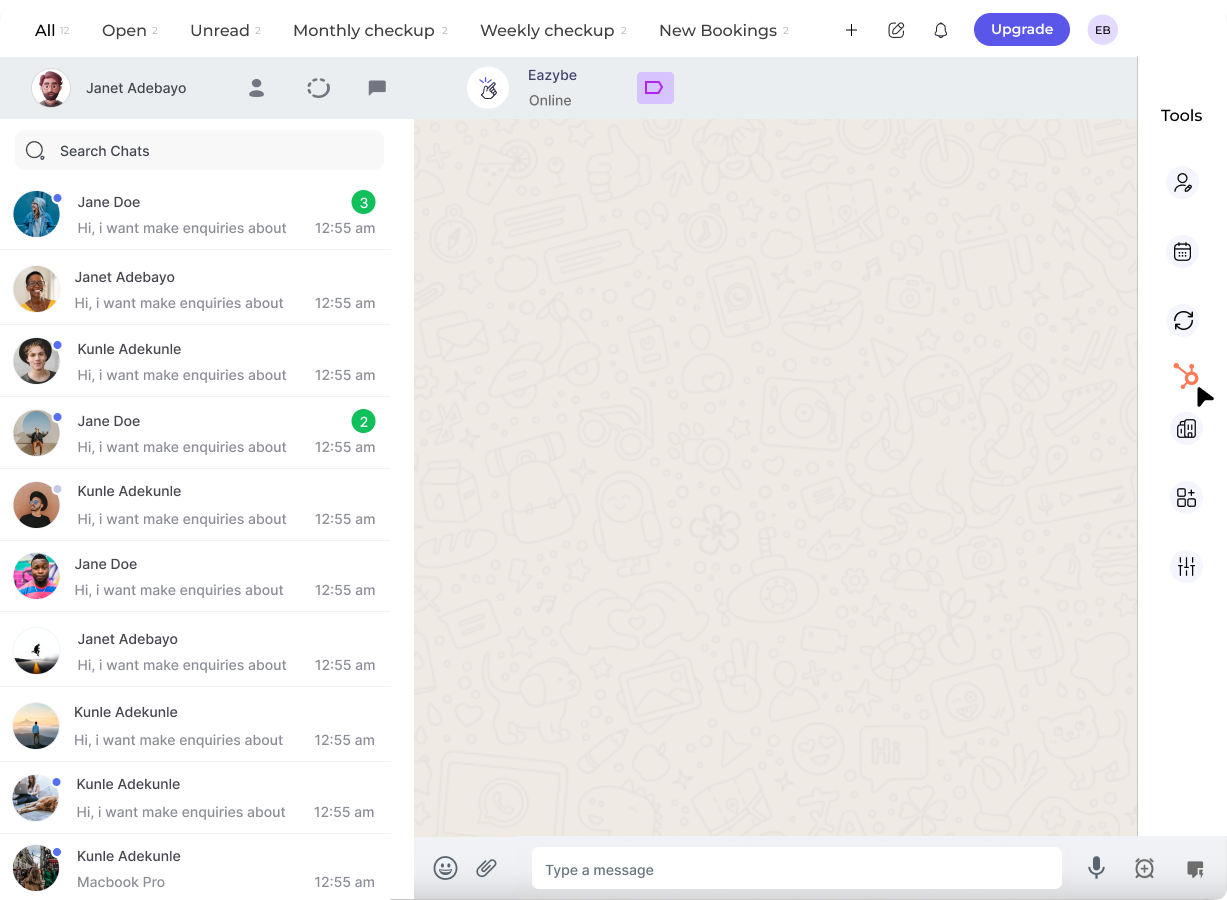
2
Access Call Logs Section
Click on the HubSpot icon in the right sidebar. The fifth button in the top bar will take you to the Call Logs section.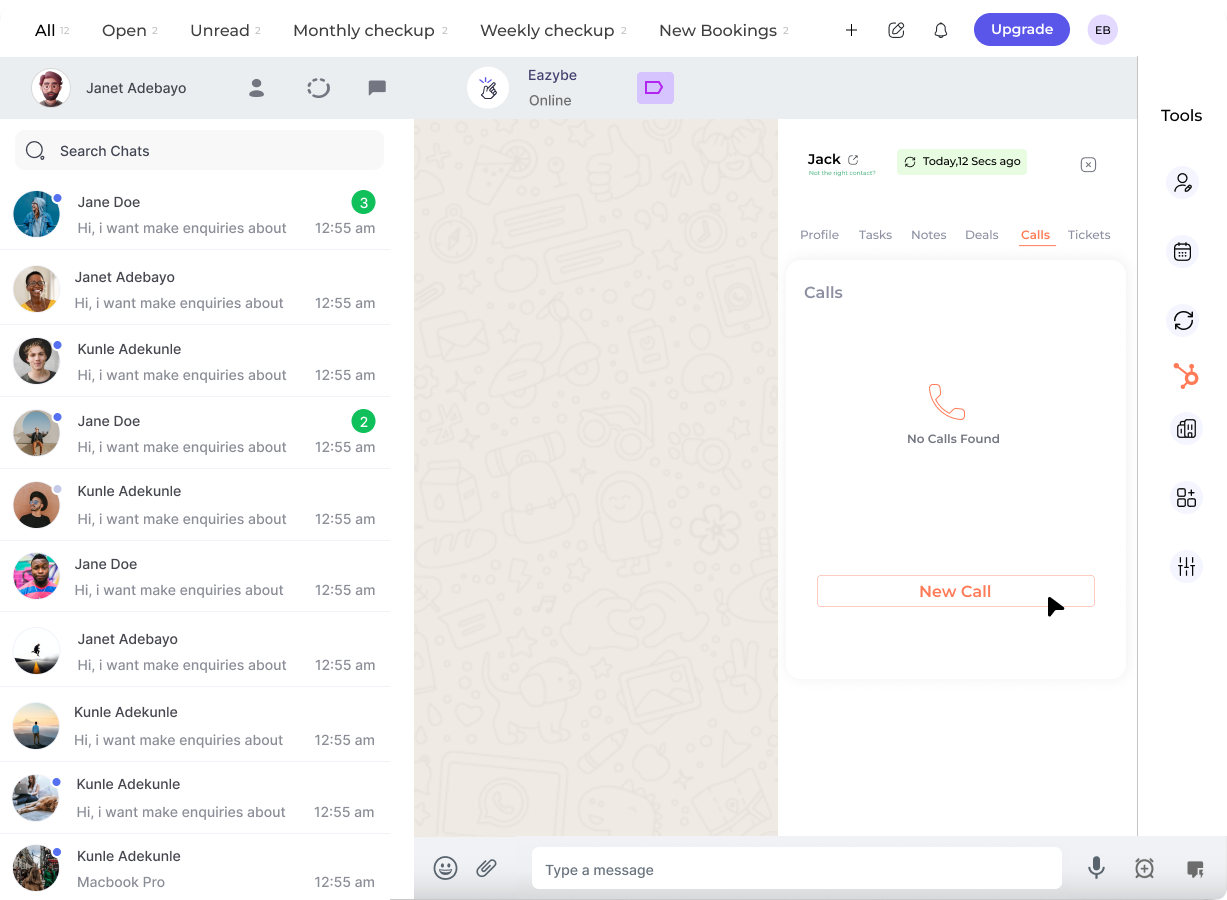
3
Create New Call Log
Click on the New Call Log button to start creating a new call entry.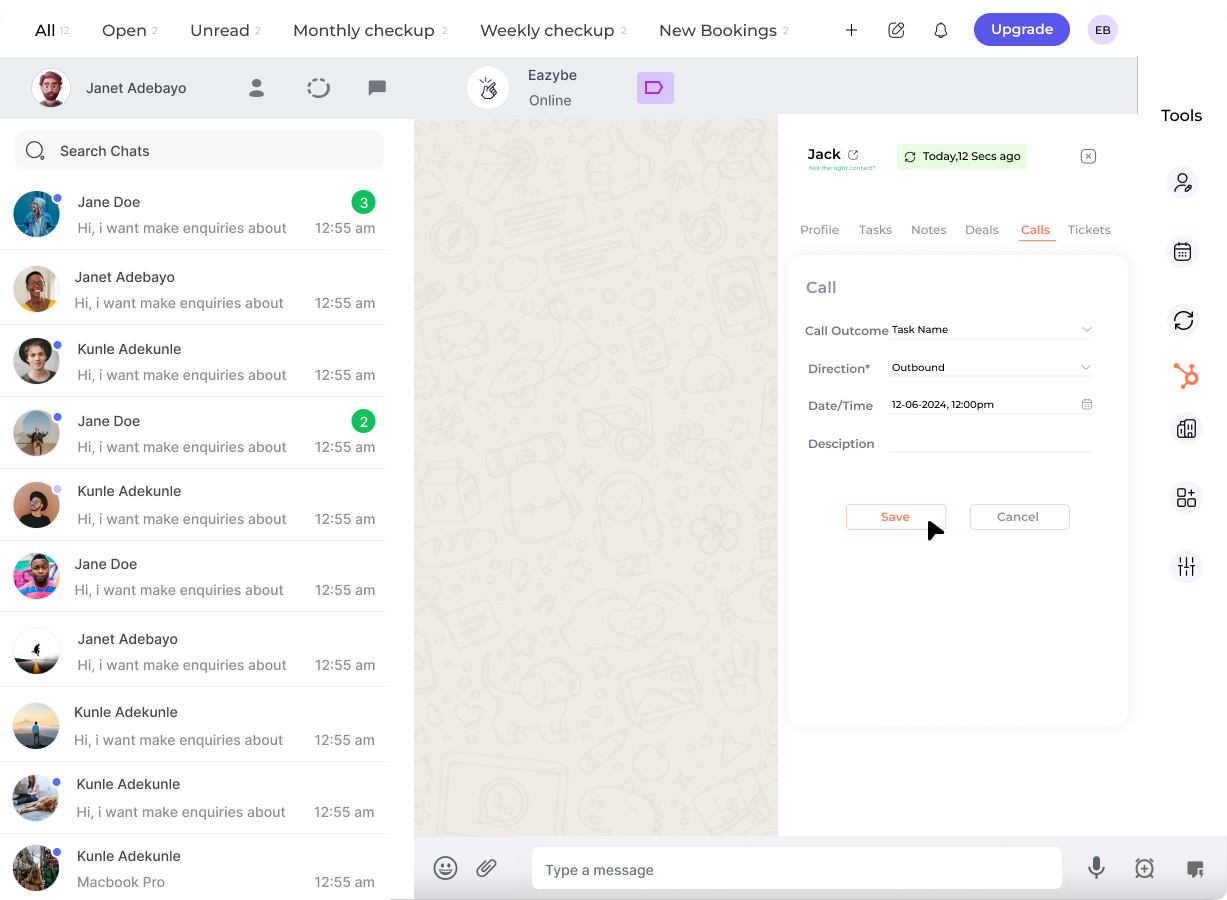
4
Complete Call Details
Fill in the required fields for your call log: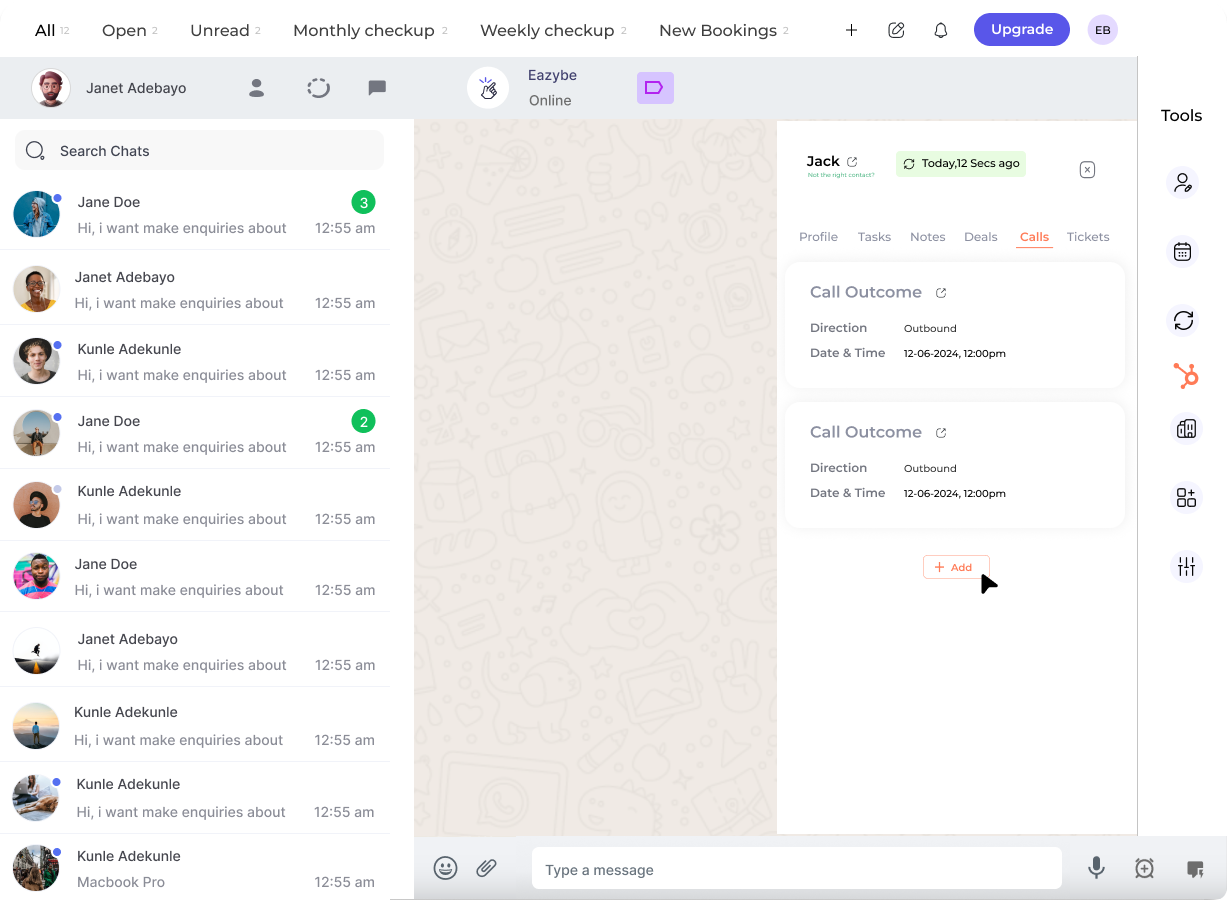
5
Save Call Log
Click on the Save Call Log button to save the entry to HubSpot.
The call log is now saved and will appear in the contact’s activity timeline in HubSpot.
Call Log Fields Explained
Call Outcome
Track the result of your call:
- Connected
- No Answer
- Busy
- Left Voicemail
- Wrong Number
Call Direction
Specify if you made or received the call:
- Inbound — Customer called you
- Outbound — You called the customer
Date & Time
Record the exact timestamp of the call for accurate activity tracking.
Description
Add notes about the conversation, next steps, or important details discussed.
Best Practices
Log Calls Promptly
Log Calls Promptly
Create call logs immediately after each call while details are fresh in your mind.
Be Descriptive
Be Descriptive
Include key points discussed, action items, and any follow-up needed in the description field.
Use Consistent Outcomes
Use Consistent Outcomes
Apply consistent call outcomes across your team for accurate reporting and analytics.
Track All Communications
Track All Communications
Log both inbound and outbound calls to maintain a complete communication history.
Why Log Calls?
Logging calls in HubSpot provides valuable benefits for your sales and support teams:
- Complete History — View all interactions with a contact in one place
- Team Visibility — Share call information across your organization
- Better Follow-ups — Know exactly where conversations left off
- Accurate Reporting — Track call volumes and outcomes for analysis
Need Help?
Contact Support
If you have any questions or need further assistance, reach out to us at hey@eazybe.com. We’re happy to help!