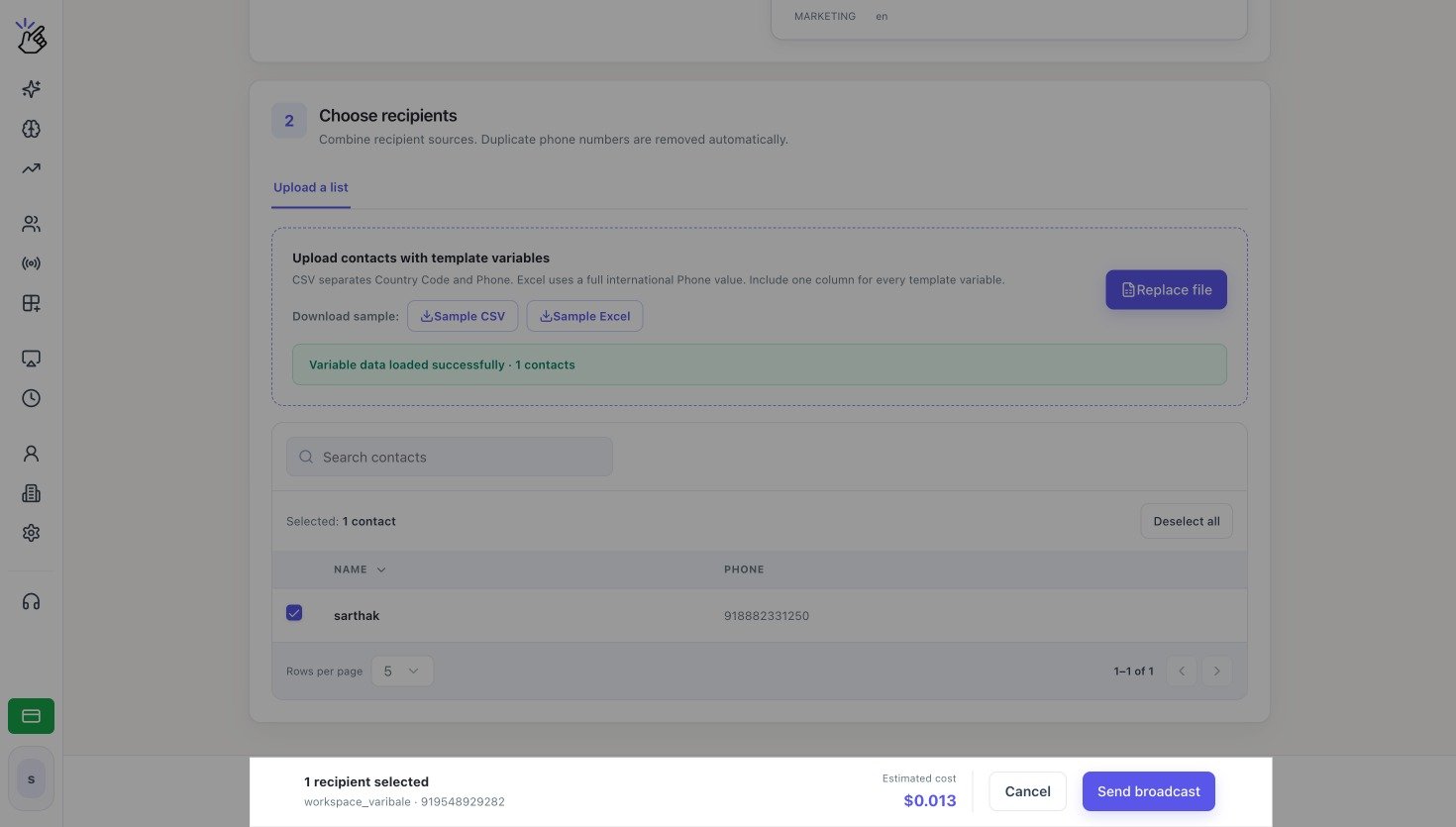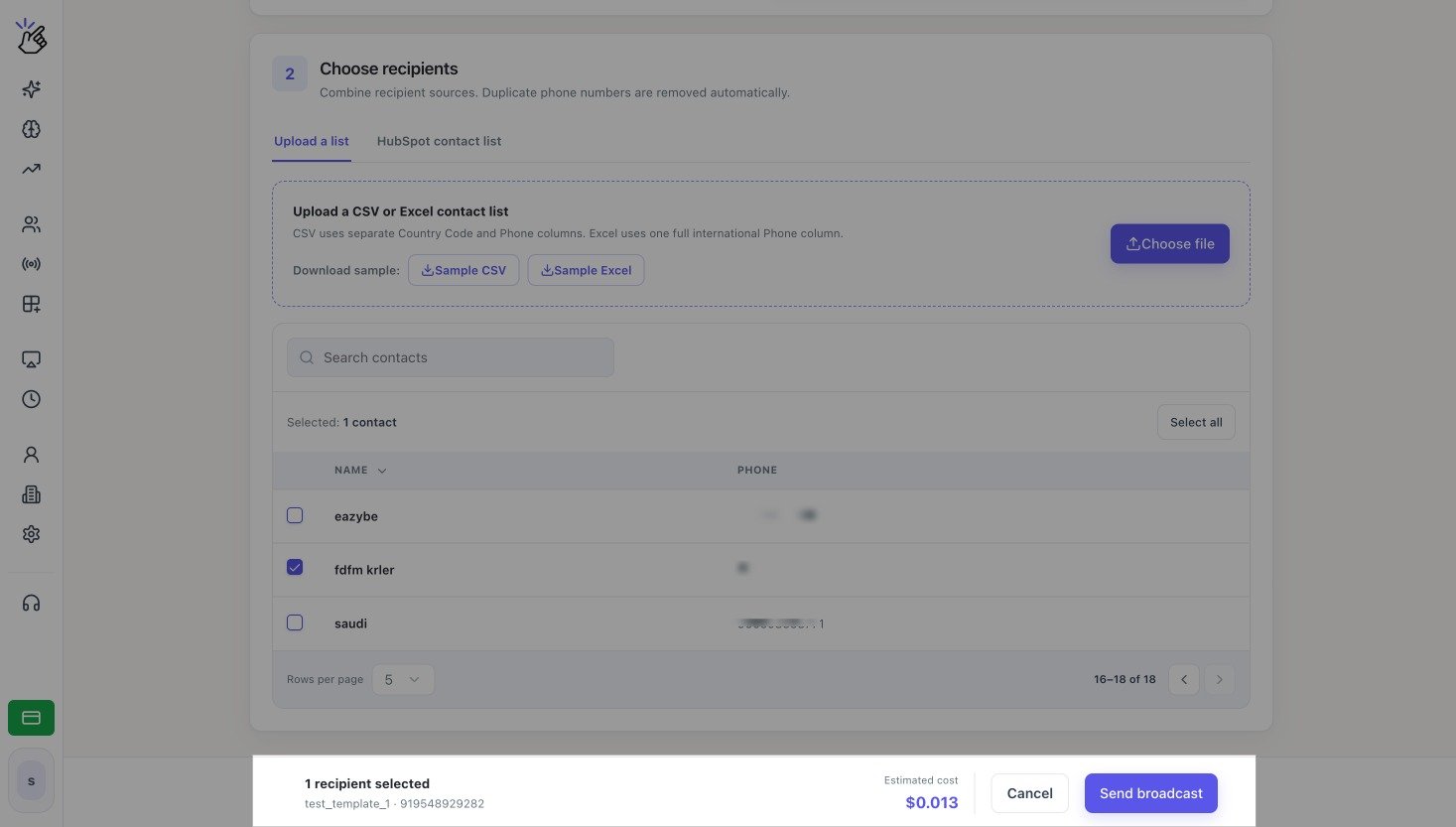
Broadcast footer with the selected recipient count and estimated cost
When the Estimate Appears
Eazybe calculates the estimate after you have selected:- A WhatsApp Business number in Send from
- An approved Template message
- At least one valid recipient
- A value or mapping for every required template variable
The displayed amount is an estimate. The final charge can depend on the template category, the recipient’s country, and WhatsApp pricing.
HubSpot Estimate Fallback
Eazybe normally validates the contacts in the selected HubSpot list. If HubSpot temporarily rate-limits that validation, Eazybe can show an approximate estimate based on:Segment size × unit price
The interface identifies the amount as approximate when exact contact validation is unavailable.
Send the Broadcast
1
Check the footer
Confirm the recipient count, template, sending number, and Estimated cost. If the count is wrong, return to the contact table and change the selection.
2
Submit the campaign
Select Send broadcast. Wait for Eazybe to finish submitting the request before you leave or refresh the page.