

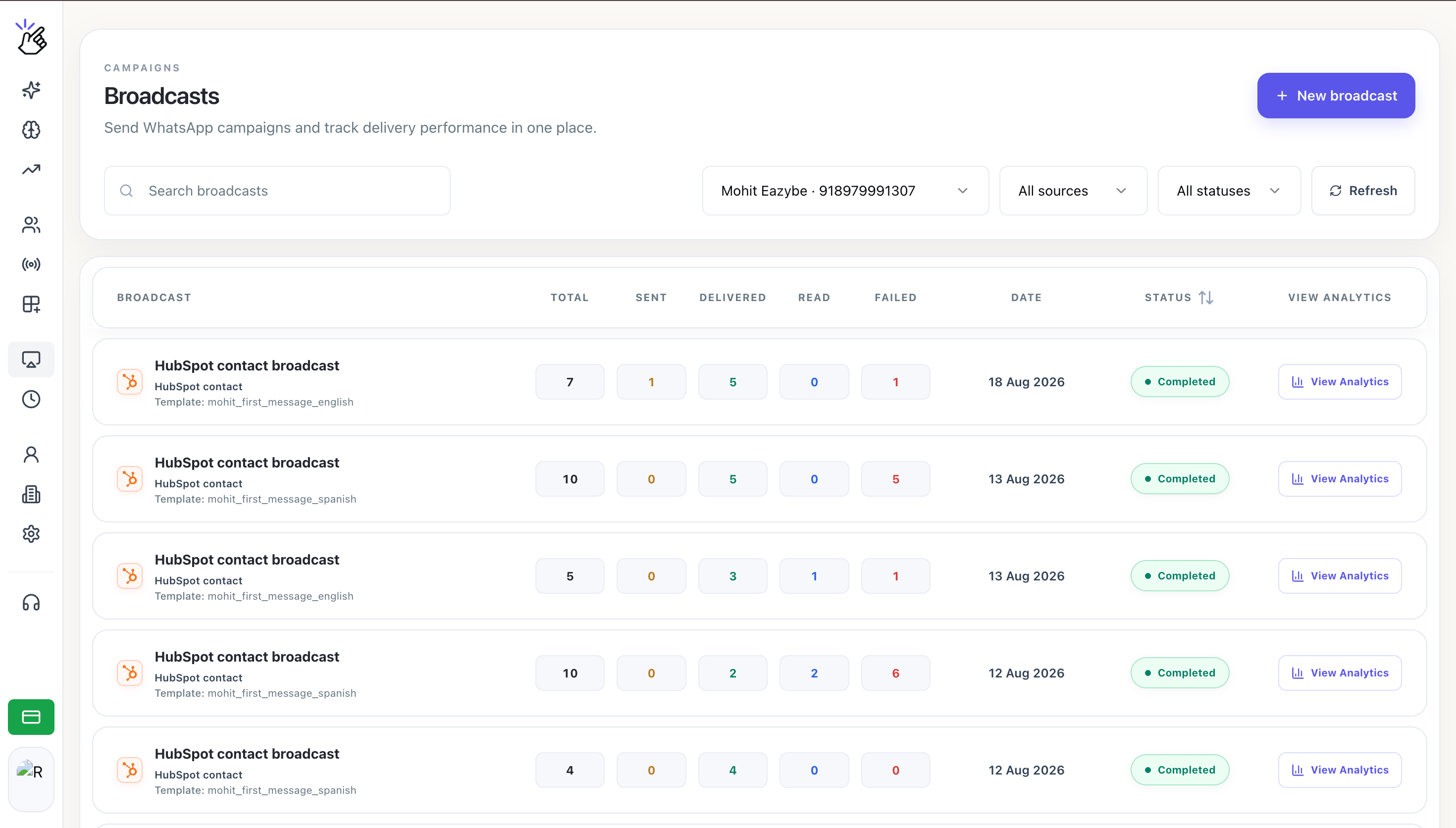
Broadcast home with campaign filters, delivery totals, and the New broadcast button
Before You Begin
You need:- A WhatsApp Business number connected through Meta
- At least one approved WhatsApp template
- Enough Eazybe wallet balance for the campaign
- A CSV or Excel contact file, or a connected HubSpot account with a contact list
Only approved templates appear in Template message. Templates that are pending or rejected cannot be used for a broadcast.
Choose a Recipient Source
HubSpot contact list appears only when HubSpot is connected to the current Eazybe workspace.
What You Can Do
Choose the sending number and template, add recipients, review the estimate, and send.
Format a CSV or Excel file and select the contacts who should receive the campaign.
Select a synced HubSpot list and use its contact properties for personalization.
Review Total, Sent, Delivered, Read, and Failed results by recipient.
What Happens When You Send
Eazybe validates the selected contacts and shows an estimated cost in the footer. After you select Send broadcast, the campaign appears on the Broadcasts page, where its status and delivery totals update as WhatsApp processes the messages.Follow the five stages from opening New broadcast through monitoring delivery.