

What is a Message Template?
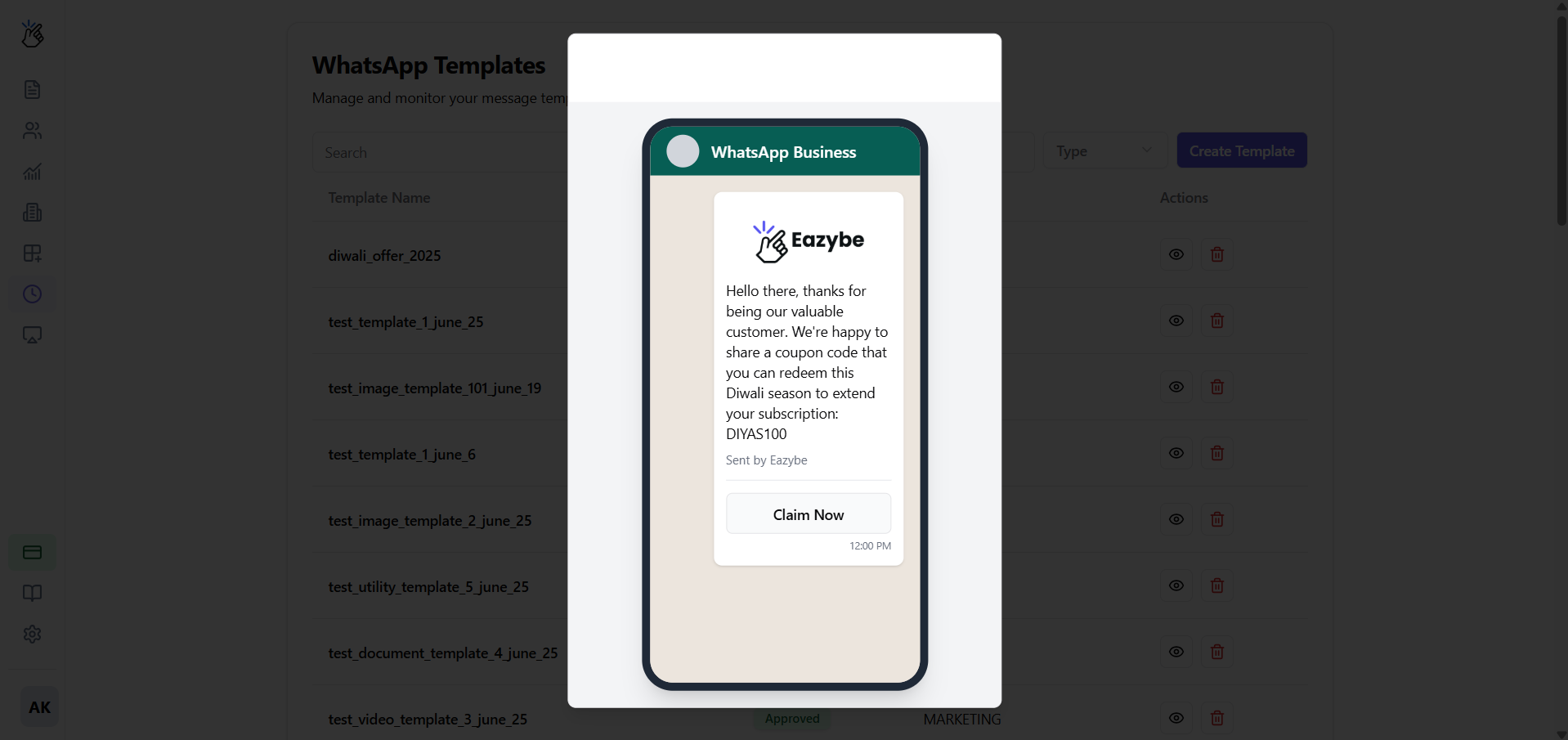
A Message Template is a pre-approved message format that allows you to send outbound notifications or start conversations with your customers. Every template must be submitted to Meta for approval to prevent spam and ensure high-quality communication.Message Templates are required for initiating conversations outside the 24-hour messaging window or sending broadcast campaigns.
How to Create a Message Template
1
Access Templates Page
Navigate to the Templates section within your Eazybe dashboard.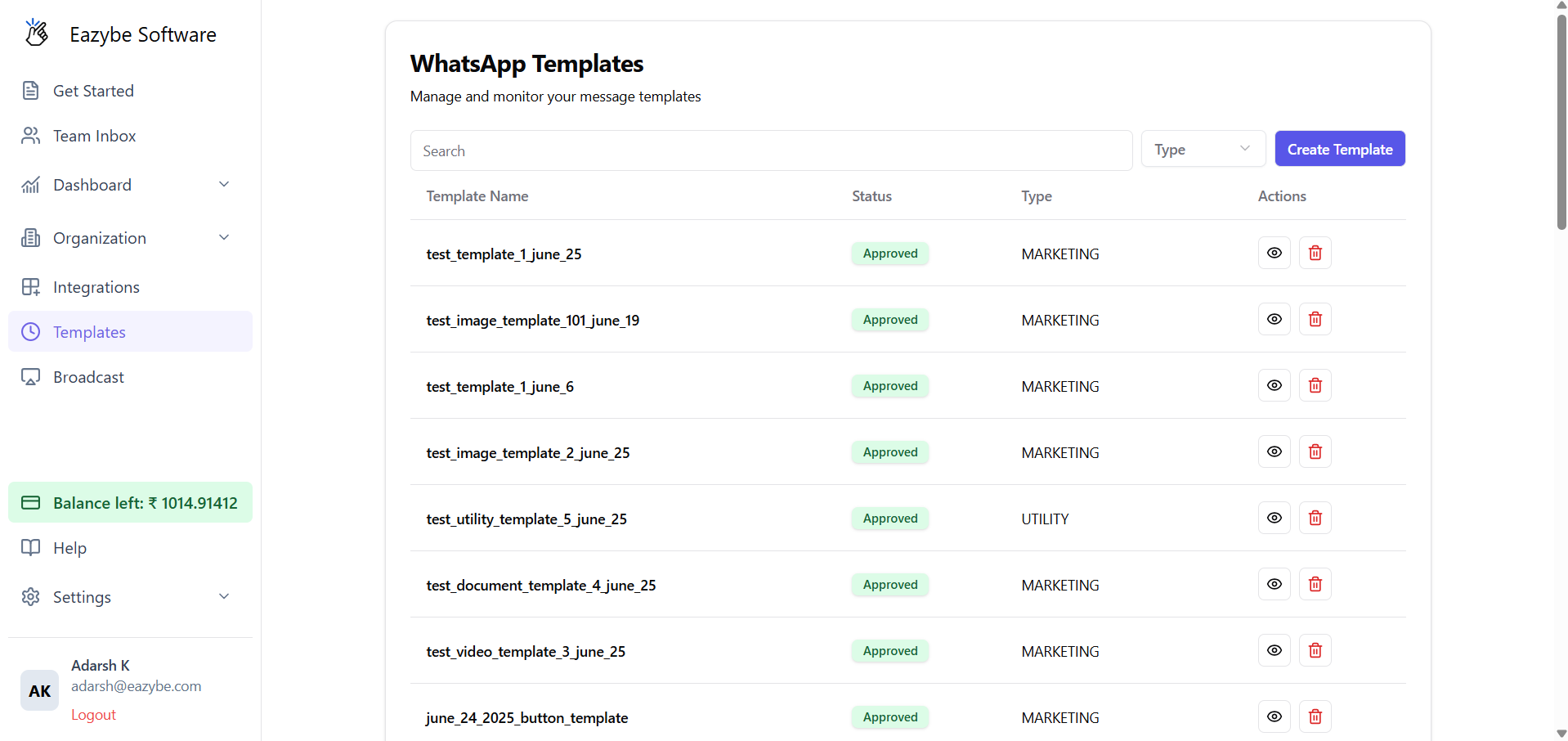
2
Create New Template
Select the Create Template button to begin.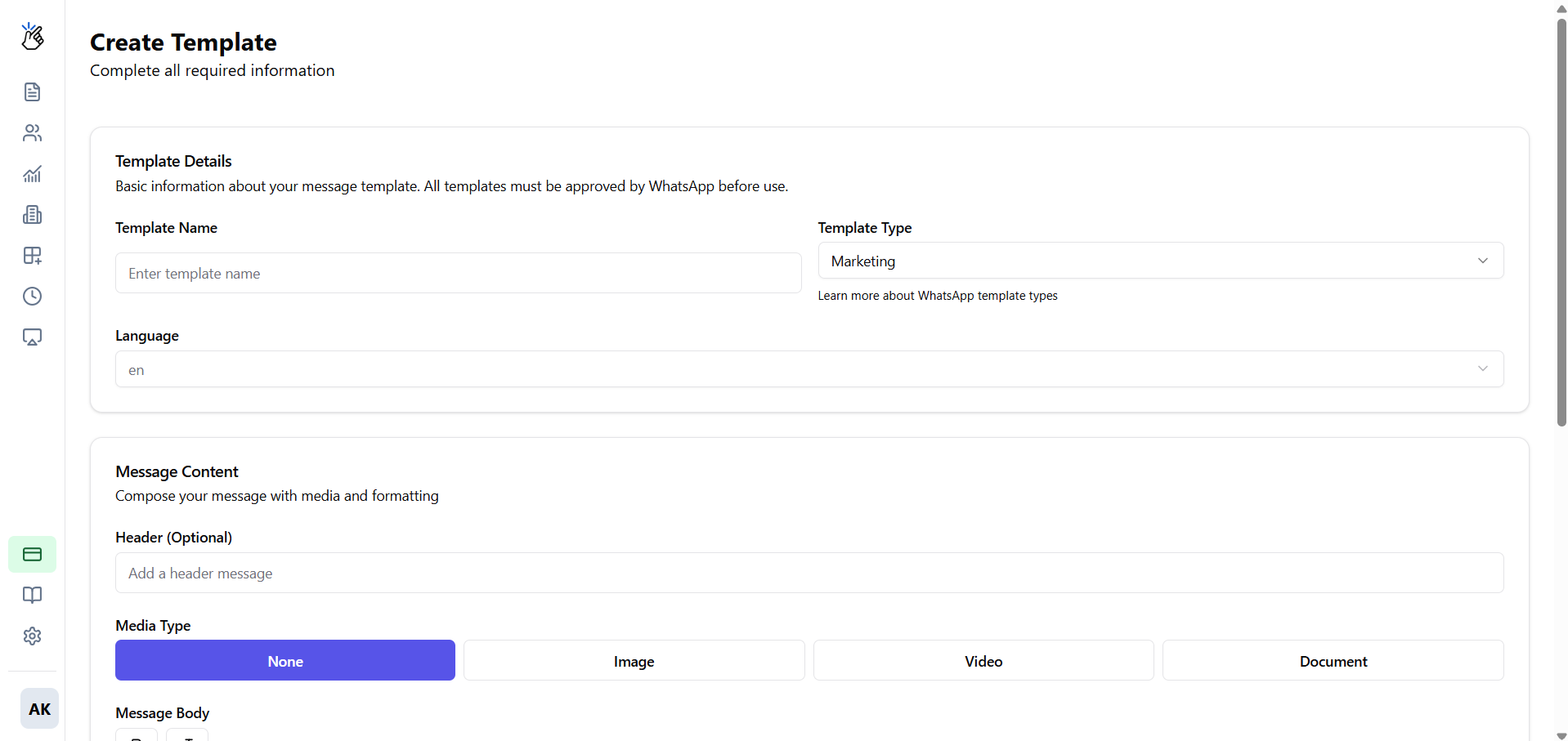
3
Fill in Template Details
Complete the following fields: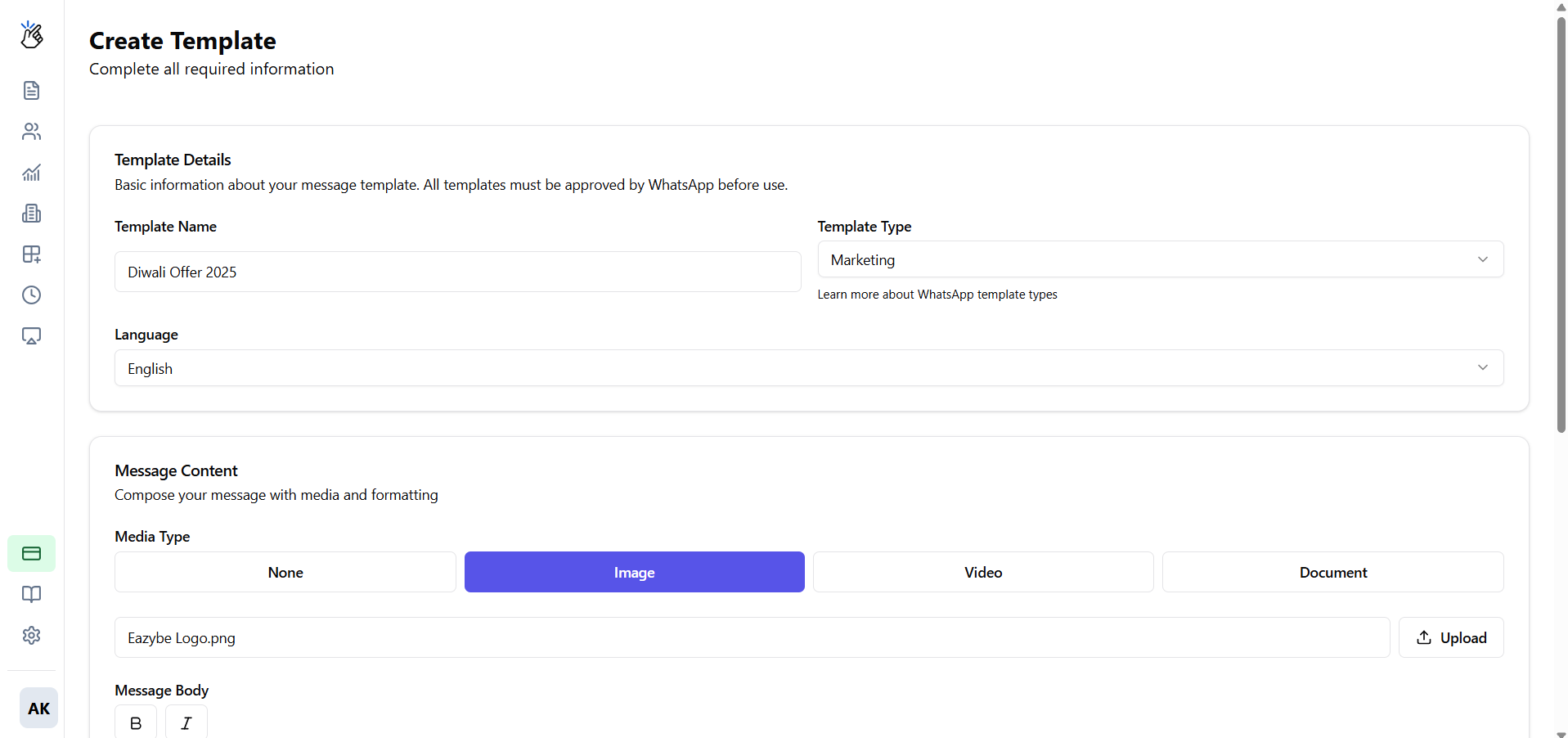
- Template Name: A unique, lowercase name with underscores (e.g.,
christmas_offer_v2) - Category: Select the message type:
- Marketing - Promotional messages and offers
- Utility - Transactional messages like order updates
- Authentication - OTPs and verification codes
- Language: Choose the template language
Optional Components
- Header: Add text, image, video, or document at the top
- Body: This is the main text of your message
- Footer: Short text line at the bottom
-
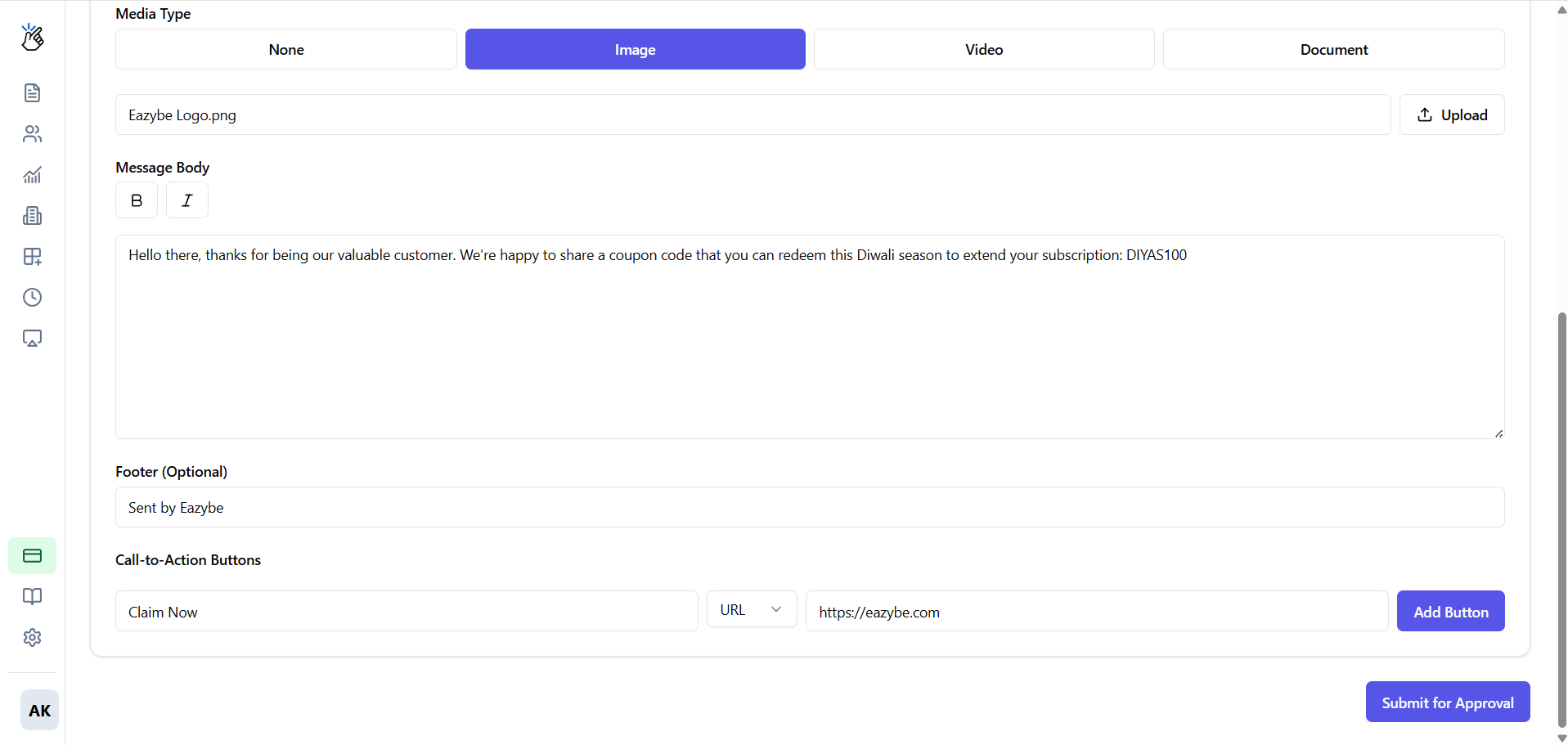
Buttons: Add up to two buttons - Quick Replies (e.g., “Yes,” “No”) or Calls to Action (e.g., “Visit Website,” “Call Us”)
4
Submit for Approval
Click Submit to send the template to Meta for review.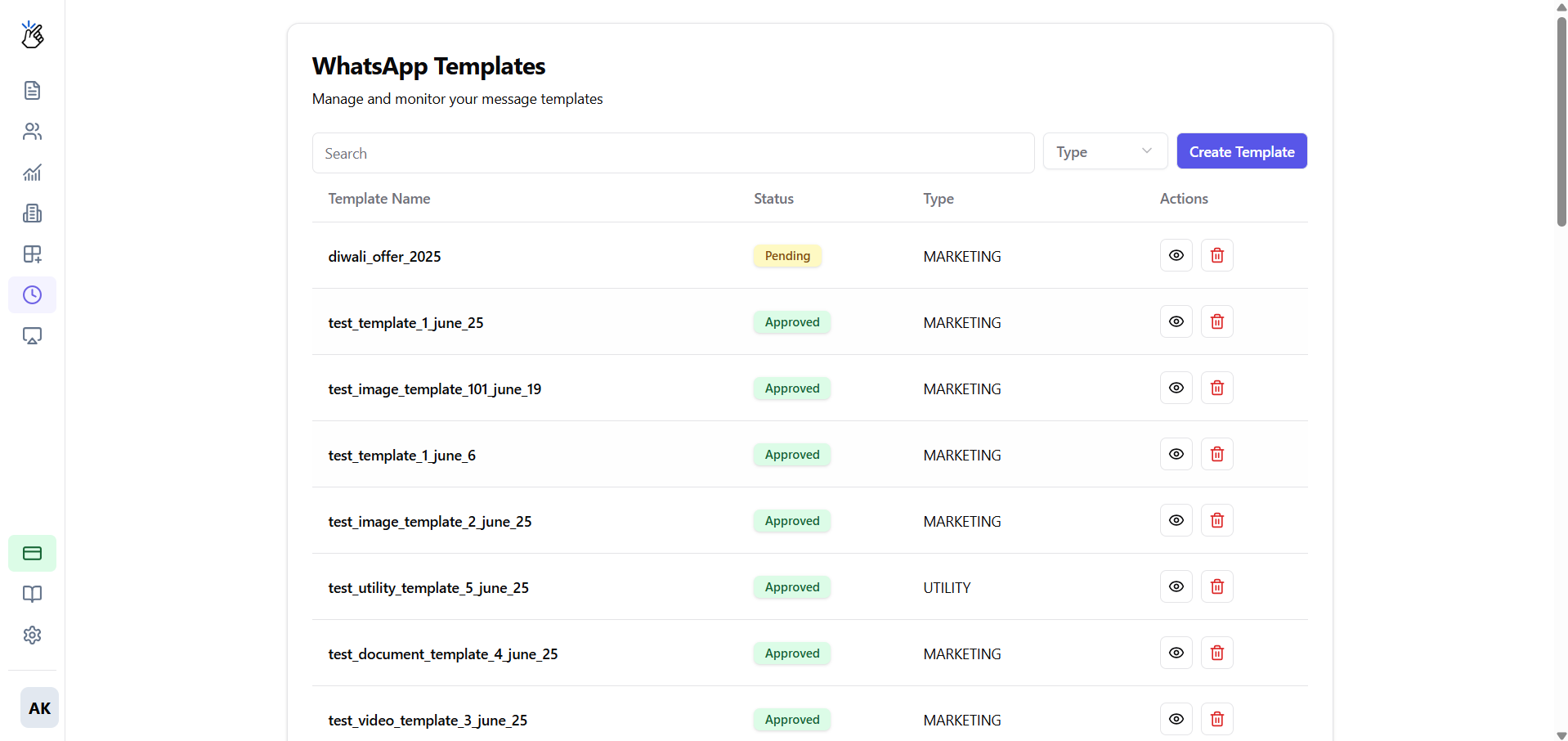
Checking Template Status
After submission, your template will display one of the following statuses: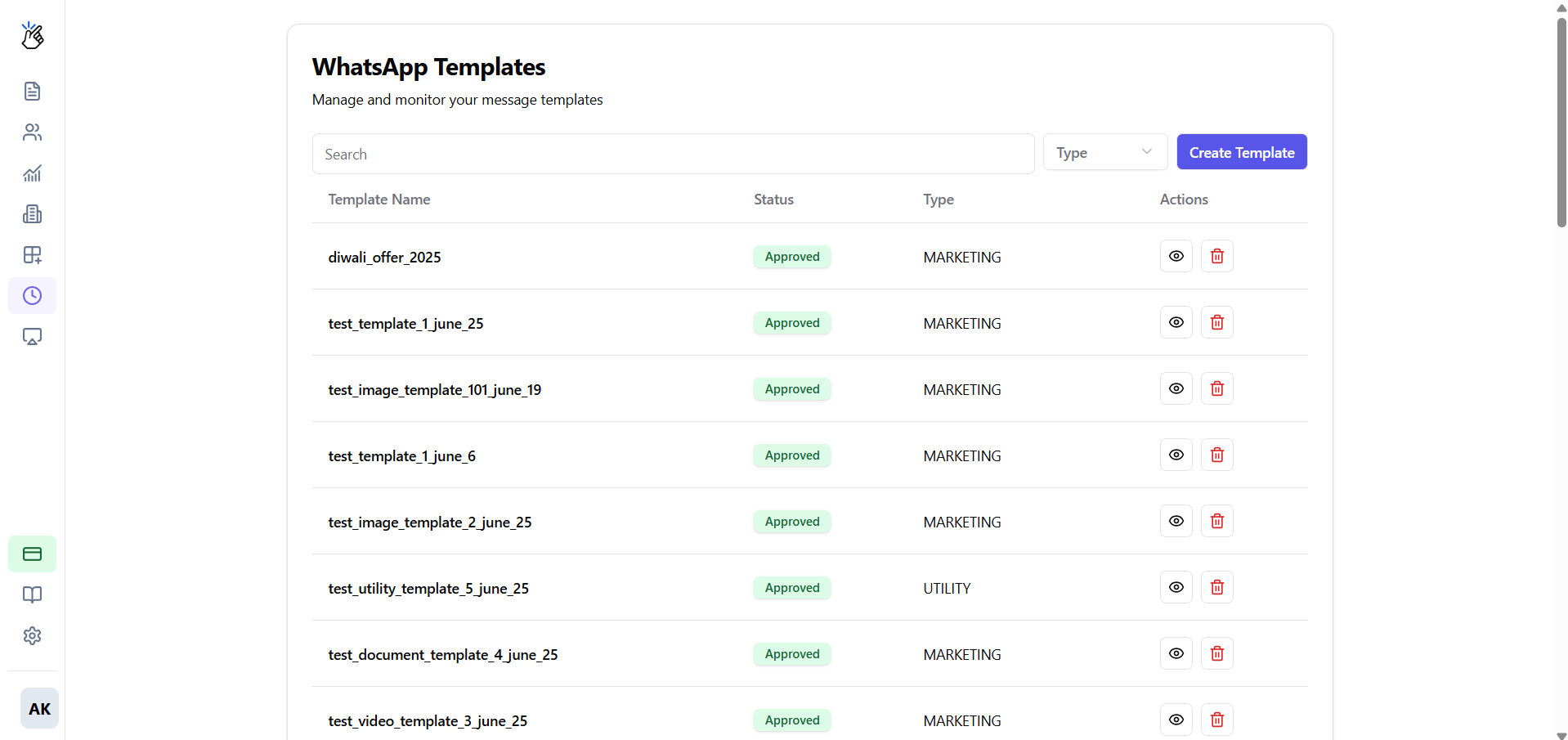
Pending
Pending
The template is under review by Meta. This can take anywhere from a few minutes to 24 hours.
Approved
Approved
Your template is ready to use for broadcasts and customer conversations.
Rejected
Rejected
The template did not meet Meta’s policies. Review the feedback provided, make necessary changes, and resubmit.