

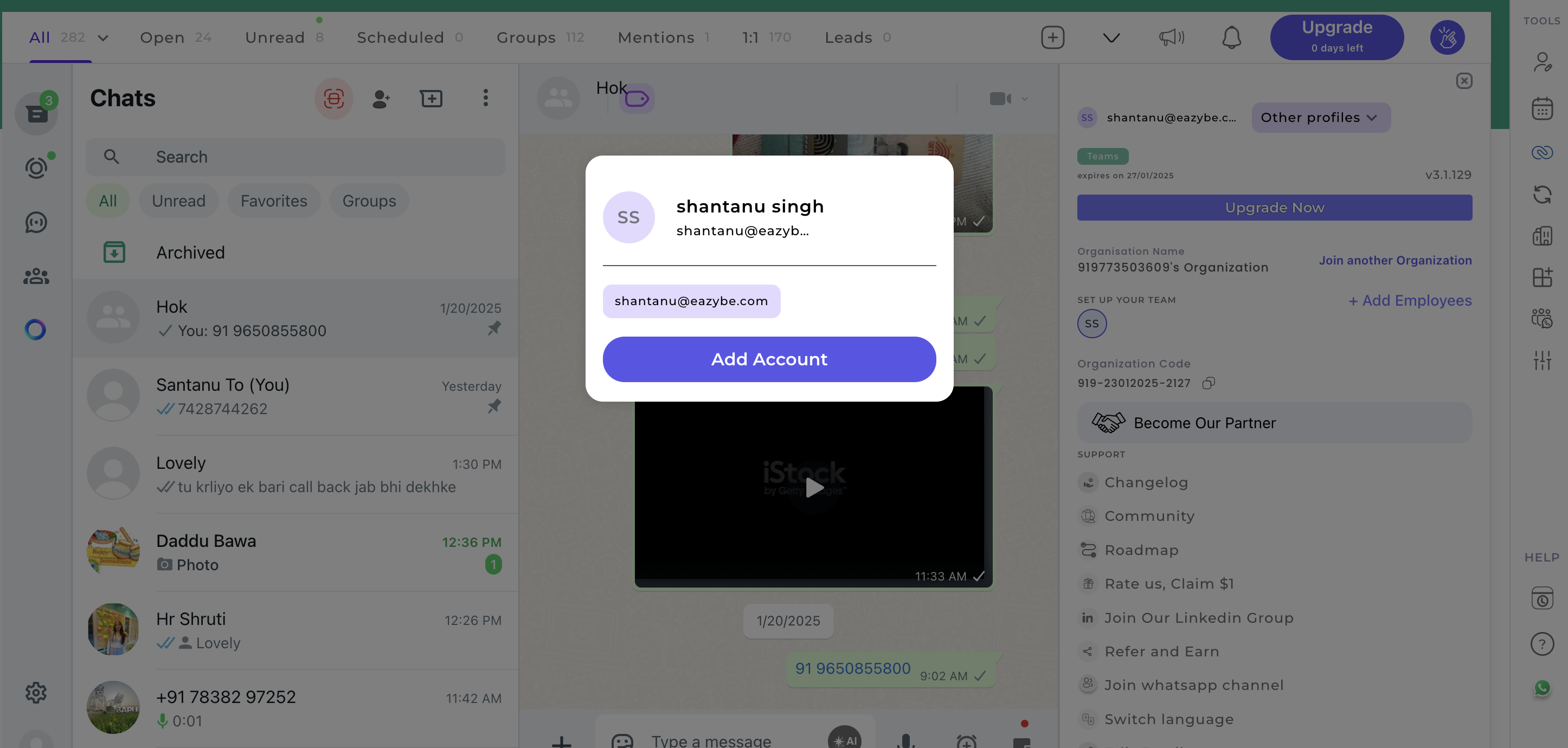
Adding an Account
1
Access Other Profiles
Click the Other Profiles button in your account section.
2
Add New Account
Select Add Account and enter your details to link an additional profile.
Joining Another Organization
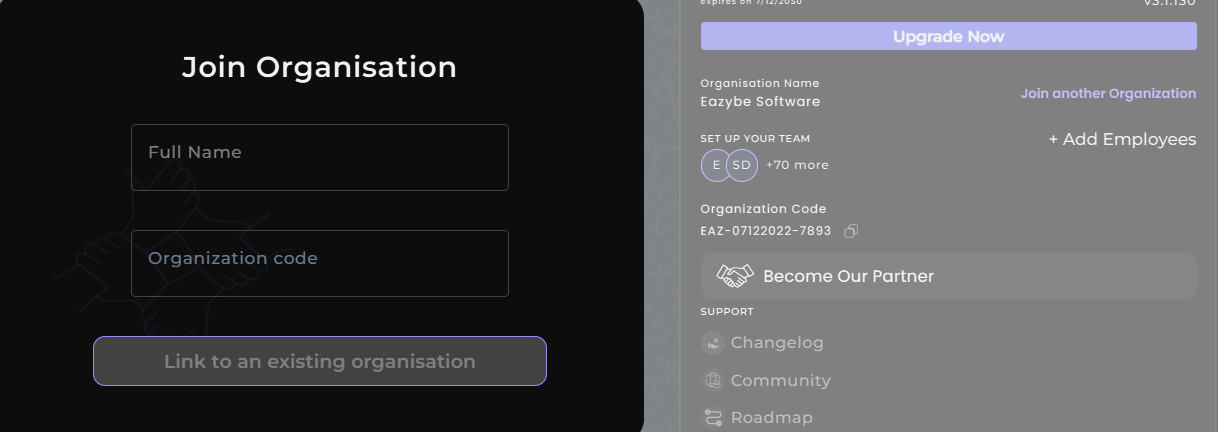
1
Initiate Join Process
Click Join another Organization from your account settings.
2
Enter Organization Code
Enter the organization code provided by the target organization’s administrator.
Share Your Organization CodeYour employees can join your organization by using your unique Organization code. Simply copy the code from your account settings and share it with your team members.