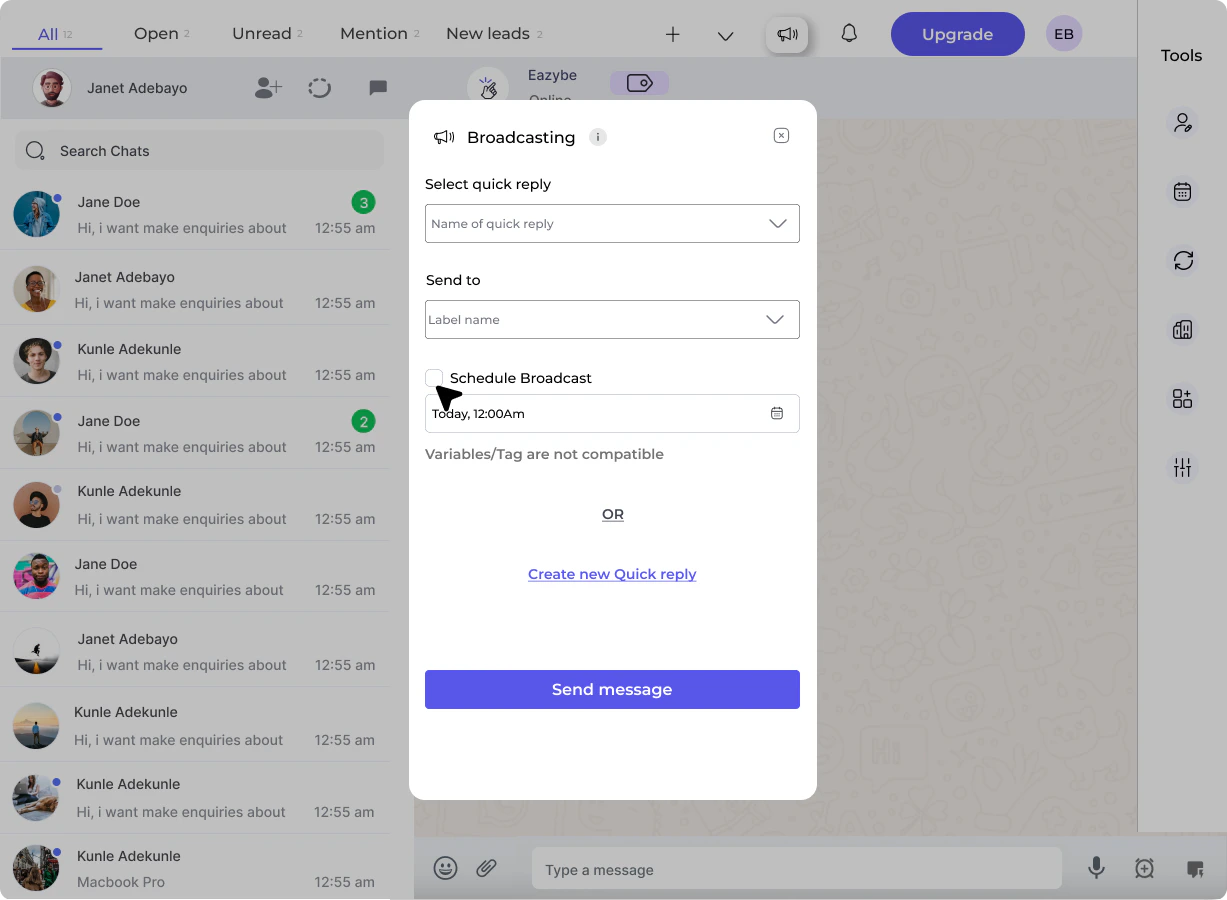
How to Send Broadcast Messages
1
Open Broadcast Messages
Click on the Broadcast Messages button in the top bar.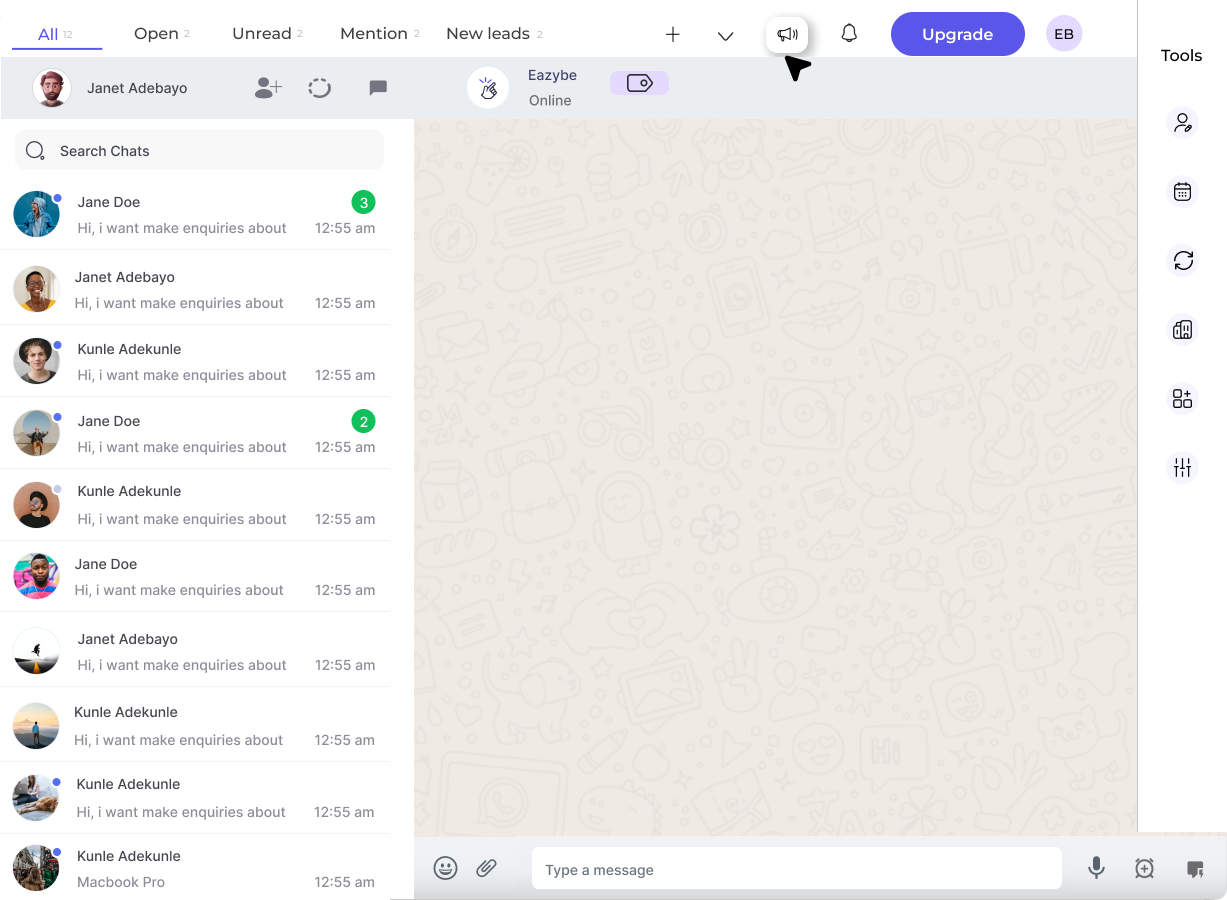
2
Select a Quick Reply
Select the Quick Reply from the dropdown that you want to send as a broadcast.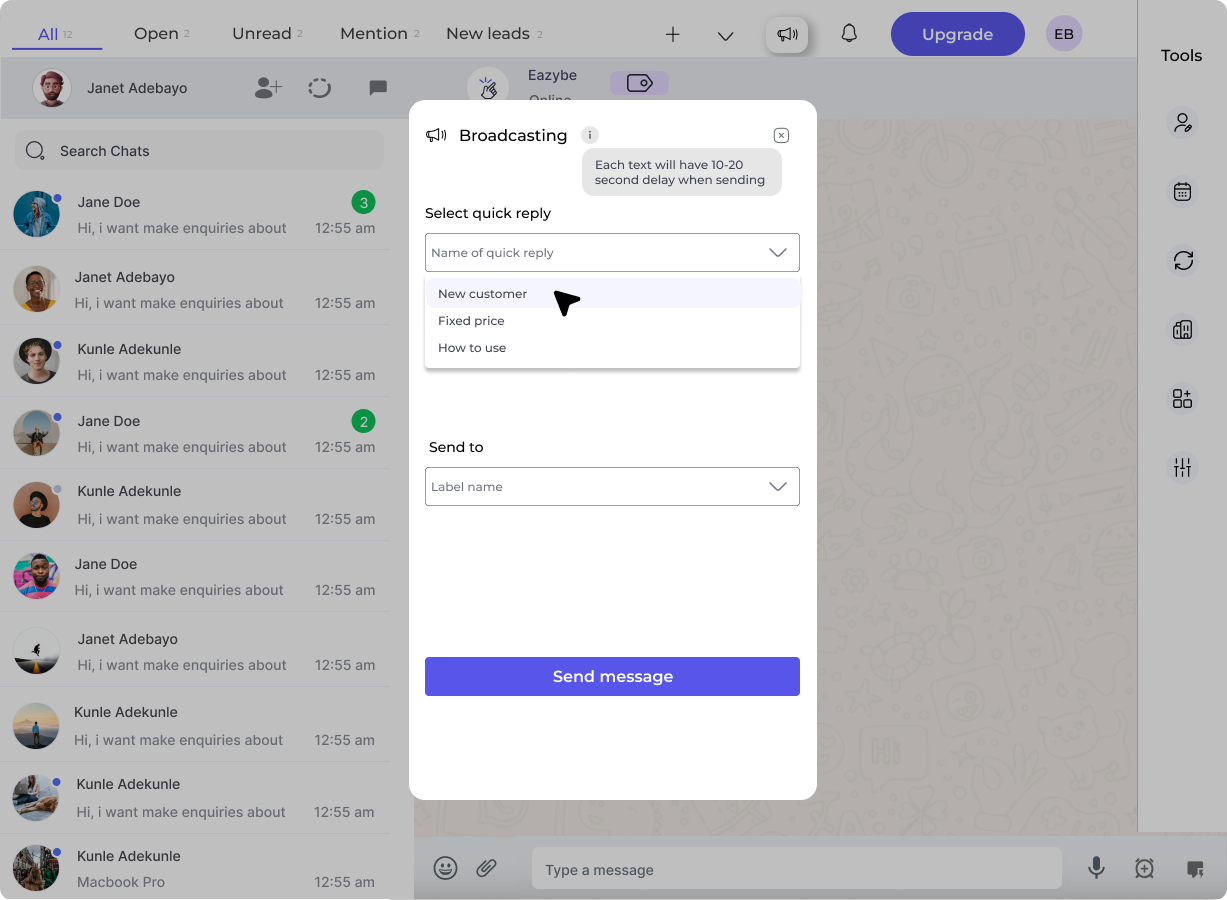
3
Choose Target Label
Select the Label for which you want to send the quick reply to. This allows you to target specific groups of contacts.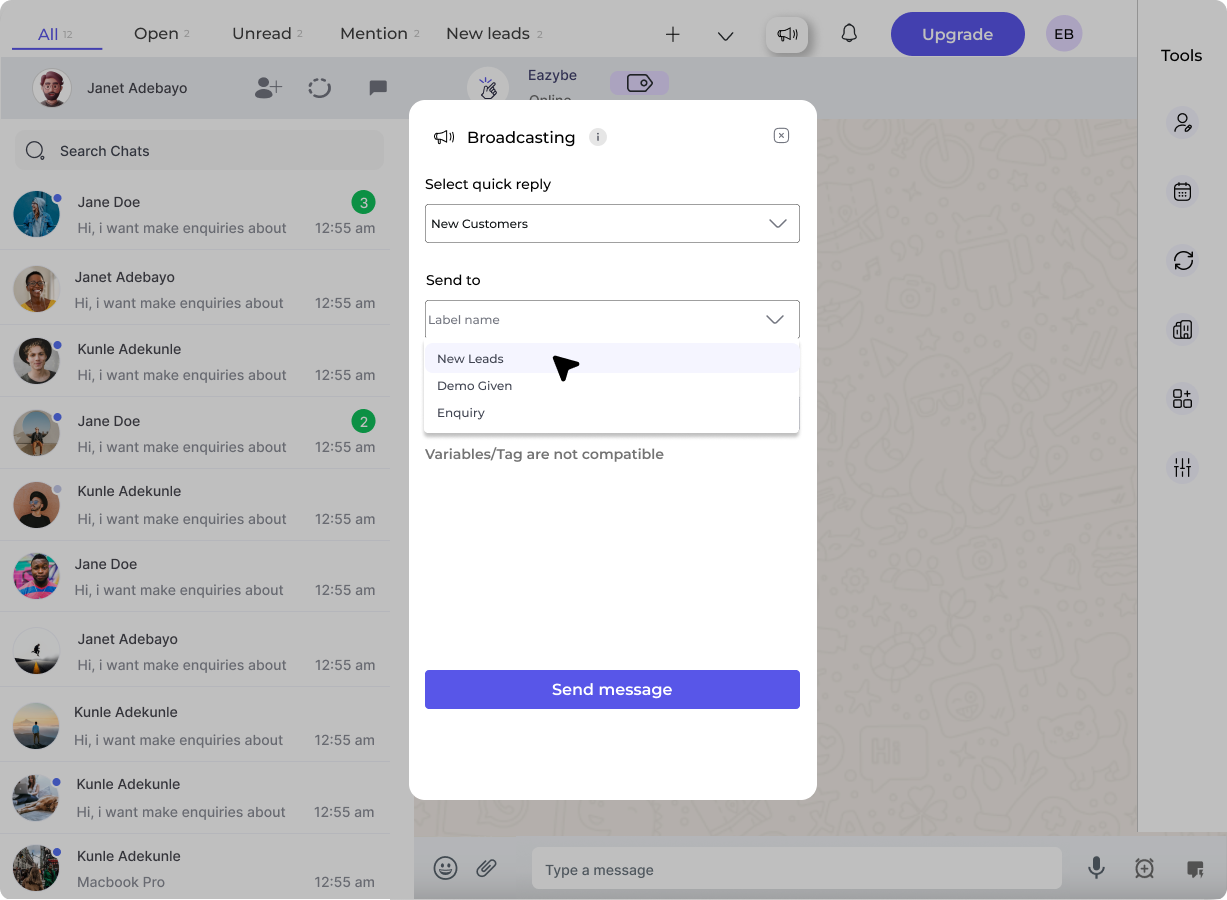
4
Send or Create New
You have two options:
- Click Send Message to send the selected quick reply
-
Click Create New Quick Reply to create a new message for this broadcast