

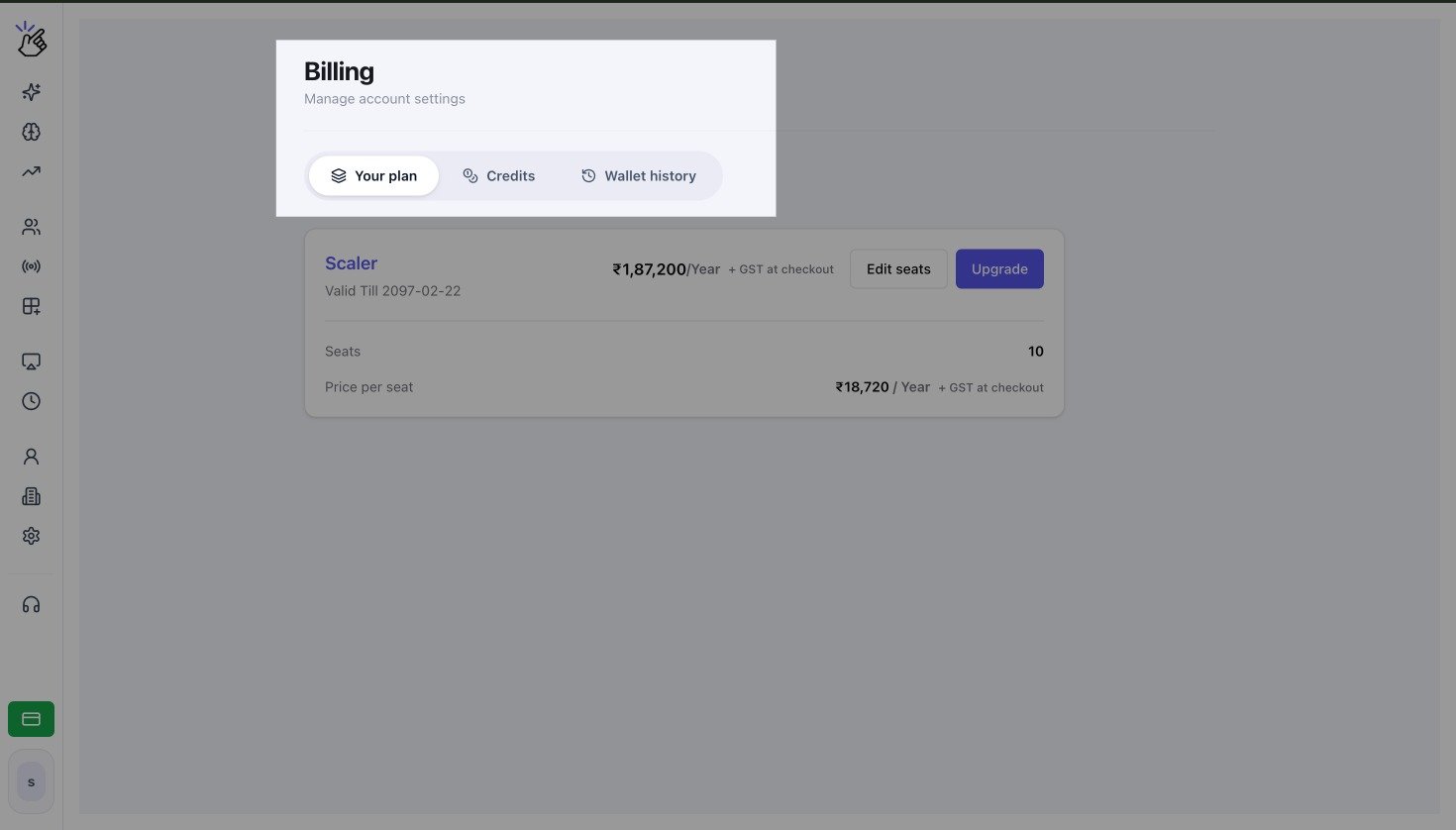
Billing page for an USD currency with Your plan, Credits, and Wallet history tabs
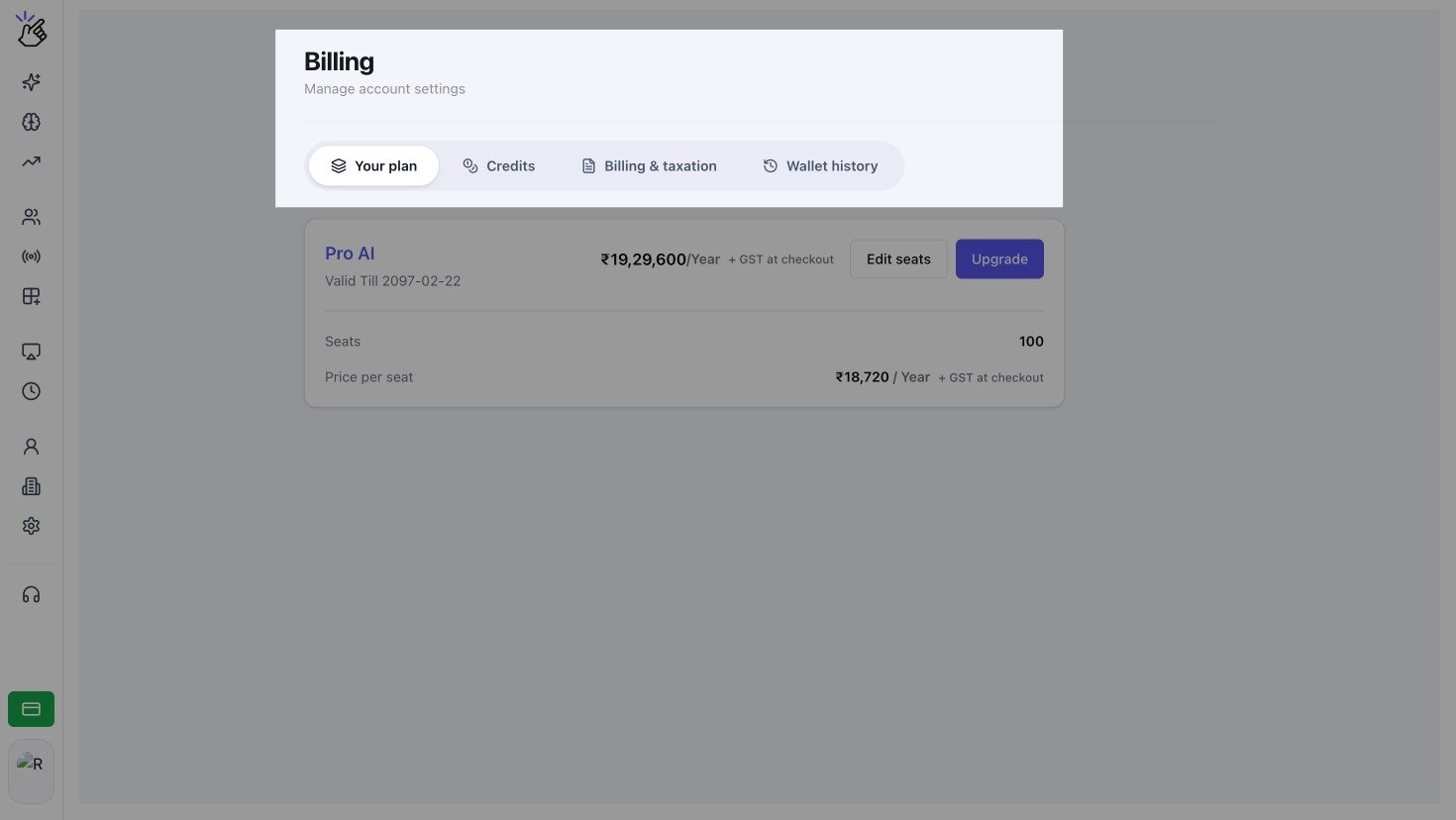
Billing page for an INR currency have extra Billing and Taxation
Choose a Billing Task
Purchase or Manage a Plan
Review your current plan, billing period, seats, and available subscription actions.
Understand Credits
Learn what the wallet balance is used for and how to prevent interrupted paid messaging.
Add Credits
Make a one-time wallet purchase with a quick amount or custom amount.
Set Up Auto Payment
Automatically add credits when an eligible wallet reaches your chosen threshold.
Save Tax Details
Verify GST information for eligible INR purchases and future tax invoices.
Review Wallet History
Find credit and debit transactions, payment status, balances, and invoices.
Access and Currency
- Billing tabs and actions depend on your workspace permissions, country, wallet currency, and Eazybe services.
- Your plan and Wallet history are available to eligible workspace admins.
- Auto payment is currently available for USD wallets.
- INR purchases can include GST and may use a different checkout flow from other currencies.
If a tab or action described in this section is not visible, confirm that you are in the correct workspace and ask a workspace admin to check your access.