

Method 1: Check the Cloud Icon
Look for the cloud symbol in the EazyBe WhatsApp extension. A green indicator signifies successful connection status.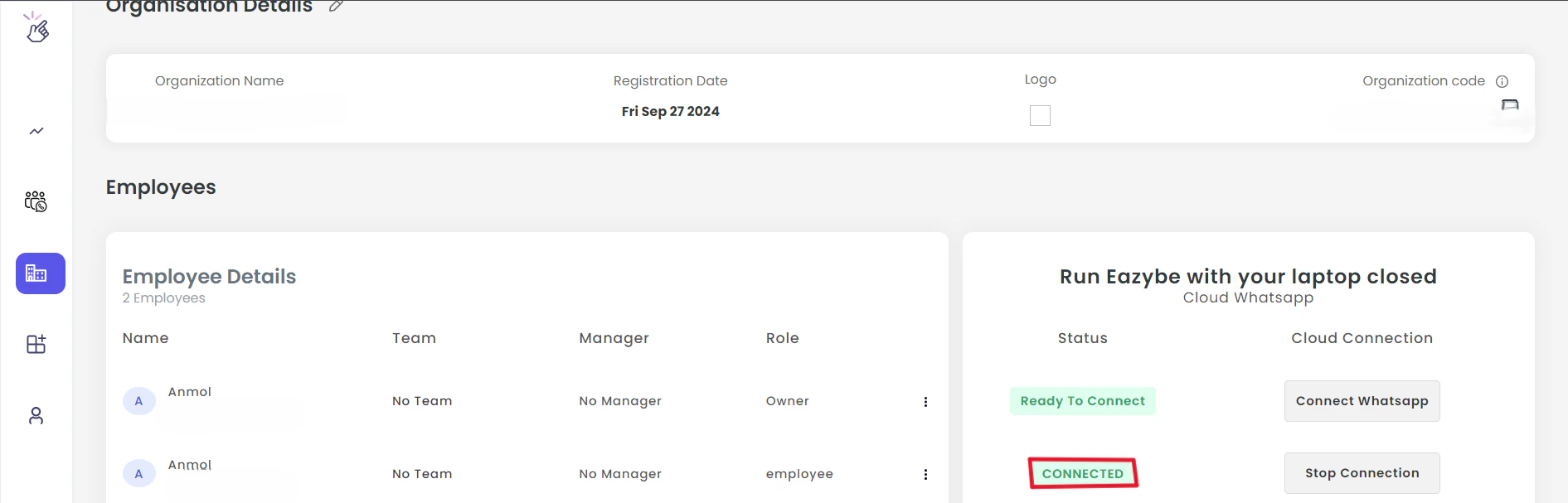
Method 2: Check Your Workspace
1
Open EazyBe Workspace
Navigate to your EazyBe Workspace dashboard.
2
Locate Your Account
Find the account name in the workspace interface.
3
Verify Status
Examine the adjacent status field. The text “Connected” confirms successful cloud linking.
If you have any questions or need further assistance, feel free to reach out to us at hey@eazybe.com. We’re happy to help!