

Conversation States
Every conversation in Revenue Inbox has a state that indicates its current status.State Types
For Extension Users
If you use the Eazybe Chrome extension only:- No time limits on replying
- Messages sync from WhatsApp Web
- Send any message type anytime
For WABA Users
If you have a WhatsApp Business API account:The 24-Hour Service Window
When a customer messages you, a 24-hour window opens: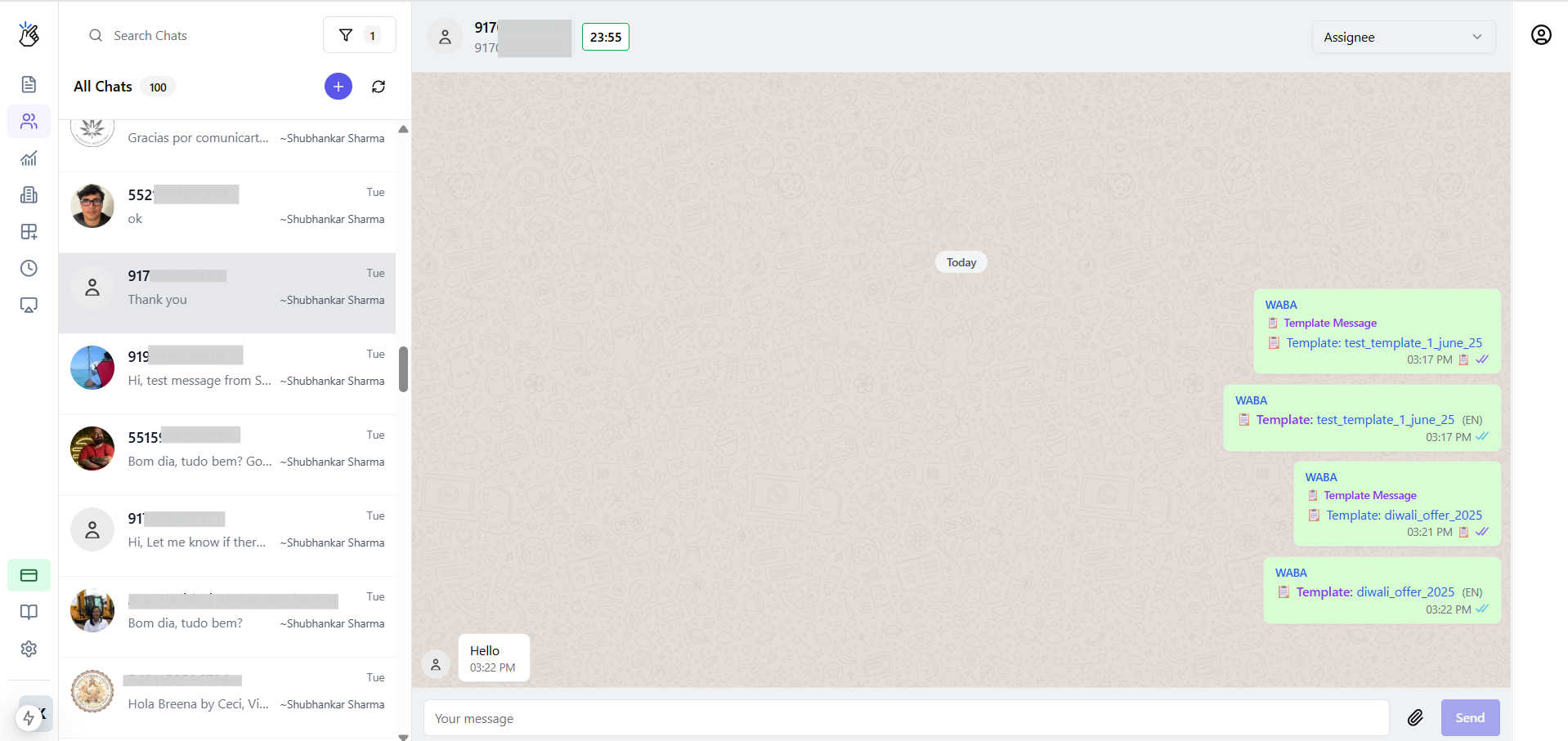
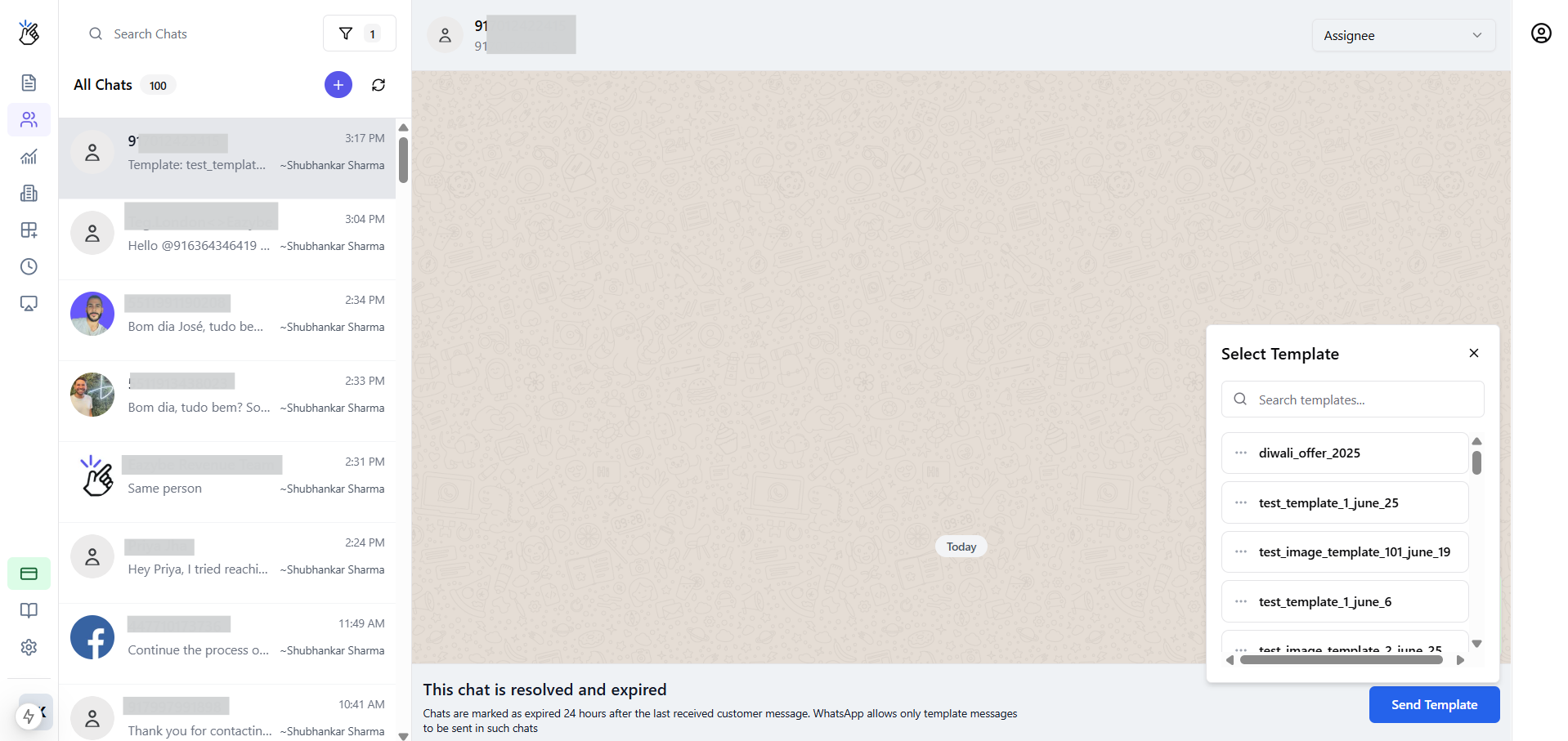
Marking Conversations Resolved
- Open the conversation in Team Inbox
- Click Mark Resolved or the ✅ icon
- Conversation moves to Resolved filter
Resolved conversations can be reopened when the customer sends a new message.