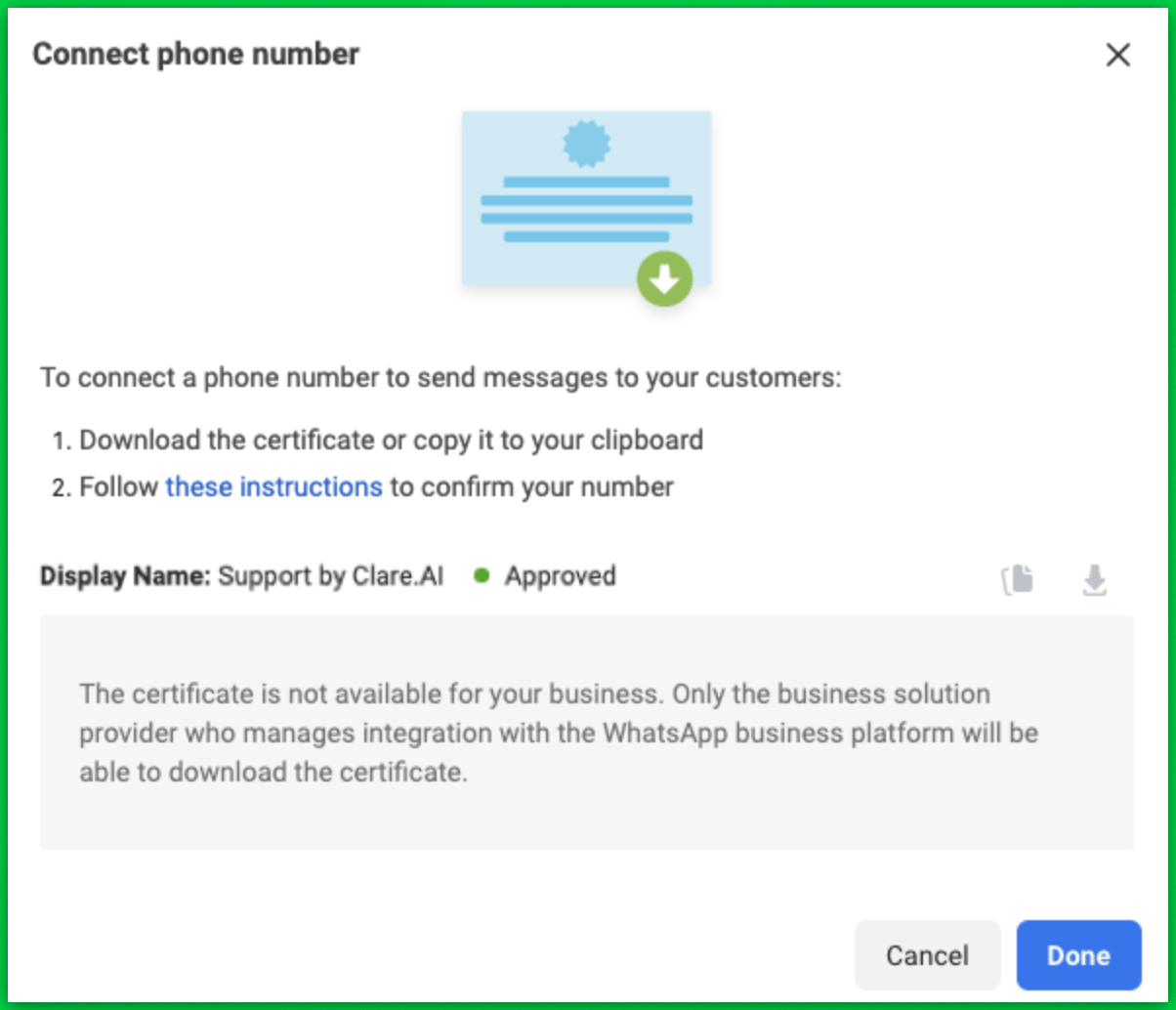
These screenshots show Meta in English. Your layout may differ; the account details are examples.
1
Open WhatsApp Manager
Sign in to Meta Business Manager, select your WhatsApp business account, and open WhatsApp Manager.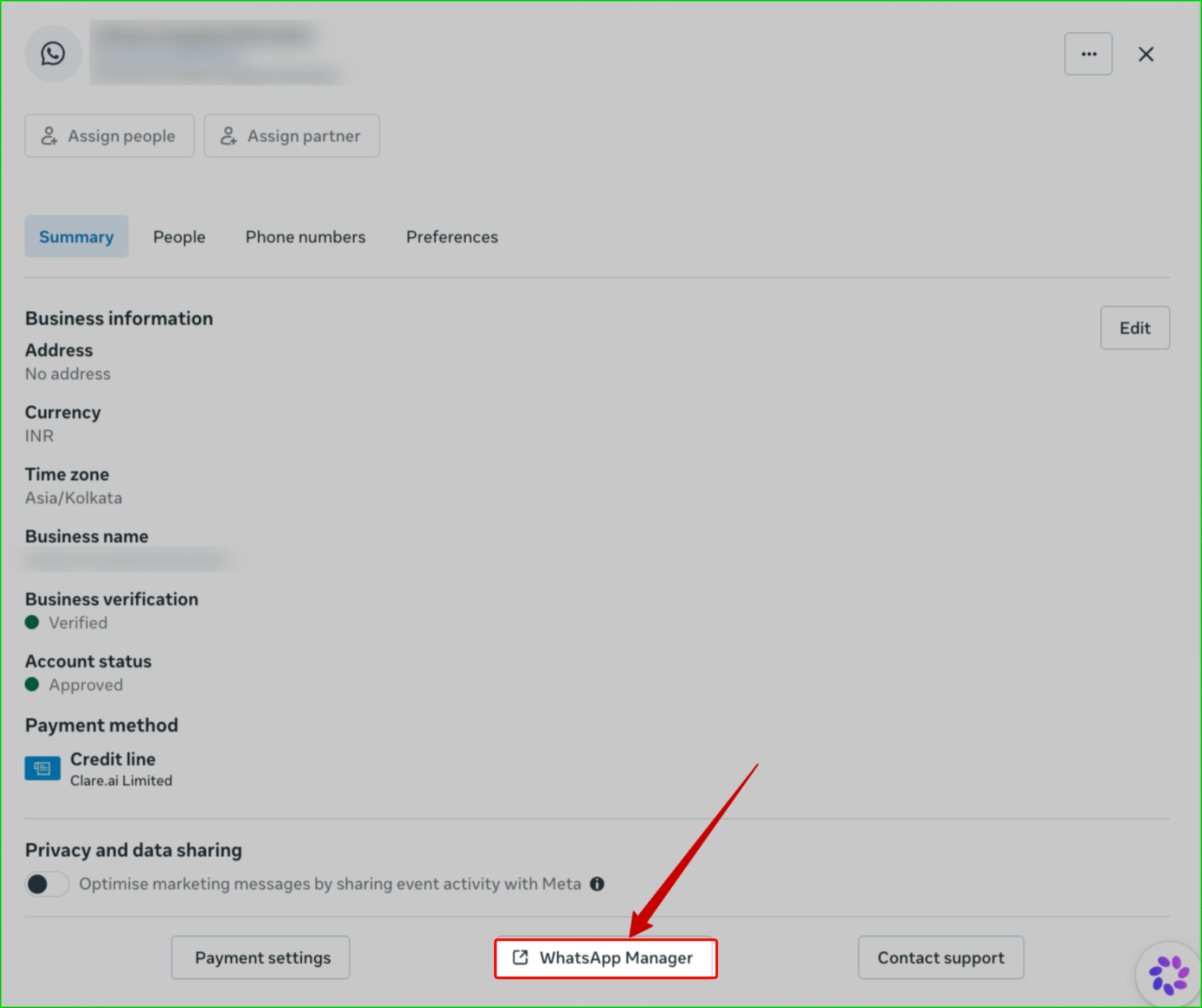
2
Select your phone number
Find the correct number under Phone numbers, then select its settings gear.
3
Edit the profile name
Open Profile and choose Edit beneath Display name.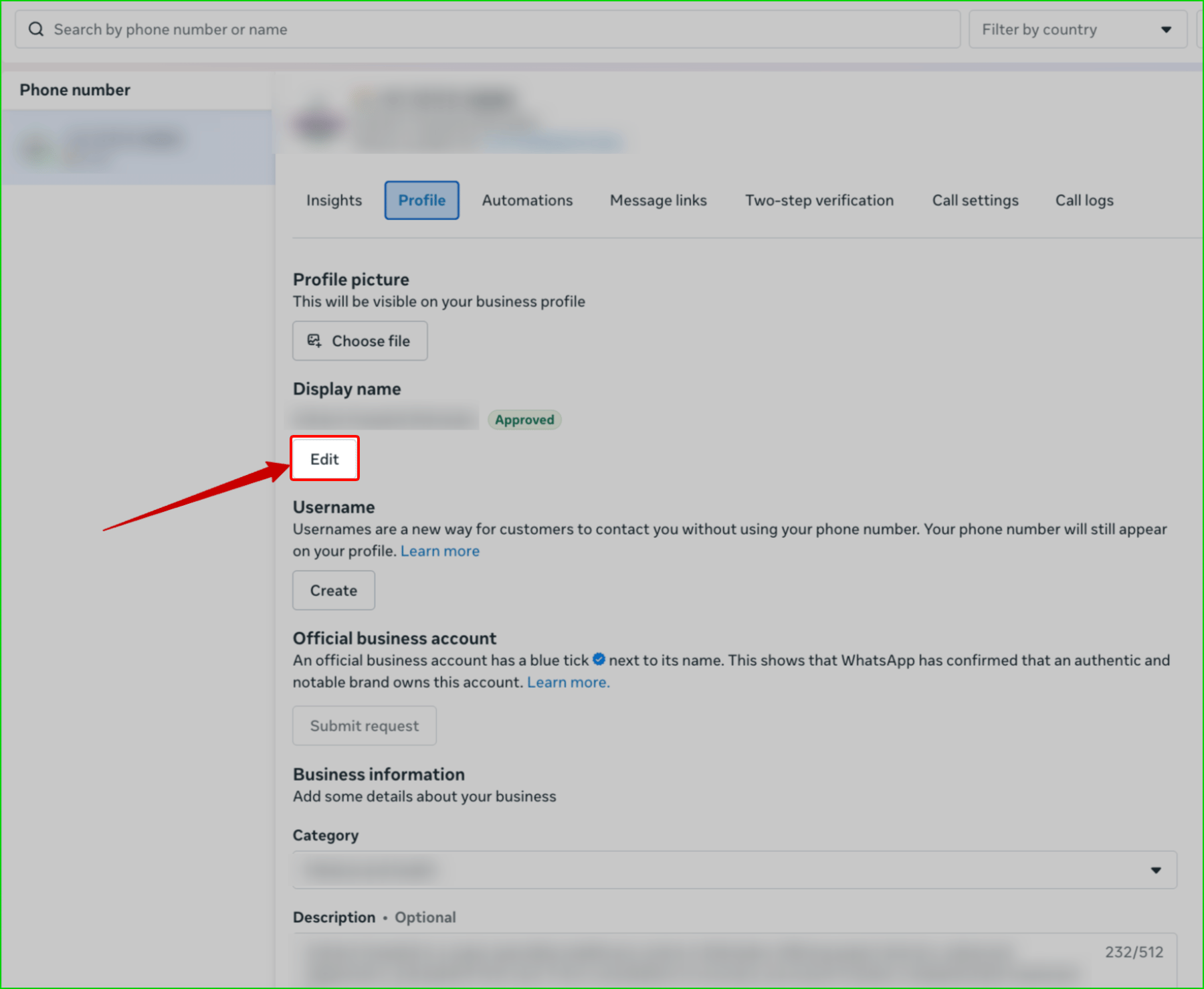
4
Submit your new name
Enter the name in New WhatsApp business display name, choose Next, and complete the review submission. Read the naming guidelines and any change restrictions shown in the dialog.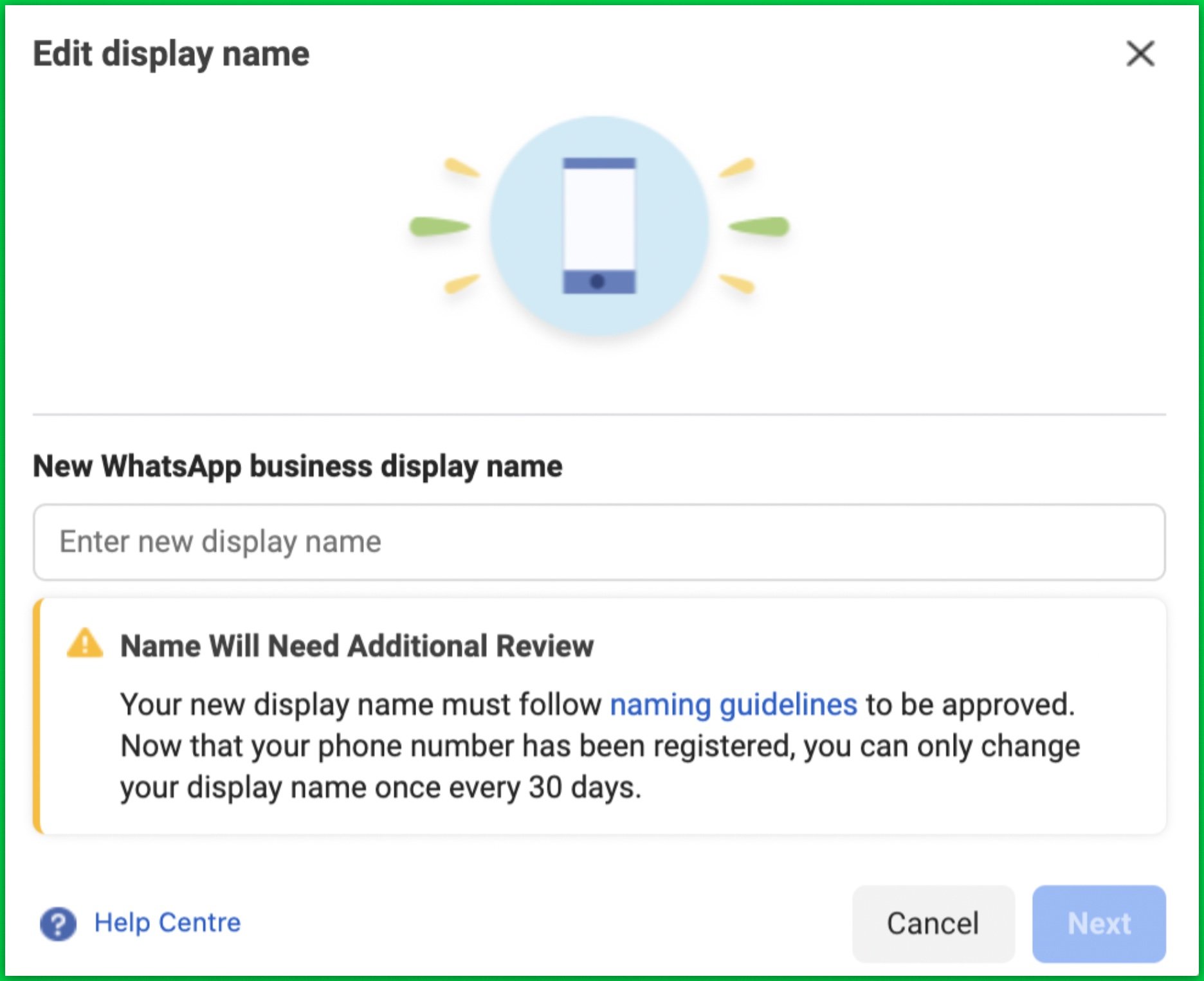
Check the Review Result
Return to the number’s profile in WhatsApp Manager to check the display-name review. A pending review is still awaiting a decision. Approved means Meta accepted the name; Name not approved means you need to revise it.If Your Name Is Rejected
Read the rejection reason, correct the name, and use Edit to submit another request. For example, the screenshot below shows a name that does not match the business branding. A new submission starts another review.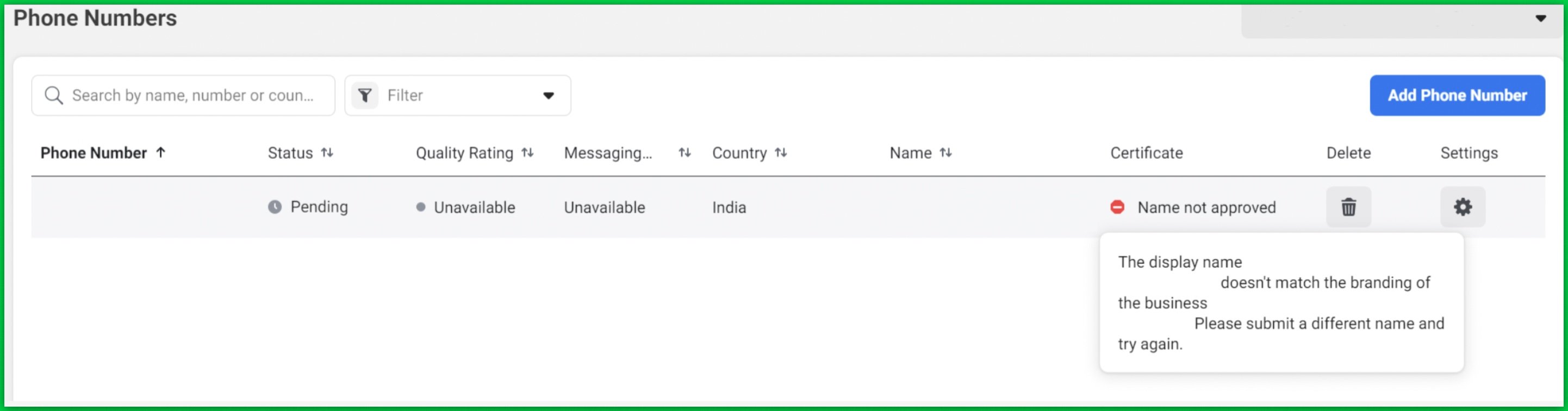
After Approval
Check whether the approved name appears for your connected number. If it does not, or Meta shows a certificate or registration prompt, contact Eazybe Support with your number and a screenshot of the status for guidance.