

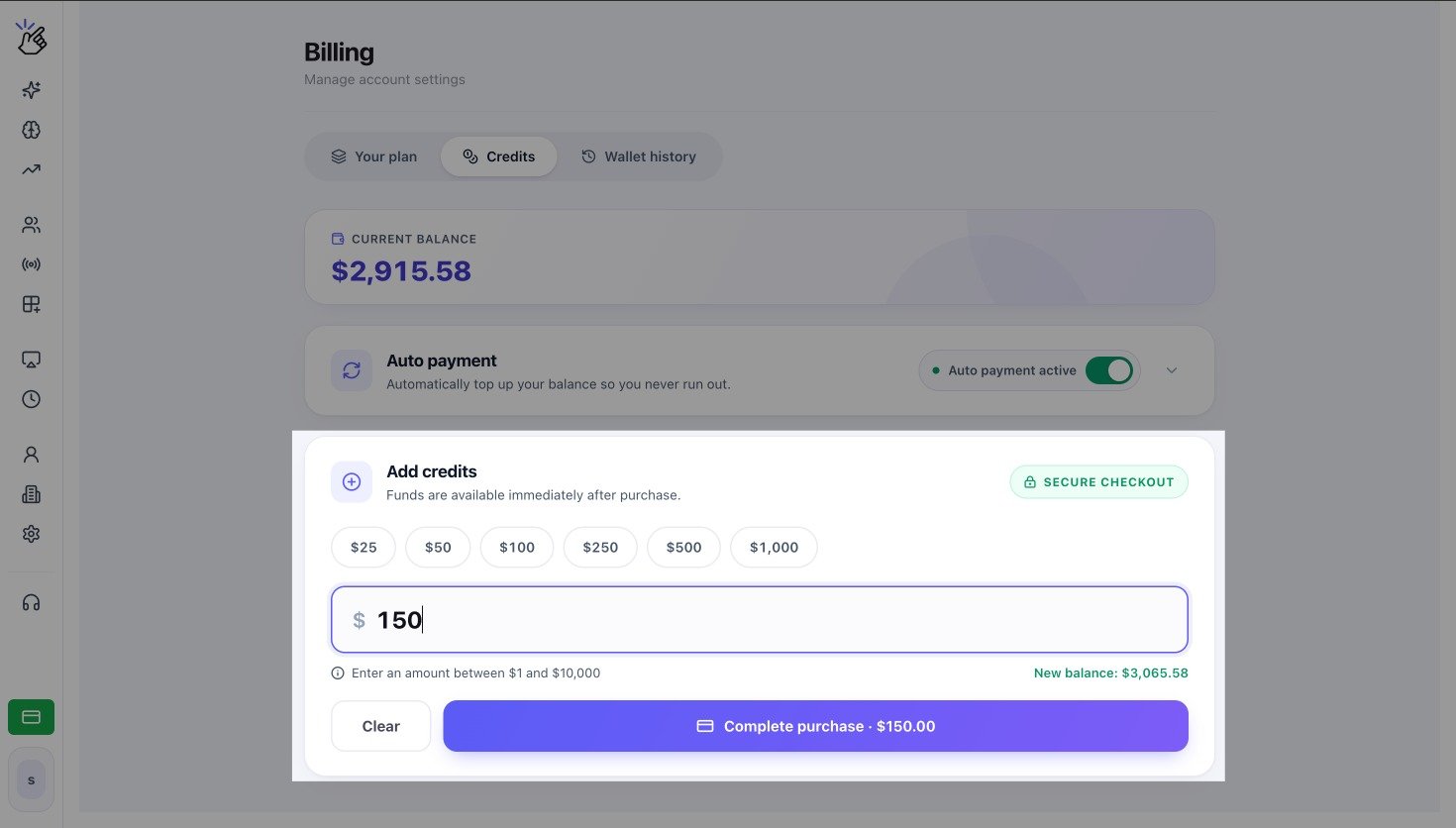
Credits tab with Current balance, Auto payment, and Add credits
What the Credits Tab Shows
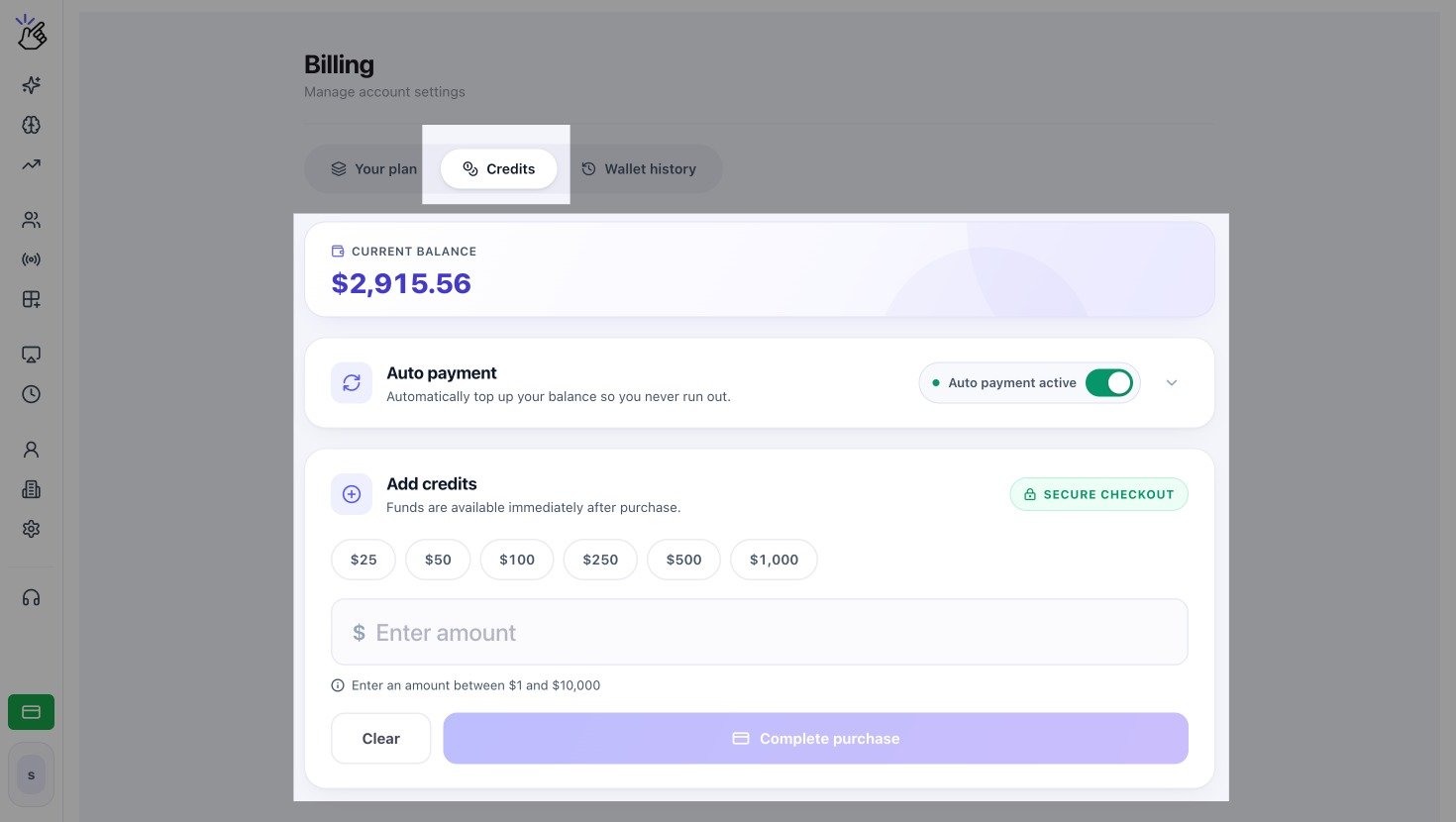
Current balance, Auto payment, and Add credits sections
Choose How to Add Credits
Manually add credit
Add credits once without changing auto-payment settings.
Use Auto Payment
Automatically add credits when an eligible USD wallet reaches its threshold.
A one-time credit purchase and an automatic top-up both add funds to the same workspace wallet. Auto payment does not replace your Eazybe subscription payment.
If the Balance Runs Out
Paid broadcasts, templates, or automations can stop when the wallet no longer has enough funds for the activity. Add credits or resolve a failed auto payment, then retry the affected action after the balance updates.Access to Credits depends on your workspace permissions and eligible Eazybe services. Ask a workspace admin if the tab is not visible.