How the Eazybe Wallet Works
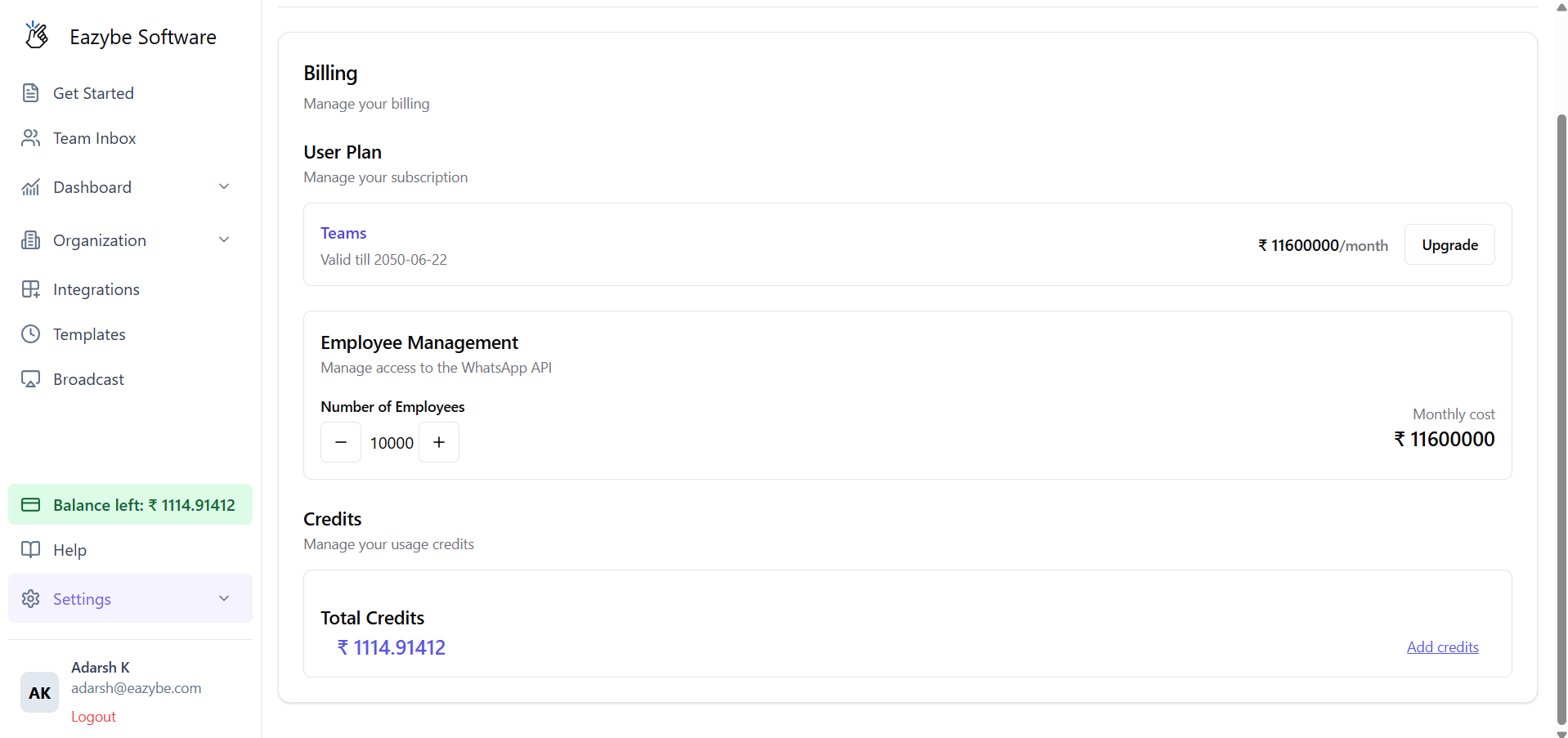
All charges for sending WhatsApp broadcasts are managed through the Eazybe Wallet. Your wallet balance is deducted each time you send broadcast messages.Every new business (organization) connecting WABA for the first time receives ₹100 or $1 in free credits to get started!
Viewing Your Wallet Balance
Navigate to the Billing section in your Eazybe dashboard to view your current balance and transaction history.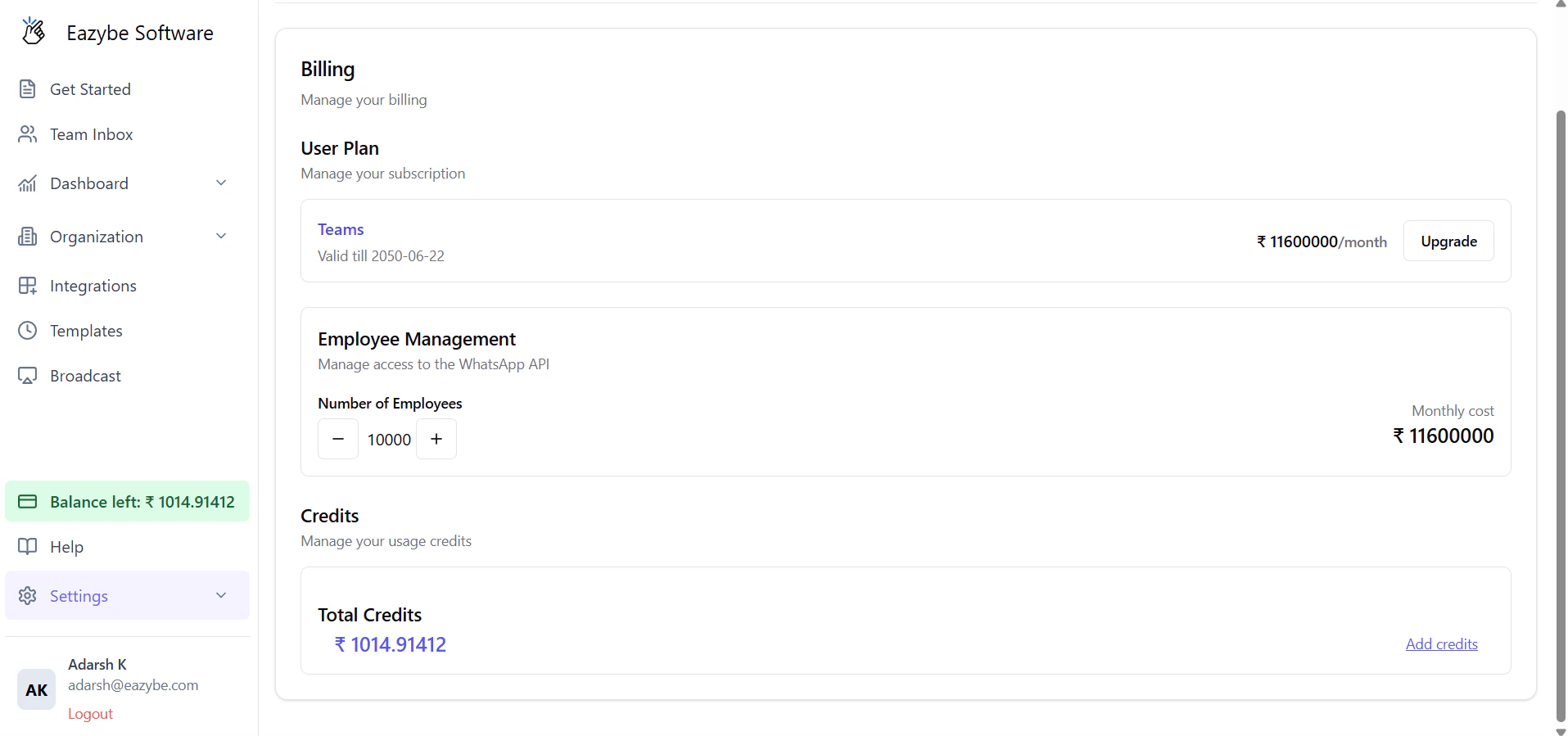
How to Recharge Your Wallet
1
Navigate to Billing
Access the Billing section in the Eazybe dashboard. Here you can view your current balance and complete transaction history.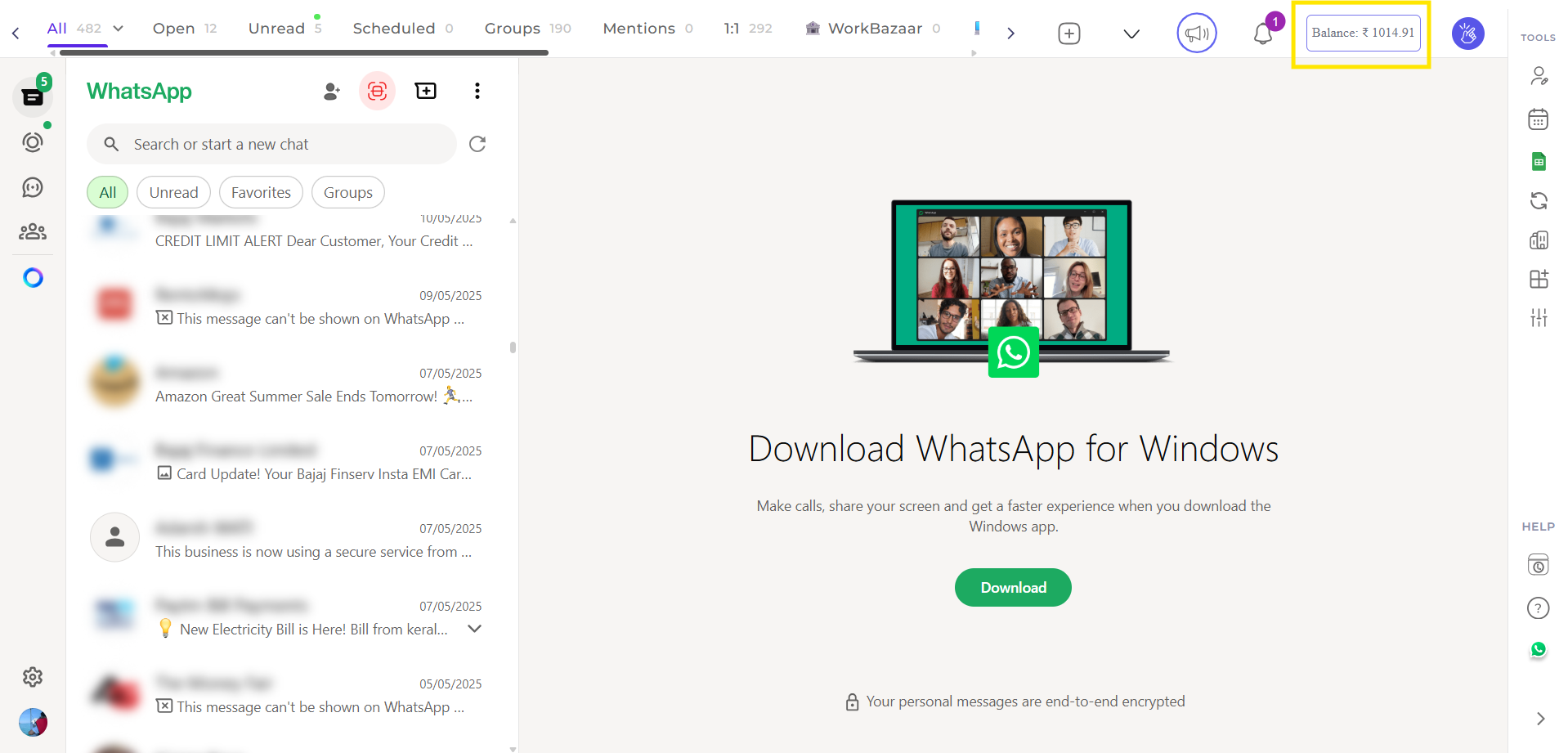
2
Click Add Credits
Select the + Add Credits button to initiate a recharge.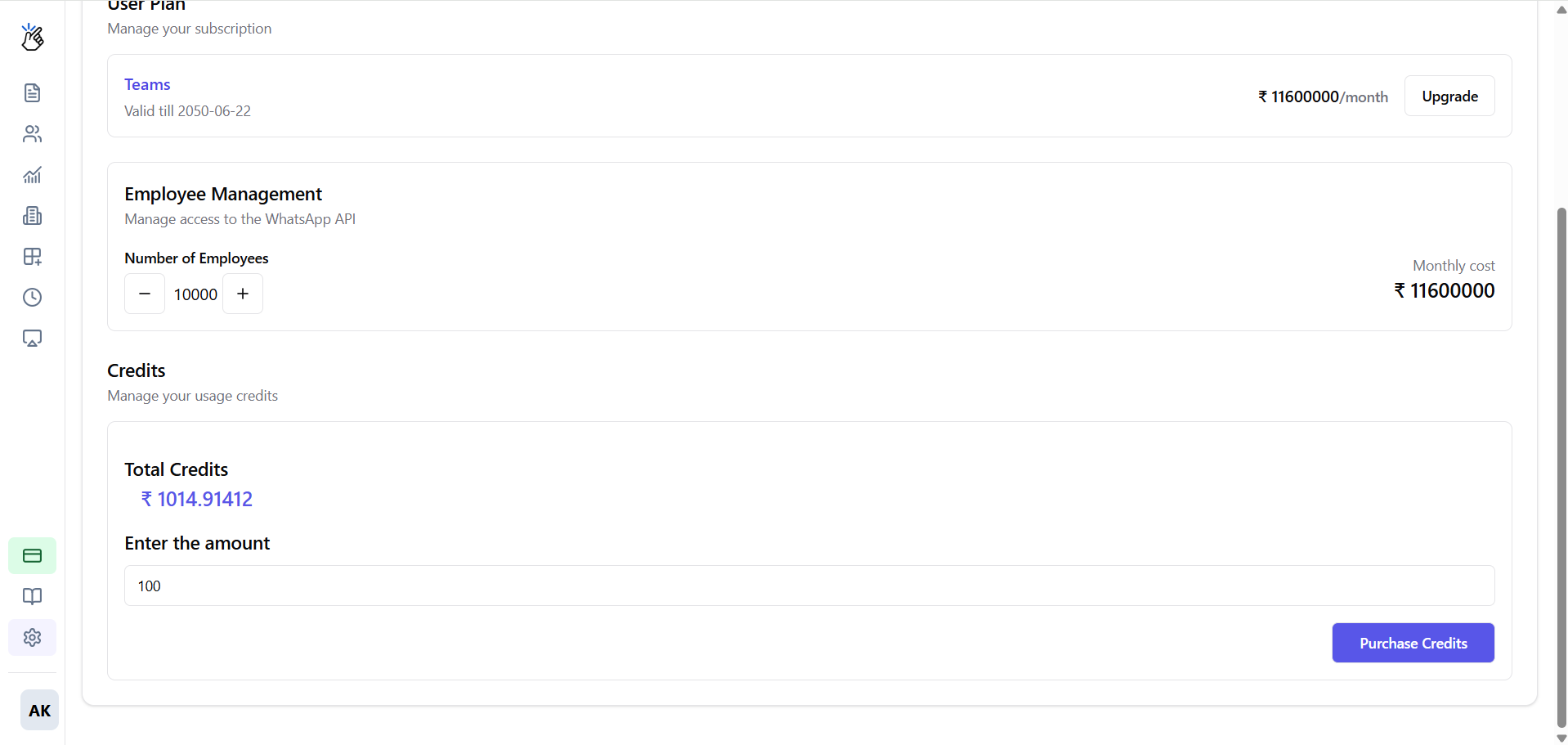
3
Enter Recharge Amount
Input your desired recharge amount and click Purchase Credits.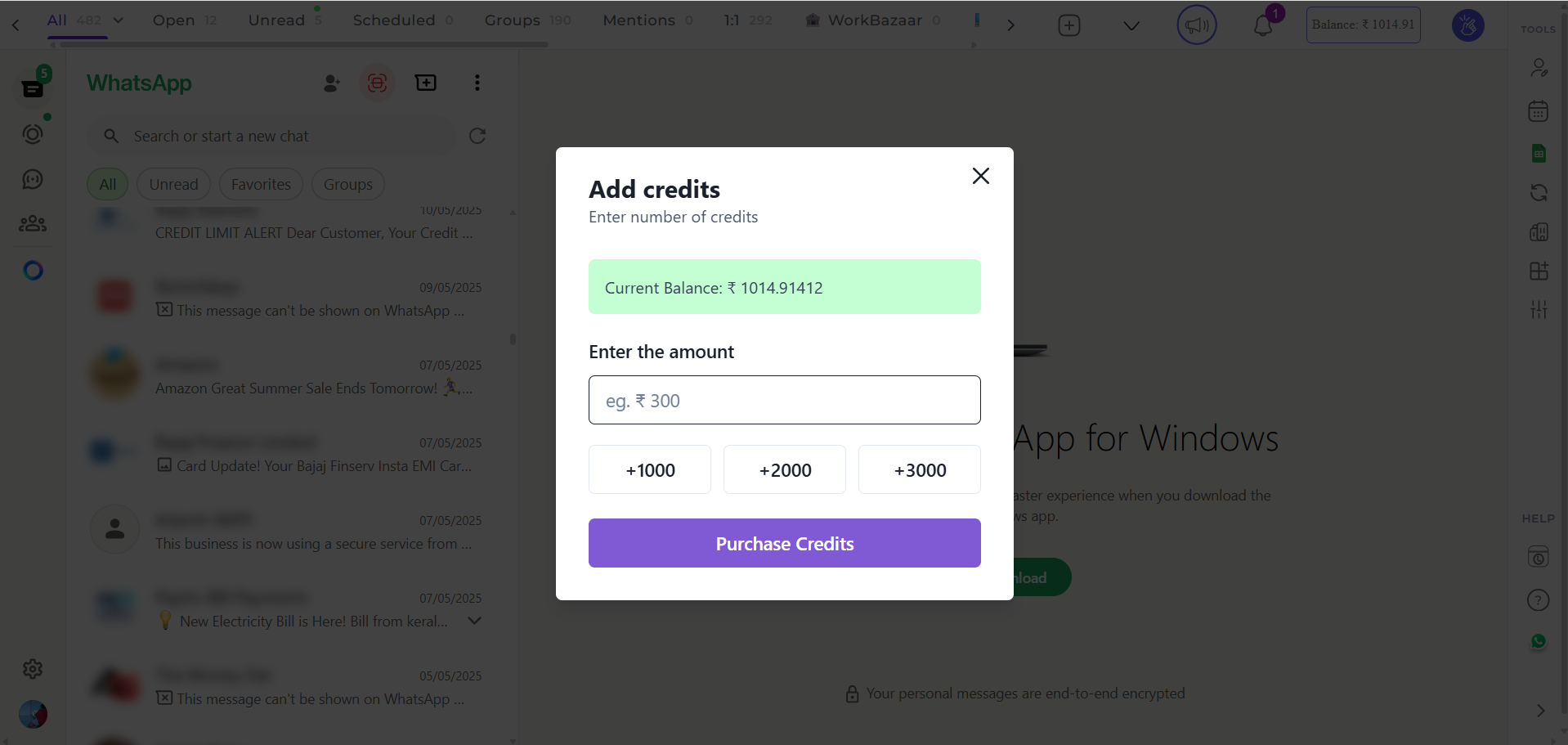
4
Complete Payment
You will be redirected to Stripe’s secure payment gateway to complete your transaction.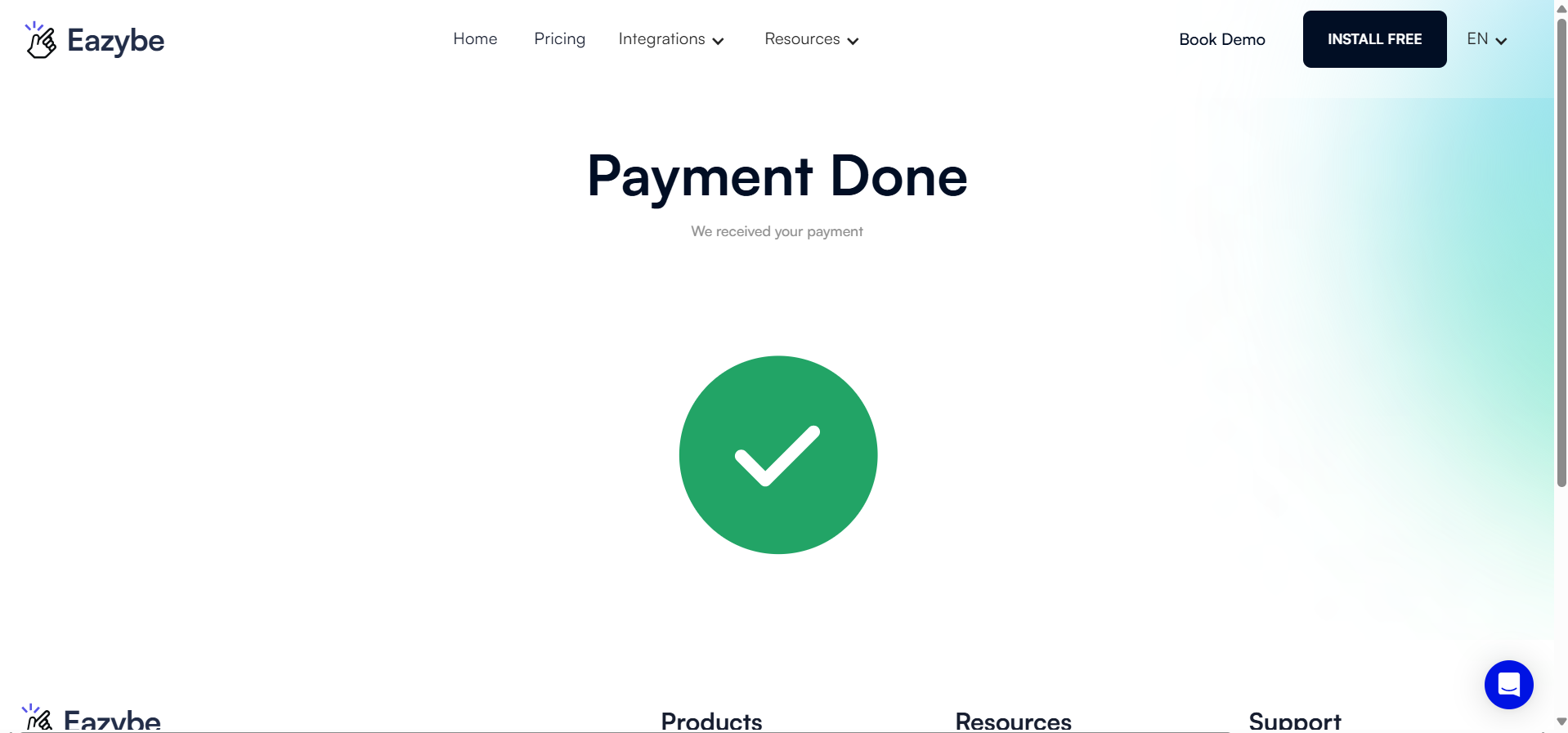
Stripe provides enterprise-grade security for all payment transactions.
5
Confirmation
After successful payment, your new balance will be reflected in your wallet immediately.