

Prerequisites
Before sending a broadcast campaign, ensure you have:Connected WABA
Your WhatsApp Business Account must be connected to Eazybe
Funded Wallet
Ensure your Eazybe Wallet has sufficient balance
Approved Template
You need at least one approved Message Template
Every new business (organization) connecting WABA for the first time receives ₹100 or $1 in free credits.
How to Send a Broadcast Campaign
1
Navigate to Broadcasts
Select Broadcasts from the main menu in your Eazybe dashboard.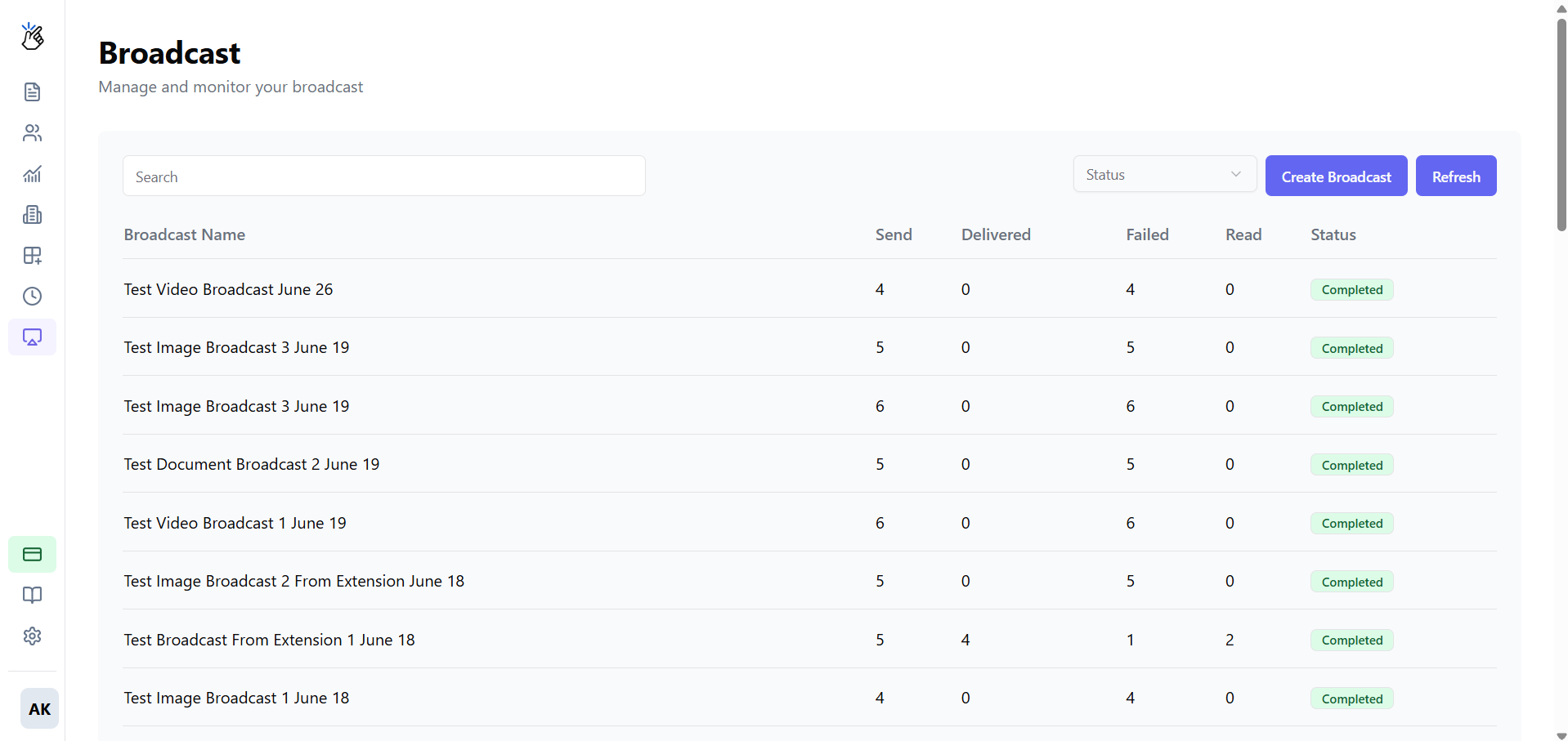
2
Create New Broadcast
Click the Create Broadcast button to start a new campaign.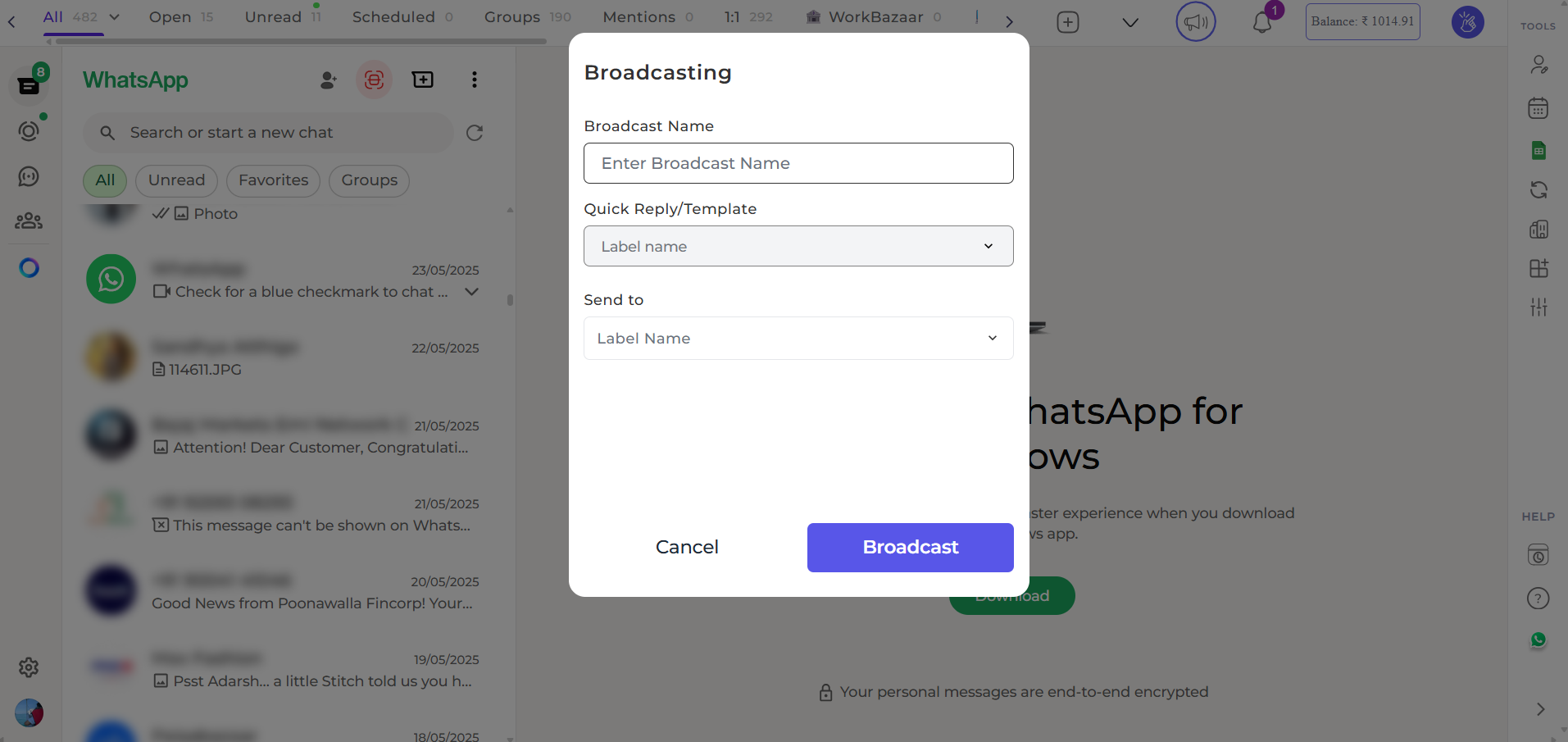
3
Name Your Campaign
Provide an internal name for your campaign to help you identify it later.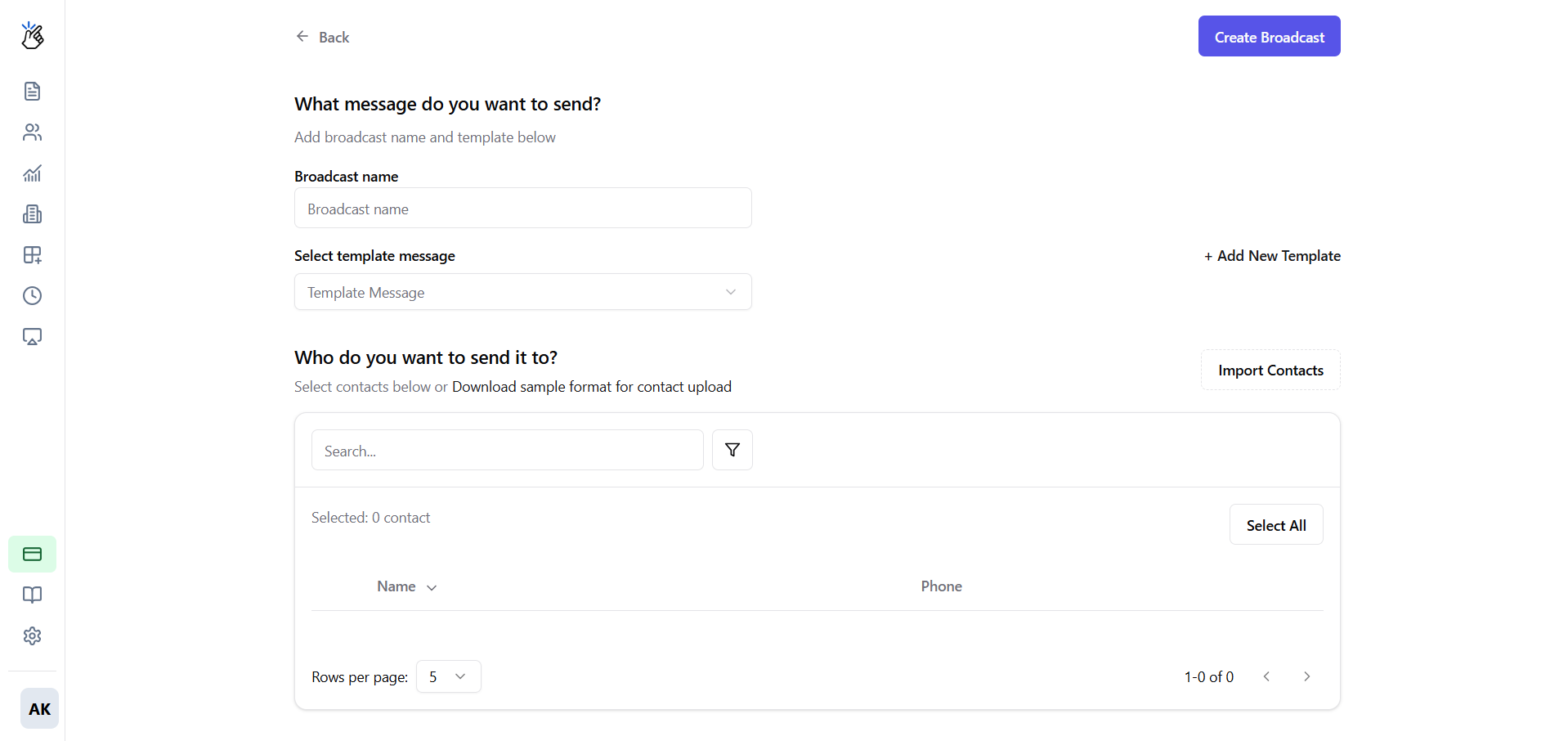
4
Select Template
Choose an Approved Message Template from the dropdown list.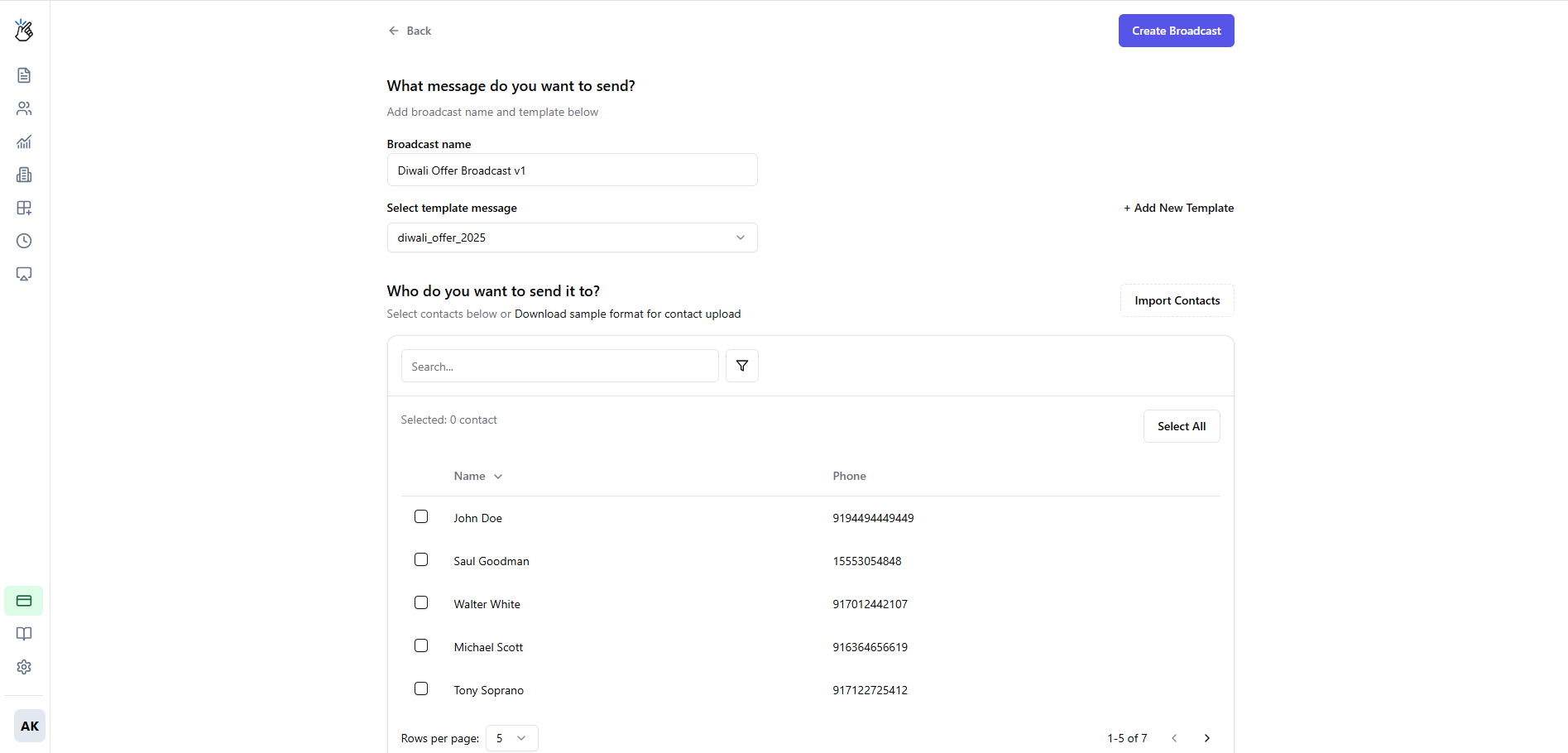
5
Upload Contacts
Click Upload CSV and select your file containing phone numbers.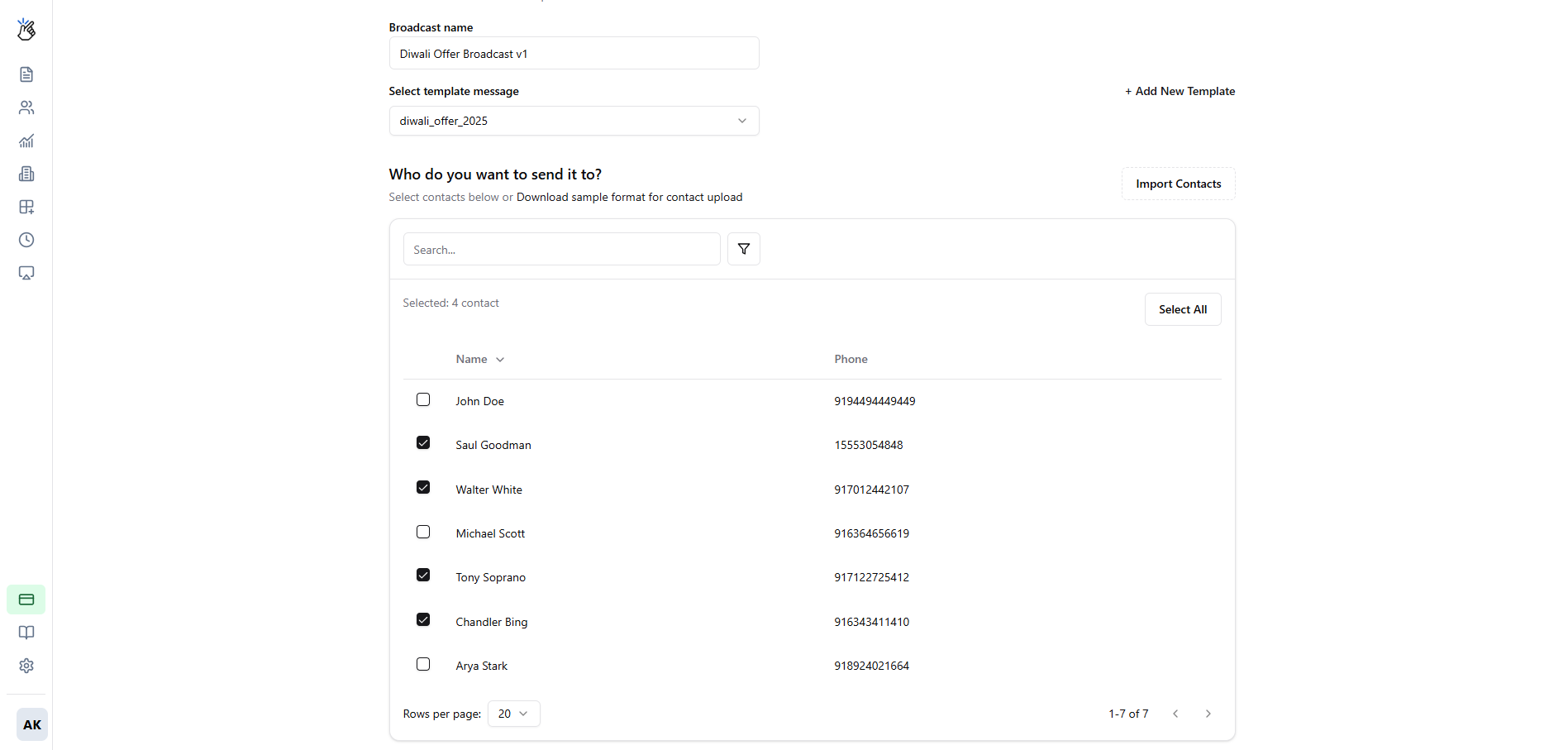
Phone numbers must be in international format without the ”+” sign (e.g., 91xxxxxxxxxx for India, 1xxxxxxxxxx for USA).
6
Select Recipients
Choose the contacts you want to include in your broadcast from the imported CSV.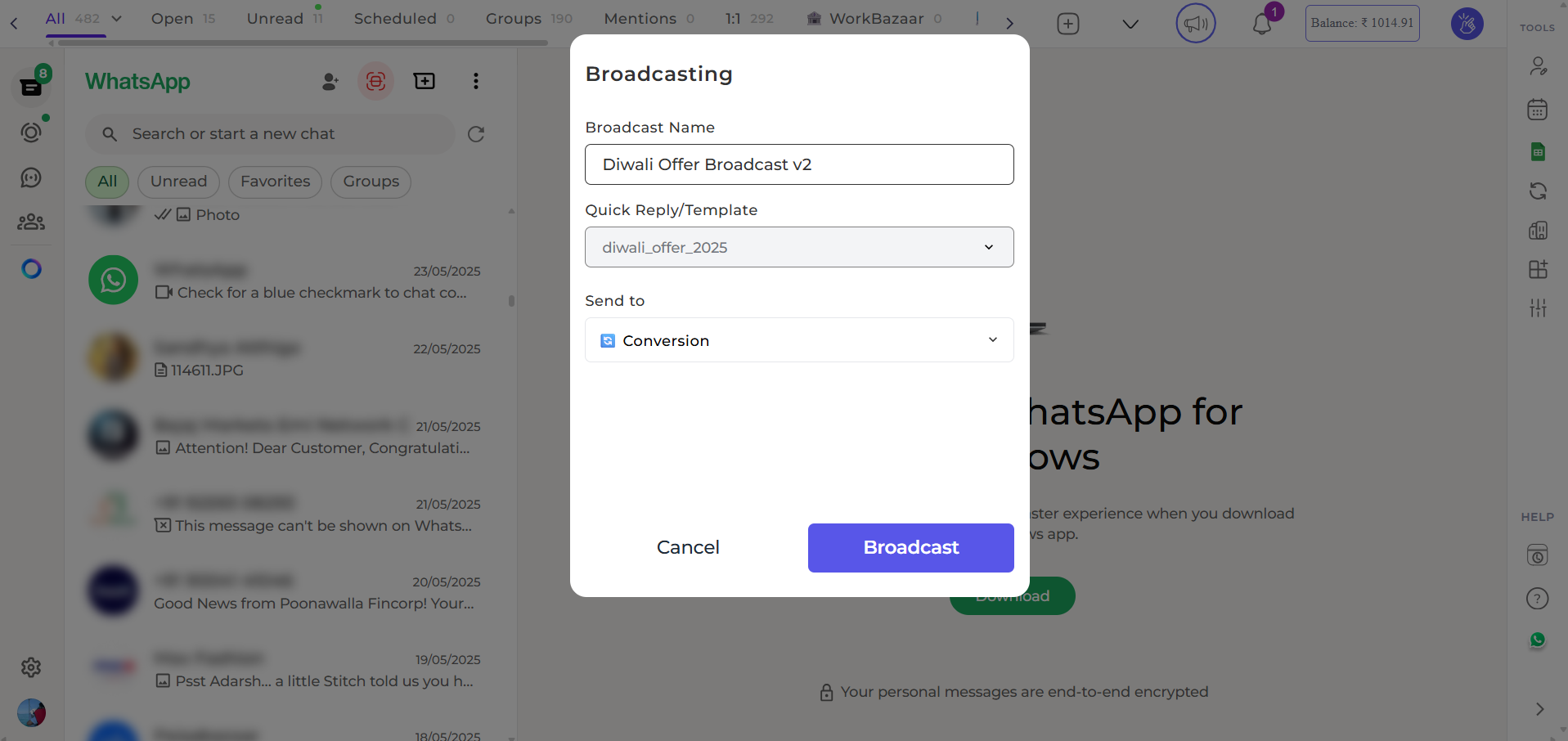
7
Select Label (Extension Users)
If you’re using the Eazybe extension, you can select a label containing tagged contacts.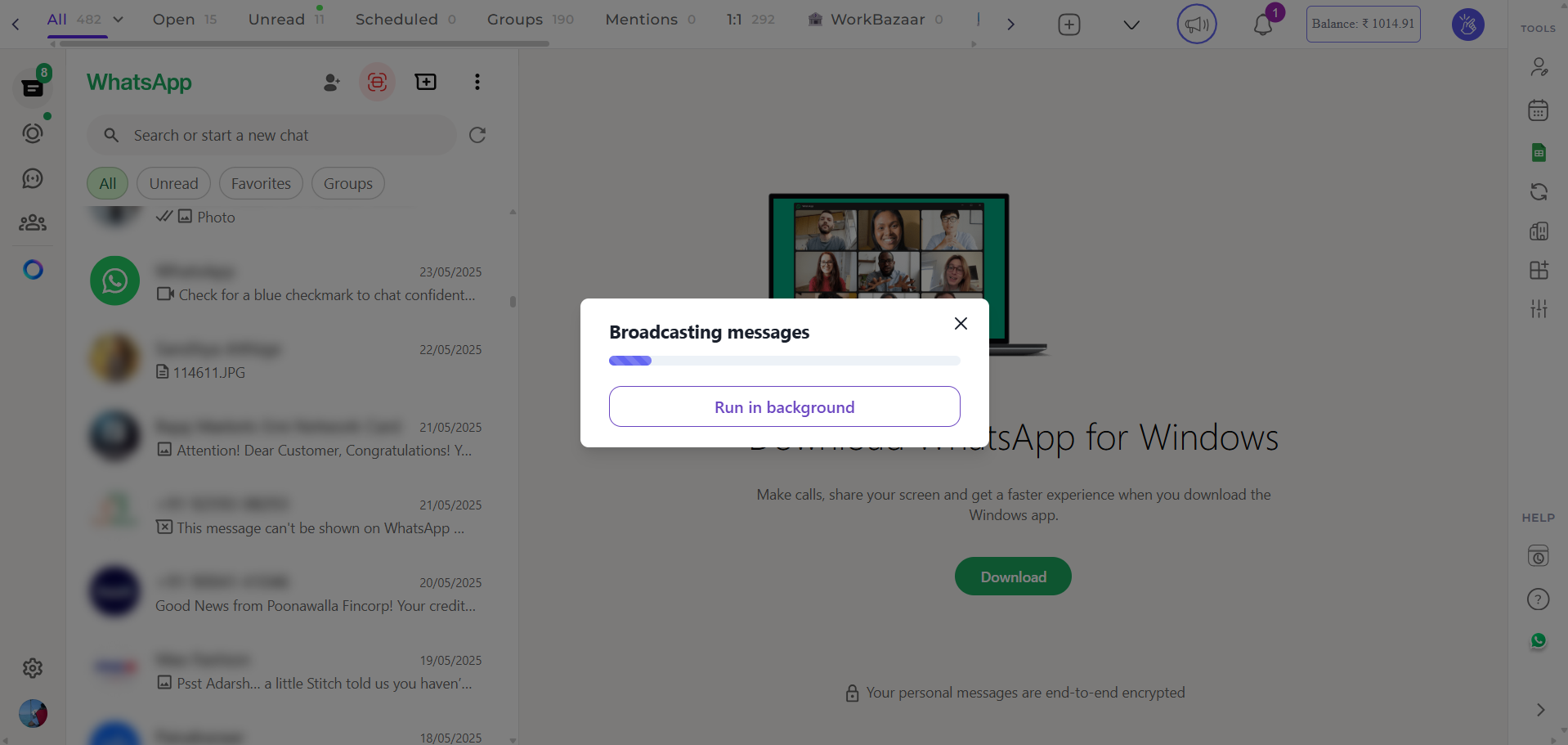
Labels work with individual contacts only, not groups.
8
Launch Campaign
Click Send Broadcast to start sending messages to your selected recipients.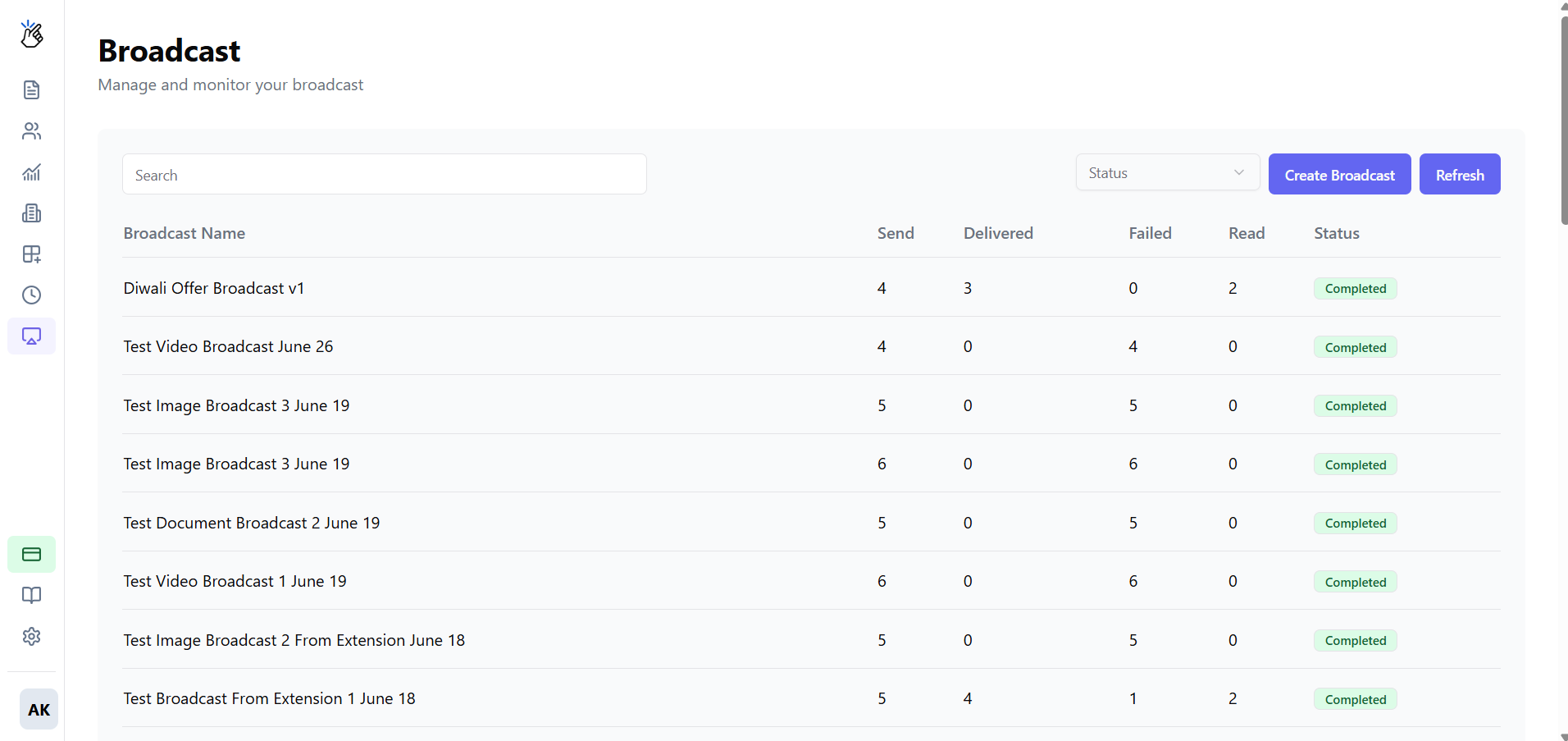
Tracking Campaign Performance
After launching your campaign, you can track its performance directly from the Broadcast dashboard.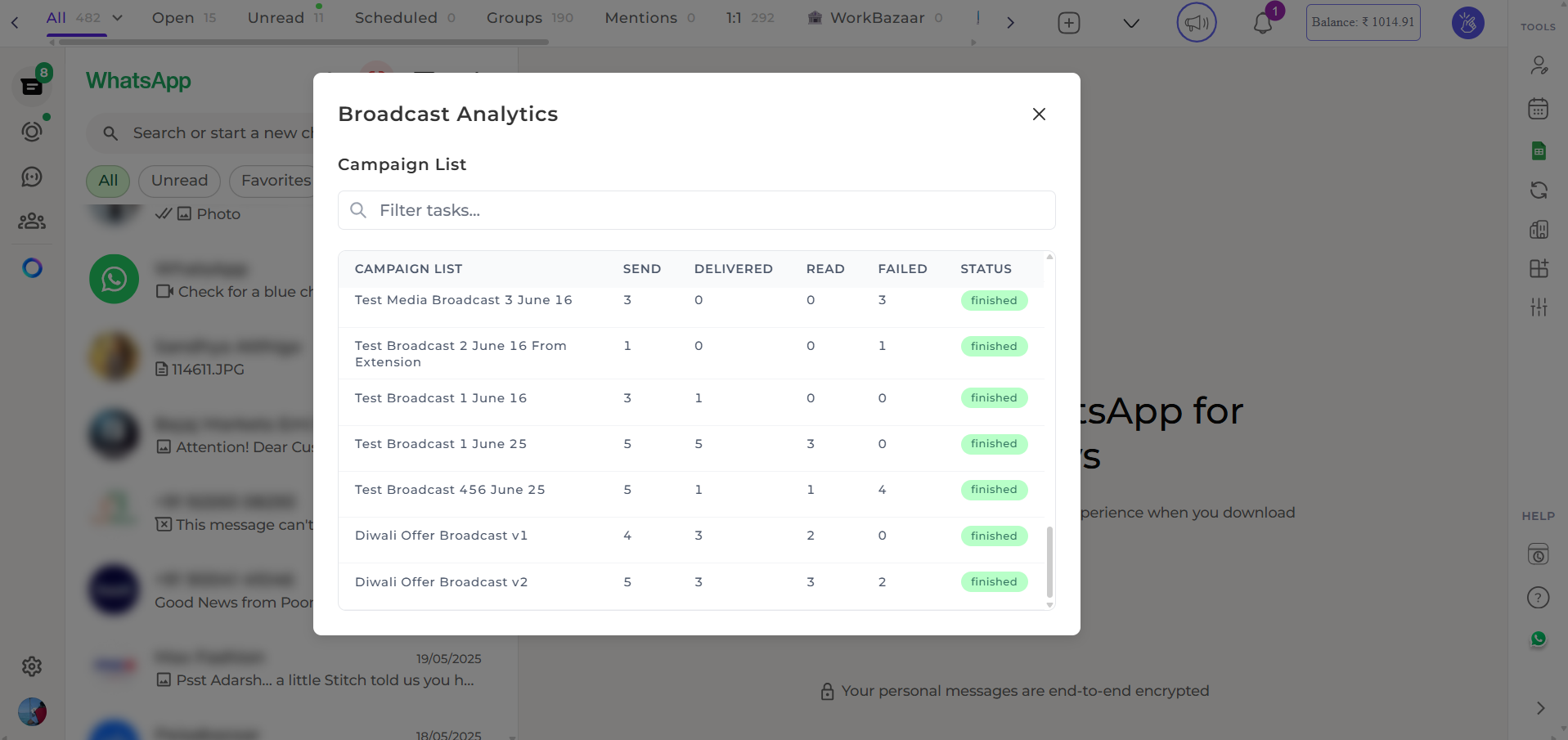
- Messages Sent - Total number of messages dispatched
- Messages Delivered - Successfully delivered to recipients
- Messages Read - Opened and read by recipients