Unreplied Chats Detection
Eazybe’s AI Agent automatically scans your team’s WhatsApp conversations to identify unreplied chats and prioritize them by urgency.
How It Works
The AI agent analyzes every conversation and applies priority labels:
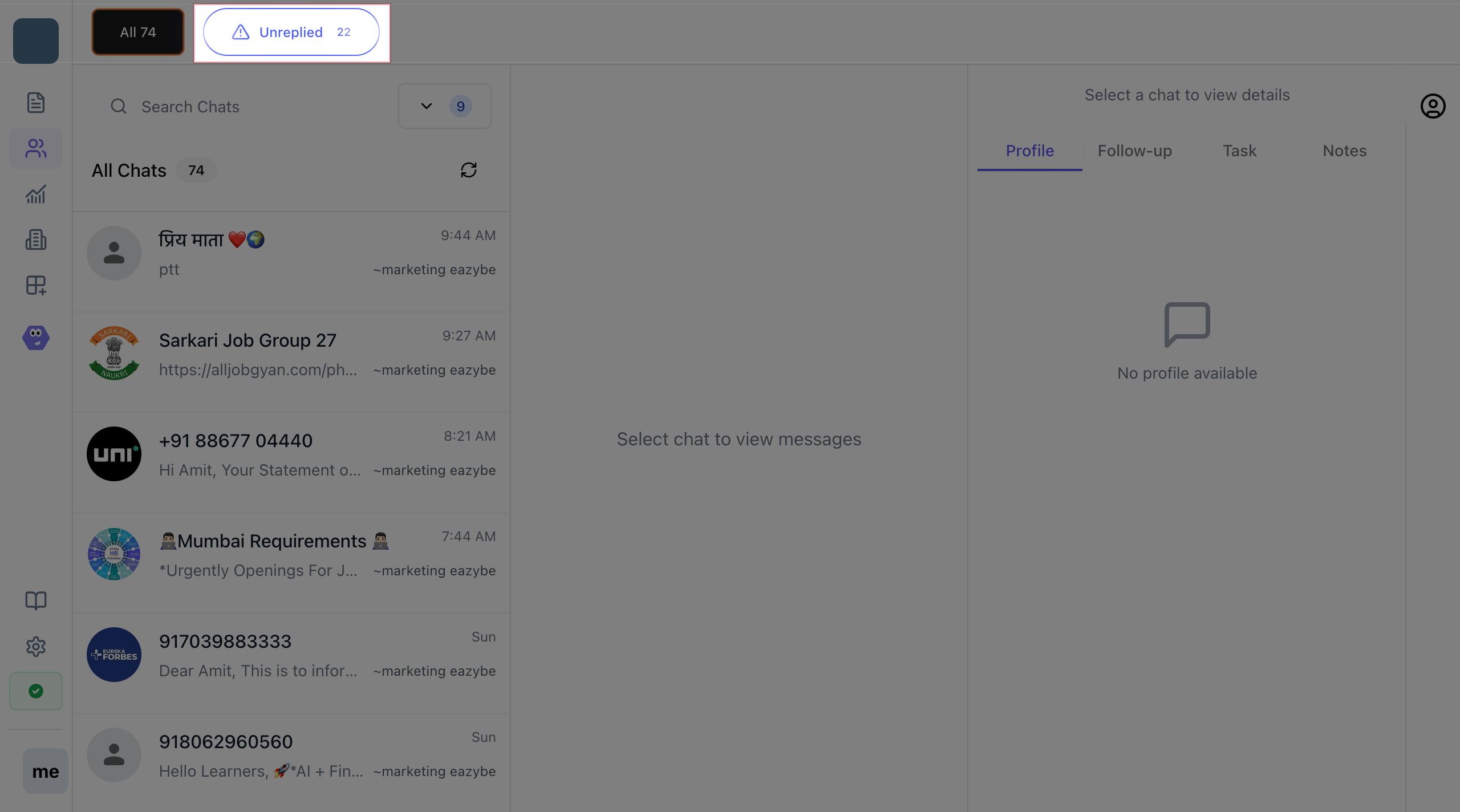
Step 1: Open Team Inbox
- Log in to the Eazybe workspace
- Navigate to Team Inbox from the sidebar
- Click on Unreplied filter
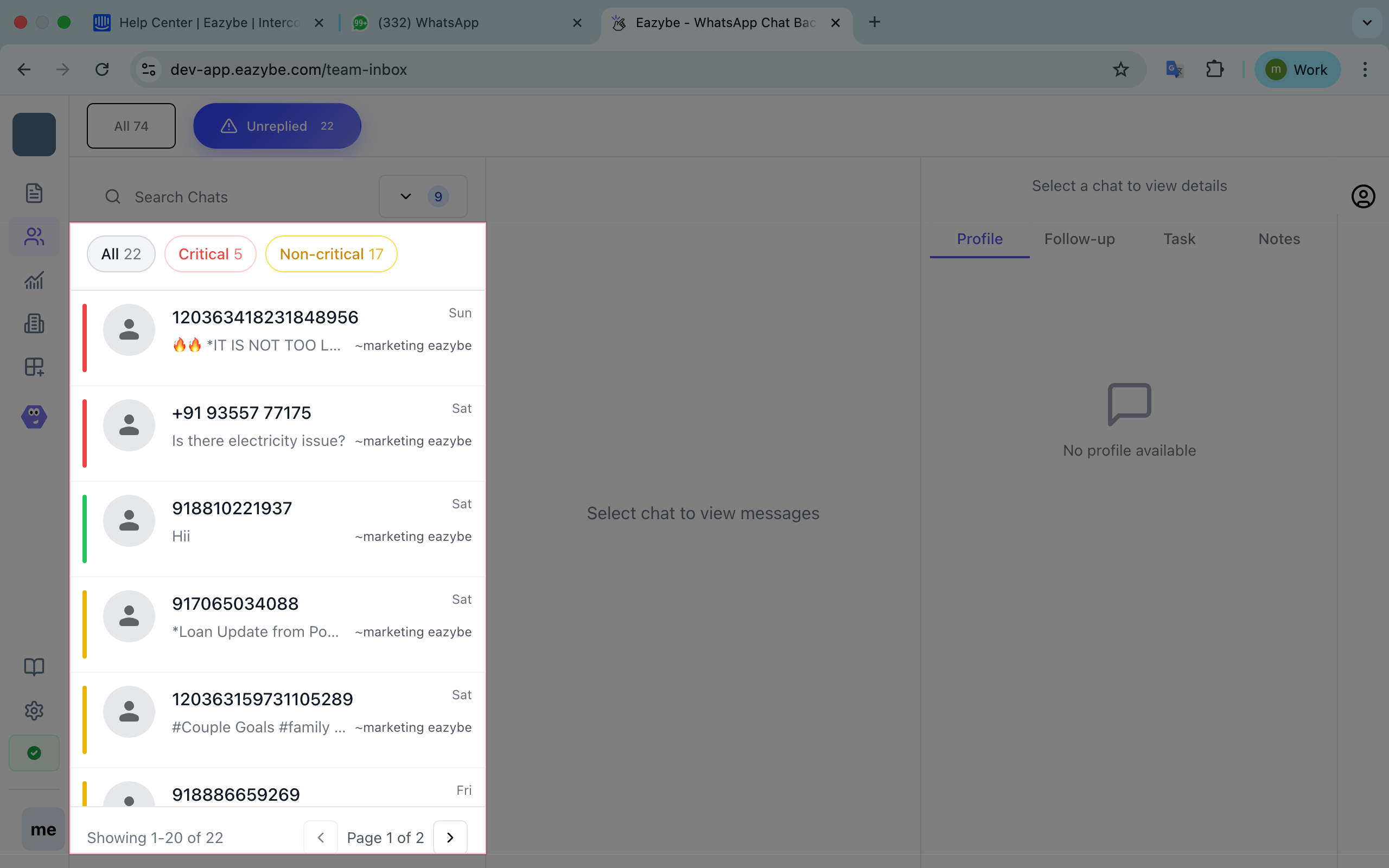
Step 2: Identify Critical Chats
Critical chats display a red label indicating high priority:
- Complaints and escalations
- Billing and payment issues
- Order cancellations
- High-value customer alerts
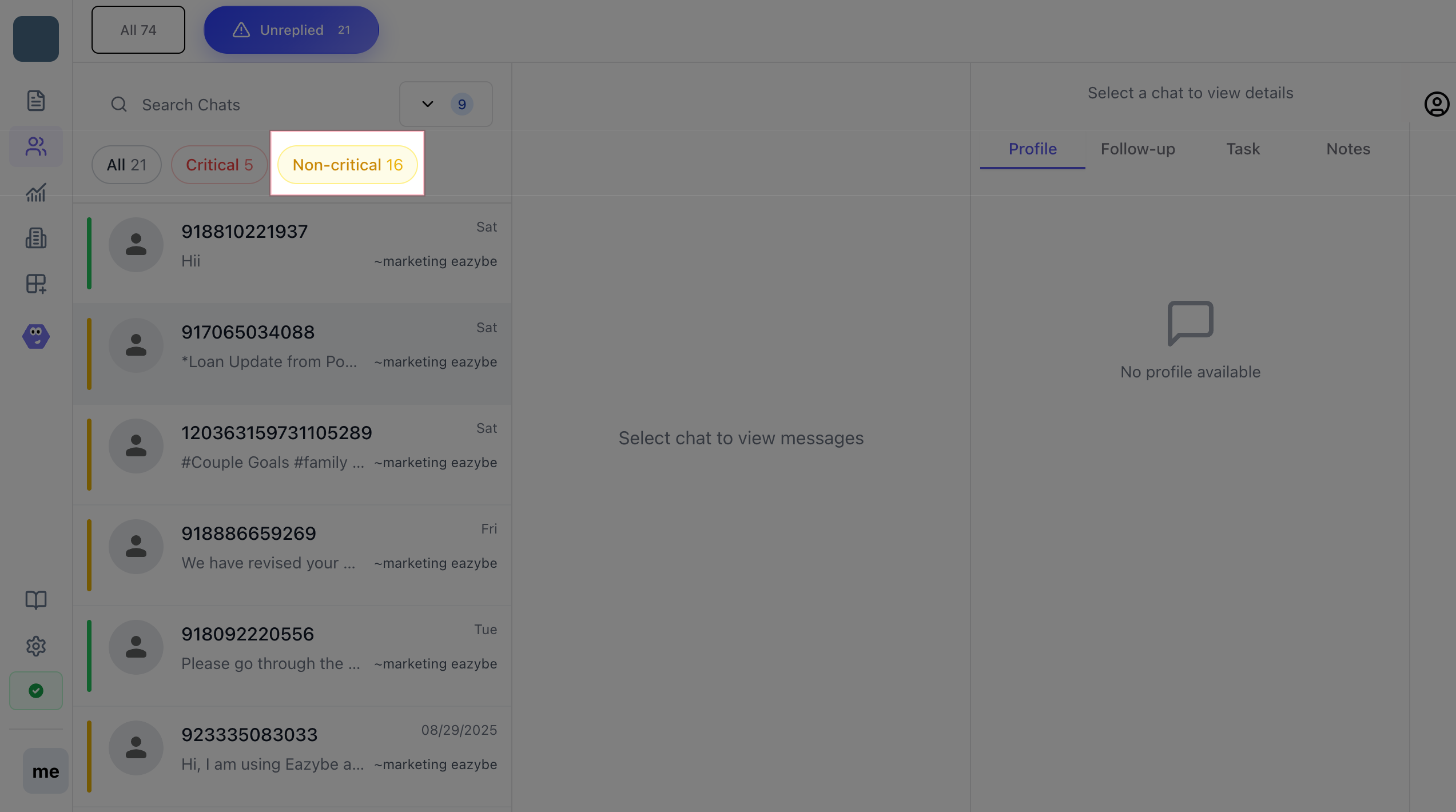
Step 3: Filter Your View
Use built-in filters to focus your workload:
- All chats - View everything
- Only critical - Focus on urgent issues
- Only non-critical - Handle routine inquiries
AI Detection Keywords
The AI looks for urgency indicators like:
Complaints
- urgent
- immediately
- escalate
- manager
Cancellation
- cancel
- refund
- return
- money back
Issues
- not working
- problem
- broken
- failed
Admin Notifications
Administrators receive automated WhatsApp summaries every 3 hours with:
- Count of unreplied chats
- Critical vs non-critical breakdown
- Team member assignments
Critical chats left unreplied for more than 4 hours trigger escalation alerts to admins.

