

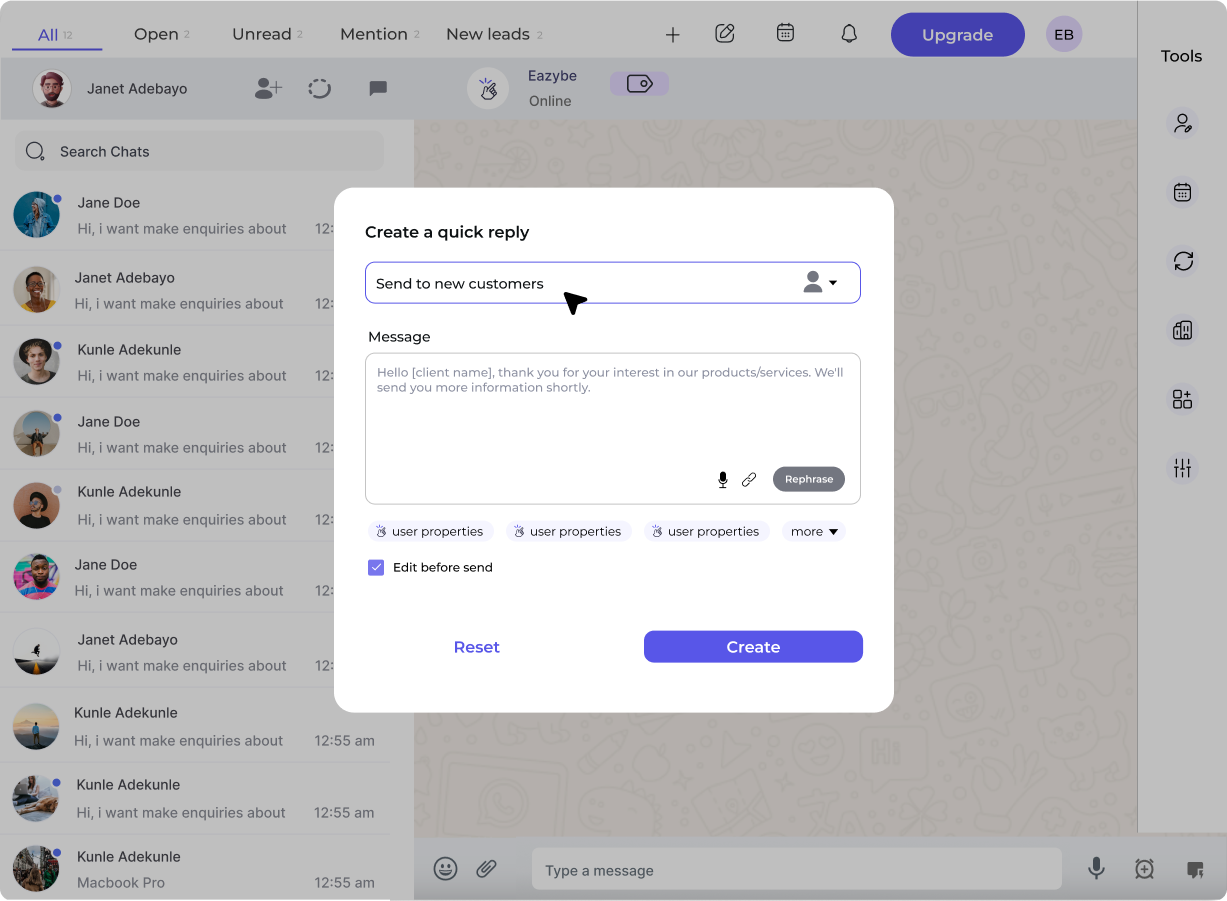
Create a Template
- From Workspace
- From Extension
1
Navigate to Templates
Go to Workspace → WABA → Templates → Create Template
2
Choose Category
Select the appropriate category:
- Marketing – Promotions, offers, announcements
- Utility – Order updates, reminders, alerts
- Authentication – OTPs, verification codes
3
Name Your Template
Use lowercase letters, numbers, and underscores only:
- ✅
order_confirmation - ✅
summer_sale_2026 - ❌
Order Confirmation - ❌
summer-sale
4
Select Language
Choose the primary language. You can add translations later.
5
Add Header (Optional)
Choose header type:
- None – No header
- Text – Short headline (up to 60 characters)
- Image – JPG or PNG (max 5MB)
- Video – MP4 (max 16MB)
- Document – PDF (max 100MB)
6
Write Body
Enter your main message. Use
{{1}}, {{2}}, etc. for variables:7
Add Footer (Optional)
Small text at the bottom (max 60 characters):
- “Reply STOP to unsubscribe”
- “Powered by Eazybe”
8
Add Buttons (Optional)
Up to 3 buttons:Quick Reply – Predefined responses
- “Yes, I’m interested”
- “No thanks”
- Visit Website (URL)
- Call Phone Number
9
Submit for Approval
Click Submit to send template to Meta for review.
Template Examples
Marketing Template
- [Visit Website] → https://yourstore.com/sale
Utility Template (Order Update)
- [Track Order] →
Authentication Template
Variable Best Practices
After Submission
Your template enters Pending status. Meta reviews within 24-48 hours.Approved ✅
Template is ready to use in broadcasts
Rejected ❌
Review rejection reason, edit template, and resubmit
Learn About Approval
Understand what Meta looks for when reviewing templates