

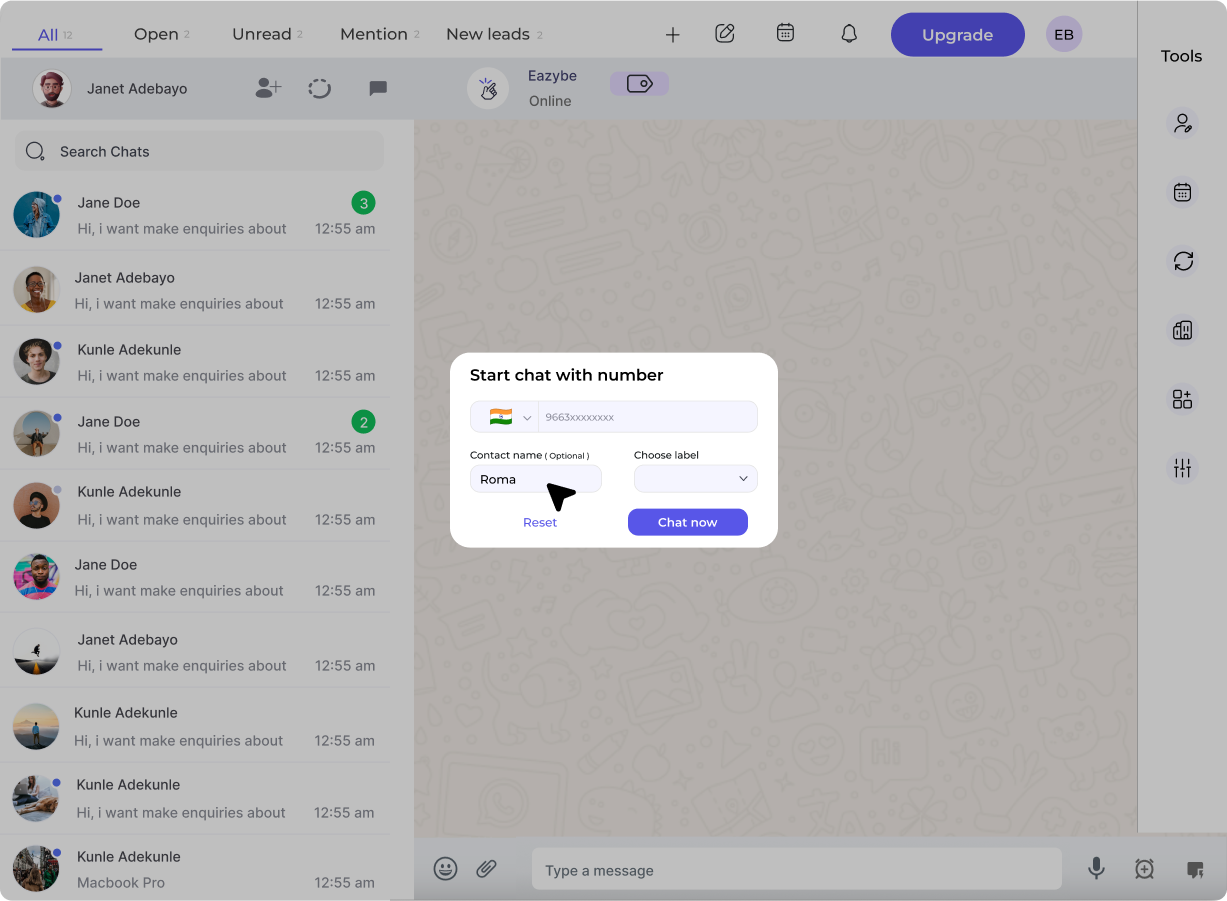
What is Coexistence?
Coexistence is a Meta-provided feature that allows you to connect your active WhatsApp Business App phone number to the WhatsApp Cloud API without:- Losing your chat history
- Re-registering the number
- Losing your verified badge
- Abandoning your existing workflow
Benefits
Keep Your Number
No need to get a new number or inform customers of a change
Sync Chat History
Import up to 6 months of conversations during setup
Dual Access
Continue using WhatsApp Business App on your phone
Scale Gradually
Add API features (broadcasts, automation) without disrupting operations
Prerequisites
Before enabling Coexistence:1
Update WhatsApp Business App
Ensure your app is version 2.24.17 or higherCheck: Settings → Help → App Info
2
Verify Meta Business Account
Complete business verification in Meta Business Manager for best results
3
Active Number Usage
Your number should have at least 7 days of real WhatsApp Business activity
4
Clear Previous WABA
If your number was previously connected to another API provider:
- Disconnect from that provider
- Wait 1-2 months cooldown
- Re-register in WhatsApp Business App
How to Enable Coexistence
1
Start Connection
In Eazybe Workspace, go to Settings → WABA → Add NumberSelect “Connect existing WhatsApp Business number”
2
Enter Your Number
Input your WhatsApp Business App number with country code (e.g., +91XXXXXXXXXX)
3
Scan QR Code or Enter Code
On your phone, you’ll receive a message from Facebook Business:Option 1: Tap “Scan QR Code” and scan the code on screenOption 2: Enter the 8-digit code shown on your computer into the app
4
Import Chat History
Meta will prompt you to import conversations. Select:
- All chats (up to 6 months)
- Specific chats
- Skip import
5
Confirm Connection
Review your business details and click Confirm. Your status will show “Connected via Coexistence”
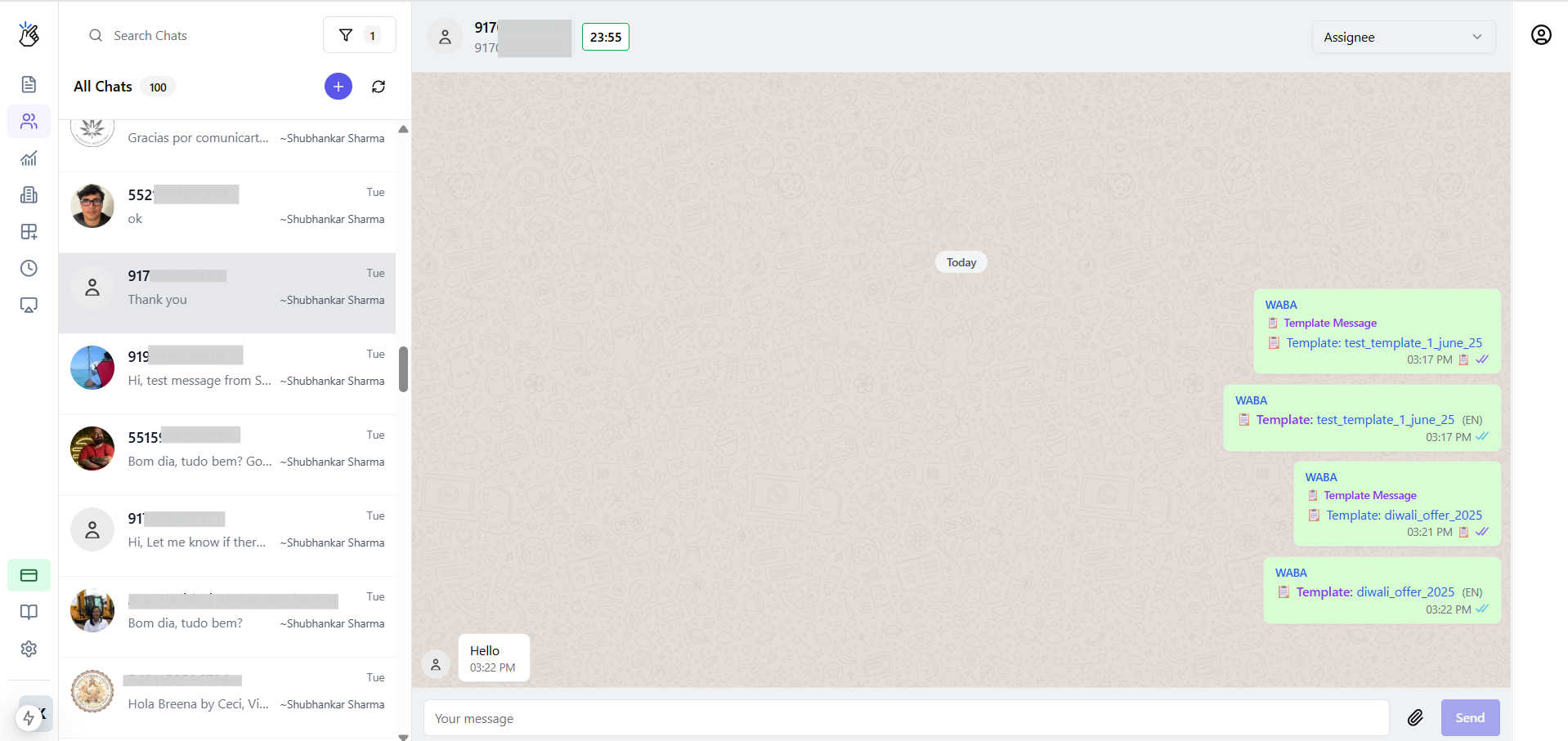
How It Works After Setup
Disconnecting Coexistence
If you need to disable Coexistence:- Open WhatsApp Business App on your phone
- Go to: Settings → Business Tools → WhatsApp Business Platform
- Tap Disconnect
FAQs
Can I use Coexistence with a personal WhatsApp number?
Can I use Coexistence with a personal WhatsApp number?
No. Only WhatsApp Business App numbers are supported. Personal WhatsApp numbers cannot be connected to the API.
Will I lose any data when enabling Coexistence?
Will I lose any data when enabling Coexistence?
No. Your chat history, contacts, and media remain intact. You can also import up to 6 months of history into the API platform.
Is Coexistence free?
Is Coexistence free?
Yes, the Coexistence feature itself has no additional cost. However, standard message charges (for broadcasts/templates) and your Eazybe subscription still apply.
What if my number was previously used with another API provider?
What if my number was previously used with another API provider?
You must fully disconnect from the previous provider and wait 1-2 months before connecting via Eazybe. Attempting to connect too soon will result in eligibility errors.