

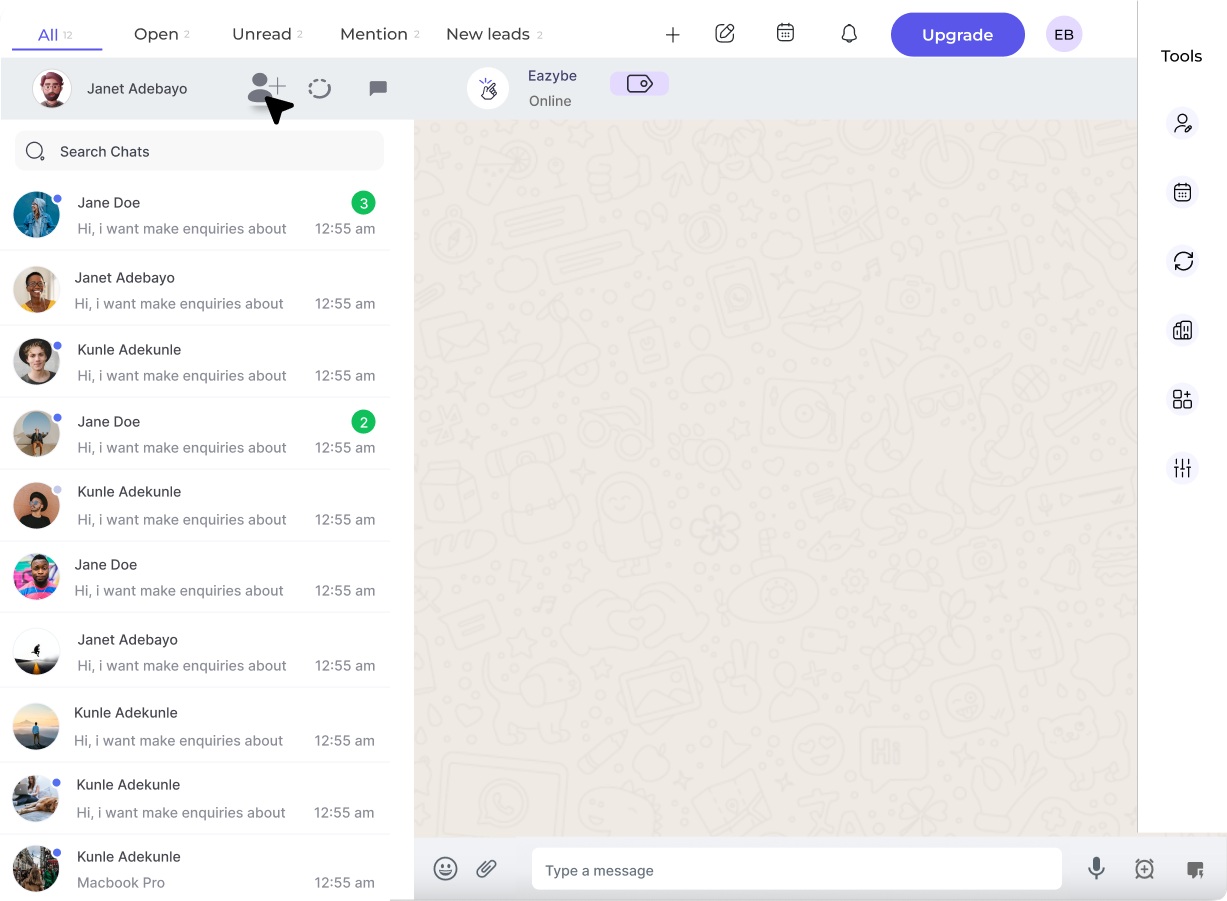
What is WhatsApp Business API?
The WhatsApp Business API (also known as WABA) is Meta’s official solution for medium and large businesses to communicate with customers at scale. Unlike the regular WhatsApp Business App, the API enables:Broadcast Campaigns
Send promotional messages to thousands of opted-in contacts simultaneously
Team Collaboration
Multiple team members can respond to customer messages from a shared inbox
CRM Integration
Sync conversations with HubSpot, Zoho, Salesforce, and more
Automation
Set up auto-replies, chatbots, and workflow triggers
WABA vs Chrome Extension
Starter Credits: Every new business connecting WABA receives ₹100 or $1 free credits to get started!
Key Capabilities
1. Template Messages
Pre-approved message formats for reaching customers outside the 24-hour window:- Marketing: Promotions, offers, announcements
- Utility: Order updates, shipping notifications, appointment reminders
- Authentication: OTPs, verification codes
2. 24-Hour Messaging Window
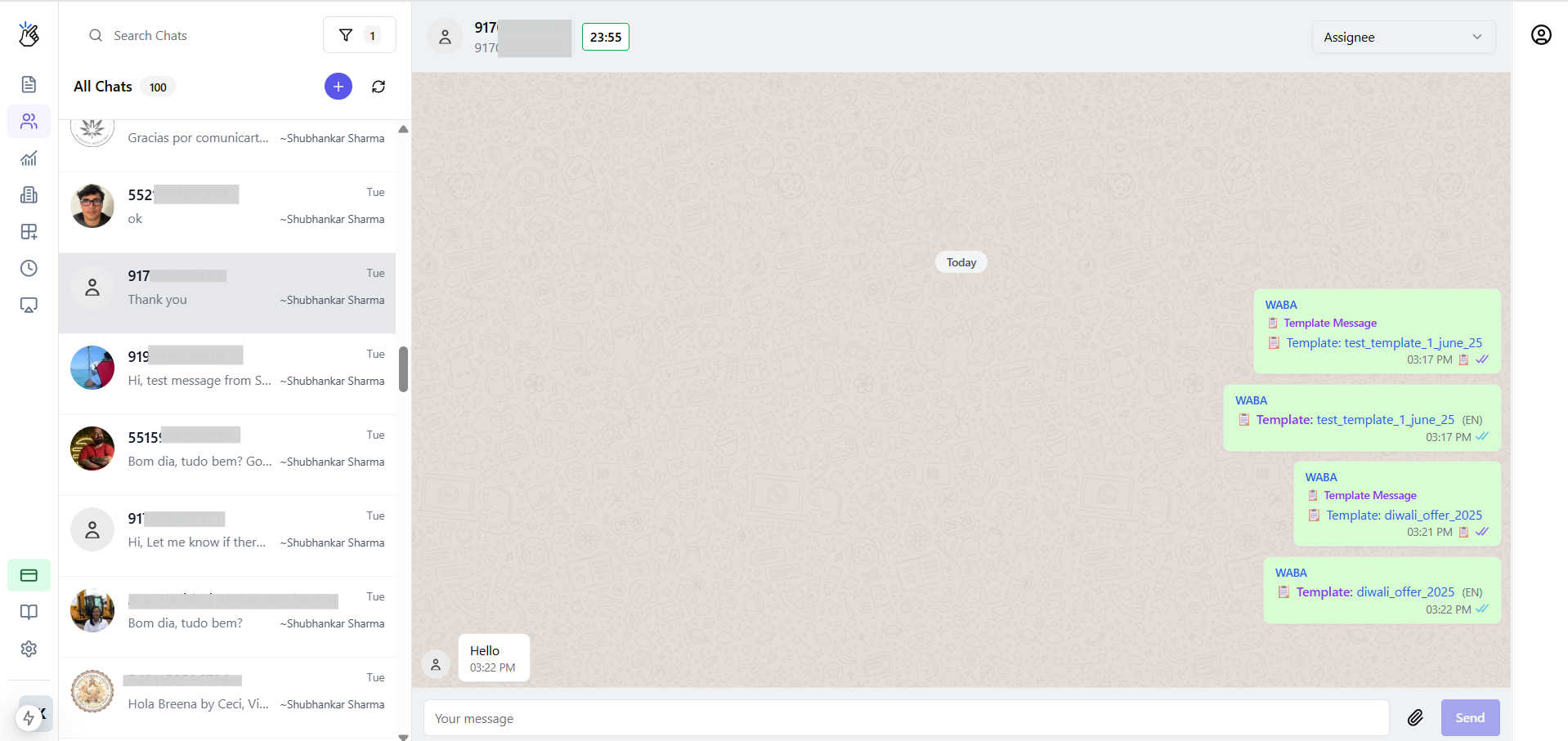
3. Coexistence Mode
Keep using your WhatsApp Business App on your phone while also connecting to the API. Messages sync between both platforms in real-time.Learn More: Coexistence
Use your existing WhatsApp Business number with the API without losing chat history
Getting Started
1
Prerequisites
- Meta Business Account (create during setup if needed)
- Phone number that can receive OTP
- Admin access to Facebook Business Manager
2
Connect Your Account
Go to Eazybe Workspace → Settings → Connect WABA and follow the embedded signup flow
3
Create Templates
Design and submit message templates for Meta approval (typically 24-48 hours)
4
Fund Your Wallet
Add credits to your Eazybe wallet to start sending broadcast messages
5
Launch Campaigns
Upload contacts, select a template, and send your first broadcast!
Next Steps
Connect WABA
Step-by-step connection guide
Create Templates
Design message templates
Send Broadcasts
Launch your first campaign
Pricing
View message rates by country