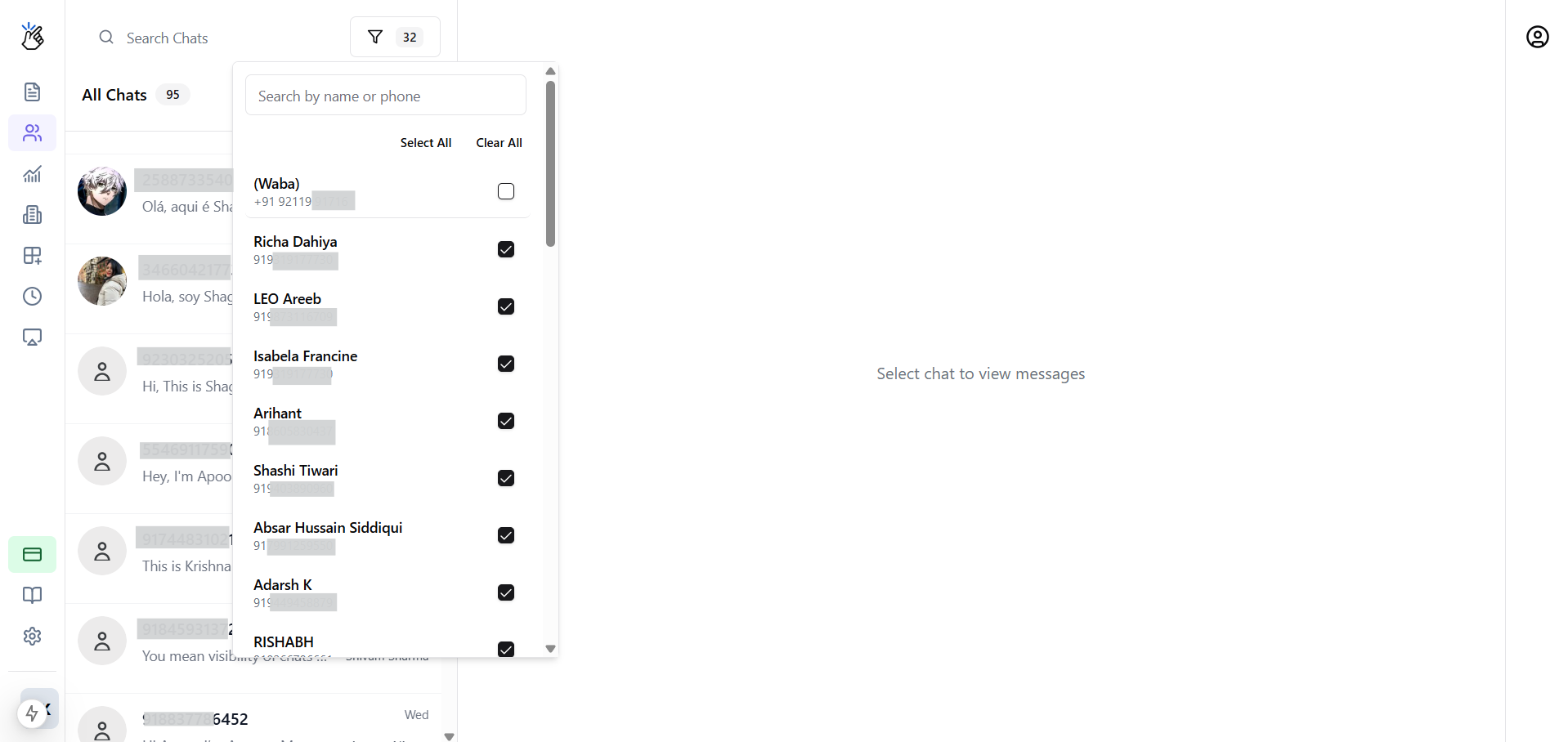
Viewing Conversations
Access and navigate through all team WhatsApp conversations.Conversation List
The left panel shows all conversations:- Contact name and photo
- Last message preview
- Timestamp
- Unread indicator
- Labels/tags
Filtering Conversations
Filter by:Conversation View
Click a conversation to see:- Full message history
- Contact details (from CRM if connected)
- Labels applied
- Internal notes
- Assignment info
Search
Search conversations by:- Contact name
- Phone number
- Message content
- Label name
Multi-Account View
If using multiple WhatsApp numbers:- Use the dropdown to select number
- View conversations for that number
- Switch between numbers easily