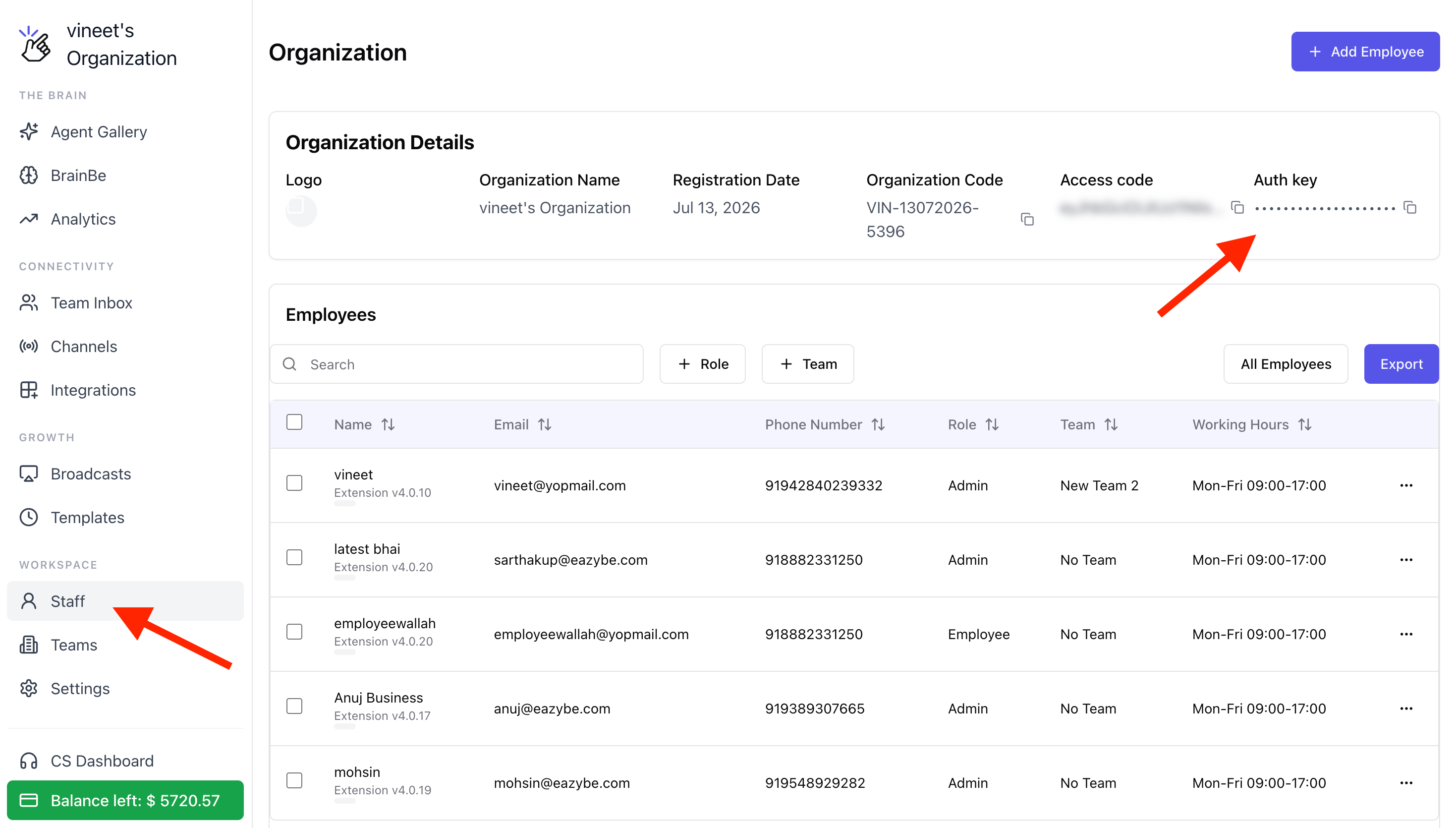
Overview
This document explains how clients can use Eazybe’s Public Broadcast API for Meta WABA-related broadcast operations. The API supports:- API key generation
- Single-recipient template broadcasts
- Bulk template broadcasts
- Health checks
- Operational error handling
x-api-key header. It is intended for approved WhatsApp template-based outbound messaging through the Eazybe platform.
Base Configuration
| Setting | Value |
|---|---|
| Base URL | https://cerberus.eazybe.com/prod/api/v2 |
| Authentication | x-api-key header |
| Content-Type | application/json |
| Supported Operations | Generate key, send single broadcast, send bulk broadcast, health check |
Before You Start
Authentication Flow
Generate API Key
Use this endpoint once for a registered sender number and securely store the returned API key for future requests.
Endpoint
POST /broadcast/public/generate-keyRequest Body
| Field | Type | Required | Description |
|---|---|---|---|
phoneNumber | string | Yes | Sender phone number with country code, without spaces or + |
Example Request
Success Response
Failure Example
Use API Key in Request Headers
All broadcast endpoints require the generated API key in the x-api-key header.
Send Single Broadcast
Use the single broadcast endpoint to send one template message to one recipient.Endpoint
Required Request Structure
| Field | Type | Required | Description |
|---|---|---|---|
templateName | string | Yes | Approved WhatsApp template name |
templateLanguage | string | Yes | Template language code (e.g., en) |
templateType | string | Yes | Template category: MARKETING, UTILITY, or AUTHENTICATION |
countryCode | string | Yes | Recipient country code without + |
toPhoneNumber | string | Yes | Recipient mobile number |
templateId | string | No | Meta template ID |
templateParams | string[] | No | Template variable values in order |
broadcastName | string | No | Optional label for this send |
Example Request
Success Response
Common Failure Responses
Send Bulk Broadcast
Use the bulk endpoint to send the same approved template to multiple recipients in one request. A single request can include up to 1000 recipients.Endpoint
Required Request Structure
| Field | Type | Required | Description |
|---|---|---|---|
broadcastName | string | Yes | Unique campaign name |
templateName | string | Yes | Approved WhatsApp template name |
templateLanguage | string | Yes | Template language code |
templateType | string | Yes | Template category |
data | array | Yes | Recipient list, maximum 1000 per request |
templateId | string | No | Meta template ID |
globalTemplateParams | string[] | No | Default variables used when recipient-level params are not provided |
Recipient Object in data
| Field | Type | Required | Description |
|---|---|---|---|
countryCode | string | Yes | Recipient country code without + |
toPhoneNumber | string | Yes | Recipient mobile number |
templateParams | string[] | No | Recipient-level variables that override global values |
Example Request
Success Response
Operational Notes
failure_reason_code: “INVALID_PHONE_NUMBER” for downstream tracking.Template Parameter Handling
The API supports both recipient-level parameters and global parameters.Recipient-Level Parameters
UsetemplateParams inside each recipient object when every contact should receive different variable values.
Example use cases:
- Order ID per customer
- Appointment time per customer
- Personalized name per recipient
Global Parameters
UseglobalTemplateParams when the same variable values apply to all recipients in a bulk campaign.
This reduces repeated payload data and is useful for common campaign-wide values such as brand name, coupon code, or offer percentage.
Rule of Precedence
templateParams are provided, they override the global values for that recipient.Health Check
Use the health endpoint to verify whether the Public Broadcast API service is operational.Endpoint
Example Request
Sample Response
Error Handling Reference
| Status Code | Error | Meaning |
|---|---|---|
400 | User is not signed up yet | API key is invalid or the phone number is not registered |
400 | No subscriptions available | No active subscription is available for broadcasts |
400 | Insufficient credits | Wallet balance is not enough |
400 | Template does not exist | Template is missing or not approved |
400 | Invalid template language | Requested template language variant is not approved |
400 | Invalid phone number format | Country code or phone format is invalid |
400 | Pricing not available | Sending is not supported for the target country code |
400 | Recipient limit exceeded | Bulk request contains more than 1000 recipients |
400 | Broadcast with same name exists | Campaign name must be unique |
500 | Internal Server Error | Unexpected server-side error |
Failure Reason Codes
| Code | Meaning | Notes |
|---|---|---|
INVALID_PHONE_NUMBER | Invalid recipient number | Check country code and number formatting |
UNSUPPORTED_COUNTRY_CODE | Country pricing unavailable | Destination not supported |
TEMPLATE_SEND_FAILED | Template send failed | Review raw API error response |
131014 | Invalid parameter | Template parameter issue |
131051 | Rate limit exceeded | Too many requests sent in a short interval |
WORKER_ERROR | Worker processing failure | Review worker error response |
Rate Limits and Platform Constraints
Recommended Client Workflow
Onboard and Verify
Onboard and verify the sender number on Eazybe before any API use.
Generate API Key
Generate the API key once and store it securely.
Verify Templates
Ensure the WhatsApp template is approved in Meta and the language variant is available.
Validate Data
Validate recipient country codes, phone numbers, and template variable count before sending.
Send Broadcast
Use the single endpoint for one-off tests and the bulk endpoint for campaigns.
Monitor Response
Monitor the response for failed_contacts, balance changes, and queue status.
Use Unique Names
Use unique broadcast names for every campaign.
Best Practices
- Store the API key securely and avoid regenerating it unnecessarily
- Pre-validate numbers to reduce failures and operational cleanup
- Match the number of template variables exactly with the approved template placeholders
- Use
globalTemplateParamsfor shared values and recipient-level params only when personalization is required - Check credits before large broadcast requests
- Start with a small test batch before sending full-volume campaigns